Hello learners! I hope you are doing good. Today, we are learning about an important member of the gas sensor family, which is the MQ-2. When it comes to detecting or measuring smoke or gas, the MQ series gas sensors are widely used components in circuits. These sensors come with an operational amplitude comparator and a digital output pin therefore, they have applications in multiple fields of life. Mostly, it is used in Arduino projects where it senses the gas and the information is fed into the Arduino to allow the circuit to work according to its digital output. Libraries MQ-2 Simulation Libraries Latest library: Gas Sensor Library for Proteus V2.0 (October 2026): an analog MQ-2 model with datasheet curves, heater warm-up, Simple and Advance devices and an Arduino demo Other gas and fi ...
Hi readers! I hope you are having a creative day. Today, I am sharing the list of the top embedded proteus libraries in V1.0 especially designed for engineering students. Till now, you have seen blogs on different projects, components, libraries, and simulations. Yet, I am sharing the list of the first versions of these embedded libraries that will help the students throughout multiple projects. These libraries are highly useful in multiple domains of engineering, and if you don’t know how to download the new libraries , then you must see the link provided. Updates Proteus Libraries for Engineering Students Latest list: 30 New Proteus Libraries for Engineering Students (October 2026): GSM, GPS, Wi-Fi, Bluetooth, RF, LoRa, RFID and I2C sensor libraries with Arduino examples Earlier lists: T ...
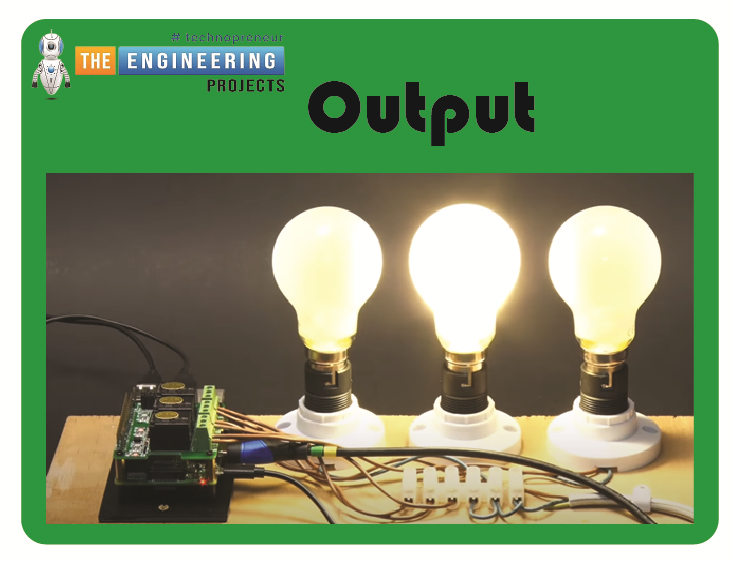
Welcome to the next tutorial of our raspberry pi 4 tutorial. In the previous tutorial, we learnt how to interface a gas sensor with a pi 4. However, in this tutorial will cover how to automate your home with a Raspberry Pi and Bluetooth Low Energy. To automate a home means to mechanize its environment, including the appliances within it. To that end, we've designed an intelligent lamp whose functionality can be adjusted from afar via a companion mobile app. Using your smartphone, you'll be able to manage a variety of household gadgets. The following code demonstrates using a mobile device as a remote controller for a Raspberry Pi's GPIO pins. (Or another BleuIO Dongle). Instructions Requirements The recently introduced Raspberry Pi 4 will serve as our testbed, but the lessons learned here ...
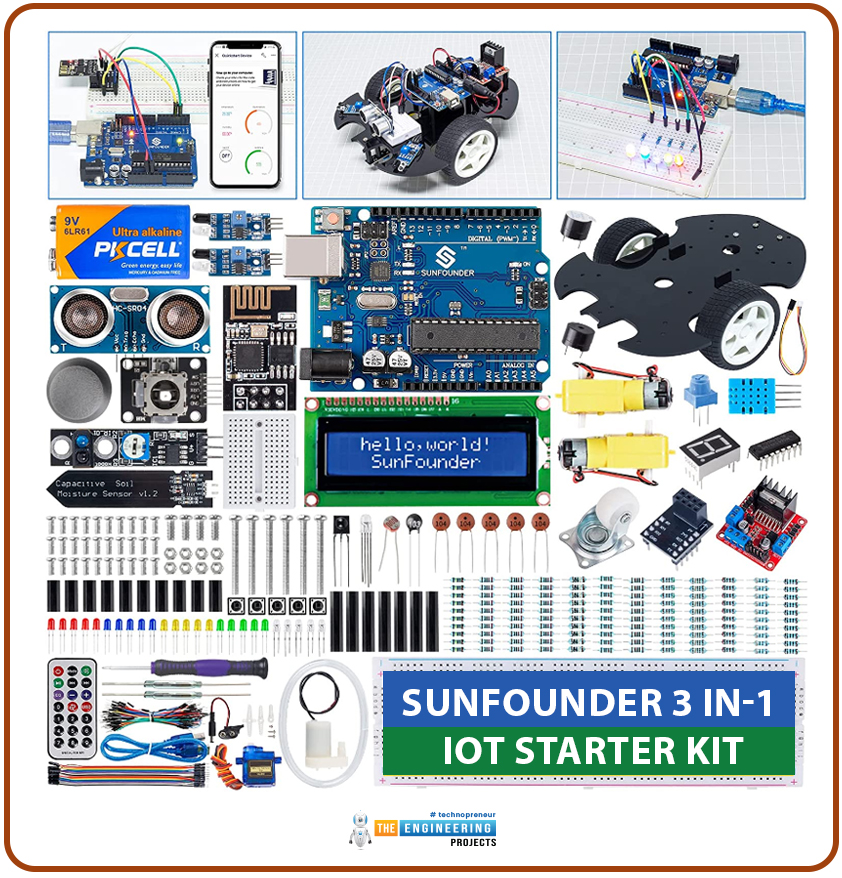
A starter kit is a pack of components. It provides everything needed to learn a particular activity. A starter kit is for helping beginners. It makes the initial steps simple. It provides the necessary tools, materials, or information for students. There are various types of starter kits. Kits are available for teaching electronics, hobbies, crafts, sports, and technology. They often include essential instructions. Sometimes starter kits come with educational resources. Their purpose is to make learning quick and easy. For DIY projects, a starter kit serves as a convenient entry point. They offer the necessary foundation and guidance to explore and engage in a new interest. Why we need starter kits: Starter kits make learning easy. Beginners cannot make a good parts list for learning. They ...
Hello friends, I hope you all are doing well. Today, I am going to share the 8th tutorial of Section-III in our Raspberry Pi Programming Series. In the previous tutorial, we interfaced the temperature sensor DS18B20 with Raspberry Pi 4 . In today's guide, we'll discover another temperature sensor BMP180 and will interface it with Raspberry Pi 4. So, let's get started: Project Description In today's tutorial, we will interface the BMP180 sensor with Raspberry Pi 4 and will display the values of temperature, barometric pressure and altitude in the Raspberry Pi Console Window. Components Required We will use the following components in today's project: Raspberry pi 4 BMP180 sensor Female-Female Jumper wires Breadboard BMP180 Air Pressure Sensor BMP180 is a low-cost sensor designed by Bosch to ...
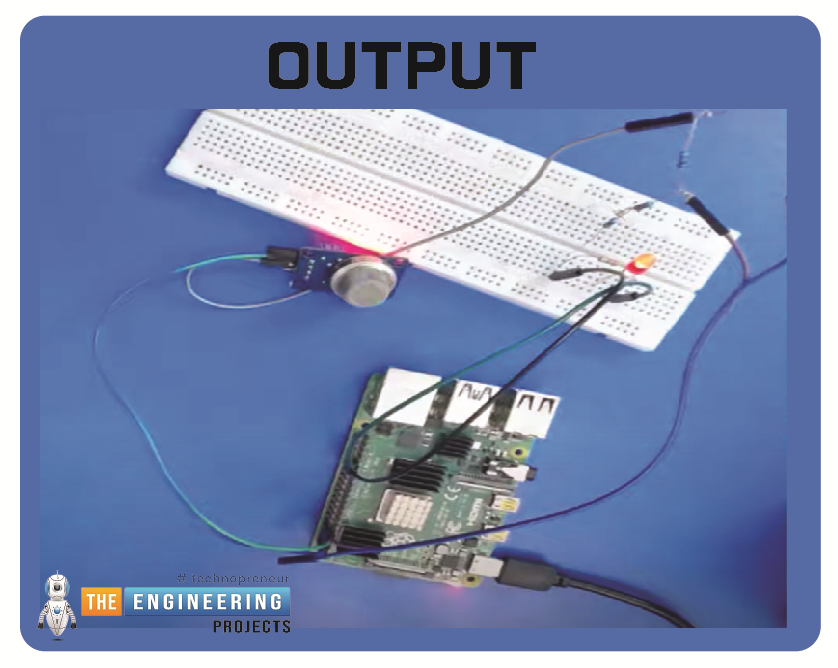
Hello friends, I hope you all are having fun. Today, I am going to share the 9th tutorial of Section-III in our Raspberry Pi 4 Programming Course. In the previous tutorial, we interfaced an air pressure sensor BMP180 with Raspberry Pi 4 . In this tutorial, you'll learn how to interface an MQ-2 gas sensor with a Raspberry Pi 4. Many apartments, residences, and workplaces rely heavily on these gas sensors to detect smoke or gas and alert the appropriate personnel in an emergency. In addition to gas and smoke, this sensor is sensitive to various odorous gases. Project Description Today, we will interface a gas sensor MQ-2 with Raspberry Pi 4 and will display the values on Raspberry Pi Console Window. Components Required These are the components used in today's project: Raspberry Pi 4 MQ-2 Smo ...
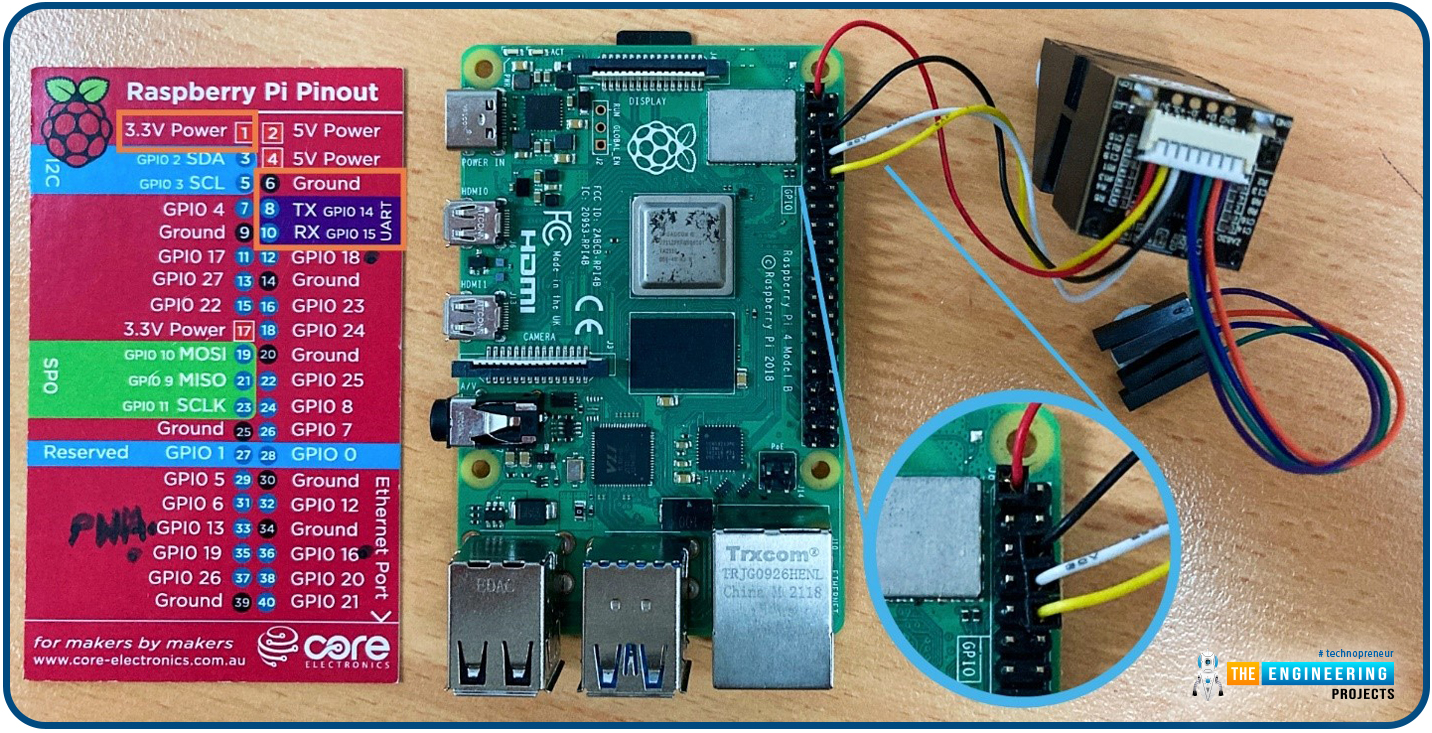
Hello friends, I hope you all are going great. Today, I am going to share the 10th tutorial of Section-III in our Raspberry Pi Programming Course. In our previous tutorial, we interfaced a Gas Sensor MQ-2 with Raspberry Pi 4 . Today, we will be interfacing a Fingerprint Sensor with Raspberry Pi today. After appearing only in science fiction films until recently, fingerprint sensors are often employed to confirm an individual's identity in various contexts. Today, fingerprint-based systems are used for everything from checking in at the office to verifying an employee's identity at the bank, withdrawing cash from an ATM, and proving one's identity at a government agency. For identifying purposes, fingerprint-detecting technology has been used for some time now. Fingerprint recognition syste ...
Security systems are widely suggested for homes as well as other locations. Everybody wants to take necessary steps to prevent infiltration at home, thus this security is necessary. Intruders nowadays may take advantage of almost any illegal activity and wreak havoc on a property's security. The security of one's home is a critical concern that everyone faces in the current day. Libraries Libraries used in this project Arduino Library for Proteus: V2.0 (2021, used in this project) · latest version: V4.0 (October 2026) Flame Sensor Library for Proteus: V1.0 (2016, used in this project) · latest version: V2.0 (October 2026) PIR Sensor Library for Proteus: V2.0 (2020, used in this project) · latest version: V4.0 (October 2026) Gas Sensor Library for Proteus: V1.0 (2016, used in this project) ...
Hello everyone, we are back with a new project and we hope you all are doing well. In this article, we will discuss a project named Smart Irrigation System using Arduino UNO . We will use different sensors to measure the environmental and crop parameters which are responsible for good production. We will also make the water pump system automatic which will open the water valve automatically according to the soil moisture of the crop. We will discuss all points and concepts briefly in this article and also provide a Proteus Simulation to observe how it will work in the real world. Complete fully explained code and simulation are also provided below as you go ahead in this article. You can download it from there. Smart Irrigation System using Arduino UNO Let’s start with an Introduction: Int ...
Today we will talk about an extremely powerful tool in the use of microcontrollers. The Serial communication, specifically the USART (Universal Synchronous Asynchronous Receiver Transmitter) standard. The system works using two wires. RX (Receiver) and TX (Transmitter), connecting two devices. The RX of one is connected to the TX of the other. If the choice is for a synchronous connection, it may be necessary to add one or two more pins to operate as a “traffic light”. But most current microcontrollers can operate asynchronously, which saves us the expense of pins. Data is sent, as the name implies, in a series of bits. ESP8266 provides us with two ports, one of them converted to USB in the NodeMCU module. Applications The range of uses of serial communication is limited only by creativity ...