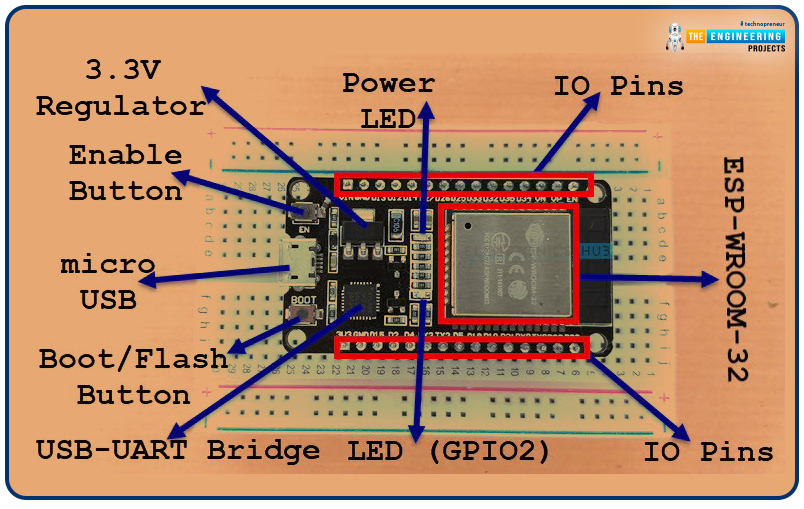
Hello friends, I hope you all are doing well. In today's tutorial, I am going to share a new Proteus Library of ESP32 embedded module. ESP32 is a microcontroller board used mostly in IoT projects. It's a successor of ESP8266 or NodeMCU. We have already shared the NodeMCU Library for Proteus and I hope you guys have enjoyed it. Updates ESP32 DevKit V1 Library for Proteus Latest version: ESP32 DevKit V1 Library for Proteus V2.0 (October 2026): your ESP32 sketch with Wi-Fi, a web server, a phone panel and a built-in serial monitor Earlier versions: V1.0 (2023, this tutorial) Other ESP32 boards and modules: ESP32-DevKitC V4 · ESP32-S3 DevKitC-1 · ESP32-C3 SuperMini · ESP32-C6 DevKitC-1 · TTGO T-Display · T-Display S3 · XIAO ESP32-C3 · LOLIN S2 Mini · Heltec WiFi LoRa 32 V3 · LilyGO T-Beam · ES ...
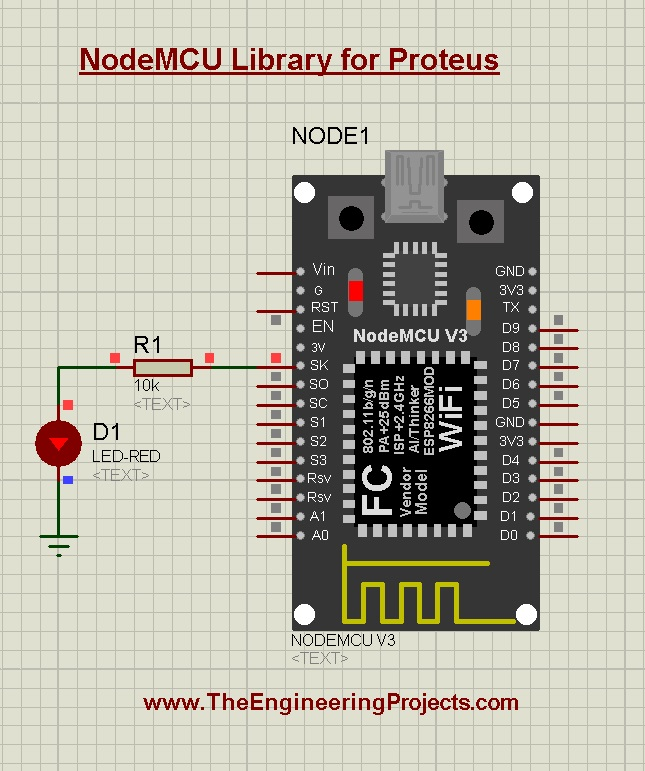
Hello friends, I hope you all are doing great. In today's tutorial, I will share a Proteus Library of another embedded module i.e. NodeMCU. NodeMCU is a microcontroller board and if you are new to this board, you should read Introduction to NodeMCU to get your hands dirty. NodeMCU is not present in the components library of Proteus and using this library you can easily simulate NodeMCU in Proteus. Updates NodeMCU ESP8266 V3 Library for Proteus Latest version: NodeMCU ESP8266 V3 Library for Proteus V2.0 (October 2026): your ESP8266 sketch with Wi-Fi, a web dashboard, mDNS, a phone panel and a built-in serial monitor Earlier versions: V1.0 (2023, this tutorial) Other ESP8266 modules: ESP-01 · ESP-01S · ESP-07 · ESP-07S · ESP-12E · ESP-12F · ESP-01 Adapter · WiFi Shield · NodeMCU V2 · D1 Mini ...
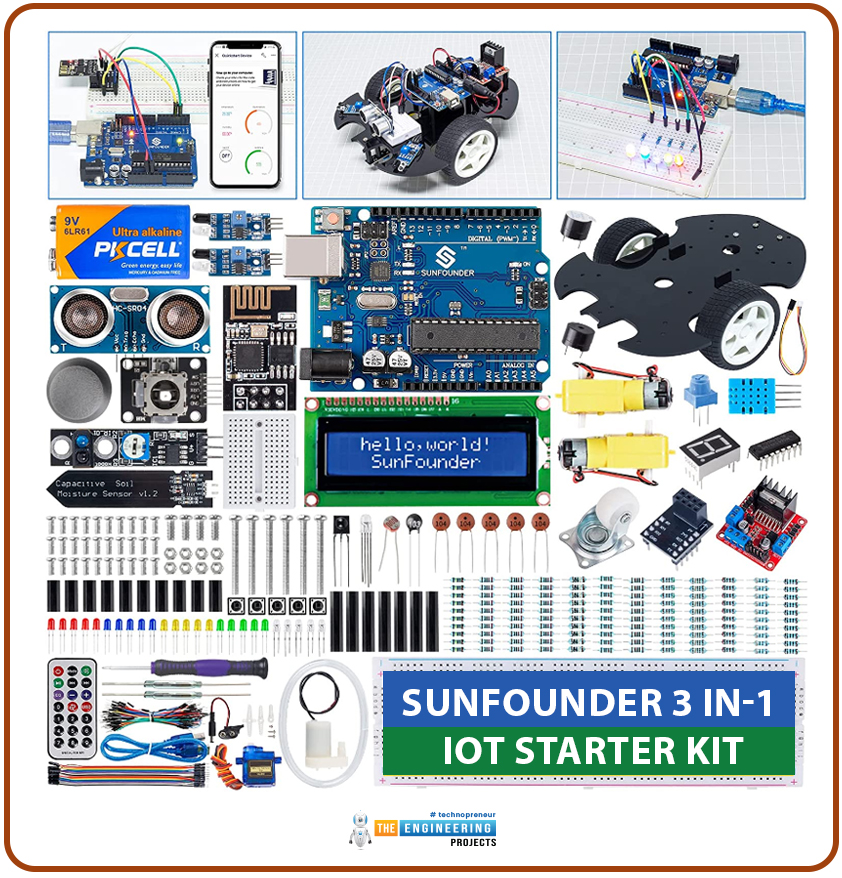
A starter kit is a pack of components. It provides everything needed to learn a particular activity. A starter kit is for helping beginners. It makes the initial steps simple. It provides the necessary tools, materials, or information for students. There are various types of starter kits. Kits are available for teaching electronics, hobbies, crafts, sports, and technology. They often include essential instructions. Sometimes starter kits come with educational resources. Their purpose is to make learning quick and easy. For DIY projects, a starter kit serves as a convenient entry point. They offer the necessary foundation and guidance to explore and engage in a new interest. Why we need starter kits: Starter kits make learning easy. Beginners cannot make a good parts list for learning. They ...
Welcome to the next tutorial of our raspberry pi 4 programming course. A previous article covered connecting a Remote Control Radio Frequency Module (433 MHz) to a Raspberry Pi 4. To turn things on and off wirelessly, we programmed a Raspberry Pi 4 to act as a radio-frequency (RF) remote control. However, this guide will study how to wirelessly pair a Raspberry Pi 4 and an ESP32. After reading this article, you'll get a good grounding in the fundamentals of Bluetooth module operation between two ESP32 and Pi 4 communication. When it comes to sharing data over short distances using Ultra High-Frequency Radio Waves, Bluetooth is one of the most reliable and effective short-range wireless communication solutions. Since Bluetooth Technology was initially conceived as a cable substitution techn ...
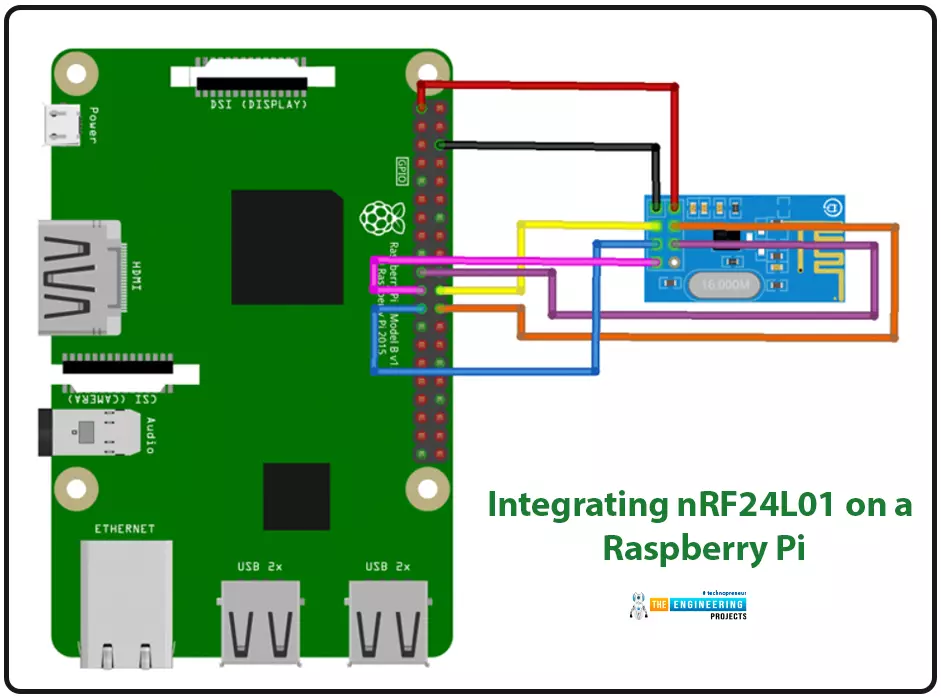
Introduction We're glad you could join us for another lesson in our series on programming for the Raspberry Pi 4. The previous chapter covered how to interface the USB barcode scanner with raspberry pi 4. We looked at different types of barcodes and what each stripe represents as well as the different types of barcode scanners available today. We also built a python program for the intelligent shopping cart and now our familiarity with barcodes and scanners and how they function has significantly increased. The benefits and drawbacks of its use were also discussed, but what we're interested in for this article is the transmission of radio frequency signals using the nrf24l01 Module in a raspberry pi 4. Components nRF24L01 RF module Raspberry pi 4 Arduino Uno Jumper wires Power supply 16x2 ...
Hello friends, I hope you all are doing great. Today, we are going to start a new section in our Raspberry Pi Programming Course. In this section-VIII, we will implement advance protocols in the RPi4 board. Today's our first lecture in this section and we are going to interface a USB Bar Code Scanner with Raspberry Pi 4. If you have visited any big grocery store, you must have seen, it's quite important as well as difficult to maintain the products in stock at all times. To ease the job, barcode technology is used because it can easily maintain an organized database of your items, costs, and inventory levels in one convenient location. Price changes can be implemented whenever you desire without requiring new labels for previously packaged goods. You can tell exactly when your supply of a ...
Introduction Welcome to the following tutorial in our raspberry pi four programming tutorial. In the previous tutorial, we learned how to build a raspberry pi four website monitoring tool. We say how beautiful soap is applied in browser automation tasks such as tracking website activities. But in this guide will discover how to utilize our Raspberry Pi 4 as a wifi repeater. If you want a lag-free wireless network, a wifi Wireless Adapter is exactly what you need. You may want to set up a wifi repeater if your signal is weak in certain rooms of your home or if you have entirely lost service in one or more rooms that are too small to accommodate your current network setup. If you want to increase the range of the wifi connection without breaking the bank or wasting a lot of energy, consider ...
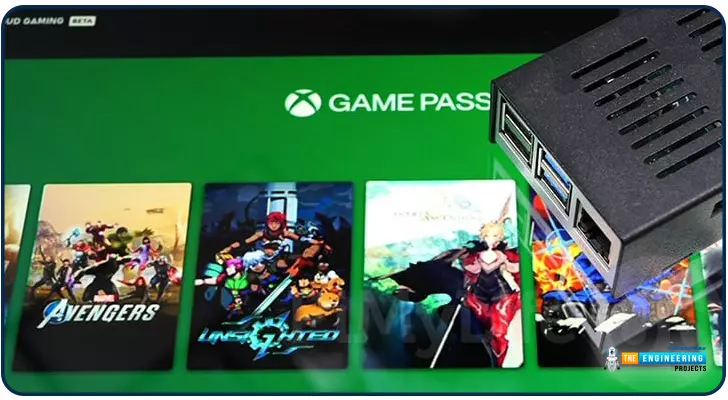
Introduction Greetings, and welcome to the next section of our Raspberry Pi 4 tutorials. In the last section, we discovered how to set up and run our self-host bitwarden on our Raspberry Pi. We learned how to set up admin panels and perform a wide range of actions, such as limiting the creation of new accounts and users for security purposes. However, in this guide, we will discover how to configure a PS3 or PS4 joystick with our raspberry pi and set up and run Xbox cloud gaming on our Pi 4. Components Raspberry pi 4 SD card Power supply Ethernet cable or wifi Xbox controller Xbox game pass ultimate subscription USB keyboard USB mouse HDMI cable Through a service called Xbox Cloud Gaming, users may play a wide variety of games without having to download any software onto their devices. Her ...
Following this, we will configure bitwarden and host it on our Raspberry Pi 4. The last tutorial discussed utilizing a Raspberry Pi to install and run zeroTire on pi 4. By the end of the project, you will have learned how to set up a Raspberry Pi 4 with the necessary software for password management, including bitwarden, docker containers, and portainer, and how to configure their respective user interfaces. Why Would You Do This? An effective password manager is a must-have. For the past decade-plus, I've relied on a password manager. The catch is that not all security-focused apps are created equal. Initially, I relied on password managers in my browser, but I soon switched to KeePass. It was an intelligent move ten years ago. The export features of my browsers allowed me to import all o ...
Our next step in the Raspberry Pi training program is to get zero tiers up and run on a Raspberry Pi 4. How to utilize a Raspberry Pi to measure internet speed and store the results in Grafana or Onedrive was the topic of the last piece. During the project, you will discover how to install ZeroTier on a Raspberry Pi and get it up and running. We will also learn how to set up a firewall to secure our network. Components Raspberry pi 4 Power supply Ethernet or wifi What is zeroTier ZeroTier is a software that provides a streamlined web-based interface for constructing virtual networks connecting various gadgets. Somewhat akin to configuring a virtual private network on a Raspberry Pi, these networks exist only in cyberspace. The process of provisioning, however, is much easier, especially wh ...