Hello friends, I hope you all are fine and having fun with your lives. In today's post, we are gonna have a look at How to use C# ArrayList. I am gonna explain it in detail what is C# ArrayList and how to use C# ArrayList. But before going into the details of today's tutorial, you must first have a look at my previous tutorial which is How to use C# Array??? because C# ArrayList is quite similar to C# Array.
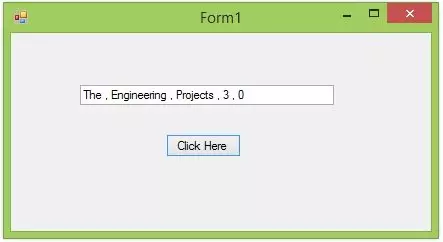
I am gonna use the same project which we have designed in our first lecture on C# named as Introduction to C# Windows Forms. So, you should also use the same project and as we know this project has one Button and one Text box. Just a recall that I have changed the Text of the button to Click Here and the name of the button to ClickHere. Simila ...
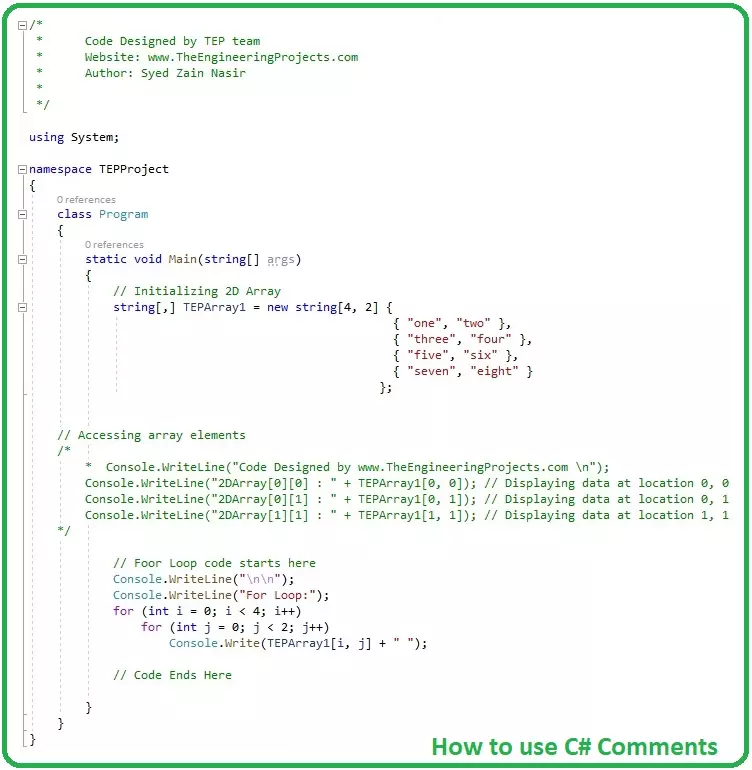
Hello everyone, I hope you all are fine and having fun. Today's tutorial is a quick one and is about how to use C# Comments. Comment is an important part of any programming language, although its not a directly part but they indirectly help a lot especially in complex projects.
I have also shared a tutorial on How to use comments in c++, you should read that post as well because I have explained few basic concepts in it. You guys are also welcome to give us feedback about this new C# tutorial series. If you have any suggestions about it then do let us know in comments.
How to use C# Comments ???
Comments are simple documented text lines, completely ignored by the compiler and are used to explain or provide any additional information about codi ...
Hello friends, I hope you all are doing great. In today's tutorial, we will have a look at detailed Introduction to Abstract Classes in C#. It's our 19th tutorial in C# series. Today, we are gonna discuss another new concept in C# and I would recommend you to follow these tutorials at least 3 to 4 times, so that these concepts find the right place in your brain and stick there.
C# Abstract Classes are quite similar to C# Interface in many respects, so if you have studied previous tutorial in C# Series, then do read it first. So, let's get started with Introduction to Abstract Classes in C#:
Introduction to Abstract Classes in C#
Abstract Classes in C# are created by using Abstract Keyword, and are used to create abstract members, which have the ...
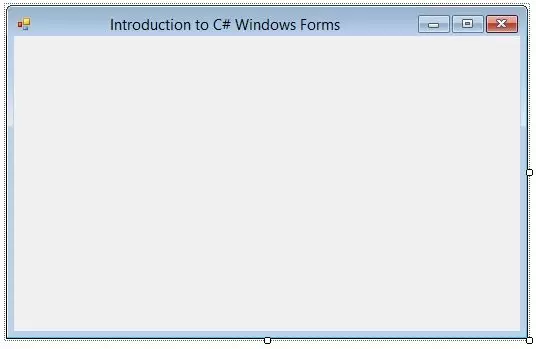
Hello everyone, hope you all are fien and having fun with your lives. Today, I am going to post a new C# tutorial in which we will have a Introduction to C# Windows Forms. Till now, we have seen Introduction to C# in which we have designed a console application in C# and after that we have discussed that project and write some code in it in First Code in C# Tutorial. So, till now we have an idea How to create a console application and how to run it easily.
I will continue with this C# console projects but first we have to discuss a little about C# Windows Forms. Microsoft Visual Studio is a very vast software so we can design different types of projects in it and also can use different languages. So, when talking about C#, we not only can design c ...
Hello friends, I hope you all are doing great. In today's tutorial, we are gonna have a look at detailed Introduction to Classes in C#. It's my 13th tutorial in C# series and now we are ready to understand this slightly complex subject in C#.
In our previous tutorial, we have seen Introduction to Methods in C# which are used for organizing the code and we can add some code in separate methods to make the Main method simple. Classes are slightly bigger storage capacities than methods. Methods can store code, classes can store methods. So, let's discuss classes in detail:
Introduction to Classes in C#
Classes in C# are referred as storage units for different methods, fields, objects etc. and are used for organizing the code.
In our previous les ...
Hey, everyone, I hope you are doing great. In this article, I will guide you about the C# Button Control. In my previous article, I have show you How to use C# Label Control. C# Button Control is quite familiar to Label Control. If you have a strong grip on the Label than its quite easy to understand the button control. Basically, the button is very important part of every software. Because we deal every action and event with buttons in any software. You have noticed that in mega software 40% of the projects is based on the button events.
Button are reusable components such as the exit and quit buttons which will perform the same functionality in each form and able to reuse again and again. The button will give end-user quite a clear navigation of ...
Hello Everyone! I'm back to give you daily dose of information that resonates with your needs and requirements. Today, I'm going to uncover the details on the introduction to C# MonthCalendar Control. It is referred as a graphical interface that is widely used to modify and set date information based on your requirements. It is slightly different than DateTimePicker control in which you can select range of dates. DateTimePicker allows you to set both date and time, however, MonthCalendar control gives you a permission to select date only, but it gives you flexibility of selecting range of dates. Let's dive in and explore what this control does and what are its main applications.
C# MonthCalendar Control
C# MonthCalendar Control is known as gr ...
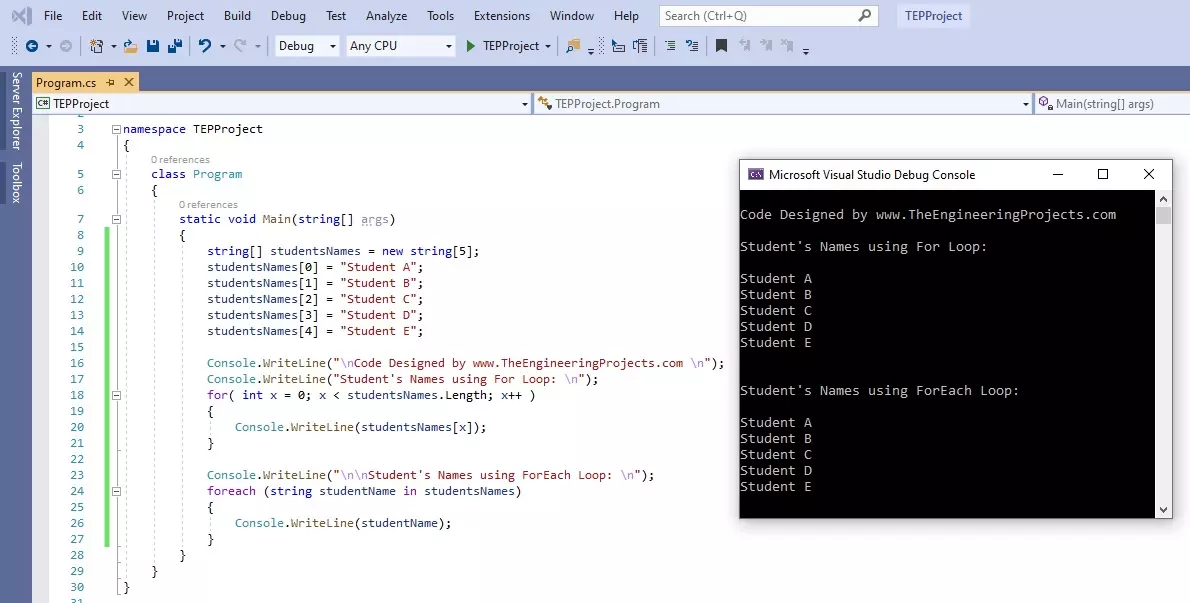
Hello friends, I hope you all are doing great. In today's tutorial, we are gonna have a look at How to use For Loop in C#. It's our 11th tutorial in C# series. Till now, we have seen two loops in C# which are IF Loop and while Loop and today we are gonna have a look at for Loop.
For Loop is most commonly used loop in any programming language and if you have worked on any other language then you must be aware of its syntax. It is used to create repeated loop with specified number. Let's have a look at it in detail:
How to use for Loop in C#
For loop in C# takes an integer variable as a Controlling agent, initialized at value V1 and ends at value V2, and the travel from value V1 to V2 depends on the Condition specified in () brackets.
In bot ...
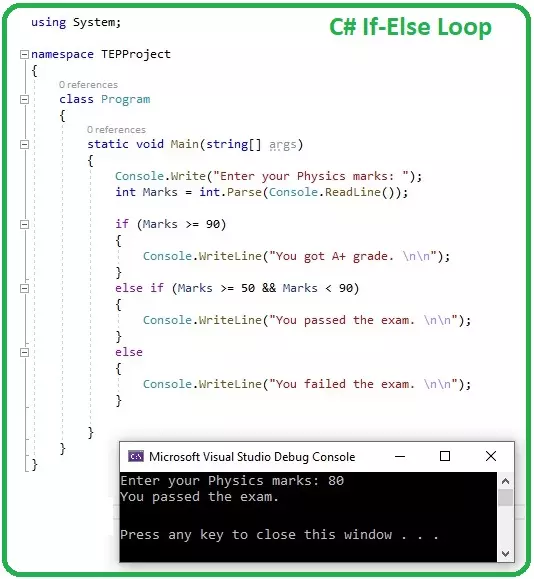
Hello everyone, I hope you all are doing great. Today, we are gonna have a look at IF Loops in C# and it's 8th tutorial in C# series. So far, we have discussed some basic concepts in C# and now we are ready to get our hands on Loops in C#.
C#, as any other programming language, supports a lot of loop structures, we will discuss each one of them separately in our coming tutorials. Today, we will discuss the simplest of them all, which is IF loop, so let's get started with How to use IF Loop in C#:
How to use IF Loop in C#
IF Loop in C# takes a Boolean expression as a condition and if this condition is TRUE, the compiler executes the code inside IF loop { } and if the condition is wrong, the compiler simply ignores the code.
Here's the syntax o ...
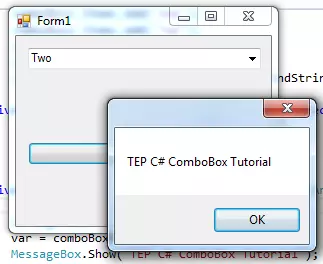
Hey everyone how are you, hope you are doing great. In this article I will guide you about the C# comboBox. In my previous article, I have explained about C# button control and their features. C# ComboBox is quite similar to button control but its major properties are different. The combo box can hold multiple values at the same time, it's like drop-down box in appearance and you can select any value inside it. Most of the time, combo box is used to give the user multiple selection options. But in signup forms, it's used for country selection where you have to select your country from drop down. You can use combo box according to your requirements.
You can add the combo box from the toolbar and drag it on the form. When you drag that you can set t ...