Hello readers, today we will learn about the messaging protocol supported by ESP32(called MQTT protocol), which is used for IoT applications. The communication protocol to be used for data transmission and connectivity in web-enabled devices depends upon the type of IoT application.
The Internet of Things (IoT) is a network of interconnected computing devices like digital machines, automobiles with inbuilt sensors, having unique identifiers and the ability to communicate data over a network without the need for human intervention.
Before implementation, let's first have a look at what is MQTT Protocol?
What is MQTT?
MQTT stands for Message Queuing Telemetry Protocol and is a messaging or communication protocol used for IoT applications.
In MQ ...
The Internet of Things ( or IoT) is a network of interconnected computing devices such as digital machines, automobiles with built-in sensors, or humans with unique identifiers and the ability to communicate data over a network without human intervention.
Hello readers, I hope you all are doing great. In this tutorial, we will learn how to send sensor readings from ESP32 to the ThingSpeak cloud. Here we will use the ESP32’s internal sensor like hall-effect sensor and temperature sensor to observe the data and then will share that data cloud.
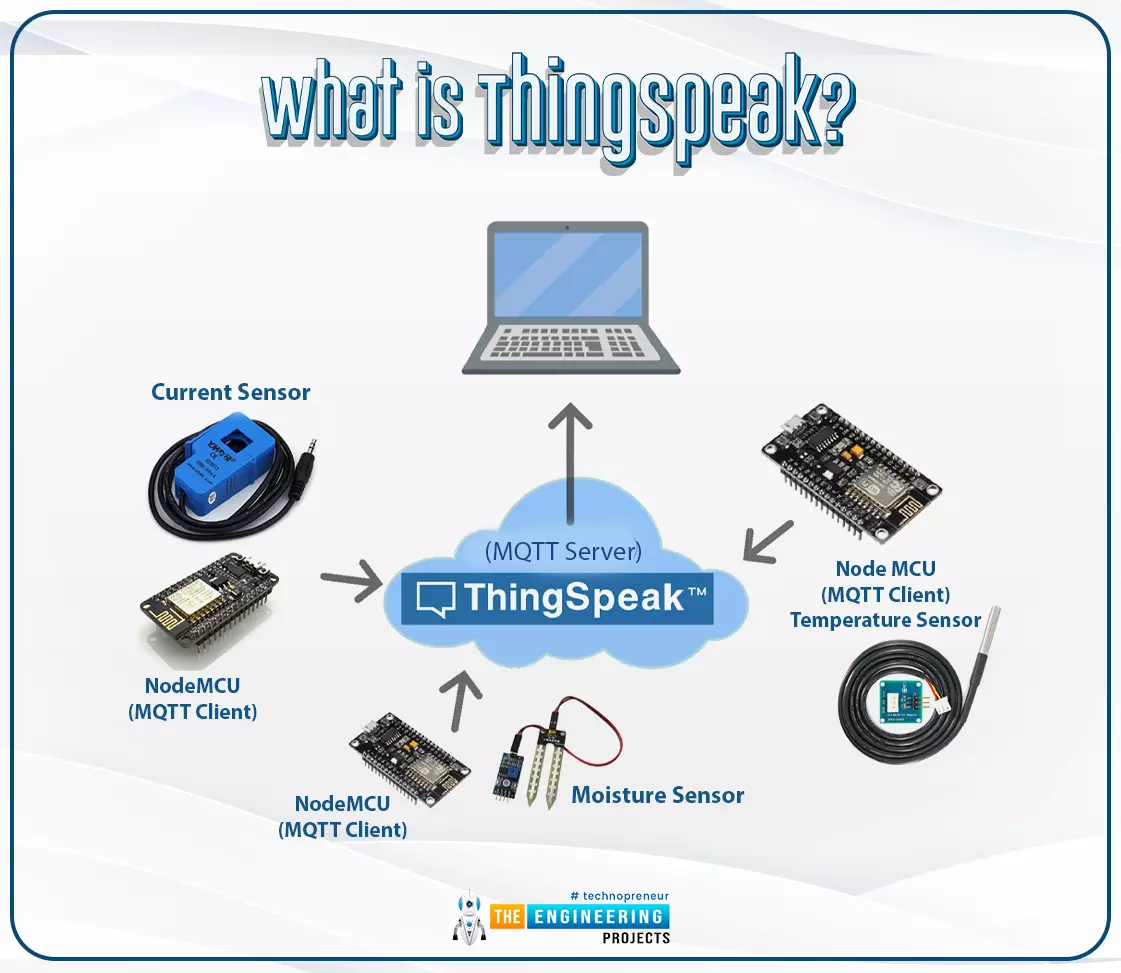
What is ThingSpeak?
Fig. 1: ESP32 ThingSpeak
It is an open data platform for IoT (Internet of Things). ThingSpeak is a web service operated by MathWorks where we can send sensor readings/data to the cloud. We ...
Hello, dear tech savvies! We hope everything is going fine with you. Today we’re back with another interesting project. Do you ever wonder how amazing it would be to have a text reader that would be able to read texts from pictures and videos? Think about a self-driving car that can read the road signs meticulously and go to the right direction. Or imagine an AI bot that can read what is written on images uploaded to social media. How nice it would be to have such a system that will be able to read vulgar posts and filter them even when they are in picture format? Or imagine a caregiver robot that can read the medicine bottle levels and give medicines to the patients always on time. Now you understand how important it is for AI solutions to recognize texts, right?Today, we are going to ...
ESP32 module comes with multiple inbuilt features and peripheral interfacing capability is one of those features. ESP32 module also consists of an inbuilt temperature sensor, but that can only measure the temperature of the ESP32 core not the temperature of the surrounding environment. So it is required to use a peripheral sensor to measure the temperature of the surrounding environment like home, garden, office etc.
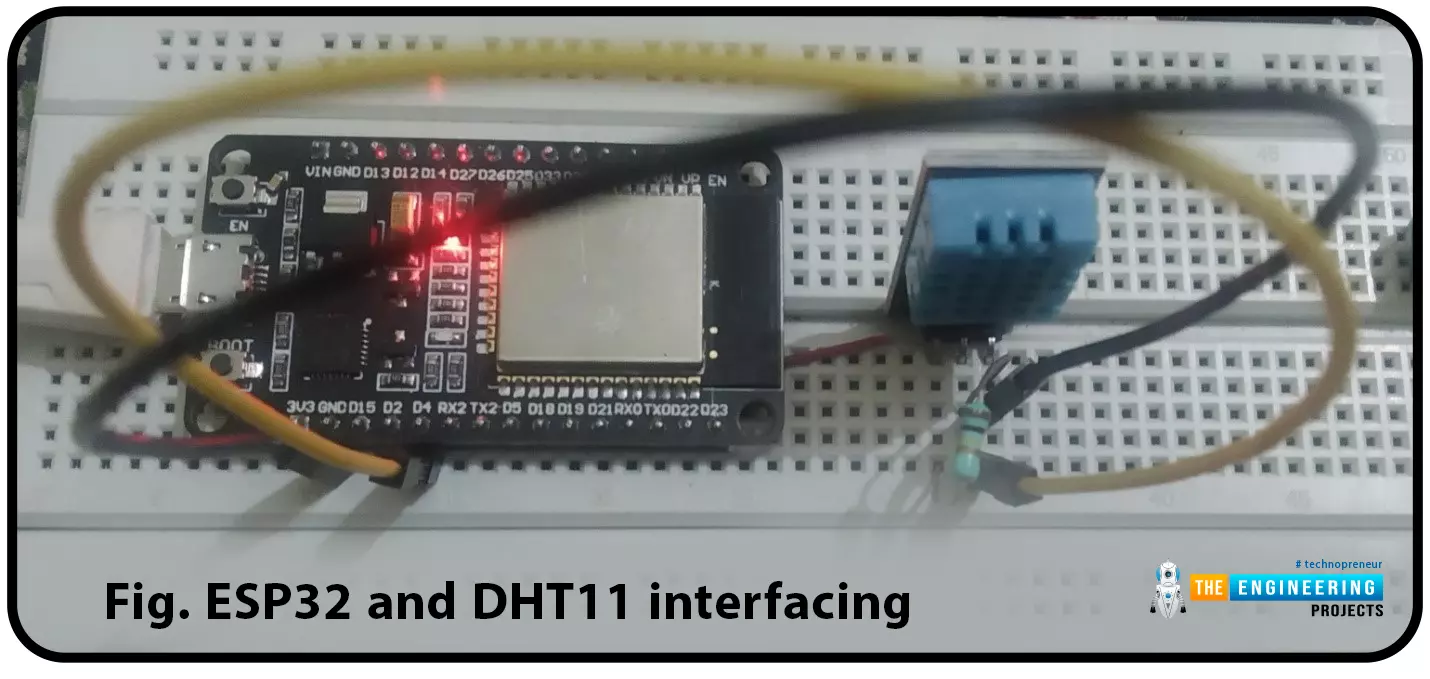
Hello readers. I hope you all are doing great. In this tutorial, we will learn how to interface DHT11 (temperature and humidity sensor) with the ESP32. Later in this tutorial, we will discuss how to share the sensor readings obtained from the DHT11 sensor to a web server.
Before moving towards the interfacing and programming part, let’s have a short introduction to the DHT11 ...
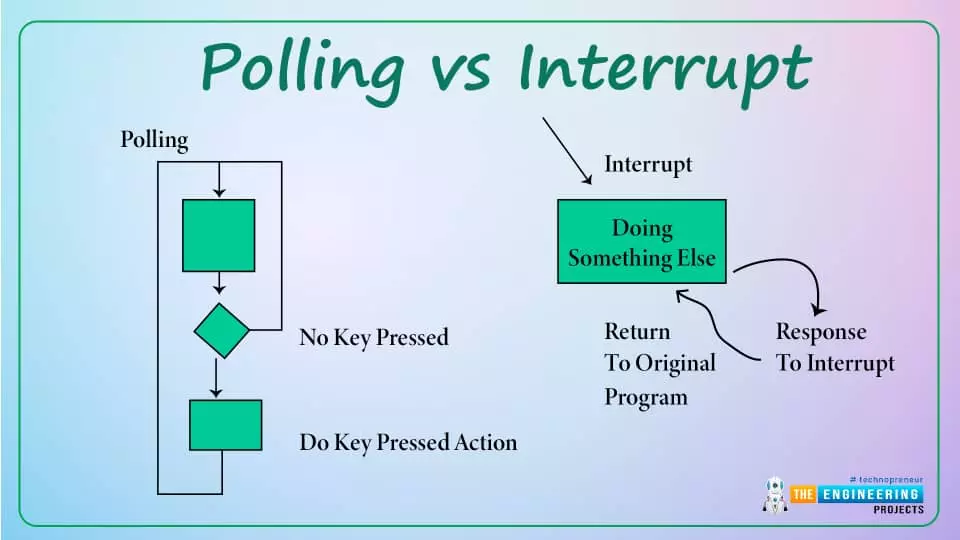
Hello readers, hope you all are doing great. Today, we will discuss interrupts and timers in ESP32 and how to handle internal as well as external interrupts. So, we will discuss What is interrupt, Polling, ESP32 interrupt, Software interrupts, Hardware Interrupts, IRS (Interrupt Service routine), Steps to execute an interrupt or how is an interrupt handled in the microcontroller, Code description for ESP32 interrupts with Arduino IDE, Code description for hardware interrupts, Why is it preferred to use timer to add delay instead of using delay() function. So, let's get started:
What is Interrupt?
Interrupts are used when a micro-controller needs to continuously monitor for an event while the same micro-controller is executing a particular task ...
Hello readers, hope you all are doing great. In this tutorial, we will discuss another ESP32 protocol that is Web Socket and we will also explain how to create a web server using web socket protocol with ESP32. So, we will have a look at What is a web socket server, How web socket protocol is different from HTTP protocol, What is handshaking in networking, Three-way handshaking, Web socket application, Creating web socket server using ESP32 module etc. Let's get started:
What is a web socket protocol?
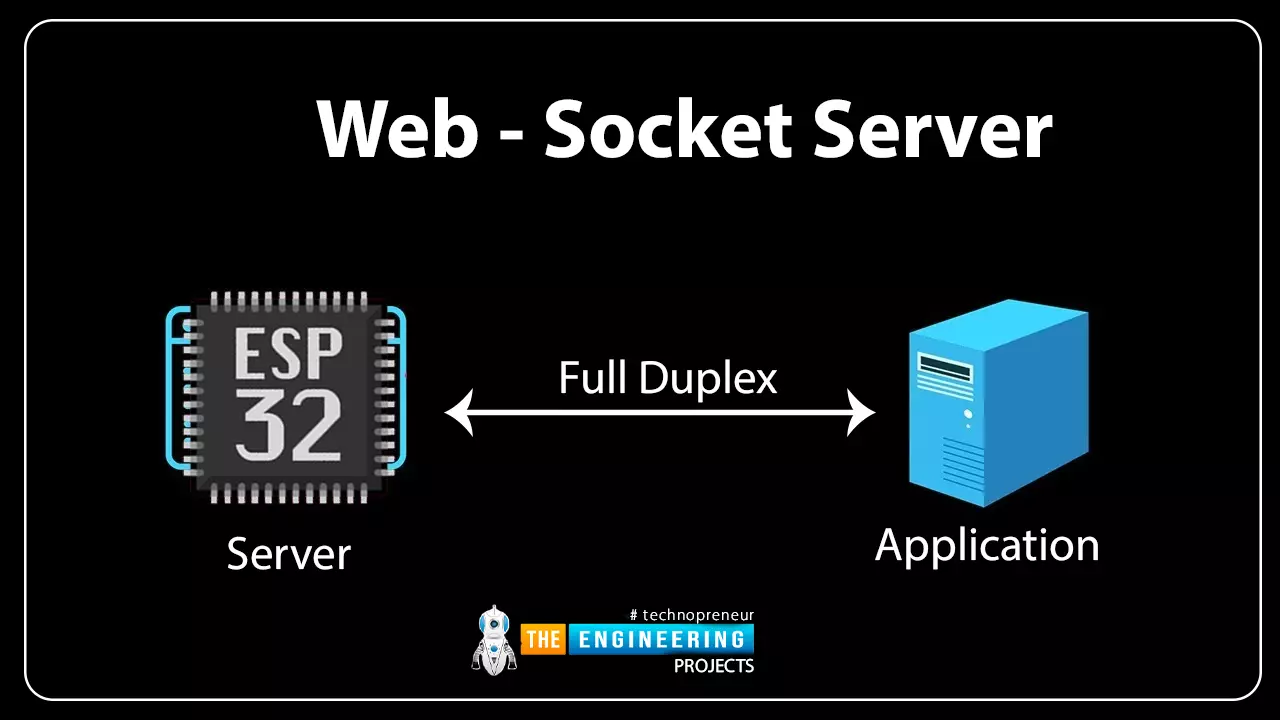
Fig 1 Web-socket server
A Web Socket is a full-duplex (both the server and the client can send and receive data at the same time) computer communication protocol. Web socket protocol, like HTTP (hypertext transfer protocol), also works in server an ...
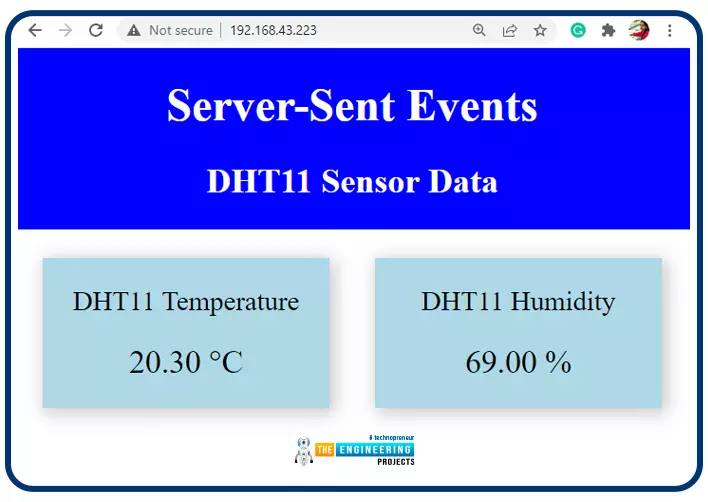
Hello readers, I hope you all are doing great. In this tutorial, we will learn how to update a webpage using Server-Sent Events and the ESP32 web server.
What is Server-Sent Events (SSE)?
It is a server push technology that enables the client devices to receive automatic updates from a server over HTTP (Hypertext Transfer Protocol) connection. SSE also describes how the server can initiate data transmission towards the client once an initial connection with the client has been established.
We have already posted a tutorial on how to implement Web socket protocol with ESP32 which is also a protocol used to notify events to a web client. Both the Server-Sent Events (SSE) and Web-Socket technologies seem to be quite similar but they are not.
The major difference between the two is that SSE ...
Hello friends! How are you today? Today we're going to discuss a project that is interesting and also useful in our everyday life. You see QR codes almost everywhere, right? They are printed on almost every product's package, leaflets, newspapers, and brochures.
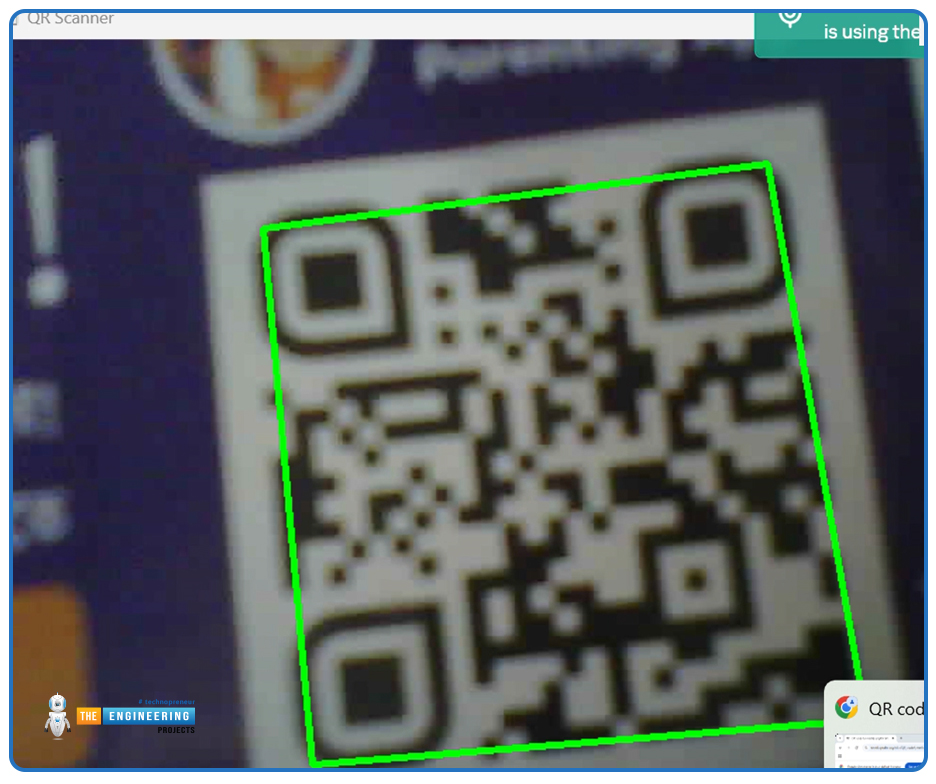
Perhaps, you often use QR code scanners on your mobile device. What about making such a program by yourself? Yes! That is exactly what we are going to do today. We will make a QR code scanner using the ESP32-CAM. For image processing, we will use the OpenCV library.
If you’ve ever wanted to create a real-time QR code scanner using a low-cost, wireless camera module, you’re in the right place. In this tutorial, we’ll walk through setting up an ESP32-CAM to stream video and using OpenCV to detect and decode QR codes in real time.
...
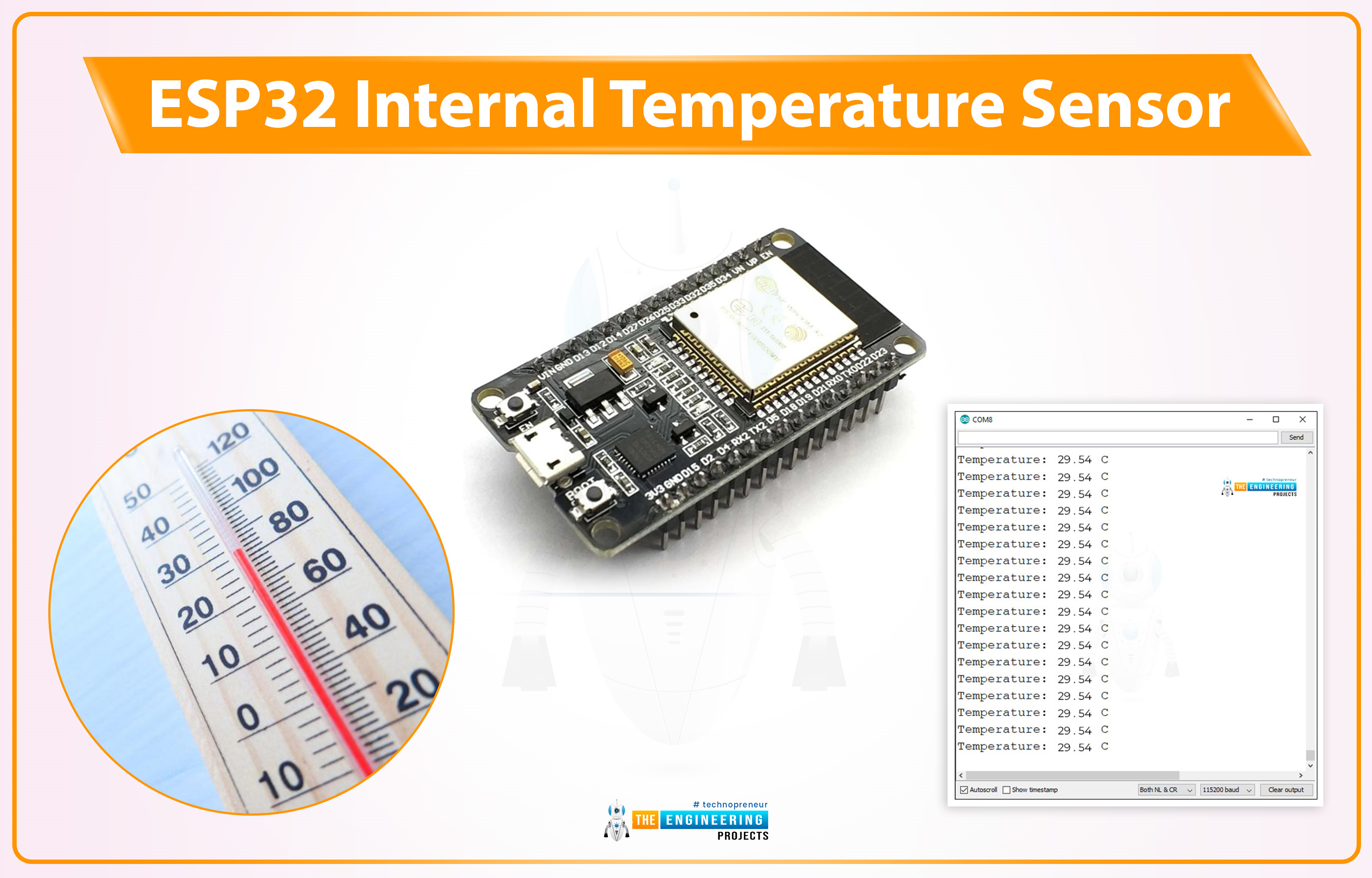
Hello friends, I hope you all are doing great. Welcome to the 3rd lecture of Section 5(ESP32 Sensors) in the ESP32 Programming Series. We have already discussed the two built-in ESP32 sensors i.e. Hall Effect Sensor and Capacitive Touch Sensor. Today, we are going to discuss the 3rd and final built-in ESP32 sensor i.e. Internal Temperature Sensor.
ESP32 Internal Temperature Sensor is used to calculate the temperature of the ESP32 core. So, we can't use it to measure the ambient temperature (the temperature of the atmosphere), for that, we need to use embedded temperature sensors i.e. DS18B20, DHT11, BMP280 etc. We will first discuss the basics of this Internal Temperature Sensor and then will design a code to monitor the change in temperature by changing the frequency of the ESP32 CPU.
...
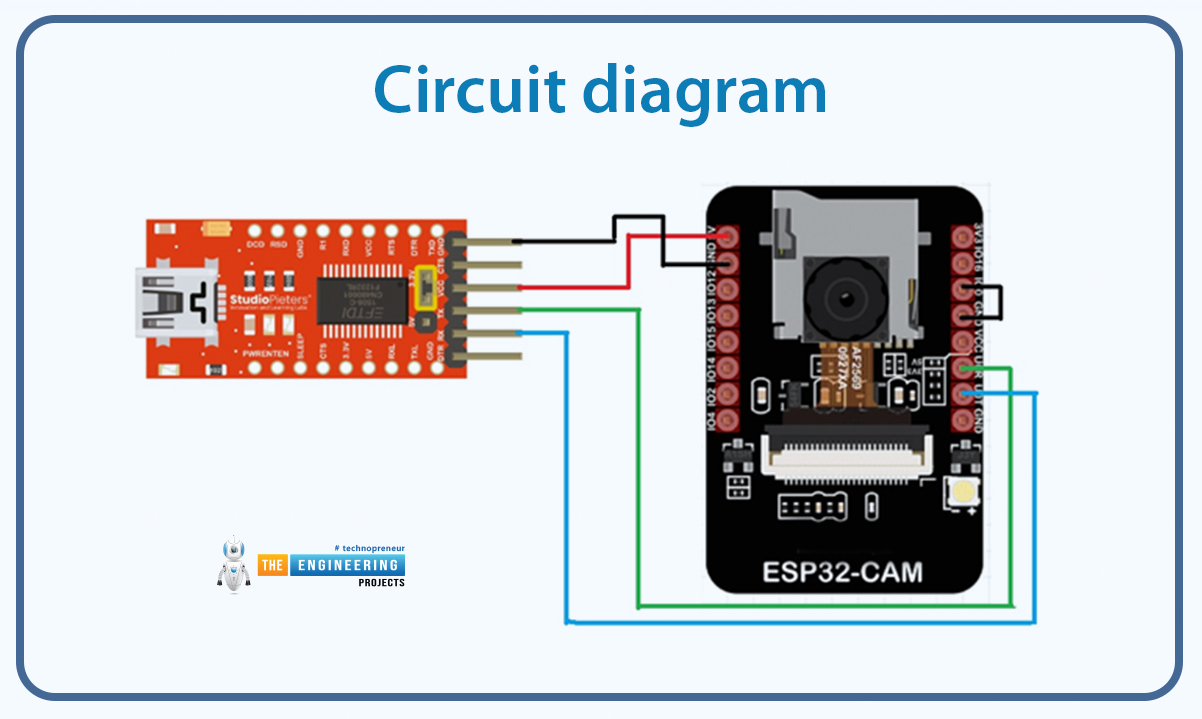
In today’s tutorial, we’ll show you how to program the ESP32-CAM module. ESP32-CAM module is suitable for building basic surveillance or monitoring systems. Its price is quite reasonable. You can use it for lots of AI-based projects like object detection, face recognition etc.
However, many users face hard luck when setting up and uploading code to ESP32-CAM development boards. This tutorial will provide you with a guideline for successfully programming the ESP32-CAM.
Overview of the ESP32-CAM Development Board
The ESP32-CAM is a standalone development board that integrates an ESP32-S chip, a camera module, onboard flash memory, and a microSD card slot. It features built-in Wi-Fi and Bluetooth connectivity and supports OV2640 or OV7670 cameras with a resolution of up to 2 megapixels. ...