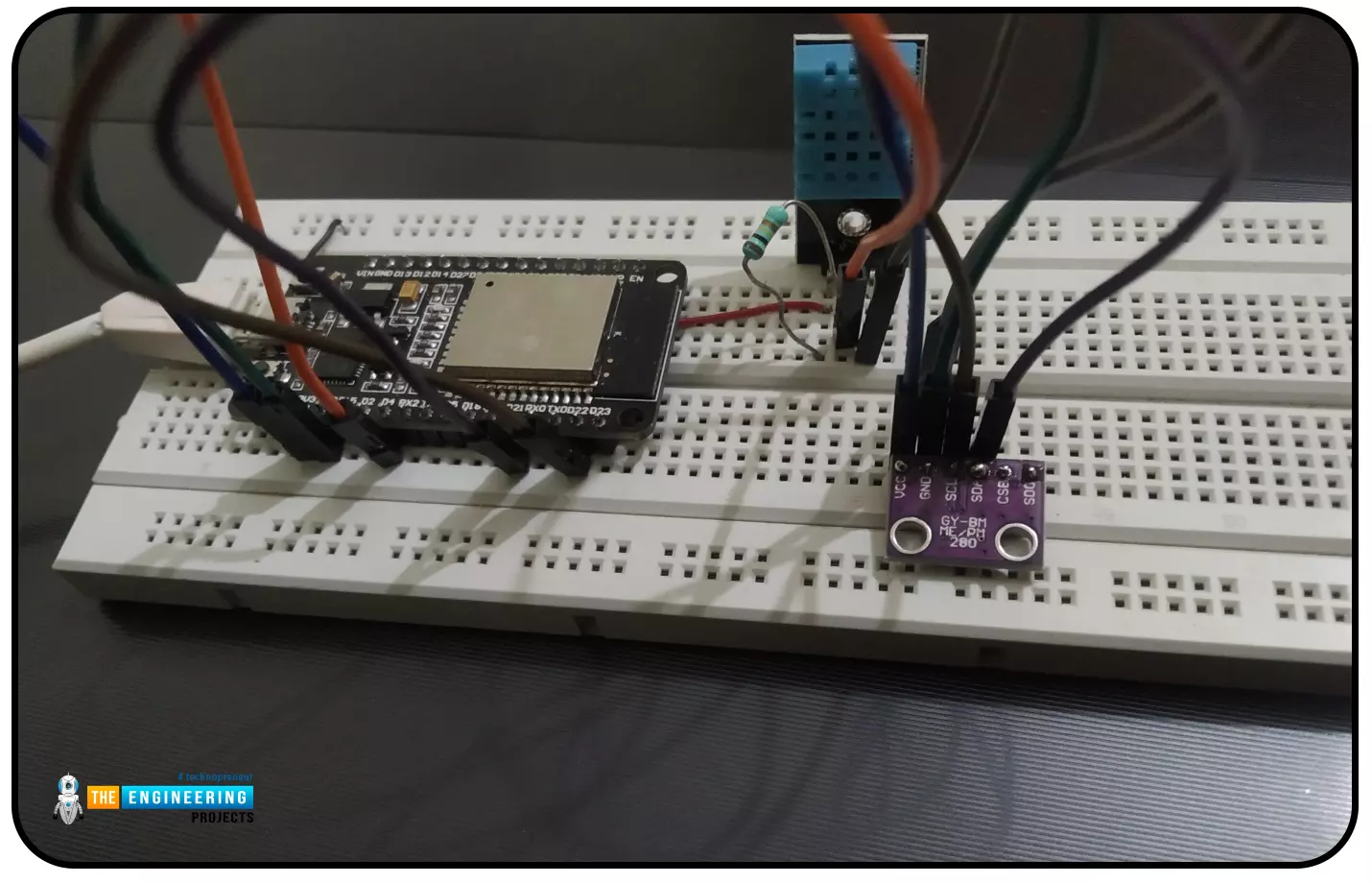
Abstract: This paper is written to represent a web-server based real-time weather monitoring system implemented using the ESP32 module. The system is designed to measure the weather conditions like temperature, pressure, humidity etc, in its vicinity. This system continuously provides real-time data (weather conditions) over limited or controlled areas, for example, agriculture fields, homes or a particular room, industries etc. Although we have satellites for weather monitoring but to perform research over a particular area, the data observed should be highly accurate which is not possible with satellites. To implement an IoT network we need to use a webserver to continuously store and display the real-time data which can be accessed globally. ’T ...
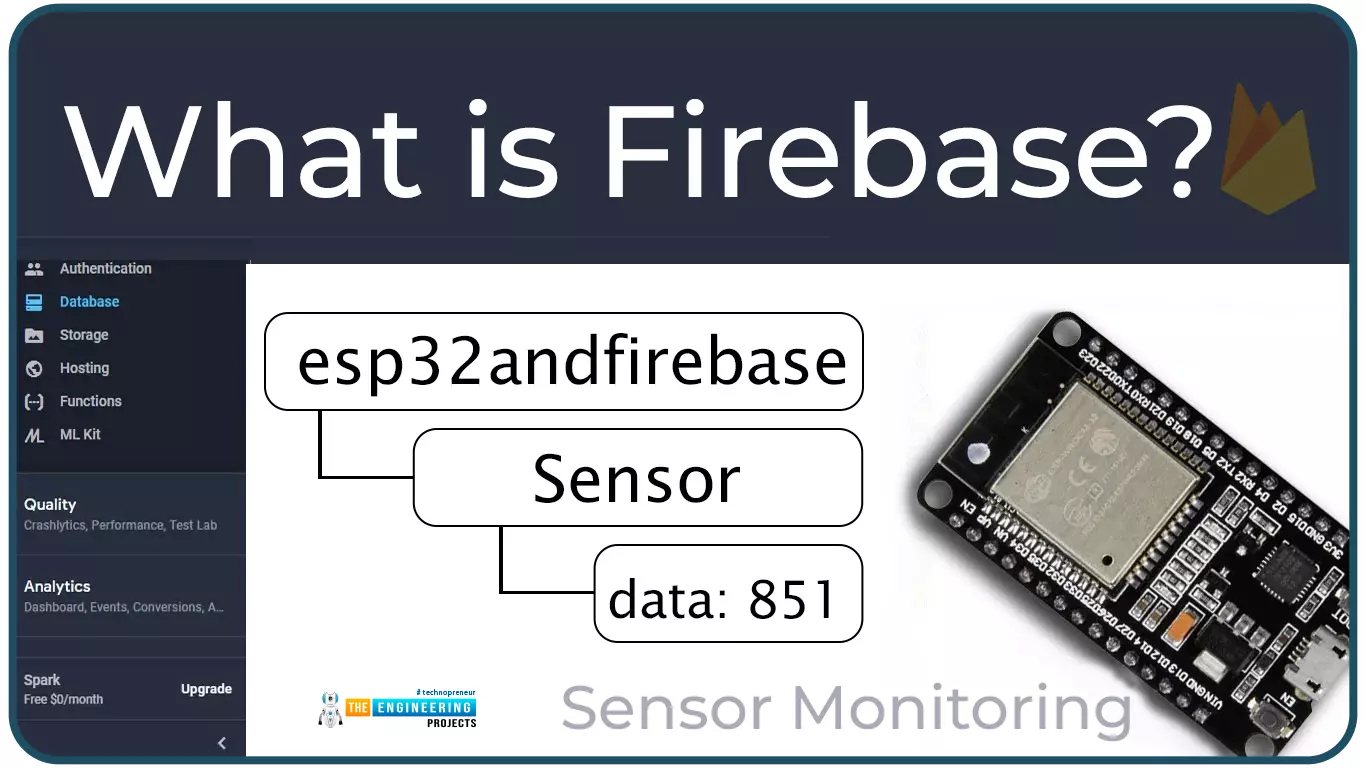
Hello readers, I hope you all are doing great. In this tutorial, we will learn how to access Firebase (a real-time database) to store and read values or data with ESP32.
It is Google’s mobile application development platform that can be used to can access, monitor and control ESP32 from anywhere in the world with its (firebase) real-time database.
What is Firebase?
Firebase real-time database is a development platform provided by Google which included multiple services to manage and authenticate data.
Firebase is basically a mobile and web app development platform I as works great with Android APIs) that includes features like firebase cloud, real-time data and Firebase authentication etc.
As per Firebase’s official documentation (https://firebase.google.com/docs/database), whenever a us ...
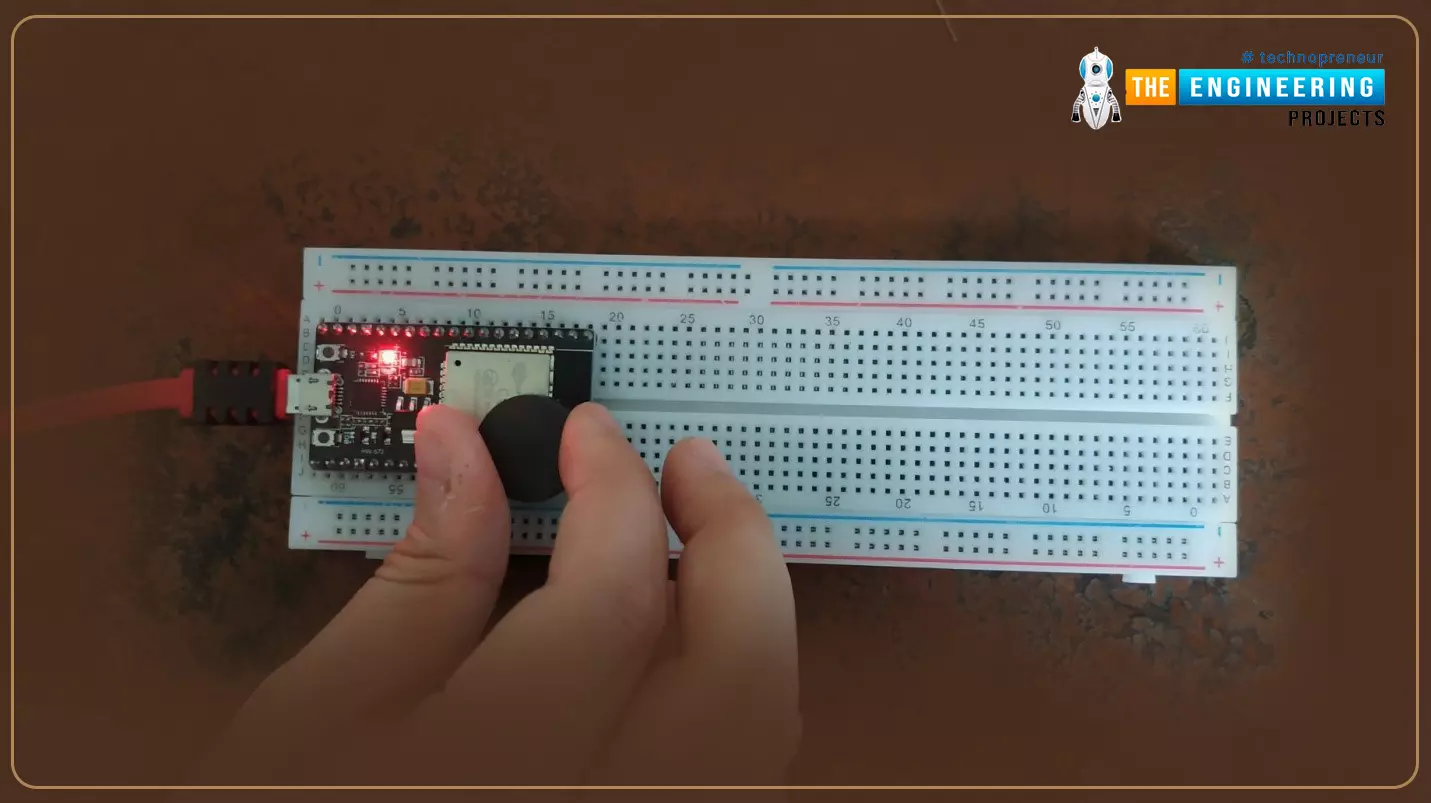
Hello readers, hope you all are doing great. Today, we will discuss interrupts and timers in ESP32 and how to handle internal as well as external interrupts. So, we will discuss What is interrupt, Polling, ESP32 interrupt, Software interrupts, Hardware Interrupts, IRS (Interrupt Service routine), Steps to execute an interrupt or how is an interrupt handled in the microcontroller, Code description for ESP32 interrupts with Arduino IDE, Code description for hardware interrupts, Why is it preferred to use timer to add delay instead of using delay() function. So, let's get started:
What is Interrupt?
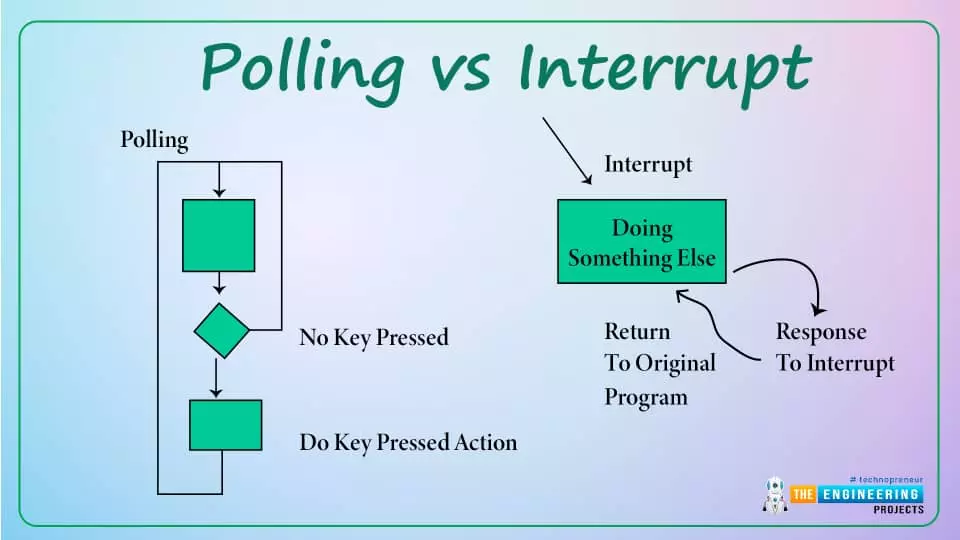
Interrupts are used when a micro-controller needs to continuously monitor for an event while the same micro-controller is executing a particular task ...
Hello readers, I hope you all are doing great. In our previous tutorial, we learnt how to make HTTP POST from ESP32 to the IFTTT server.
In this tutorial, we will learn about another application of the ESP32 module in the field of IoT (Internet of Things). We can publish multiple sensor readings from ESP32 to Google sheets via the IFTTT web service.
IFTTT is used as a third-party web service to integrate Google sheets with ESP32.
Fig. 1
Creating an IFTTT Account for Integrating ESP32 with Google Sheets
We are going to create an applet (on the IFTTT server) that is responsible to integrate the Webhooks and Google Sheets services.
While operating with the IFTTT server there are some services/utilities that we are going to deal with like Applets an ...
Hello readers, I hope you all are doing great. Welcome to Section 5 of the ESP32 Programming Series. In this section, we are going to interface different Embedded Sensors with the ESP32 Microcontroller Board. ESP32 development board is featured with some inbuilt sensors(i.e. hall effect sensor, capacitive touch sensor) so, in the initial tutorials of this section, we will explore these built-in ESP32 sensors and in the later lectures, we will interface third-party sensors with the ESP32.
In today's lecture, we will discuss the working/operation of the ESP32 built-in Hall Effect Sensor. Hall Effect sensor is used to detect the variation in the magnetic field of its surroundings. So, let's first understand What's Hall Effect:
What is the Hall Effect?
The Hall Effect phenomenon was fir ...
Hello readers, we hope you all are doing great. In this tutorial, we are going to demonstrate how to interface and control a servo motor using an ESP32 board. After that, we will demonstrate how to create a webserver to control the servo motor’s shaft position with the ESP32 board.
Servo Motors are among the most important actuators in robotics, with applications ranging from RC planes to automated door locks.
Hardware components required
A servo motor
ESP32 development board
Connecting wires
Breadboard
Servo Motor
There are several specific types of electric motor applications in which the motor must rotate only at a specific angle. For such applications, we need a special type of motor with such a special arrangement that causes the m ...
Hello readers, I hope you all are doing great.
ESP32 is a powerful chip for Internet of Things applications. This tutorial is also based on one of the ESP32 applications in the field of IoT.
Project Overview
In this tutorial, we will learn how to update LCD display with new data or input using a web server created with ESP32.
Fig. 1
To achieve the target, we will be using an HTML (Hypertext Markup Language) form to provide web input and then update the text displayed on LCD. The values or input received from the webserver will be further stored inside a variable in the code for further use (to display on LCD).
We have already posted a tutorial on LCD (Liquid Crystal Display) interfacing with ESP32. In that tutorial, we demonstrated how to displa ...
Hello readers, we hope you all are doing great. Welcome to the 1st lecture of Section 4 in the ESP32 Programming Series. In this section, we will interface the ESP32 module with common Embedded modules(i.e. LCD, Keypad, RTC etc.).
In today's tutorial, we will interface ESP32 with a 16x2 LCD and will display data using both Data Mode and I2C Mode. LCD is the most commonly used embedded module in IoT Projects. It is used to display different types of data i.e. sensor readings, warning messages, notifications etc.
Before going forward, let's first have a look at what is LCD and How it works:
16x2 LCD Module
LCD(Liquid Crystal Display) is a type of electronic display module that is used in a wide variety of applications and devices such as calculators, computers, mobile phones, ...
Hello, dear tech savvies! We hope everything is going fine with you. Today we’re back with another interesting project. Do you ever wonder how amazing it would be to have a text reader that would be able to read texts from pictures and videos? Think about a self-driving car that can read the road signs meticulously and go to the right direction. Or imagine an AI bot that can read what is written on images uploaded to social media. How nice it would be to have such a system that will be able to read vulgar posts and filter them even when they are in picture format? Or imagine a caregiver robot that can read the medicine bottle levels and give medicines to the patients always on time. Now you understand how important it is for AI solutions to recognize texts, right?Today, we are going to ...
Hello friends! How are you today? Today we're going to discuss a project that is interesting and also useful in our everyday life. You see QR codes almost everywhere, right? They are printed on almost every product's package, leaflets, newspapers, and brochures.
Perhaps, you often use QR code scanners on your mobile device. What about making such a program by yourself? Yes! That is exactly what we are going to do today. We will make a QR code scanner using the ESP32-CAM. For image processing, we will use the OpenCV library.
If you’ve ever wanted to create a real-time QR code scanner using a low-cost, wireless camera module, you’re in the right place. In this tutorial, we’ll walk through setting up an ESP32-CAM to stream video and using OpenCV to detect and decode QR codes in real time.
...