… you can change it in the Arduino IDE. New to Arduino? Start with our Arduino Tutorial for Beginners . Export the compiled binary, and set the UNO's PROGRAM property to the new file. Our guide on How to get the HEX file from Arduino shows you where the file …
… you can change it in the Arduino IDE. New to Arduino? Start with our Arduino Tutorial for Beginners . Export the compiled binary, and set the UNO's PROGRAM property to the new file. Our guide on How to get the HEX file from Arduino shows you where the file …
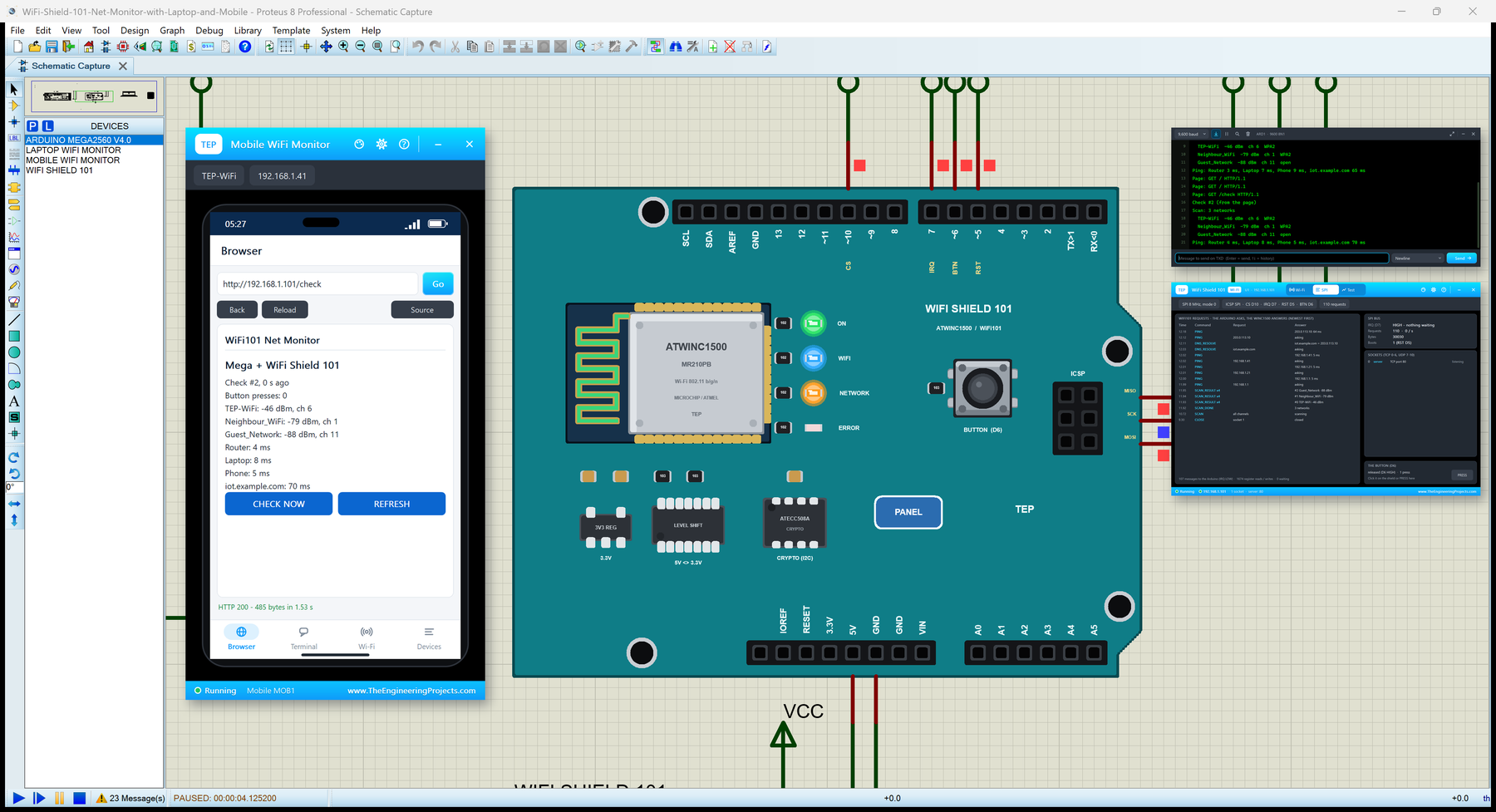
… What is the WiFi Shield 101? The Arduino WiFi Shield 101 came out in 2015 as the Wi-Fi shield for the whole Arduino range and is retired now; the same chip lives on in Adafruit's ATWINC1500 boards and on the Arduino MKR1000. On the shield sit the …
… you can change it in the Arduino IDE. New to Arduino? Start with our Arduino Tutorial for Beginners . Export the compiled binary, and set the UNO's PROGRAM property to the new file. Our guide on How to get the HEX file from Arduino shows you where the file …
… you can change it in the Arduino IDE. New to Arduino? Start with our Arduino Tutorial for Beginners . Export the compiled binary, and set the UNO's PROGRAM property to the new file. Our guide on How to get the HEX file from Arduino shows you where the file …
… you can change it in the Arduino IDE. New to Arduino? Start with our Arduino Tutorial for Beginners . Export the compiled binary, and set the UNO's PROGRAM property to the new file. Our guide on How to get the HEX file from Arduino shows you where the file …
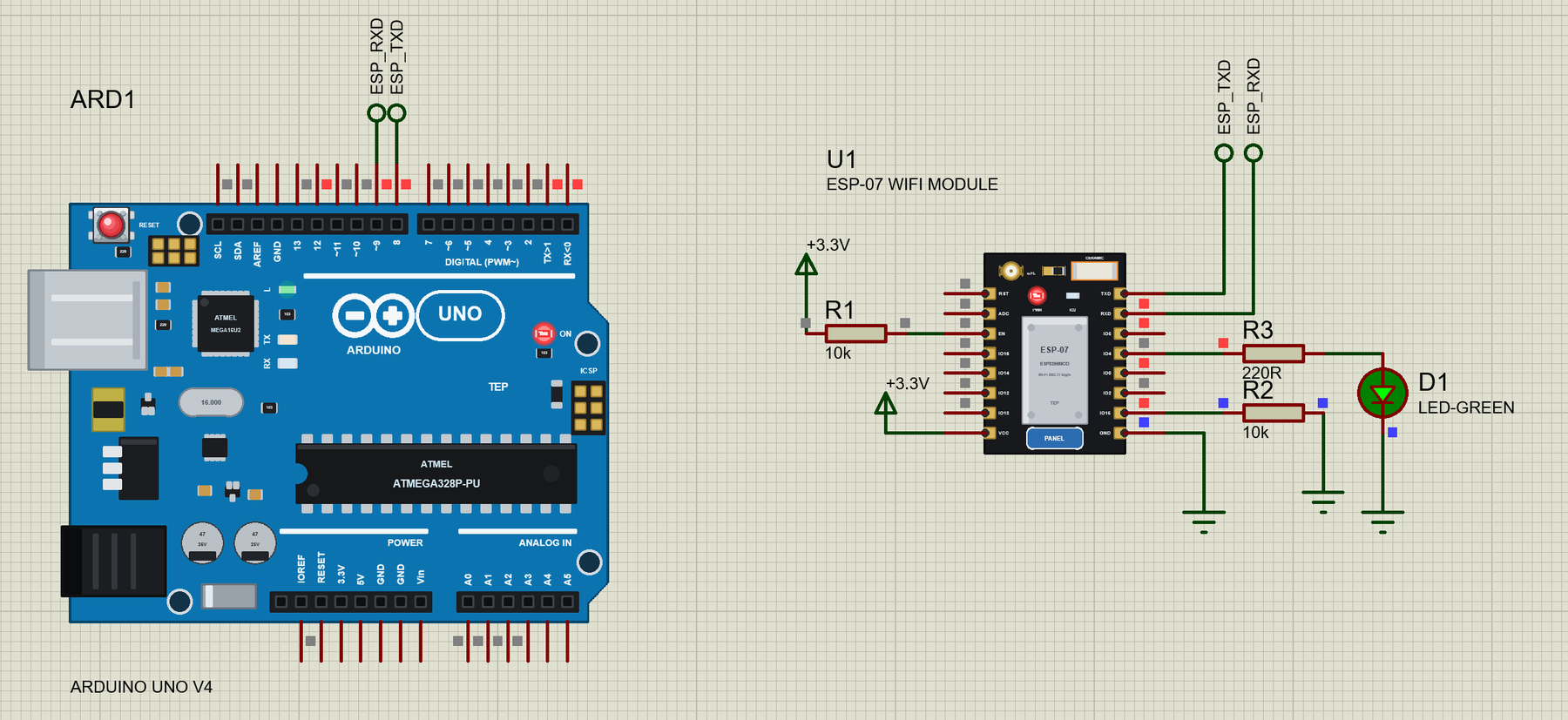
… select Arduino Uno in the Arduino IDE, install AltSoftSerial, write your sketch and use Sketch > Export Compiled Binary ; then double-click the UNO in Proteus and set its Program File to the HEX (see How to get the HEX file from Arduino ). Demo 1: A Wi-Fi …
… you can change it in the Arduino IDE. New to Arduino? Start with our Arduino Tutorial for Beginners . Export the compiled binary, and set the UNO's PROGRAM property to the new file. Our guide on How to get the HEX file from Arduino shows you where the file …
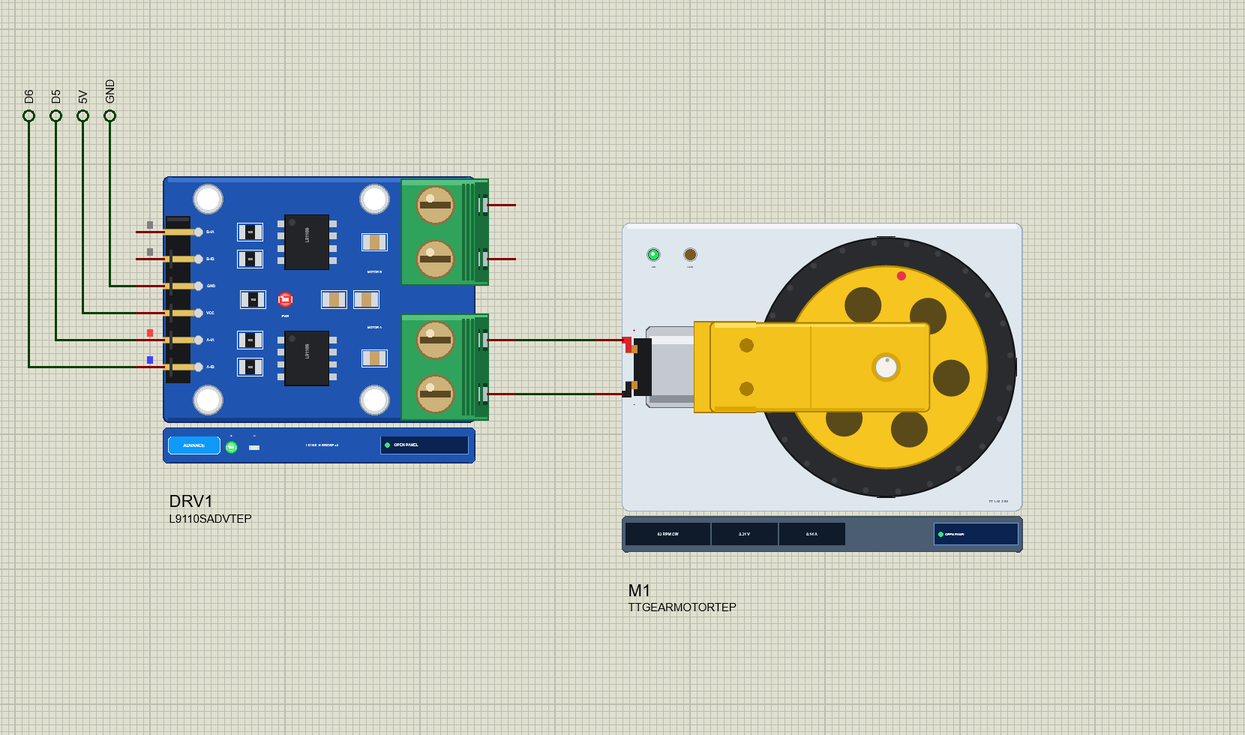
… V4.0. The Arduino Code The demo needs no library: analogWrite() and digitalWrite() are all an L9110S needs. New to Arduino? Start with Arduino Tutorial for Beginners and Introduction to Arduino UNO ; our older DC Motor Speed Control using Arduino tutorial …