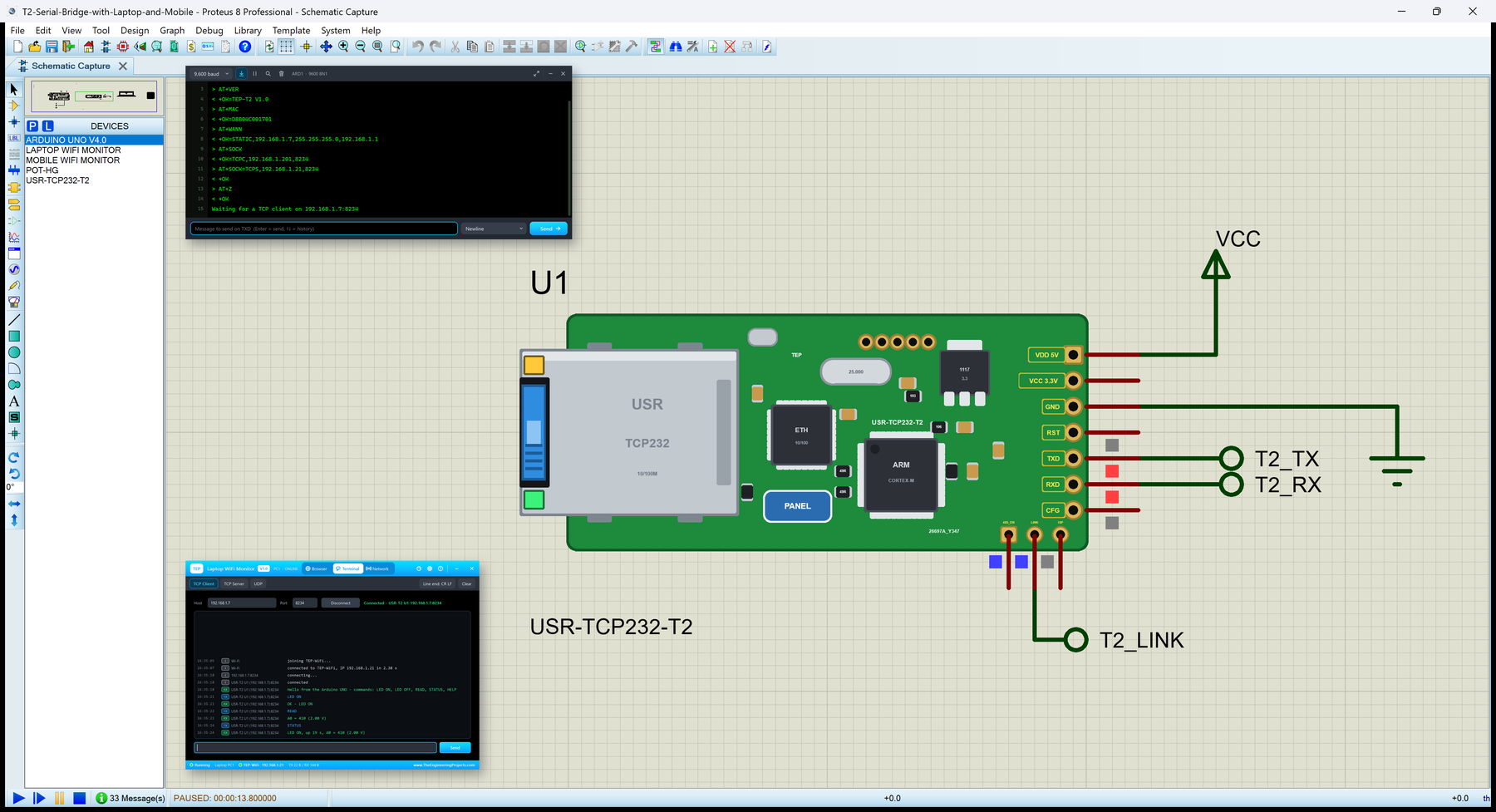
Hello friends, I hope you all are doing great. Today, I am going to share the USR-TCP232-T2 Library for Proteus . The USR-TCP232-T2 from USR IOT is a tiny serial to Ethernet module: a TTL UART on one side, an RJ45 port on the other, and its own firmware in between. Your microcontroller prints to a serial port, and the bytes come out of a TCP connection on the LAN - no Ethernet library, no SPI, no TCP/IP stack on the microcontroller. Updates USR-TCP232-T2 Library for Proteus Latest version: V1.0 (October 2026, this tutorial) Other Ethernet libraries: Ethernet Shield · Ethernet Shield 2 · W5500 Module · W5100 Module · ENC28J60 Module · ENC28J60 Nano Shield · Ethernet Rev3 · LAN8720 Module · WT32-ETH01 Modules: Micro SD · MAX485 RS485 · MCP2515 CAN · DS3231 RTC · DFPlayer Mini Arduino boards: ...
Hello friends, I hope you all are doing great. Today, I am going to share the Arduino Ethernet Rev3 Library for Proteus . The Arduino Ethernet Rev3 is an Arduino UNO and an Ethernet shield on one board: the same ATmega328P , a WIZnet W5100 Ethernet chip, a micro SD socket and an RJ45 jack where the UNO has its USB socket. With this library it is one part in Proteus: Proteus's own ATmega328P model runs your HEX file, and the W5100 and the card sit on the board's own SPI wiring, as on the real board. Updates Arduino Ethernet Rev3 Library for Proteus Latest version: V1.0 (October 2026, this tutorial) Other Ethernet libraries: Ethernet Shield · Ethernet Shield 2 · W5500 Module · W5100 Module · ENC28J60 Module · ENC28J60 Nano Shield · LAN8720 Module · WT32-ETH01 · USR-TCP232-T2 Arduino boards: ...
Hello friends, I hope you all are doing great. Today, I am going to share the ENC28J60 Nano Ethernet Shield Library for Proteus . The ENC28J60 Nano shield is the smallest way to put an Arduino Nano on a wired network: a long, narrow red board with a Microchip ENC28J60 Ethernet controller, a HanRun RJ45 jack across one end and two header rows the Nano plugs into. Like the ENC28J60 module, the chip only moves Ethernet frames - the TCP/IP stack runs on the Arduino, inside the EthernetENC library. With this library you can wire the shield to your Arduino in Proteus, run EthernetENC sketches unchanged and watch every frame go by. Updates ENC28J60 Nano Ethernet Shield Library for Proteus Latest version: V1.0 (October 2026, this tutorial) Other Ethernet libraries: Ethernet Shield · Ethernet Shiel ...
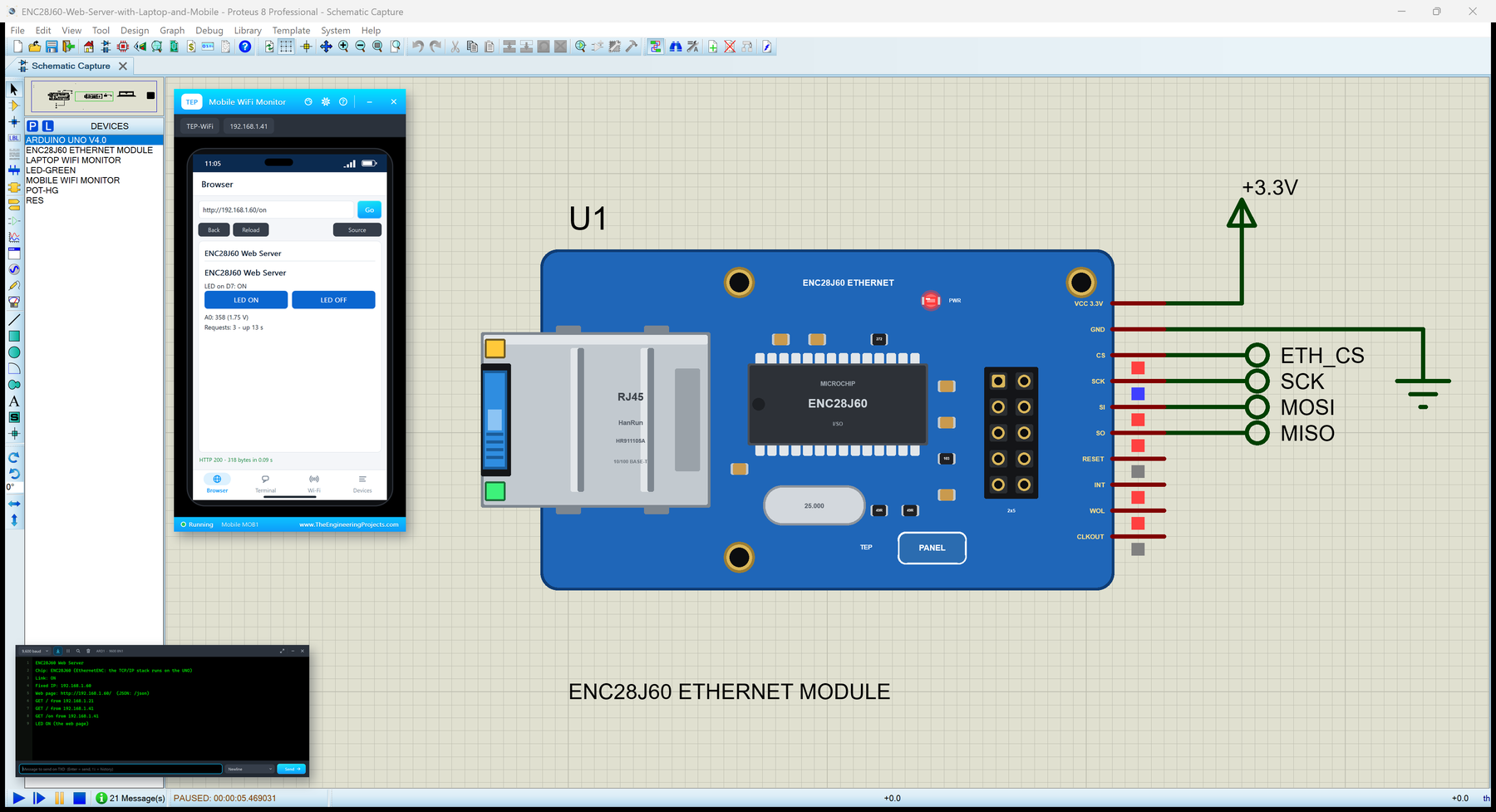
Hello friends, I hope you all are doing great. Today, I am going to share the ENC28J60 Ethernet Module Library for Proteus . The ENC28J60 module is the cheapest way to put an Arduino on a wired network: a small blue board with a Microchip ENC28J60 Ethernet controller, a HanRun RJ45 jack and a 2x5 header. Unlike the WIZnet boards, the ENC28J60 knows nothing about TCP or IP - it only sends and receives Ethernet frames. The TCP/IP stack runs on the Arduino itself, inside the EthernetENC library. With this library you can wire the module to your UNO in Proteus, run EthernetENC sketches unchanged and watch every frame go by. Updates ENC28J60 Ethernet Module Library for Proteus Latest version: V1.0 (October 2026, this tutorial) Other Ethernet libraries: Ethernet Shield · Ethernet Shield 2 · W550 ...
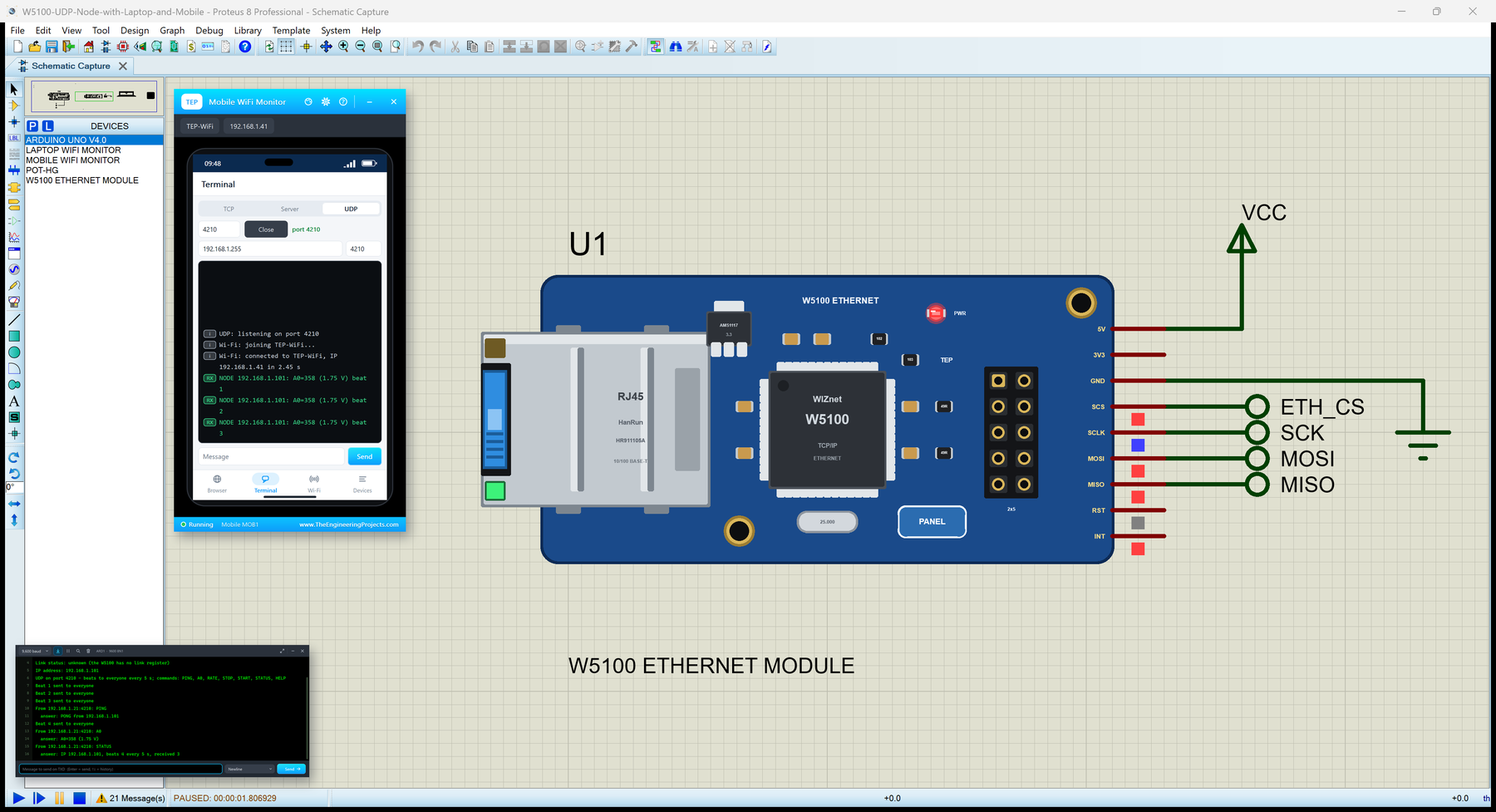
Hello friends, I hope you all are doing great. Today, I am going to share the W5100 Ethernet Module Library for Proteus . The W5100 module is the classic blue Ethernet board for Arduino projects: a WIZnet W5100 - the chip of the original Arduino Ethernet Shield - with a HanRun RJ45 jack, a regulator and a 2x5 header. It takes the TCP / IP work off the microcontroller, and the Ethernet library of the Arduino IDE drives it. With this library you can wire the module to your UNO in Proteus and run those sketches as they are - DHCP, DNS, servers, clients and UDP. Updates W5100 Ethernet Module Library for Proteus Latest version: V1.0 (October 2026, this tutorial) Other Ethernet libraries: Ethernet Shield · Ethernet Shield 2 · W5500 Module · ENC28J60 Module · ENC28J60 Nano Shield · Ethernet Rev3 ...
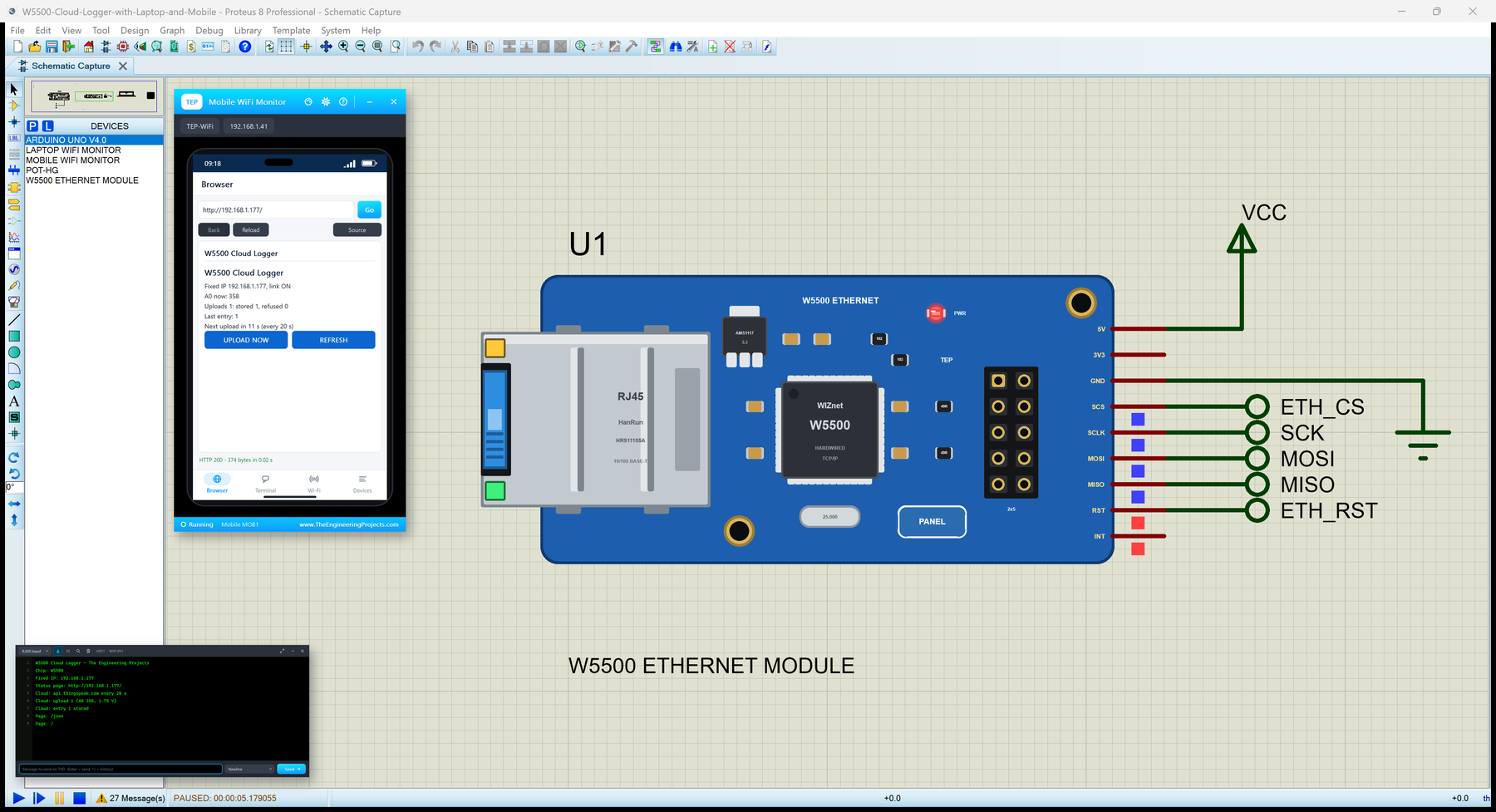
Hello friends, I hope you all are doing great. Today, I am going to share the W5500 Ethernet Module Library for Proteus . The W5500 module is the small blue board that puts almost any microcontroller on a wired network: a WIZnet W5500 chip does the whole TCP / IP work in hardware, an RJ45 jack with its LINK and ACT LEDs takes the cable from your router, and a 2x5 header brings out SPI, reset, interrupt and power. It is the cheapest way to give an Arduino a cable connection, and the Ethernet library of the Arduino IDE drives it. With this library you can wire the module to your UNO in Proteus and run those sketches as they are - fixed addresses or DHCP, DNS, clients, servers, UDP and the link status. Updates W5500 Ethernet Module Library for Proteus Latest version: V1.0 (October 2026, this ...
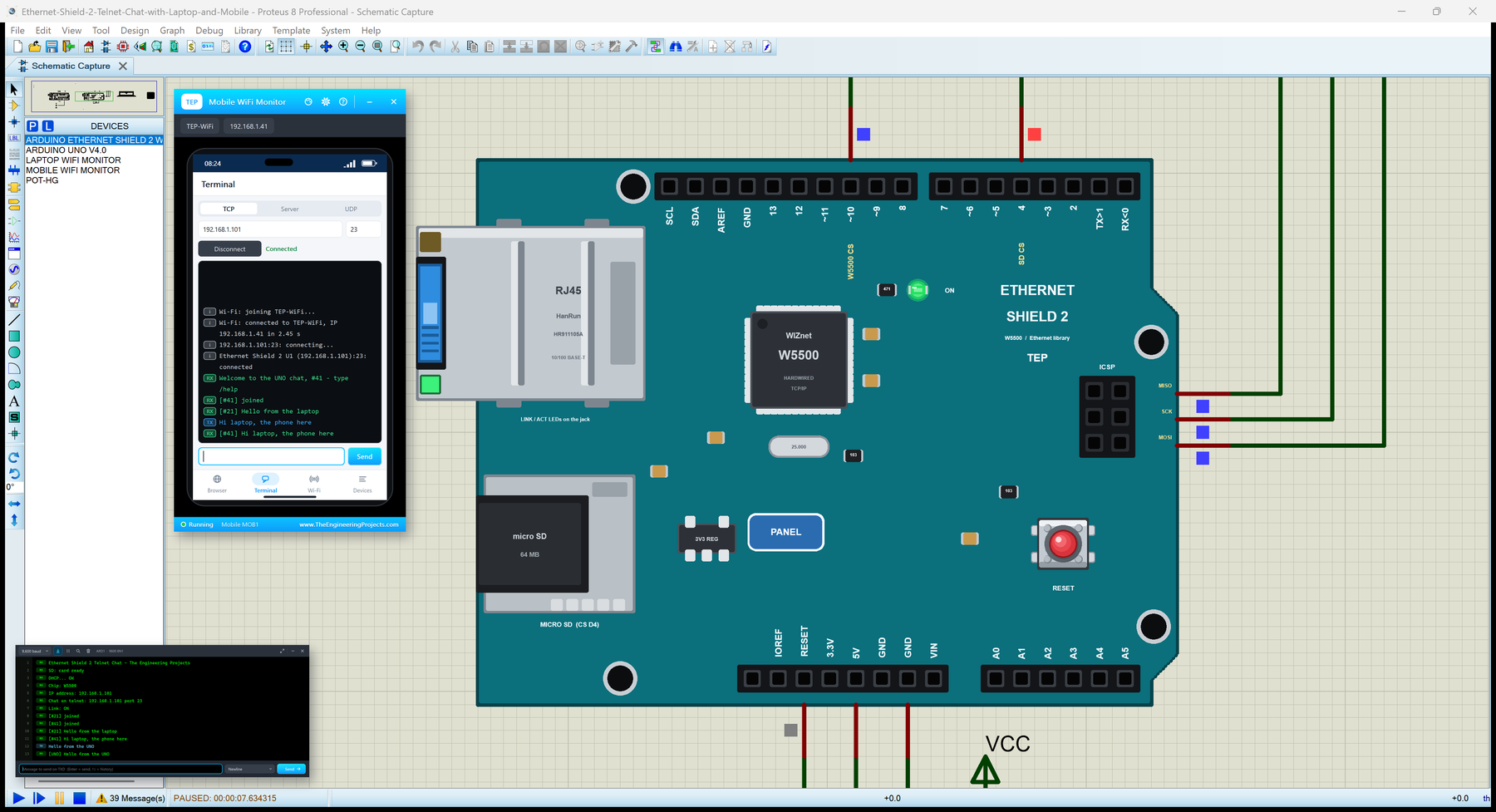
Hello friends, I hope you all are doing great. Today, I am going to share the Arduino Ethernet Shield 2 Library for Proteus . The Arduino Ethernet Shield 2 is the newer version of the classic Ethernet shield: a WIZnet W5500 chip does the TCP / IP work in hardware, an RJ45 jack with its own LINK and ACT LEDs takes the cable from your router, and a micro SD socket shares the same SPI bus. The Ethernet library of the Arduino IDE drives it with the same functions as the first shield. With this library you can place the Shield 2 beside your UNO in Proteus and run those sketches as they are - DHCP, DNS, servers, clients, UDP, the link status and the SD card included. Updates Arduino Ethernet Shield 2 Library for Proteus Latest version: V1.0 (October 2026, this tutorial) Other Ethernet libraries: ...
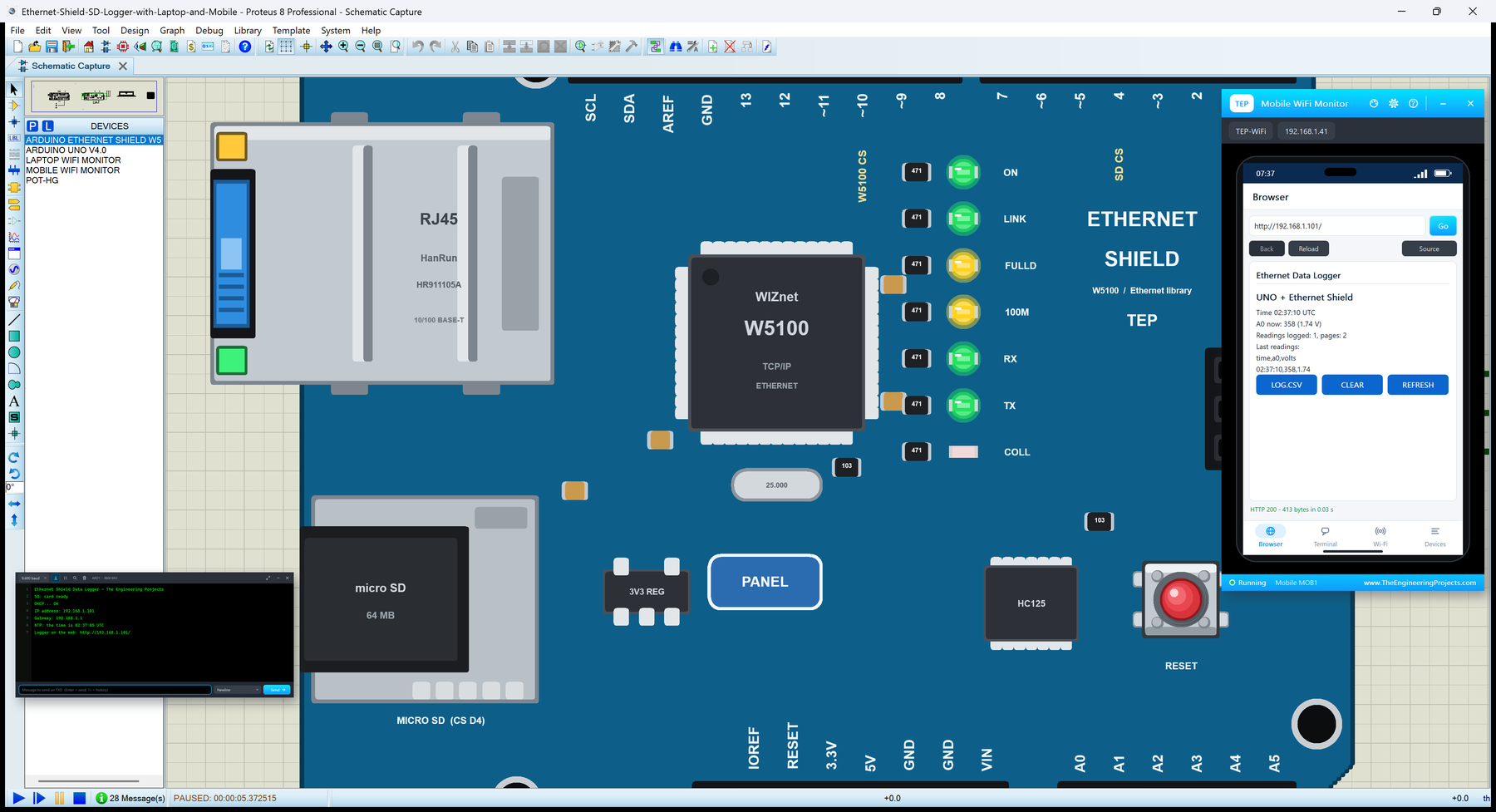
Hello friends, I hope you all are doing great. Today, I am going to share the Arduino Ethernet Shield Library for Proteus . The Arduino Ethernet Shield puts an Arduino on a wired network: a WIZnet W5100 chip does the TCP / IP work in hardware, an RJ45 jack takes the cable from your router, and a micro SD socket shares the same SPI bus. It is one of the most used shields ever made, and the Ethernet library that drives it is built into the Arduino IDE. With this library you can place the shield beside your UNO in Proteus and run those sketches as they are - DHCP, DNS, web servers, clients, UDP and the SD card included. Updates Arduino Ethernet Shield Library for Proteus Latest version: V1.0 (October 2026, this tutorial) Other Ethernet libraries: Ethernet Shield 2 · W5500 Module · W5100 Modul ...
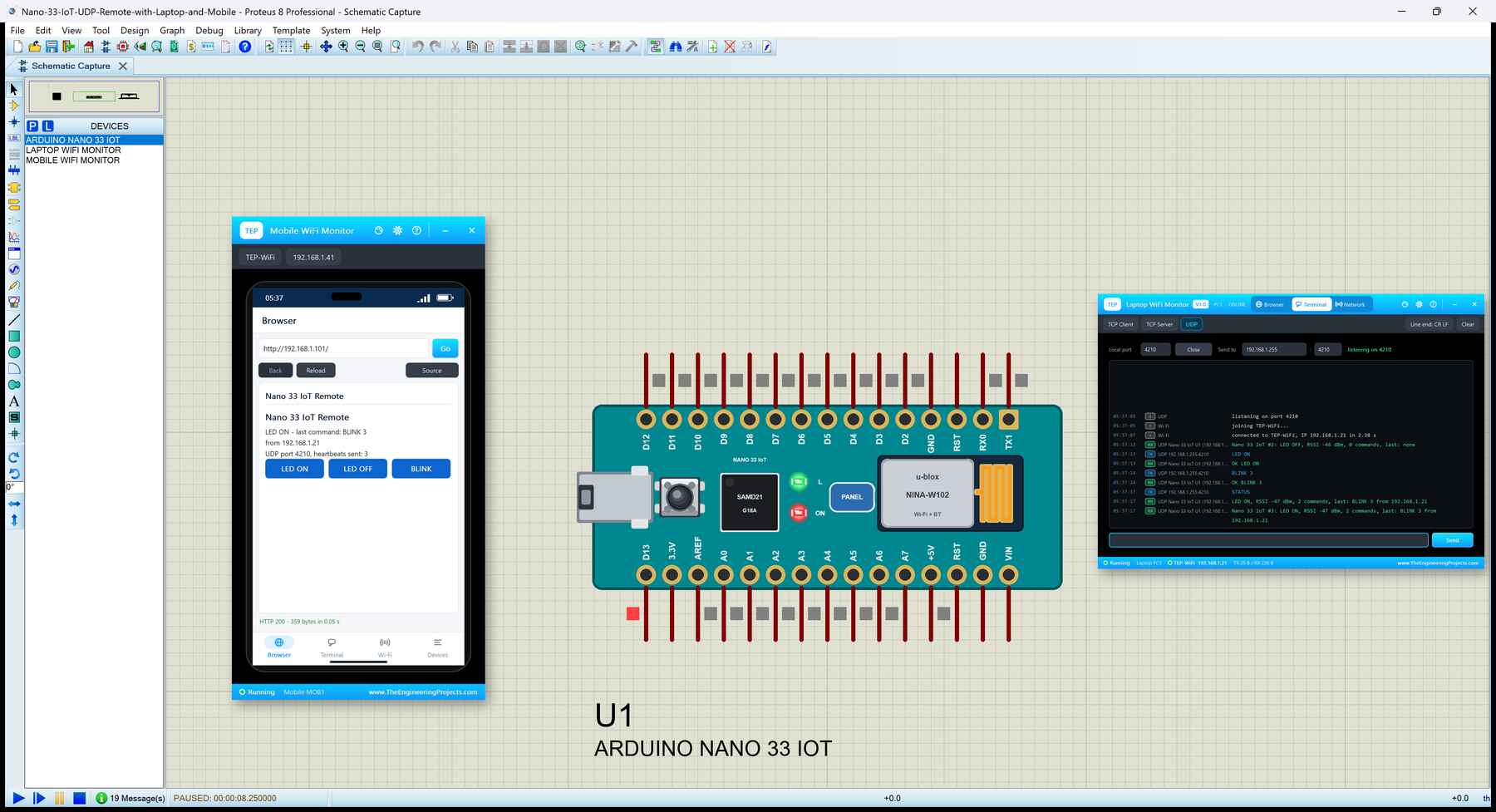
Hello friends, I hope you all are doing great. Today, I am going to share the Arduino Nano 33 IoT Library for Proteus . The Nano 33 IoT is Arduino's small Wi-Fi board for connected projects: the Nano's size and its 2 x 15 pins, a Microchip SAMD21 (Arm Cortex-M0+) as the processor and a u-blox NINA-W102 module for Wi-Fi, programmed with Arduino's WiFiNINA library. With this library it runs your Nano 33 IoT sketch in Proteus - WiFi.begin, WiFiUDP, WiFiServer, WiFiClient, WiFi.getTime() and WiFi.ping() - with the L LED, the RESET button and our serial monitor. Updates Arduino Nano 33 IoT Library for Proteus Latest version: V1.0 (October 2026, this tutorial) Other Arduino Wi-Fi boards: UNO R4 WiFi · Nano ESP32 · UNO WiFi Rev2 ESP32 boards and modules: ESP32 DevKit V1 · ESP32-DevKitC V4 · ESP32 ...
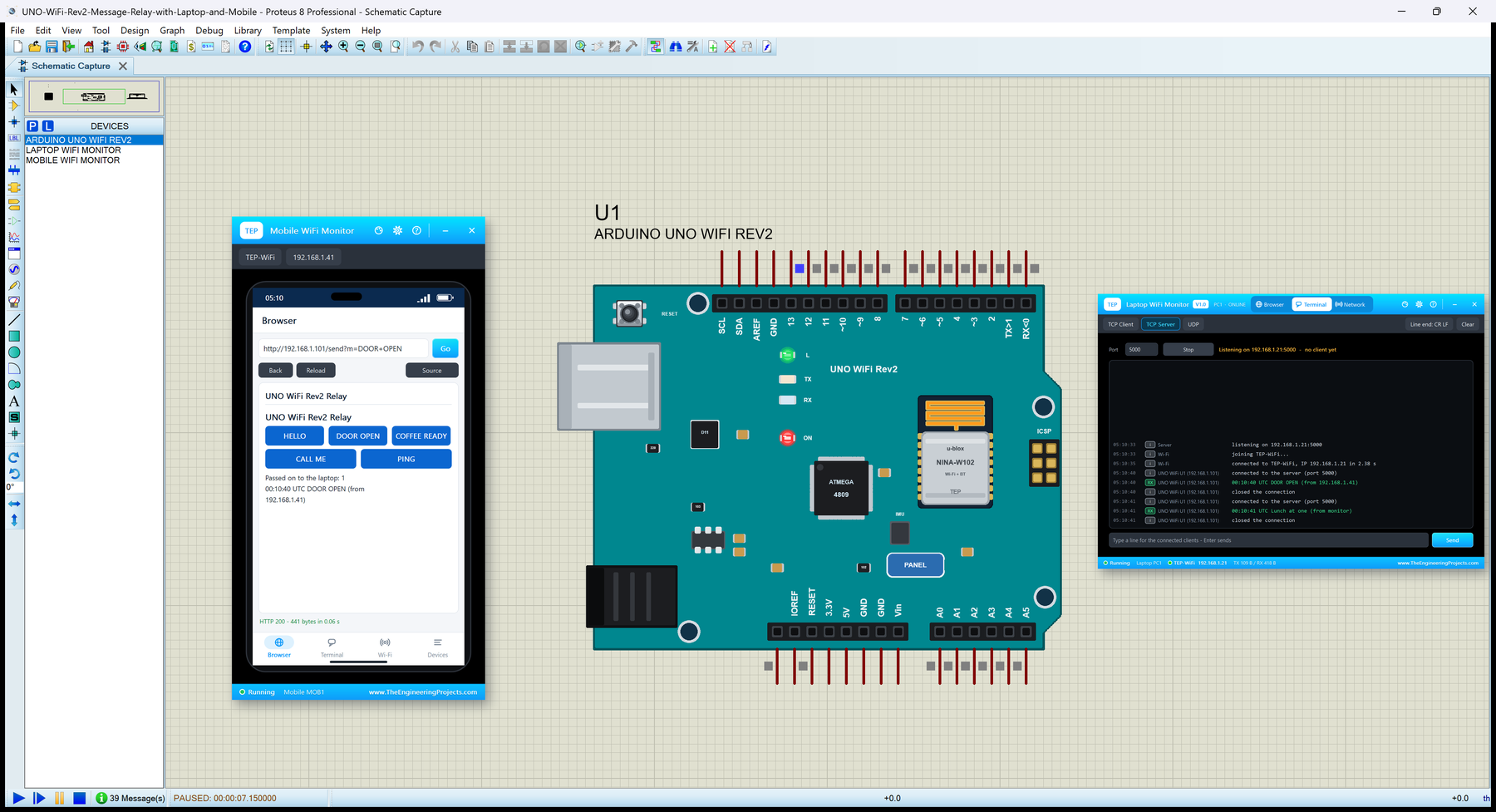
Hello friends, I hope you all are doing great. Today, I am going to share the Arduino UNO WiFi Rev2 Library for Proteus . The UNO WiFi Rev2 is the Wi-Fi member of the classic UNO family: the UNO's size, shape and headers, a Microchip ATmega4809 as the main processor and a u-blox NINA-W102 module for Wi-Fi, programmed with Arduino's WiFiNINA library. With this library it runs your UNO WiFi Rev2 sketch in Proteus - WiFi.begin, WiFiServer, WiFiClient, WiFiUDP, WiFi.getTime() and WiFi.ping() - with the L LED, the RESET button and our serial monitor. Updates Arduino UNO WiFi Rev2 Library for Proteus Latest version: V1.0 (October 2026, this tutorial) Other Arduino Wi-Fi boards: UNO R4 WiFi · Nano ESP32 · Nano 33 IoT Wi-Fi shields: AirLift WiFi Shield · WiFi Shield 101 · Arduino WiFi Shield ESP32 ...