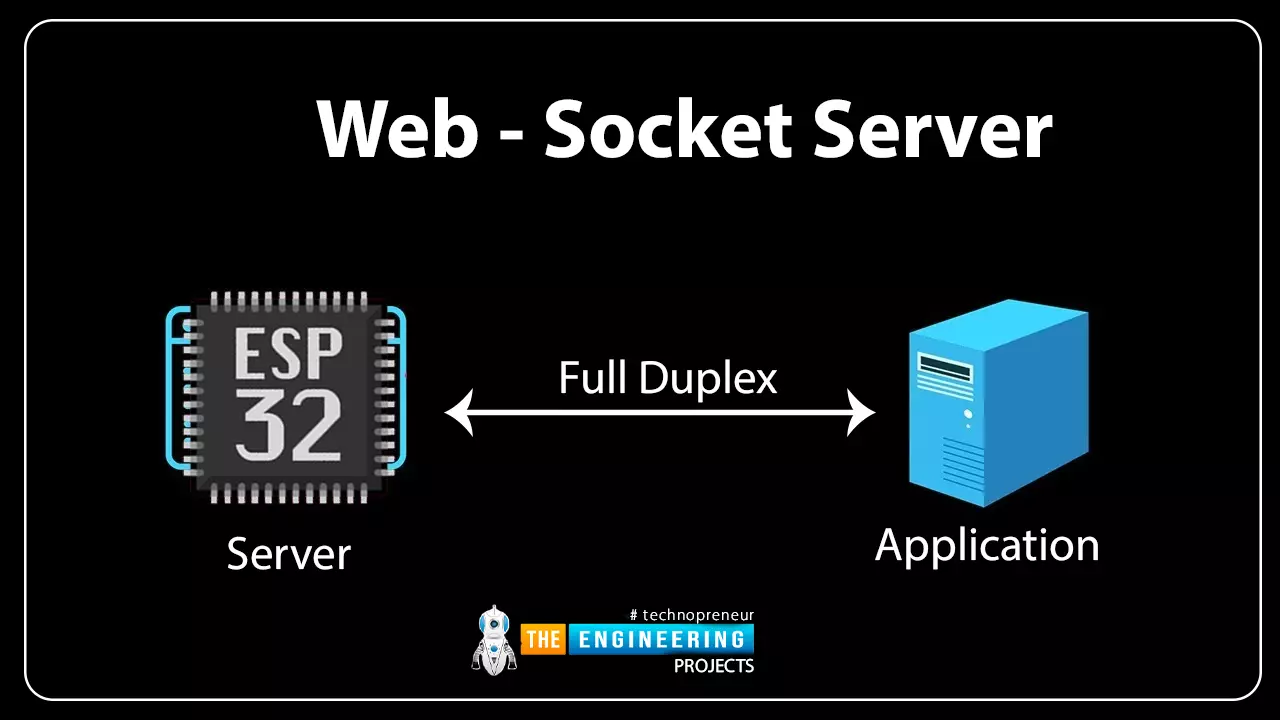
Hello readers, hope you all are doing great. In this tutorial, we will discuss another ESP32 protocol that is Web Socket and we will also explain how to create a web server using web socket protocol with ESP32. So, we will have a look at What is a web socket server, How web socket protocol is different from HTTP protocol, What is handshaking in networking, Three-way handshaking, Web socket application, Creating web socket server using ESP32 module etc. Let's get started: What is a web socket protocol? Fig 1 Web-socket server A Web Socket is a full-duplex (both the server and the client can send and receive data at the same time) computer communication protocol. Web socket protocol, like HTTP (hypertext transfer protocol), also works in server and client communication format. A web socket u ...
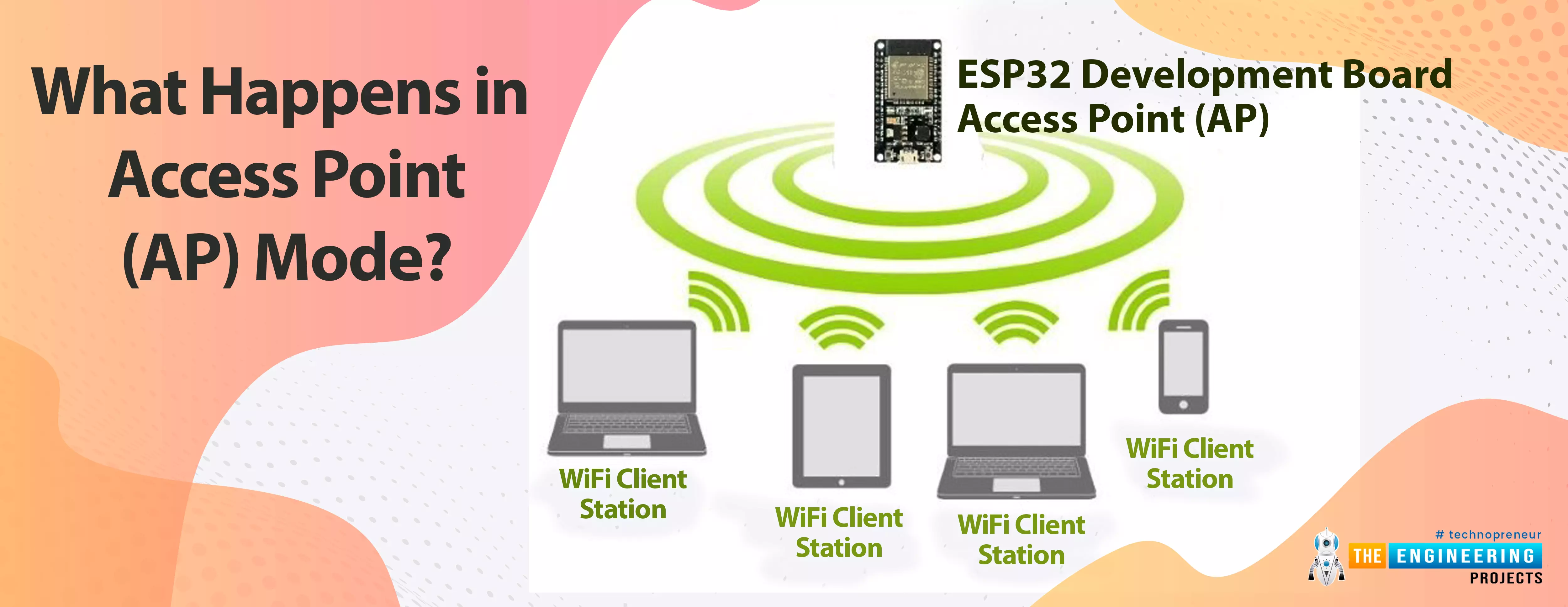
Hello readers, hope you all are doing great. This is our 3rd tutorial in the ESP32 programming series. In our previous tutorial, we discussed the ESP32 Web server , where we created the ESP32 web server in STA mode. ESP32 can be operated as an access point (AP) or a Wi-Fi station (STA mode). So, in this tutorial, we will create an ESP32 web server in access point (AP) mode. Here's the video demonstration of ESP32 WebServer in Access Point Mode: As I mentioned above, in our 2nd tutorial, we already discussed the basics of the ESP32 web server. So, in this tutorial, we will only discuss how to create the ESP32 in access point mode. For detailed information about the basics of the ESP32 web server and how client-server communication takes place, follow our previous tutorial (i.e., Create a We ...
Hello readers, today we will learn about the messaging protocol supported by ESP32(called MQTT protocol), which is used for IoT applications. The communication protocol to be used for data transmission and connectivity in web-enabled devices depends upon the type of IoT application. The Internet of Things (IoT) is a network of interconnected computing devices like digital machines, automobiles with inbuilt sensors, having unique identifiers and the ability to communicate data over a network without the need for human intervention. Before implementation, let's first have a look at what is MQTT Protocol? What is MQTT? MQTT stands for Message Queuing Telemetry Protocol and is a messaging or communication protocol used for IoT applications. In MQTT protocol, a publisher sends a message to the ...
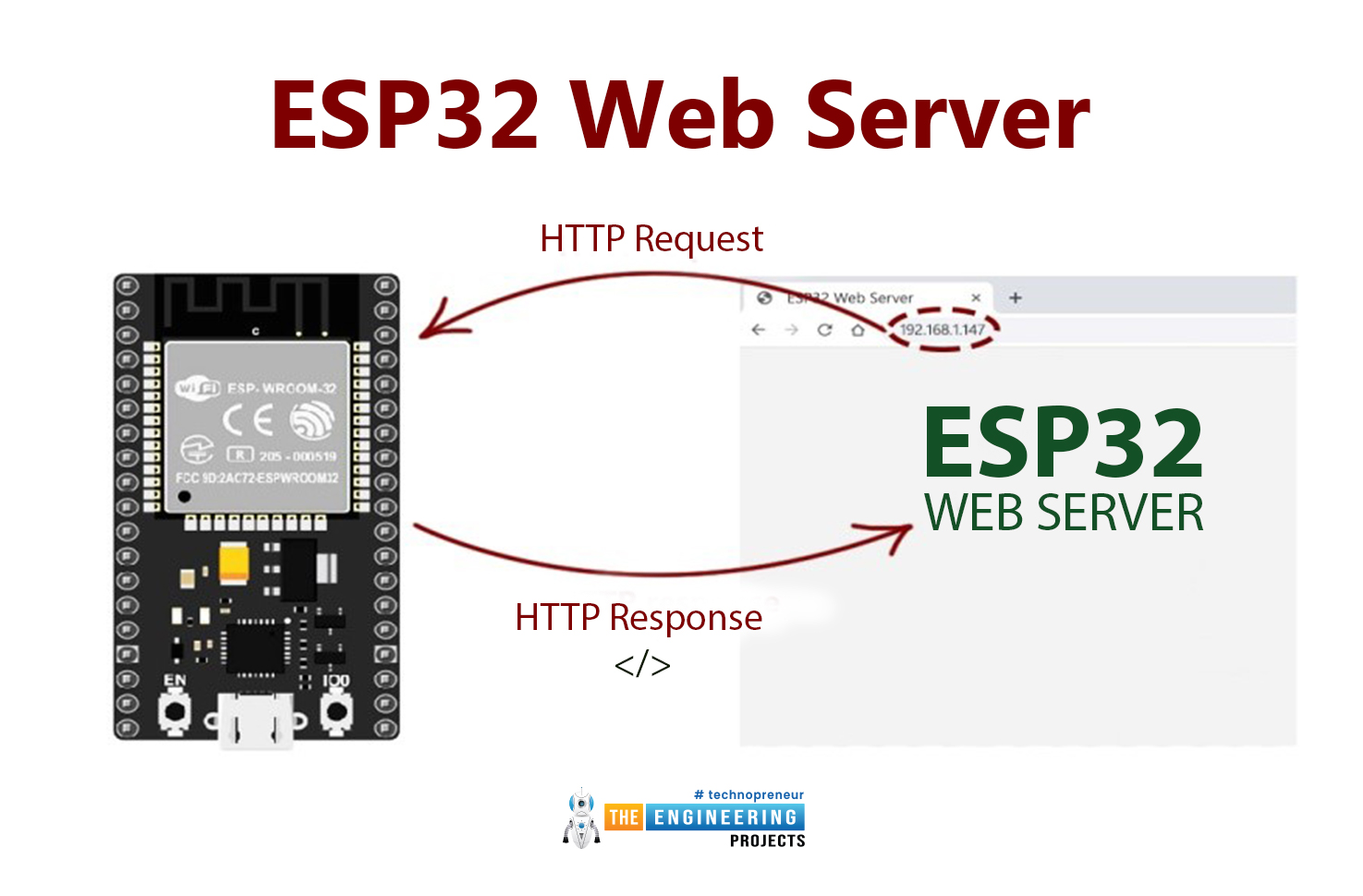
Hello readers, I hope you all are doing great. Today, we are going to start the second section of the ESP32 tutorial series and today's our first tutorial, where we will have a look at How to Create a Web Server with ESP32. In our previous tutorial, we introduced you to the basics of the ESP32 microcontroller . where we discuss How to set up Arduino IDE to program ESP32. In this tutorial, we will discuss creating a web server using the ESP32 module. One of the most interesting features of the ESP microcontroller series is its wireless connectivity via WiFi & Bluetooth. Wireless connectivity protocols supported by ESP32 are: Wi-fi : 802.11b/g/n/e/i Bluetooth : BLE(Bluetooth low energy) and V4.2 What is a Web server? A web server is software or hardware that stores, processes, and delivers w ...
Hello everyone, I hope you're all doing well. In the previous lecture( Chapter 0: ESP32 Pinout ), we discussed the ESP32 features & specs in detail. Today, we are officially starting this ESP32 Programming Series. In this ESP32 Programming Series, we will start with basic concepts and will gradually move towards complex topics. I will try to keep this ESP32 series as simple as I can. But still, if you encounter any issues, please ask in the comments, will try to resolve the issues as soon as possible. As ESP32 has numerous features & applications, so I have divided this series into different sections. I have named the 1st section " ESP32 IDEs ". In this section, we will discuss different IDEs used to program ESP32 boards. In each Chapter of this section, we will install one of these ESP32 ...
Hello friends, I hope you all are doing great. Today, we will create a wifi temperature monitoring system. For reading, we will use the DS18B20 sensor. For data processing and webpage creation, we will use our already known ESP8266. The project will be built as follows: Circuit assembly Code for reading the DS18B20 sensor (we will use Serial for tests). Creation of the webpage (we will use SPIFFS to store in FLASH). But first, let's know a little about the sensor and the communication model it uses. Materials For this project, we will need the following items: For this project, we will need the following items: 1 x ESP8266 1x DS18B20 Sensor 1x Breadboard 1x 4k7 Ohms resistor DS18B20 DS18B20 is a digital temperature sensor with good precision, good customization, practical use, reliable and ...
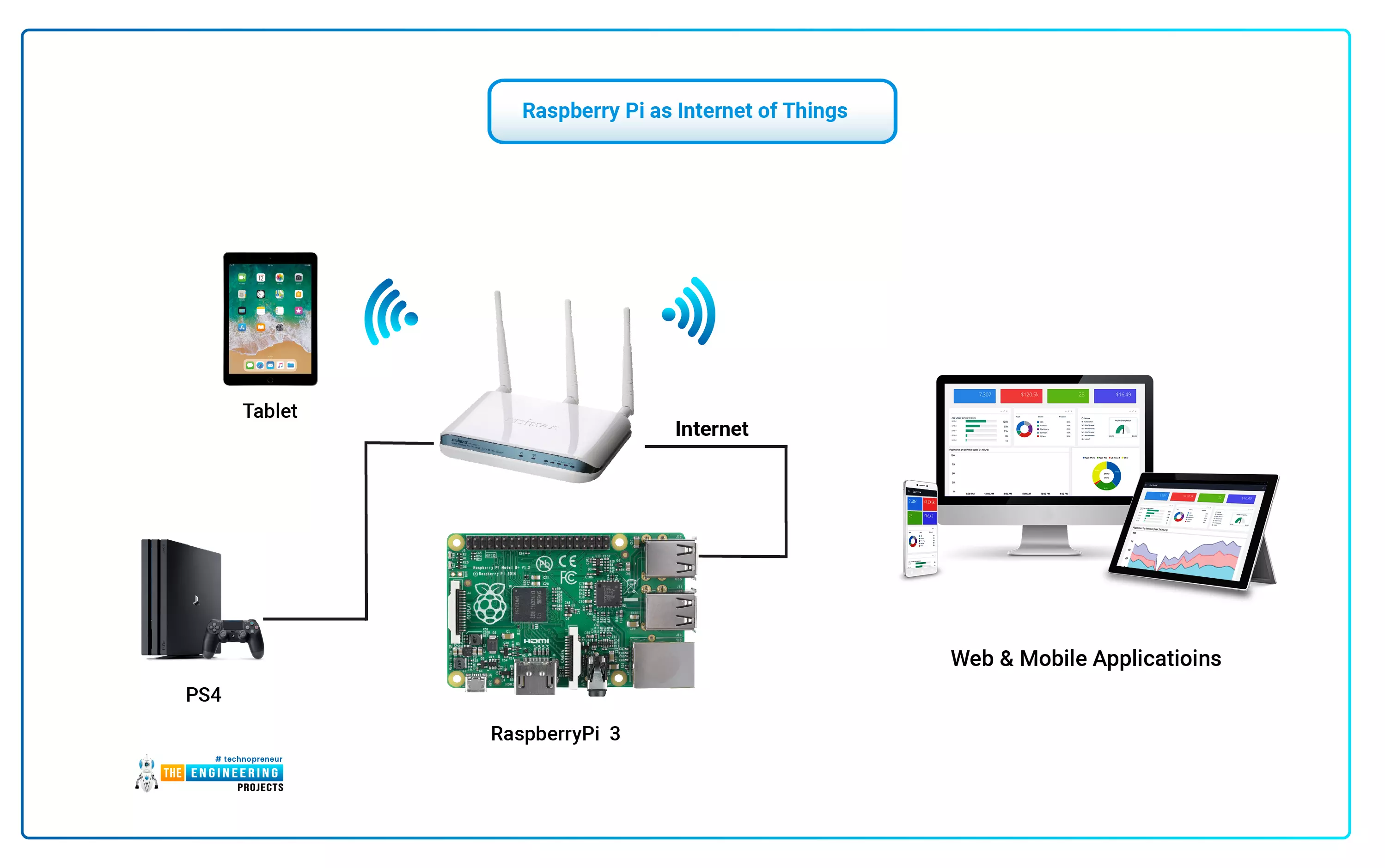
The Internet of Things (IoT) philosophy may be viewed as a highly dynamic and radically dispersed networked system comprised of a huge number of identifiable smart devices. These objects may communicate and interact with one another, as well as with end-users and other network entities. As the Internet of Things era begins, the usage of small, inexpensive, and flexible computer hardware that allows end-user programming becomes more prevalent. The Raspberry Pi, a fully configurable and programmable tiny computer board, is one of them discussed in this article. Although there are certain limitations, the Raspberry Pi remains a low-cost computer that has been used effectively in a wide range of IoT vision research applications despite its few shortcomings. Introduction: Introductory Notes The ...
Today we will talk about an extremely powerful tool in the use of microcontrollers. The Serial communication, specifically the USART (Universal Synchronous Asynchronous Receiver Transmitter) standard. The system works using two wires. RX (Receiver) and TX (Transmitter), connecting two devices. The RX of one is connected to the TX of the other. If the choice is for a synchronous connection, it may be necessary to add one or two more pins to operate as a “traffic light”. But most current microcontrollers can operate asynchronously, which saves us the expense of pins. Data is sent, as the name implies, in a series of bits. ESP8266 provides us with two ports, one of them converted to USB in the NodeMCU module. Applications The range of uses of serial communication is limited only by creativity ...
Introduction When the subject is ESP8266, it is normal that our attention is on the Wifi module. We've already discussed some applications in previous articles, and there's still a lot of cool stuff to see in the future. We've looked at how the ESP8266 communicates with the world via wifi, and now we'll look at how it does it through its pins. Libraries NodeMCU Simulation Libraries Latest library: NodeMCU ESP8266 V3 Library for Proteus V2.0 (October 2026): your ESP8266 sketch with Wi-Fi, a web dashboard, mDNS, a phone panel and a built-in serial monitor Other ESP8266 modules: ESP-01 · ESP-01S · ESP-07 · ESP-07S · ESP-12E · ESP-12F · ESP-01 Adapter · WiFi Shield · NodeMCU V2 · D1 Mini · D1 R2 ESP32 boards and modules: ESP32 DevKit V1 · ESP32-DevKitC V4 · ESP32-S3 DevKitC-1 · ESP32-C3 SuperM ...
In previous articles, we connected the ESP8266 to a pre-existing WIFI network. It is the commonly used method in projects, especially when there is interest in internet access. For these cases, the ESP8266 operates as a “station” on the network. But we can find scenarios where there is no WIFI network to connect. Can we still use the ESP8266 in these cases? Yes, we can! ESP8266 Operational Modes The ESP8266 WiFi module can operate in 2 different modes: STA (the module operates as a station and is available to connect to an Access Point). AP (the module creates a network with customizable SSID and Password. We will discuss how each mode works, its limitations, and how to use STA Mode We use the STA mode to connect the ESP8266 to a pre-existing Wi-Fi network. This connection is made from an ...