Hi Friends! Hope you’re well today. I welcome you on board. In this post today, I’ll describe the Introduction to 74LS74.
74LS74A flip-flop IC carries the Schottky TTL circuitry to generate high-speed D-type flip-flops. Every flip-flop in this chip comes with individual inputs, and also complementary Q and Q`(bar) outputs.
Flip-Flops are normally considered as the basic building blocks of modern digital electronics. These flip-flops are used to store the binary data where stored data can be varied by applying the different inputs.
I suggest you buckle up as in this post I’ll walk you through the complete introduction to 74LS74 covering datasheet, pinout, features, and applications.
Let’s get started.
Introduction to 74LS74
74LS74A flip-flop ...
Hey Guys! Hope you all are doing great and having fun with your lives. I am back to feed your stomach with plenty of information so you can progress and grow in real life. Today, I am going to unlock the details on the Introduction to 2n3055. It is a semiconductor NPN (negative-positive-negative) power transistor which comes in TO-3 Casing.
I'll try to cover as many aspects possible related to this device so can get a brief overview about what it does and what are the applications it is used for. Let's get started.
Introduction to 2n3055
The 2n3055 is a semiconductor NPN bipolar transistor which consists of three terminals called emitter, base, and collector.
Unlike FETs(Field effect transistors) it is a current controlled device in which sm ...
Off-the-shelf software seems to be an excellent solution for companies looking for a speedy product launch, smooth maintenance, and prompt support. However, as time goes on and businesses grow, many will see how important custom apps are for achieving their long-term goals. Indeed, custom-made software development solutions allow you to flexibly add/remove target functionality, enhance user experience, and integrate existing solutions with other tools. And all these are possible inside one application that serves just your specific requirements.
Custom apps are in high demand in the e-commerce, big data, logistics, financial, and healthcare sectors. In 2021, the worldwide custom software development market was valued at $24.46 billion. And this number is predicted to increase between 20 ...
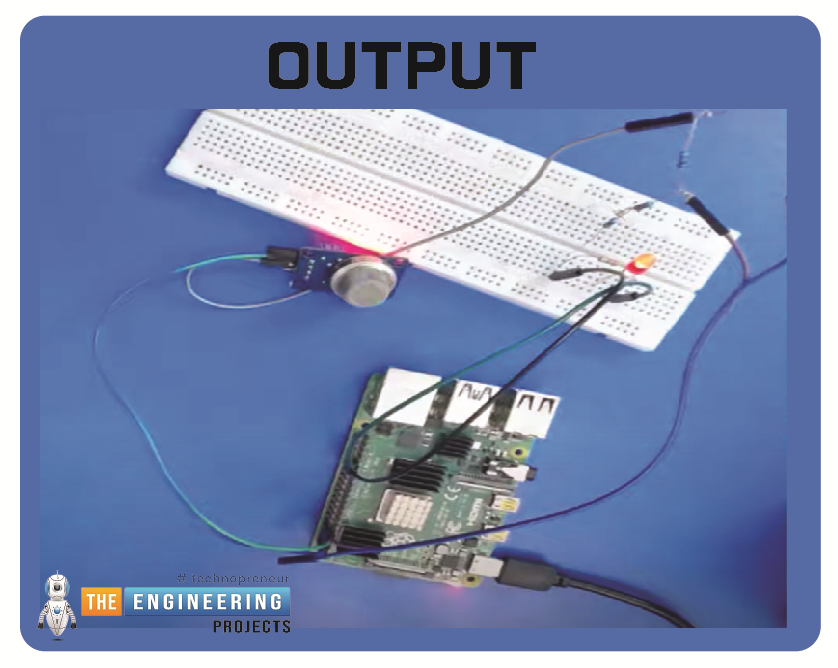
Hello friends, I hope you all are having fun. Today, I am going to share the 9th tutorial of Section-III in our Raspberry Pi 4 Programming Course. In the previous tutorial, we interfaced an air pressure sensor BMP180 with Raspberry Pi 4. In this tutorial, you'll learn how to interface an MQ-2 gas sensor with a Raspberry Pi 4. Many apartments, residences, and workplaces rely heavily on these gas sensors to detect smoke or gas and alert the appropriate personnel in an emergency. In addition to gas and smoke, this sensor is sensitive to various odorous gases.
Project DescriptionToday, we will interface a gas sensor MQ-2 with Raspberry Pi 4 and will display the values on Raspberry Pi Console Window.
Components Required
These are the components use ...
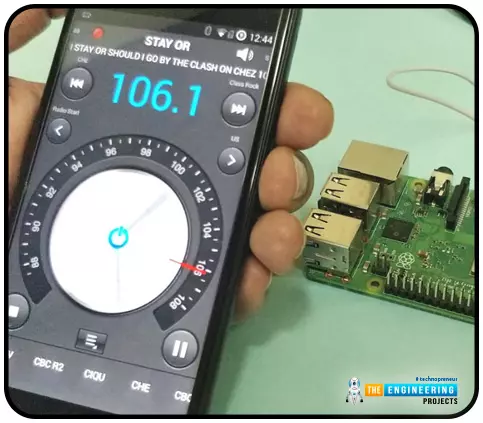
Throughout our lives, we've relied on Radio and tv stations to keep us engaged. While we're on the subject of contradictions, it's also fair to say that these Stations can become tedious at times due to the RJ rambling on about nothing or annoying advertisements, and this may have left you wondering why you can't own a Radio station to broadcast your data over short distances.
Almost any electronics technician uses coils and other hardware to make an FM transmitter, although the tuning process is time-consuming and difficult. Setting up your FM station and going live in your neighborhood shouldn't take more than 30 minutes using an RPi. If you use the right antenna, you must be able to transmit to your school or community within 50 meters. Wow, th ...
Greeting learners! Welcome to the new tutorial on Python, where we are going to discuss the loops. In the previous lecture, our focus was on the primary introduction of the loops in Python. If you are from a programming background, you must know that there is a little bit of difference between the loops in Python and those in other programming languages. At the end of the previous lecture, we saw the details of the basic differences and examined why we consider Python better than other languages when considering loops. In the current lecture, our focus is only on the while loop, and you will get to know its importance soon when we discuss the detail of this loop. But before this, have a look at the list of the major concepts:
What are the loops?
Why do we use the while loop in Python?
W ...
Buying a car can be a daunting challenge given the vast array of options available on the market. Purchasing more complex equipment, such as compact track loaders, may bring an additional level of worry.
It is easy to tackle if you ask yourself the right questions before purchasing this equipment. In this review, we will learn in detail why.
What Is a Compact Track Loader and Why Opt for It?
Let's bring the benefits to the table first. When you buy a compact track loader, you get a piece of is professional construction equipment, yet it is compact, as its title suggests. This feature is its first advantage.
Moreover, its capacities are pretty balanced, allowing a developer to use this equipment for a wide range of tasks on the site. Aside from being versatile, it is also highly apprec ...
Hello readers, I hope you are all doing great. Welcome to the 2nd lecture of Section 5(ESP32 Sensors) in the ESP32 Programming Series. In the previous tutorial, we discussed the built-in ESP32 Hall Effect Sensor. In this tutorial, we will discuss another inbuilt sensor of the ESP32 i.e. Capacitive Touch Sensor.
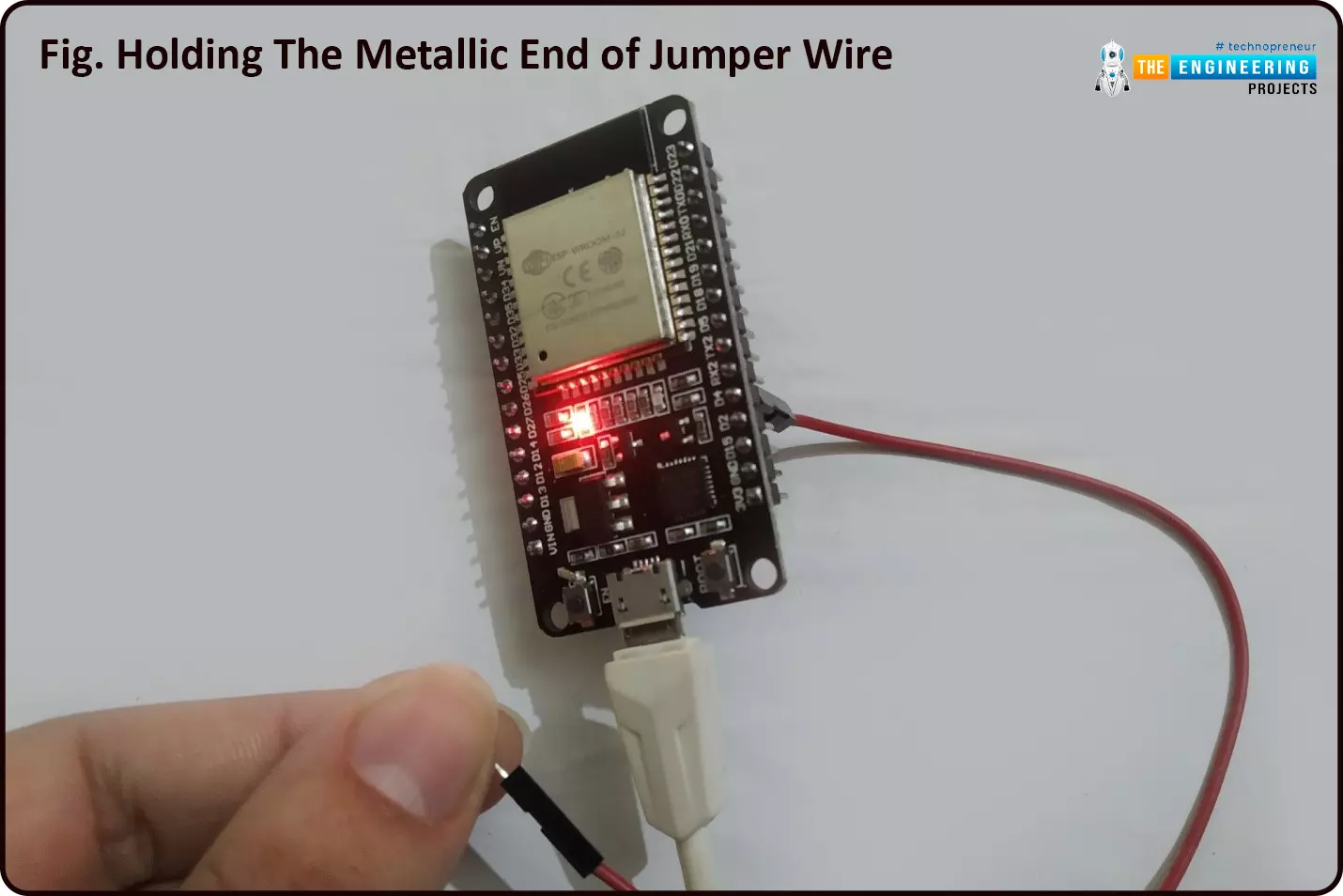
ESP32 Board has 10 built-in capacitive touch pins, which generate an electrical signal when someone touches these pins. These ESP32 touch pins are normally used to wake up the board from deep sleep mode. These touch pins are also used to replace the normal mechanical buttons with touch pads, improving the presentation of the IoT projects.
Here's the video demonstration of the ESP32 Capacitive Touch Sensor:
Before going forward, let's first understand how this touch sens ...
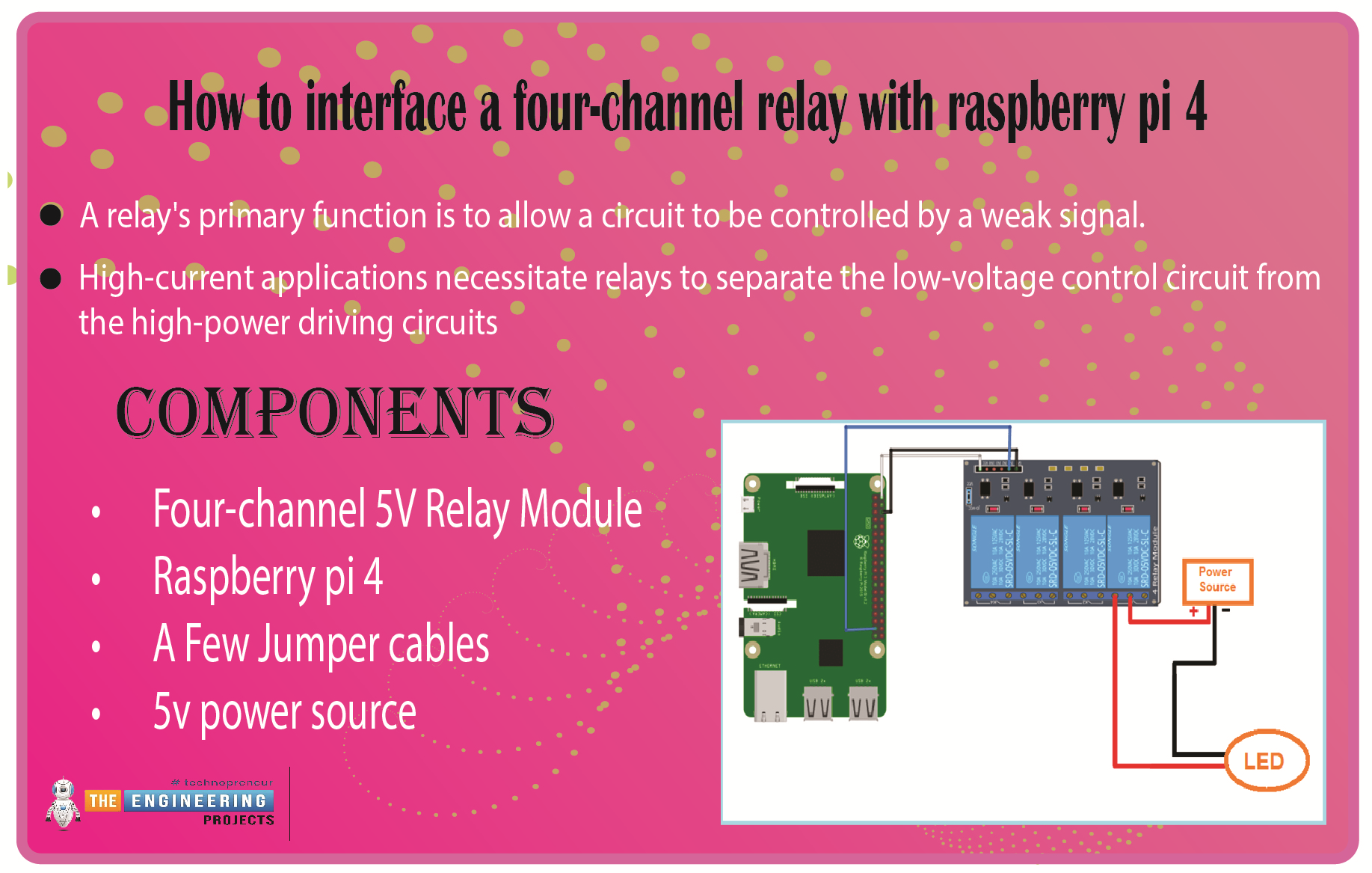
We learned in the previous tutorial how to connect a joystick to a Raspberry Pi 4 using an mcp3008 and an op-amp IC, the LM324A. For each of the interface methods we studied, we created a python script allowing us to interact with the circuit. This tutorial will show you how to connect a 4-channel relay module with a Raspberry Pi to carry out switching.
A relay's primary function is to allow a circuit to be controlled by a weak signal. High-current applications necessitate relays to separate the low-voltage control circuit from the high-power driving circuits. Because of this, understanding it is crucial for those interested in industrial or household automation.
If you've been tinkering with a raspberry pi for a while, consider the various ways ...
Hello friends, I hope you all are doing great. In today's tutorial, I am going to show give you an overview of the future of Cloud Development. As one of the fastest-growing innovations of modern technology, cloud computing has revolutionized our relationship with the internet and the ways we’re able to connect and share resources with others around the globe. As tech companies are rapidly discovering even more ways to utilize all of the cloud’s advantages, the future of cloud development is sure to bring further advancements as an integral part of our everyday lives.
Where it is and where it’s going
Cloud development has taken off because of its ease of use, security, scalability, and reduction of costs. Many companies have been growing more relia ...