… for the UART of your board Serial Monitor Expert : the serial monitor with extra debugging tools LCD Library for Proteus V3.0 : 16x2, 20x4 and I2C LCDs to show your readings We were receiving many complaints about the large size of the previous sound sensor, …
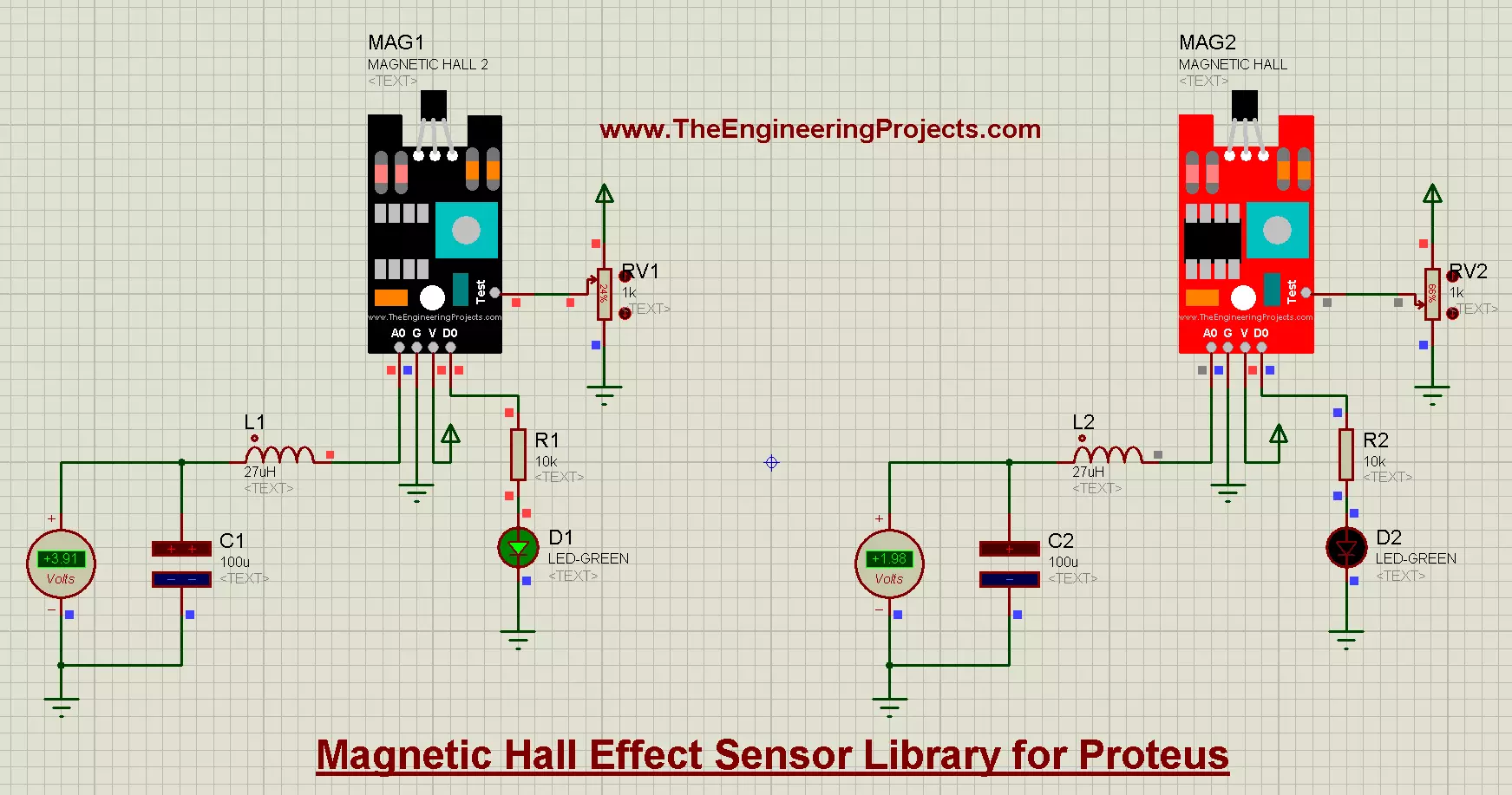
… for the UART of your board Serial Monitor Expert : the serial monitor with extra debugging tools LCD Library for Proteus V3.0 : 16x2, 20x4 and I2C LCDs to show your readings In this library, you will find 4 models of the KY-024 Magnetic Hall Effect Sensor. …
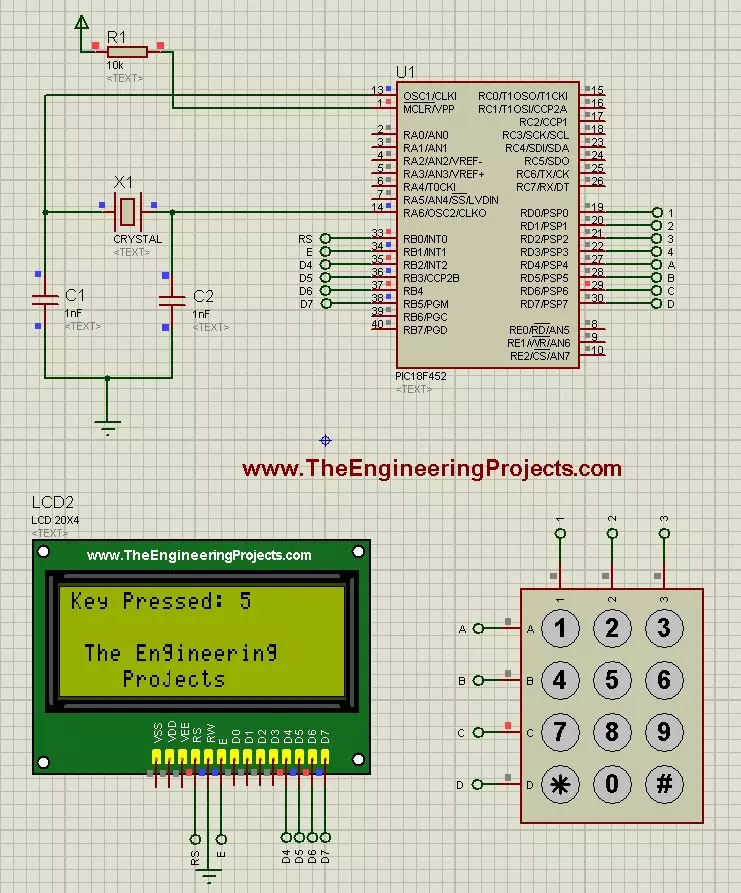
… LCD_RS at RB0_bit; sbit LCD_EN at RB1_bit; sbit LCD_D4 at RB2_bit; sbit LCD_D5 at RB3_bit; sbit LCD_D6 at RB4_bit; sbit LCD_D7 at RB5_bit; sbit LCD_RS_Direction at TRISB0_bit; sbit LCD_EN_Direction at TRISB1_bit; sbit LCD_D4_Direction at TRISB2_bit; sbit LCD_D …
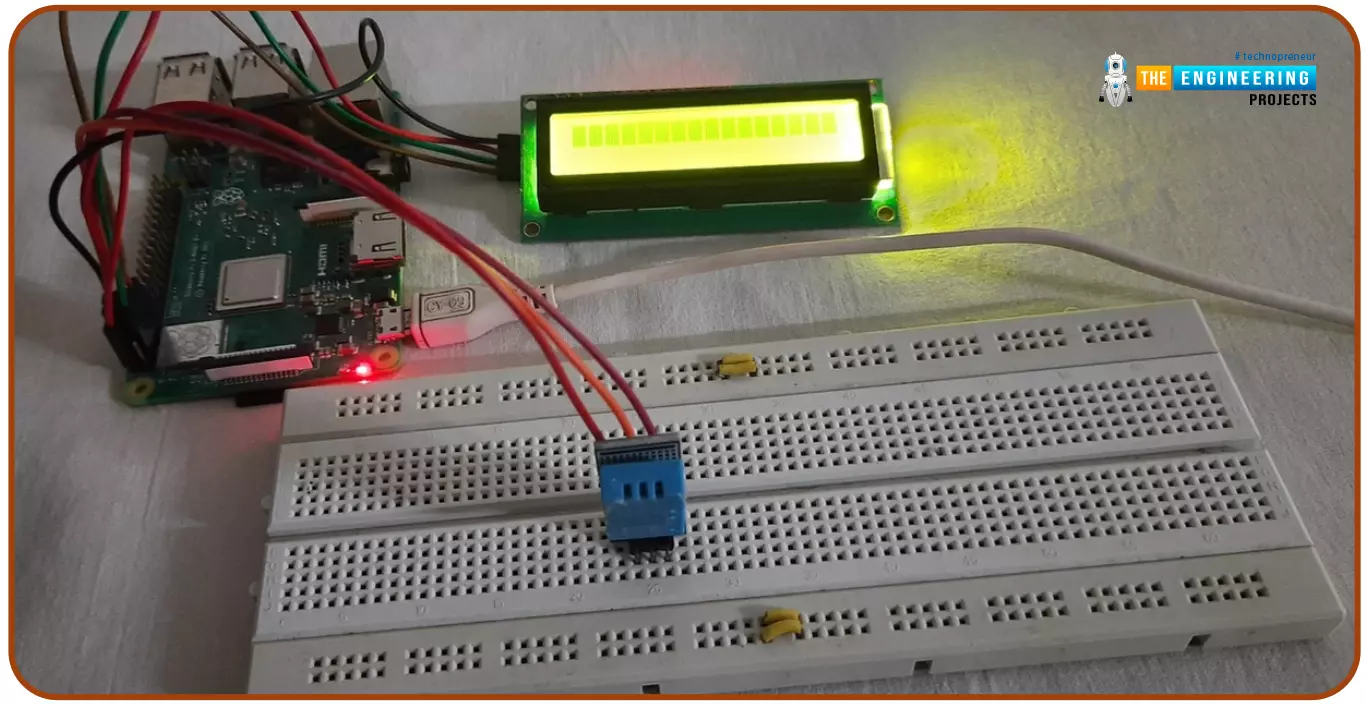
… Raspberry Pi 4: We have also placed an LCD 16x2 to display the values. We have already discussed LCD Interfacing with RPi4, but in that tutorial, we used data pins to write on the LCD, but today, we will use an I2C LCD and send the data via I2C pins. Here are …
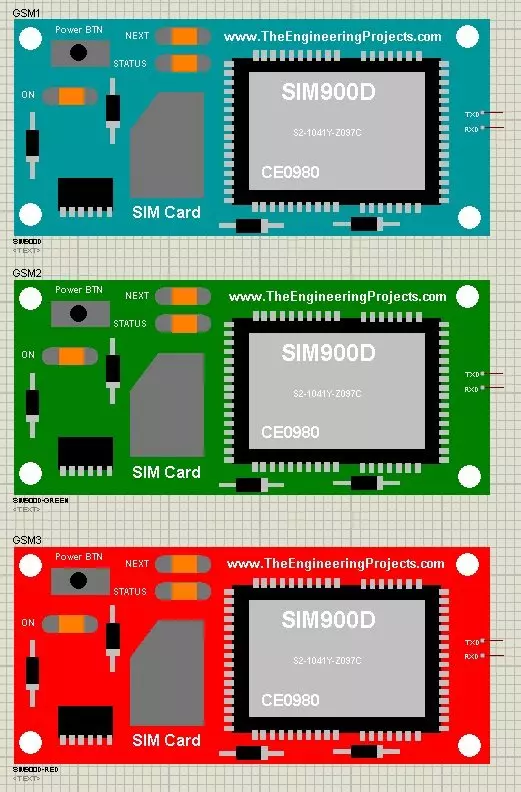
… for the UART of your board Serial Monitor Expert : the serial monitor with extra debugging tools LCD Library for Proteus V3.0 : 16x2, 20x4 and I2C LCDs to show your readings As its the first version of our GSM Library so its not complete or perfect. It is …
… for the UART of your board Serial Monitor Expert : the serial monitor with extra debugging tools LCD Library for Proteus V3.0 : 16x2, 20x4 and I2C LCDs to show your readings If you don't know much about L298 then you should also have a look at Introduction to …
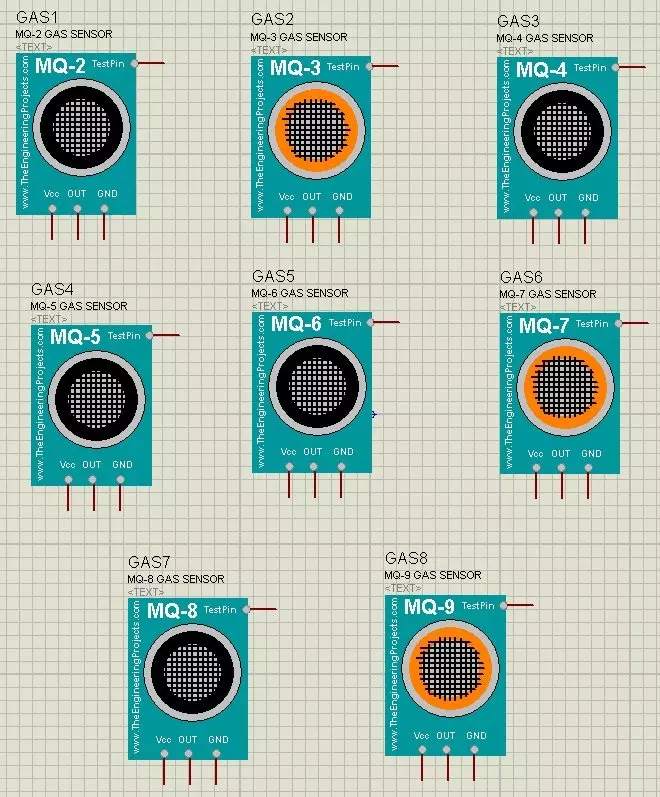
… for the UART of your board Serial Monitor Expert : the serial monitor with extra debugging tools LCD Library for Proteus V3.0 : 16x2, 20x4 and I2C LCDs to show your readings In this Gas Sensor Library for Proteus , I have added eight different Gas Sensors, …
… from the remote Section then it will be displayed in the LCD as shown in below figure: You can see in the above figure that both sensors are detecting and the temperature is also displayed in the LCD. Now the complete working of this project is shown in the …
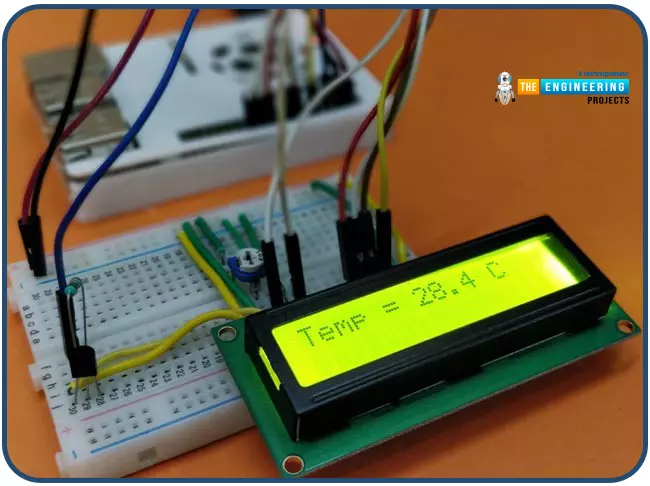
… to first install the LCD Python library and enable the 1-wire protocol in RPi board. Adafruit LCD Library. 1-Wire Protocol. Adafruit LCD library We need to install Raspberry Pi's Adafruit LCD library to display the temperature on the LCD screen. Using …
… for the UART of your board Serial Monitor Expert : the serial monitor with extra debugging tools LCD Library for Proteus V3.0 : 16x2, 20x4 and I2C LCDs to show your readings L-298 has two enable input to control any device by enabling or disabling it. L 298 IC …