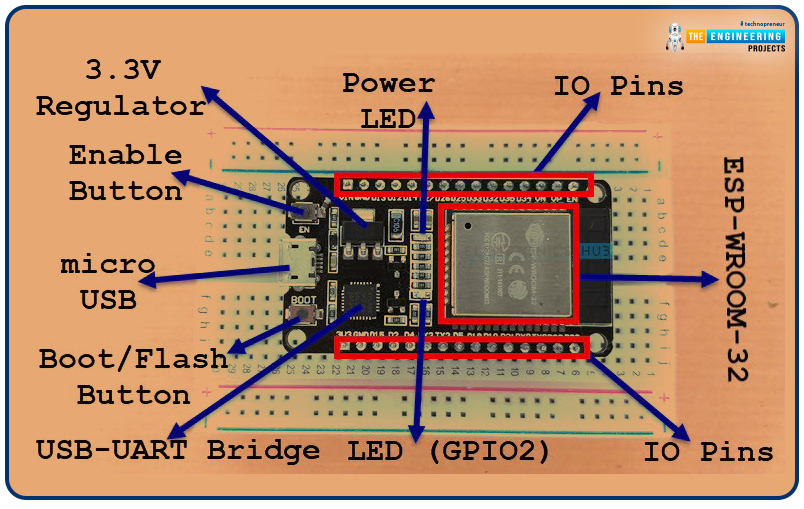
In today’s tutorial, we’ll show you how to program the ESP32-CAM module. ESP32-CAM module is suitable for building basic surveillance or monitoring systems. Its price is quite reasonable. You can use it for lots of AI-based projects like object detection, face recognition etc. Libraries ESP32 Simulation Libraries ESP32 boards and modules: ESP32 DevKit V1 · ESP32-DevKitC V4 · ESP32-S3 DevKitC-1 · ESP32-C3 SuperMini · TTGO T-Display · ESP32-WROOM-32 · AirLift WiFi Shield · AirLift ESP32 Breakout · WT32-ETH01 ESP8266 modules: ESP-01 · ESP-01S · ESP-07 · ESP-07S · ESP-12E · ESP-12F · ESP-01 Adapter · WiFi Shield · NodeMCU · NodeMCU V2 · D1 Mini · D1 R2 Helping Tools Laptop WiFi Monitor : a laptop on the Wi-Fi of your design: a browser, a TCP / UDP terminal and ping Mobile WiFi Monitor : a smar ...
Welcome to the next tutorial of our Raspberry Pi programming tutorial. The previous tutorial showed us how to Interface weight sensor HX711 with pi 4. We learned that a weight sensor HX711 and load cell could be easily interfaced with a Raspberry Pi 4 with careful attention to wiring and software configuration. However, now we're one step ahead of that by using the Internet as the wireless medium to transmit the message from a Web browser to an LCD screen attached to a Raspberry Pi. This project will be added to our collection of Internet of Things (IoT) projects because messages can be sent from any Internet-connected device, such as a computer, smartphone, or tablet. A bulletin board serves as a vital means of communicating and collecting information. Notice boards are common at many pub ...
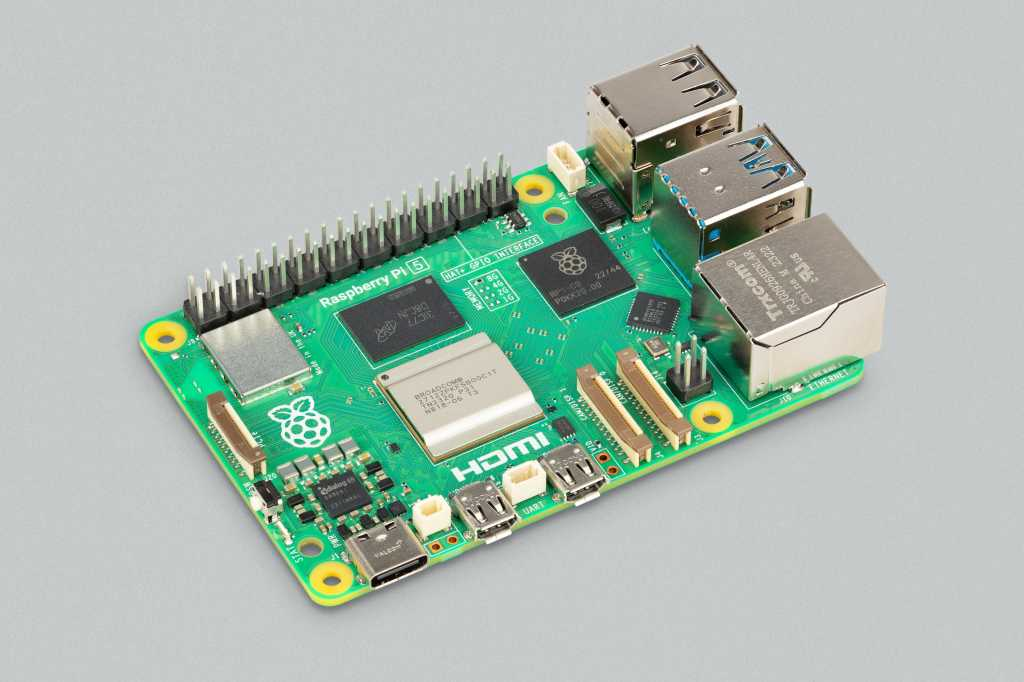
Hello everyone, I hope you all are doing great. In today's lecture, we will discuss one of the most advanced Embedded Microprocessors i.e. Raspberry Pi 5. At the time of this writing, Raspberry Pi 5 is the latest board designed in the Raspberry Pi series. Libraries Raspberry Pi Simulation Libraries Raspberry Pi boards: Pico · Pico W · Pi Model B · Pi 2 · Pi 3 · Pi 4 · Zero W Helping Tools Serial Monitor Advance : a serial terminal window for the UART of your board Serial Monitor Expert : the serial monitor with extra debugging tools LCD Library for Proteus V3.0 : 16x2, 20x4 and I2C LCDs to show your readings Raspberry Pi 5 is designed by a UK-based charity foundation named Raspberry Pi Foundation. Initially, these boards were designed for students and hobbyists but because of their compact ...
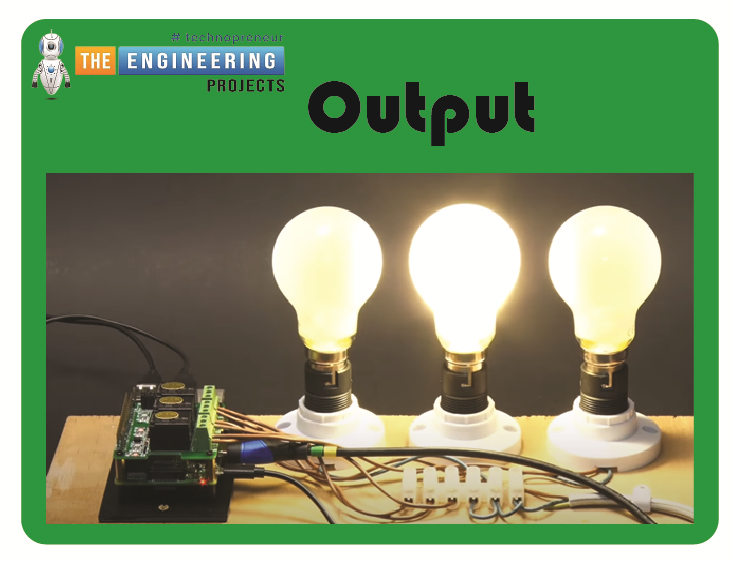
Welcome to the next tutorial of our raspberry pi 4 tutorial. In the previous tutorial, we learnt how to interface a gas sensor with a pi 4. However, in this tutorial will cover how to automate your home with a Raspberry Pi and Bluetooth Low Energy. To automate a home means to mechanize its environment, including the appliances within it. To that end, we've designed an intelligent lamp whose functionality can be adjusted from afar via a companion mobile app. Using your smartphone, you'll be able to manage a variety of household gadgets. The following code demonstrates using a mobile device as a remote controller for a Raspberry Pi's GPIO pins. (Or another BleuIO Dongle). Instructions Requirements The recently introduced Raspberry Pi 4 will serve as our testbed, but the lessons learned here ...
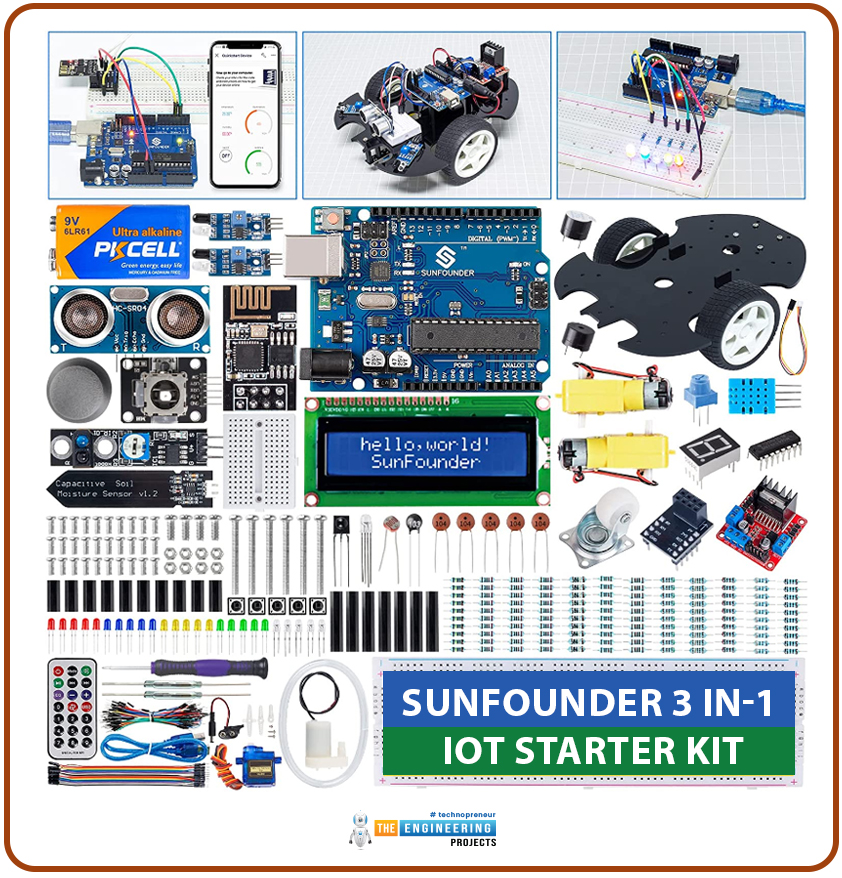
A starter kit is a pack of components. It provides everything needed to learn a particular activity. A starter kit is for helping beginners. It makes the initial steps simple. It provides the necessary tools, materials, or information for students. There are various types of starter kits. Kits are available for teaching electronics, hobbies, crafts, sports, and technology. They often include essential instructions. Sometimes starter kits come with educational resources. Their purpose is to make learning quick and easy. For DIY projects, a starter kit serves as a convenient entry point. They offer the necessary foundation and guidance to explore and engage in a new interest. Why we need starter kits: Starter kits make learning easy. Beginners cannot make a good parts list for learning. They ...
Welcome to the next tutorial of our raspberry pi 4 programming course. A previous article covered connecting a Remote Control Radio Frequency Module (433 MHz) to a Raspberry Pi 4. To turn things on and off wirelessly, we programmed a Raspberry Pi 4 to act as a radio-frequency (RF) remote control. However, this guide will study how to wirelessly pair a Raspberry Pi 4 and an ESP32. After reading this article, you'll get a good grounding in the fundamentals of Bluetooth module operation between two ESP32 and Pi 4 communication. When it comes to sharing data over short distances using Ultra High-Frequency Radio Waves, Bluetooth is one of the most reliable and effective short-range wireless communication solutions. Since Bluetooth Technology was initially conceived as a cable substitution techn ...
Thank you for joining us today for our in-depth Raspberry Pi programming tutorial. The previous guide covered the steps necessary to connect a fingerprint scanner to a Raspberry Pi 4. In addition, we developed a python script to complement the sensor's ability to identify fingerprints. Yet, in this guide, we'll discover how to interface a ws2812 RGB to a Raspberry Pi 4. Bright, colorful lights are the best, and this tutorial shows you how to set up Fully Configurable WS2812B led strips to run on a Pi 4 computer as quickly and flexibly as possible. In that manner, you can have the ambiance of your home reflect your tastes. In most cases, when people talk about a "WS2812B Strip," they mean a long piece of extensible PCB with a bunch of different RGB LED Nodes spread out and dotting all along ...
Welcome to today's article on our comprehensive Raspberry Pi 4 programming guide. As we saw in the previous article, the Raspberry Pi 4 may power a single seven-segment display. In addition, we also interfaced a Raspberry Pi with 4 Seven-Segment Display Modules to display the time. However, this guide will show you how to construct a Raspberry Pi 4 crypto miner that uses very little electricity. Cryptocurrencies have been the subject of widespread conversation for some time now. It's possible to use your computer to create them, and they can be used as currency. Because of this, the Raspberry Pi can also be used for Bitcoin mining. It's also possible to mine other cryptocurrencies. One drawback of mining is that the cost of electricity often exceeds the revenue it brings in. So, let's chec ...
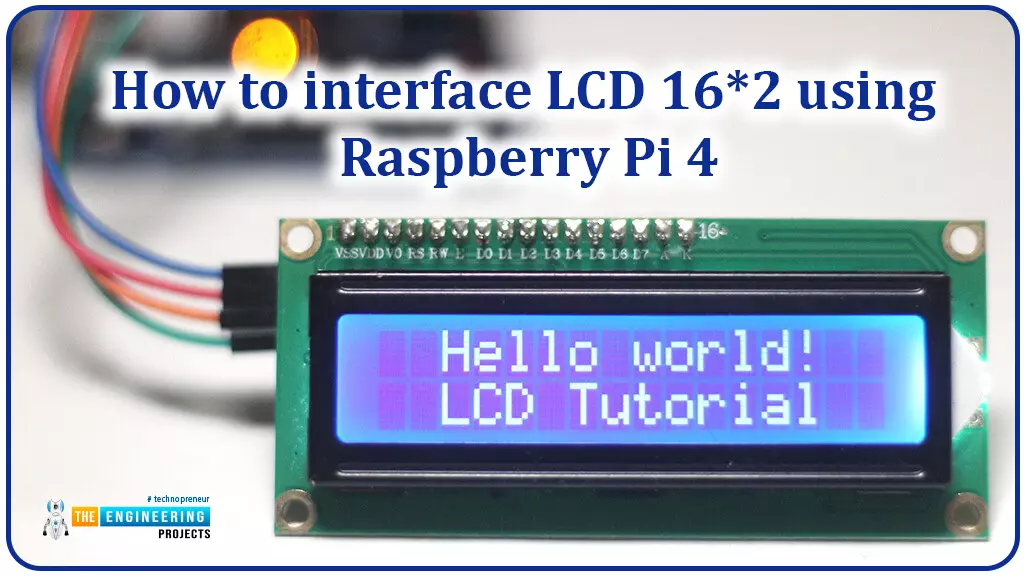
Hello friends, I hope you all are doing great. Today, I am going to share the 6th lecture in the Raspberry Pi 4 Programming series. We're glad you could join us for another lesson in our comprehensive Raspberry Pi programming guide. In today's guide, I'll show you how to interface a 16x2 LCD screen with Raspberry Pi 4. So, let's get started: Interface LCD 16x2 with Raspberry Pi 4 Today, we are going to interface a 16x2 LCD screen with Raspberry Pi 4. At first, we will print the "Hello World" text on the LCD, and in the last section, we will implement the scrolling and blinking of text on the LCD. Here's the video tutorial on LCD interfacing with Raspberry Pi 4: Components Required We will need the following components for today's project: Raspberry Pi 4. Micro SD Card. 16x2 LCD. Breadboard ...
We're glad you could join us for another lesson in our comprehensive Raspberry Pi programming guide. I will show you how to install and connect the RFID card chip to your Raspberry Pi through step-by-step instructions. Modern security systems would only be complete using radio frequency (RFID) devices. To control who can enter a facility or which rooms they can access, RFID chips and card readers are employed. The RFID card's unique identification number can be read wirelessly with a wall-mounted RFID reader. A door will only unlock and allow entry if the RFID card's unique identification number matches a list of approved cards. It's fun to tinker with this circuit, and it may be used in many other applications, from opening locks to taking attendance. The MFRC522 microcontroller underpins ...