Hello friends, I hope you all are doing great. Today, I am going to share the new Micro SD Card Module Library for Proteus V1.0 . The micro SD card module is how an Arduino keeps data: a data logger writes its readings to a CSV file, a game loads its levels, a clock keeps a record of every event, and you take the card to your PC afterwards. The Arduino talks to the card over SPI with four wires, and the SD library does the rest. Until now there was no SD card module in Proteus that the real SD library could read and write. Updates Micro SD Card Module Library for Proteus Latest version: V1.0 (October 2026, this tutorial) Other modules: MAX485 RS485 · MCP2515 CAN · DS3231 RTC · DFPlayer Mini Helping Tools Serial Monitor Advance : a serial terminal window for the UART of your board Serial Mo ...
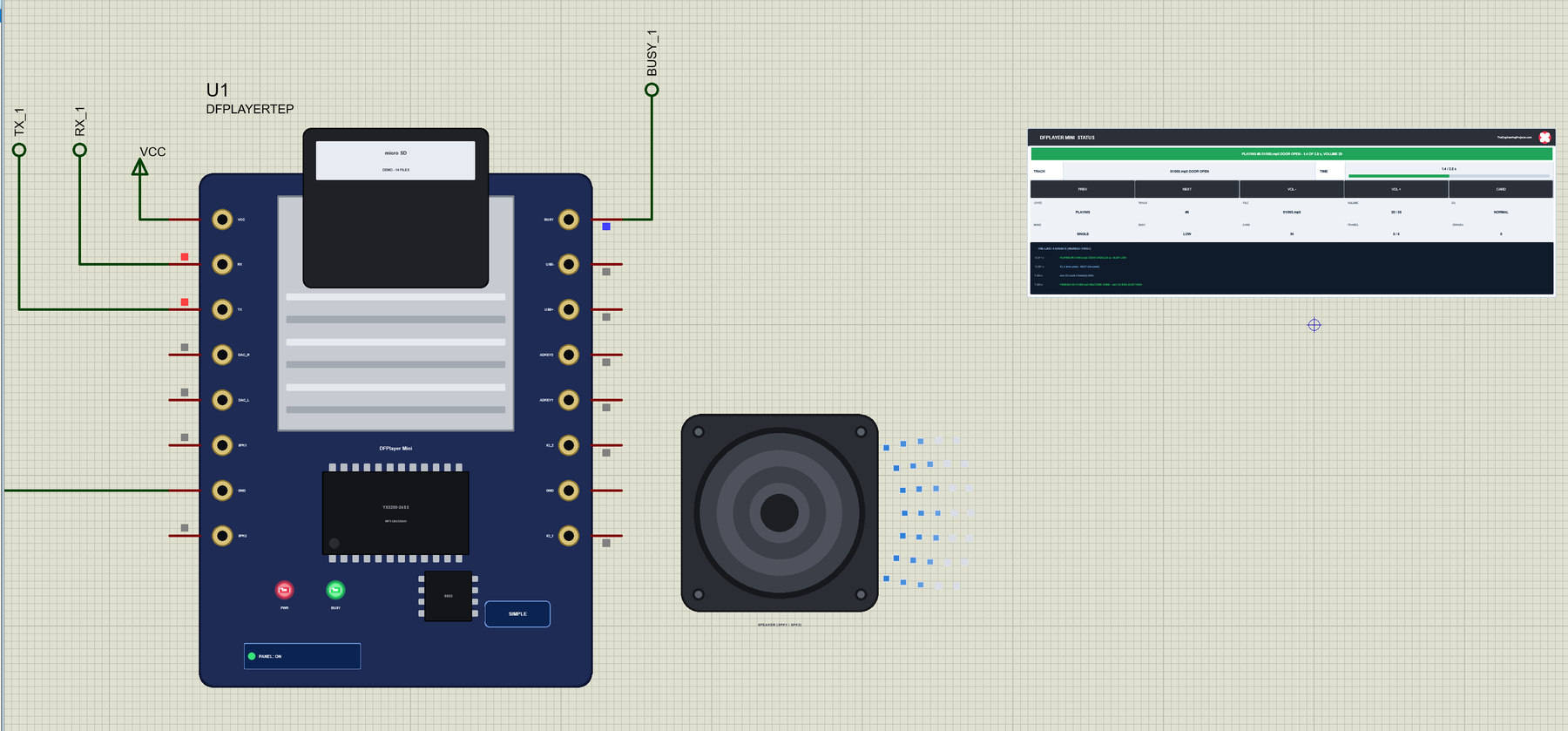
Hello friends, I hope you all are doing great. Today, I am going to share the new DFPlayer Mini Library for Proteus V1.0 . The DFPlayer Mini is the tiny MP3 player module with a micro SD card slot that so many Arduino projects use for a voice that says "welcome home", a door bell, an alarm or background music. The Arduino sends it short serial commands - play file 4, volume 20, next - and the module does the rest: it reads the card, decodes the MP3 and drives a speaker. In a simulation it was hard to try, because Proteus has no such part and no card to read. Updates DFPlayer Mini Library for Proteus Latest version: V1.0 (October 2026, this tutorial) Other modules: Micro SD · MAX485 RS485 · MCP2515 CAN · DS3231 RTC Helping Tools Serial Monitor Advance : a serial terminal window for the UART ...
Hello friends, I hope you all are doing great. Today, I am going to share the new TFT ILI9341 Library for Proteus V1.0 . The red 2.4" and 2.8" TFT with touch is the colour screen that turns an Arduino project into a real device: 240 x 320 pixels, 65,536 colours, a bright backlight and a resistive touch screen you can press, all on a few SPI wires. Buttons, sliders, menus and drawing pads become possible. With this TFT ILI9341 Library for Proteus , your sketch draws on a TFT that behaves like the real one, and you touch it with the mouse: click and drag on the glass, and the touch controller reports the point, just as a finger would. Updates ILI9341 TFT LCD Library for Proteus Latest version: V1.0 (October 2026, this tutorial) Other displays: OLED · Nokia 5110 · LCD 128x64 · ST7735 · ST7789 ...
Hello friends, I hope you all are doing great. Today, I am going to share the new ST7789 TFT LCD Library for Proteus V1.0 . If you have bought a tiny colour screen for an Arduino project lately, there is a good chance it was one of the small blue 1.3" or 1.54" IPS TFT modules: a square 240 x 240 picture, sharp from any angle, driven over SPI by the ST7789 controller. They are cheap, bright and perfect for watches, gauges and little dashboards, and now you can design for them in Proteus before you solder a single wire. Updates ST7789 TFT LCD Library for Proteus Latest version: V1.0 (October 2026, this tutorial) Other displays: OLED · Nokia 5110 · LCD 128x64 · ST7735 · ILI9341 · TFT Shield 2.4 inch · TFT Shield 3.5 inch · E-Paper Helping Tools Serial Monitor Advance : a serial terminal windo ...
Hello friends, I hope you all are doing great. Today, I am going to share the new TFT ST7735 Library for Proteus V1.0 . The 1.8" TFT is the little colour screen you find in so many Arduino kits: 128 x 160 pixels, 65,536 colours, a bright backlight and just a few SPI wires. It is the next step after a character LCD or a small OLED, when your project needs colours, graphs and icons. With this TFT ST7735 Library for Proteus , your sketch draws on a 1.8" TFT that behaves like the real one, including its two famous puzzles: the white screen and the wrong tab. Updates TFT ST7735 Library for Proteus Latest version: V1.0 (October 2026, this tutorial) Other displays: OLED · Nokia 5110 · LCD 128x64 · ST7789 · ILI9341 · TFT Shield 2.4 inch · TFT Shield 3.5 inch · E-Paper Helping Tools Serial Monitor ...
Hello friends, I hope you all are doing great. Today, I am going to share the new 3.5" TFT LCD Shield Library for Proteus V1.0 . When the 2.4" screen gets too small for your menus, meters and buttons, the next step on an Arduino UNO is the red 3.5 inch TFT LCD shield : 480 x 320 pixels, twice the pixels of the 2.4" shield, the same 65,536 colours and the same resistive touch screen , and it still plugs straight on the UNO. With this 3.5" TFT LCD Shield Library for Proteus , you can design a full-size touch interface, test it in the simulation and see exactly what the real shield would show, pressing the glass with your mouse. Updates 3.5 inch TFT LCD Shield Library for Proteus Latest version: V1.0 (October 2026, this tutorial) Other displays: OLED · Nokia 5110 · LCD 128x64 · ST7735 · ST778 ...
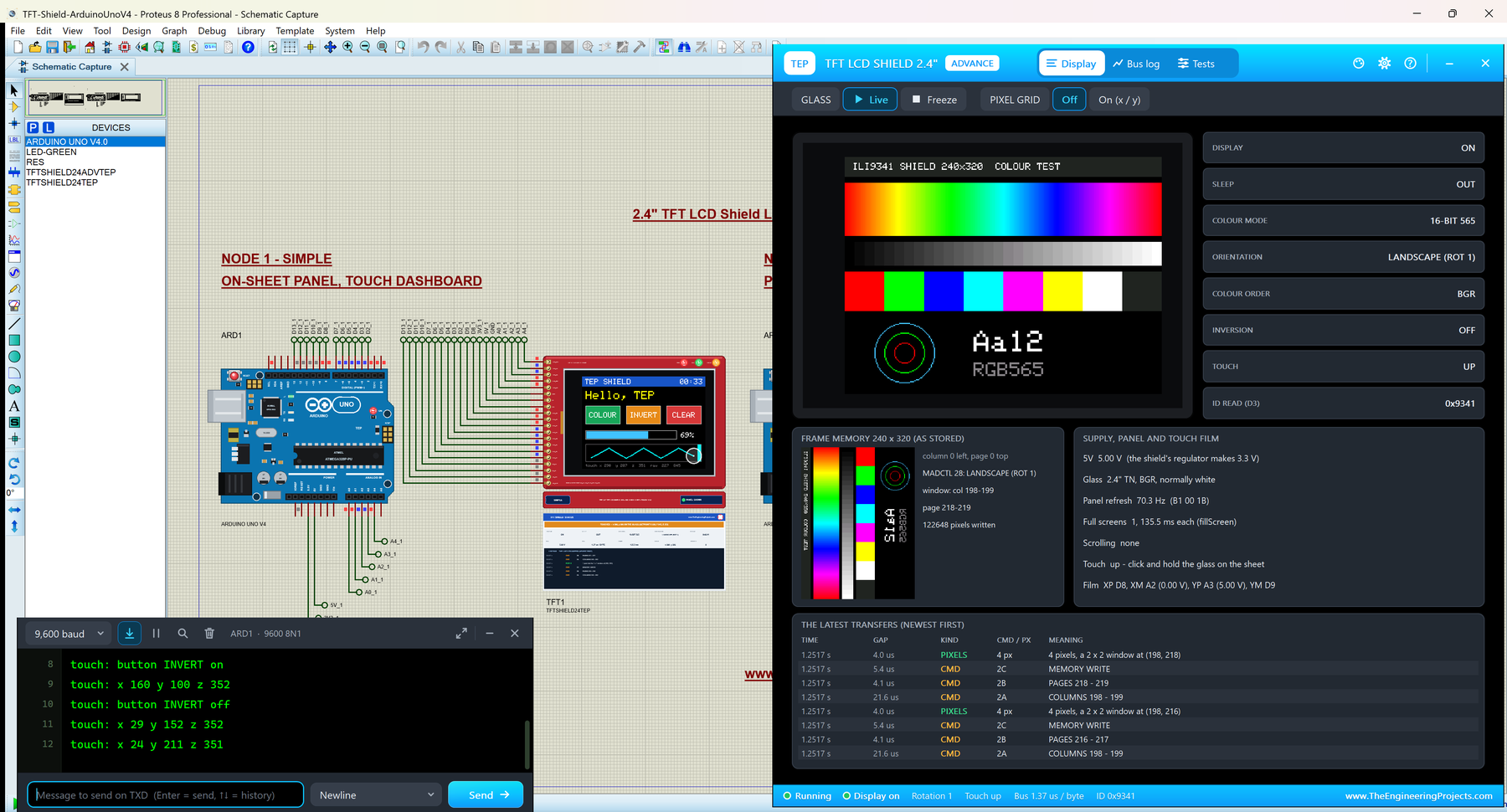
Hello friends, I hope you all are doing great. Today, I am going to share the new TFT LCD Shield Library for Proteus V1.0 . The red 2.4" TFT LCD shield is the easiest colour touch screen for an Arduino UNO: it plugs straight on the board, with no wires at all, and gives you 240 x 320 pixels, 65,536 colours and a resistive touch screen . It is the shield of countless Arduino projects: menus, games, meters, paint programs, home controls. With this TFT LCD Shield Library for Proteus , your sketch draws on a shield that behaves like the real one, and you touch it with the mouse: click and drag on the glass, and the sketch reads the point with analogRead() , exactly as on the real board. Updates TFT LCD Shield Library for Proteus Latest version: V1.0 (October 2026, this tutorial) Other displays ...
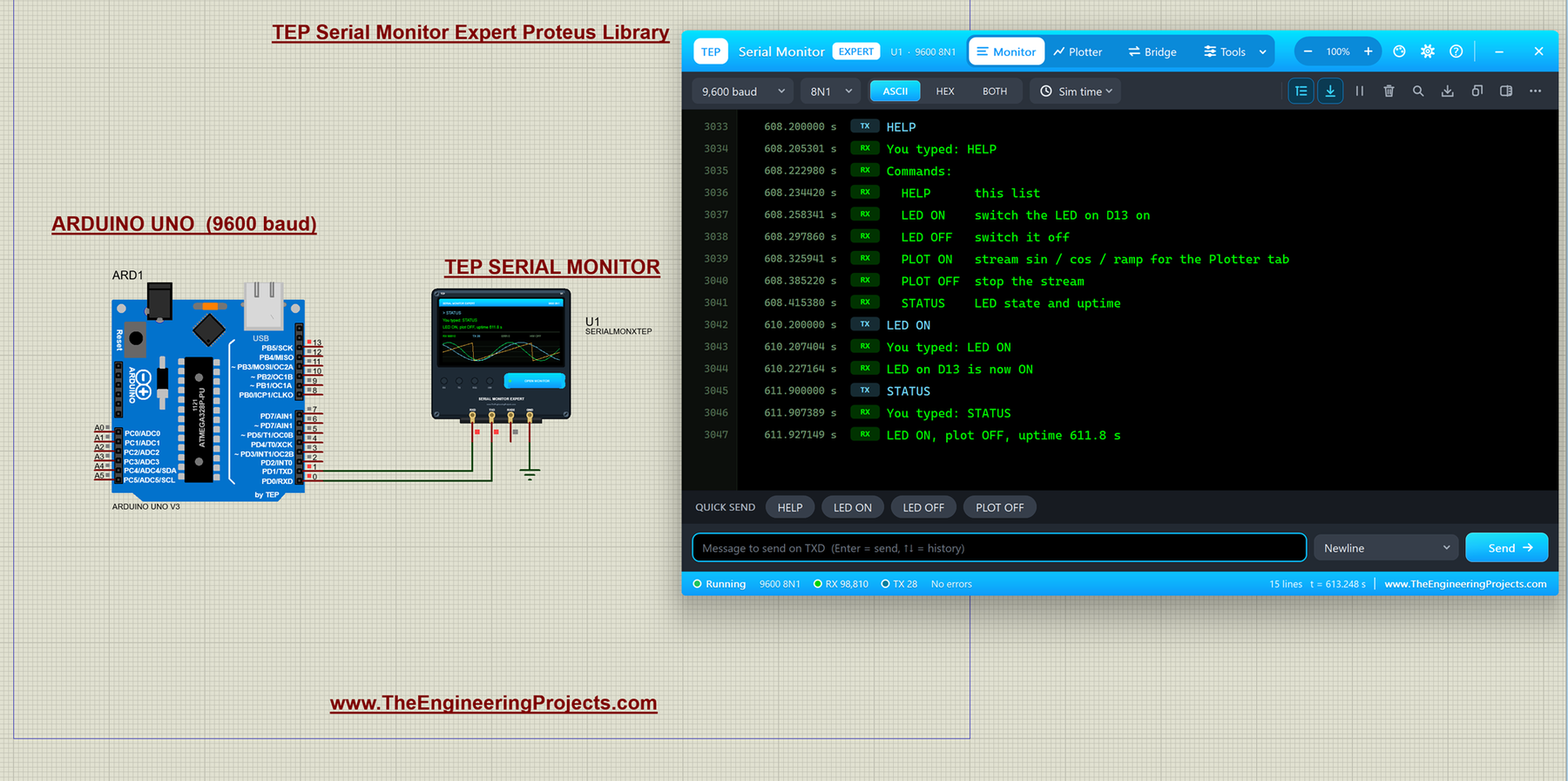
Hello friends, I hope you all are doing great. Today, I am going to share the Serial Monitor Expert for Proteus . It has everything in our TEP Serial Monitor Advance for Proteus (monitor, plotter, hardware bridge, settings, themes and help), plus six professional tools : an auto-responder, a network bridge, triggers and alarms, record and replay, smart decoders and data export. I explained the shared features in the Advance article, so today I will only teach you the new tools, one by one, with real examples from Proteus. Updates Serial Monitor Expert Library for Proteus Latest version: October 2026 (this tutorial) Arduino boards: UNO · Mega 2560 · Mega 1280 · Nano · Pro Mini · Mini (V4.0) Helping Tools Serial Monitor Advance : a serial terminal window for the UART of your board Laptop WiF ...
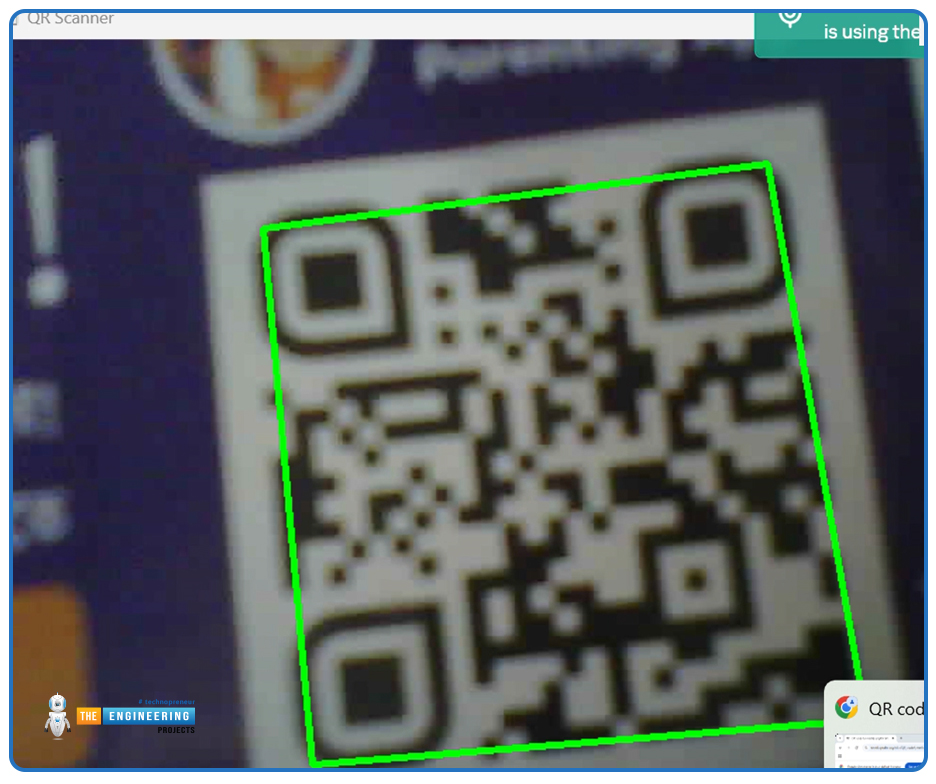
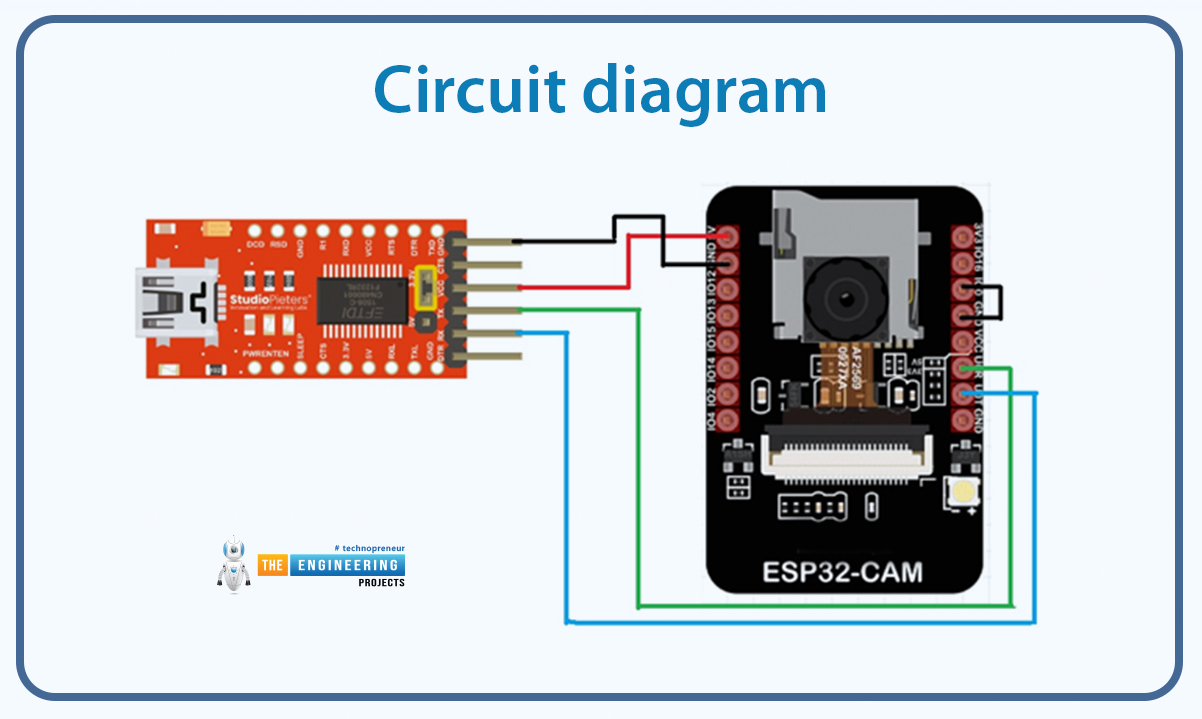
Hello friends! How are you today? Today we're going to discuss a project that is interesting and also useful in our everyday life. You see QR codes almost everywhere, right? They are printed on almost every product's package, leaflets, newspapers, and brochures. Perhaps, you often use QR code scanners on your mobile device. What about making such a program by yourself? Yes! That is exactly what we are going to do today. We will make a QR code scanner using the ESP32-CAM. For image processing, we will use the OpenCV library. If you’ve ever wanted to create a real-time QR code scanner using a low-cost, wireless camera module, you’re in the right place. In this tutorial, we’ll walk through setting up an ESP32-CAM to stream video and using OpenCV to detect and decode QR codes in real time. Int ...
Hello, dear tech savvies! We hope everything is going fine with you. Today we’re back with another interesting project. Do you ever wonder how amazing it would be to have a text reader that would be able to read texts from pictures and videos? Think about a self-driving car that can read the road signs meticulously and go to the right direction. Or imagine an AI bot that can read what is written on images uploaded to social media. How nice it would be to have such a system that will be able to read vulgar posts and filter them even when they are in picture format? Or imagine a caregiver robot that can read the medicine bottle levels and give medicines to the patients always on time. Now you understand how important it is for AI solutions to recognize texts, right? Today, we are going to do ...