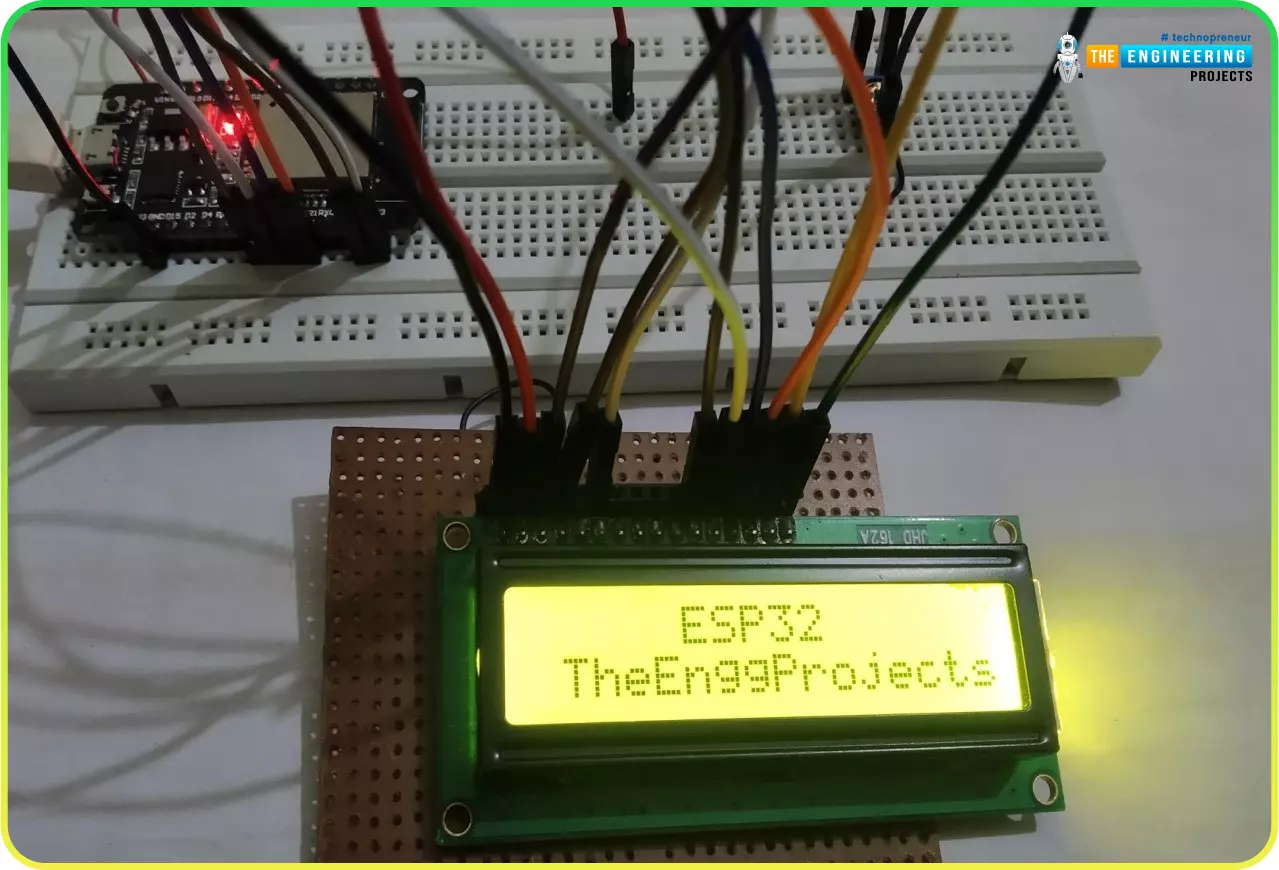
… LCD: #include LiquidCrystal lcd(22,23,5,18,19,21); void setup() { lcd.begin(16, 2); lcd.clear(); // go to row 0 column 5, note that this is indexed at 0 lcd.setCursor(5,0); lcd.print("ESP32"); // go to row 1 column 0, note that this is indexed at 0 lcd.setCurs …
… and ping Mobile WiFi Monitor : a smartphone that opens the pages of your board and sends it commands LCD Library for Proteus V3.0 : 16x2, 20x4 and I2C LCDs to show your readings This is the second library of our Raspberry Pi series, and every library of the …
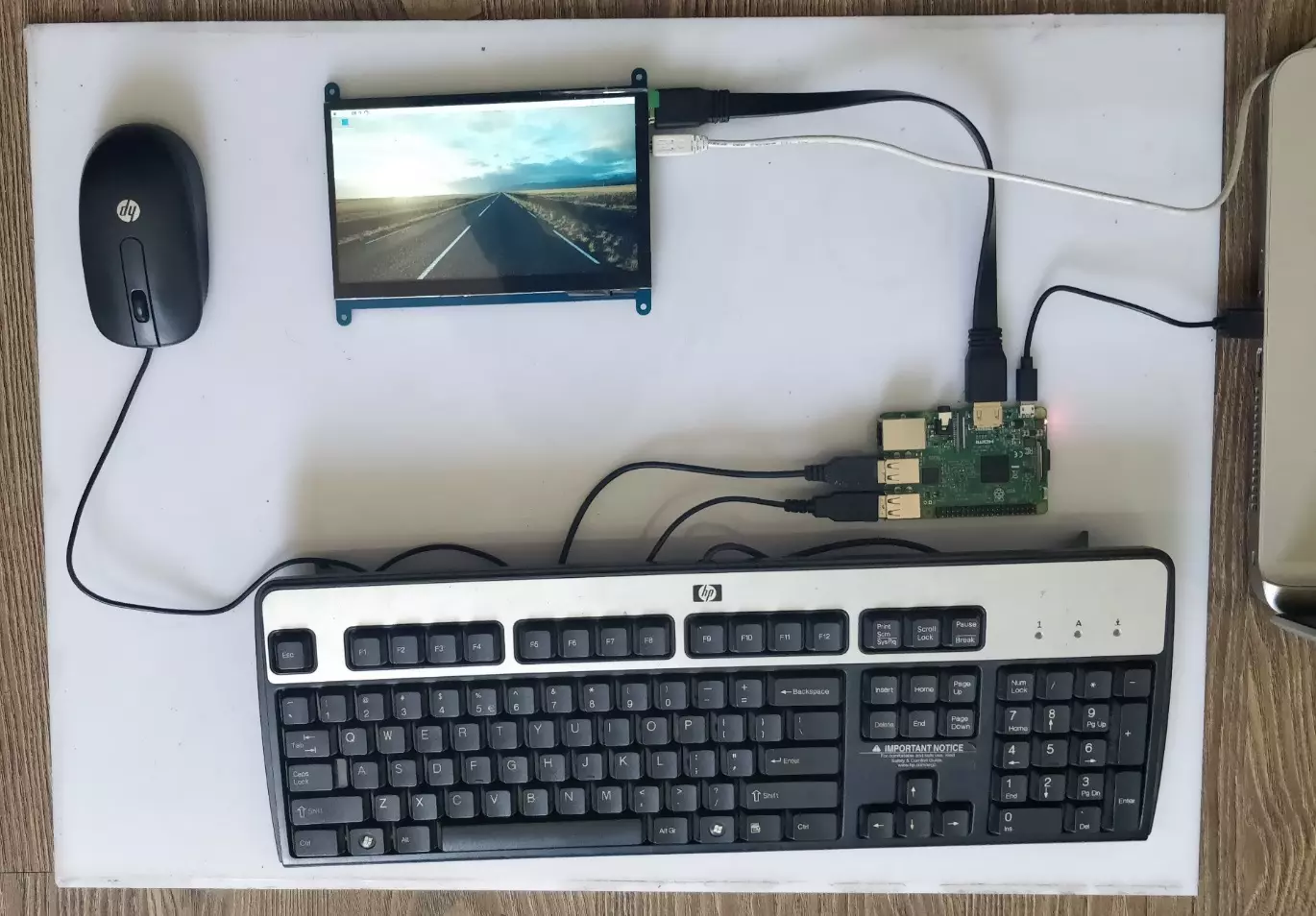
… as shown in below figure: You will also need to buy this 7 inch TFT LCD which I have already bought. You will also get HDMI cable along with this TFT LCD, so we have to connect our TFT LCD with our Raspberry Pi 3 via HDMI cable, as shown in below figure: Now …
… lcd(13, 12, 11, 10, 9, 8); void setup() { // set up the LCD's number of columns and rows: lcd.begin(20, 4); // Print a message to the LCD. lcd.setCursor(1,0); lcd.print("www.TheEngineering"); lcd.setCursor(4,1); lcd.print("Projects.com"); lcd.setCursor(1,0); …
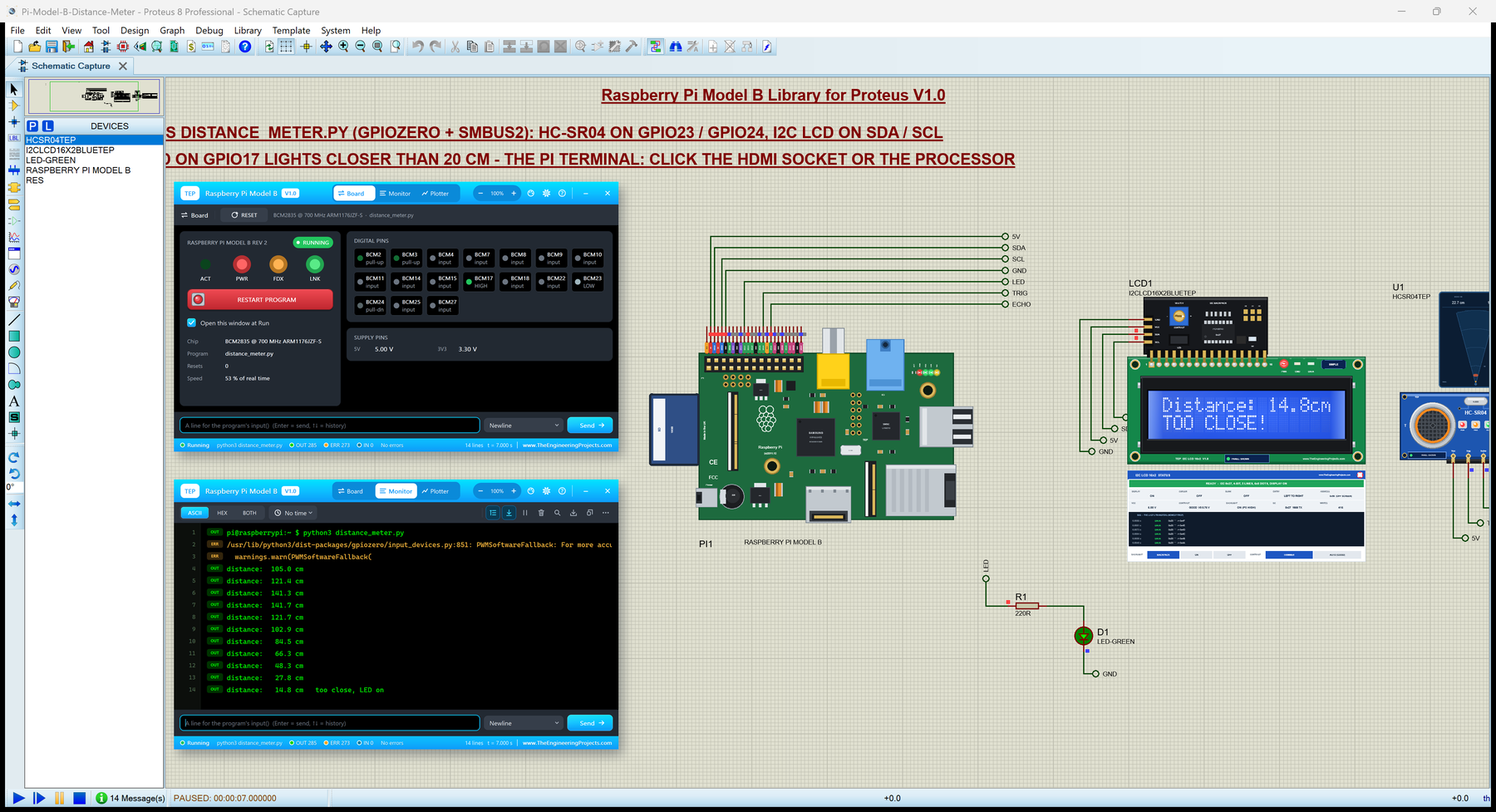
… measures the distance, an I2C LCD 16x2 (LCD1) shows it with a bar, and the LED D1 lights when something is closer than 20 cm. The HC-SR04 comes from our Ultrasonic Sensor Library for Proteus V2.0 and the LCD from our I2C LCD 16x2 Library for Proteus . Figure: …
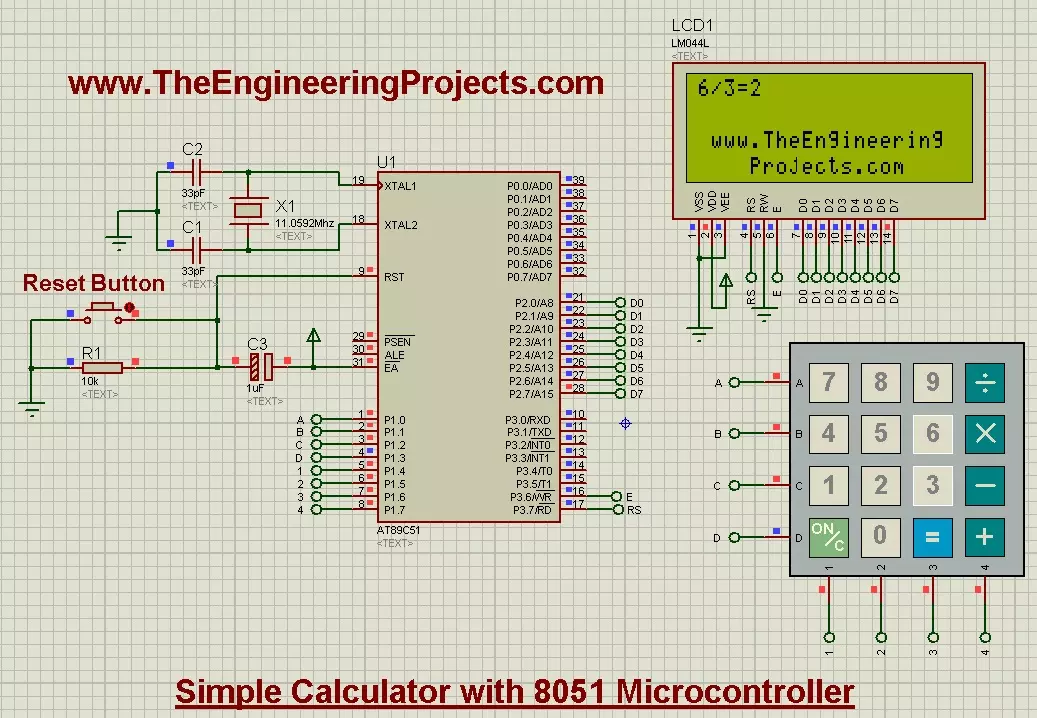
… one operation, because UART reception is a stream of individual characters. Beginner Project 3: Interface an LCD The next step is interfacing an LCD with the 8051 . A character display introduces command/data selection, enable timing and a pin mapping that …
… LCD Simulation Libraries Latest library: LCD Library for Proteus V3.0 (October 2026): LCD 16x2, LCD 20x4 and both I2C LCDs in one library, with our own HD44780 model and an Arduino demo One LCD only? LCD 16x2 · LCD 20x4 · I2C LCD 16x2 · I2C LCD 20x4 Helping …