Hello friends, I hope you all are doing great. Today, I am going to share the new NEO-6M GPS Library for Proteus V1.1 . The u-blox NEO-6M is the GPS module most students start with: it is cheap, it talks to an Arduino over two wires, and it tells you where you are, how fast you move and the exact time. With this NEO-6M Library for Proteus , you can build and test your GPS project on your PC, without waiting next to a window for a satellite fix. Updates NEO-6M Library for Proteus Latest version: V1.1 (October 2026, this tutorial) Other GPS modules: NEO-7M · NEO-M8N · SIM808 Helping Tools Serial Monitor Advance : a serial terminal window for the UART of your board Serial Monitor Expert : the serial monitor with extra debugging tools LCD Library for Proteus V3.0 : 16x2, 20x4 and I2C LCDs to s ...
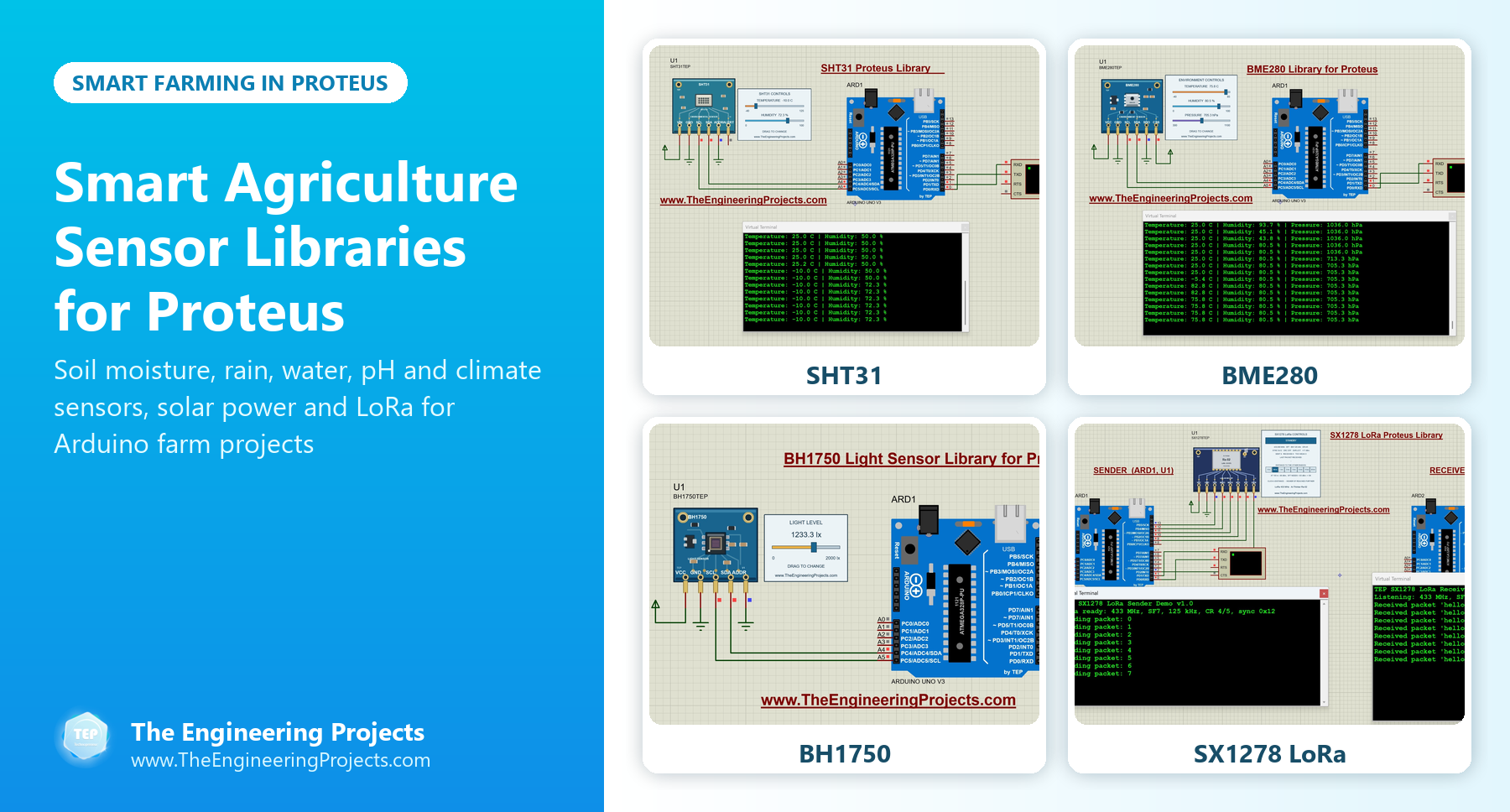
Hello friends, I hope you all are doing great. Today, I am going to share a list of Smart Agriculture Sensor Libraries for Proteus . Smart farming is one of the most useful areas of embedded systems: a small Arduino node in the field can measure the soil, the air and the light, switch a water pump only when the plants need it, skip watering when it rains, and send an alert to the farmer's phone. That's why automatic irrigation and greenhouse monitoring are among the most popular final year projects. Updates Smart Agriculture Sensor Libraries for Proteus Latest list: October 2026 (this list) Water and soil sensors: Soil Moisture · Capacitive Soil · Rain Sensor · Water Level · TDS Meter · Turbidity · YF-S201 Flow · pH Sensor Sensor lists: 35 Sensor Libraries · I2C Sensors · Environmental Sen ...
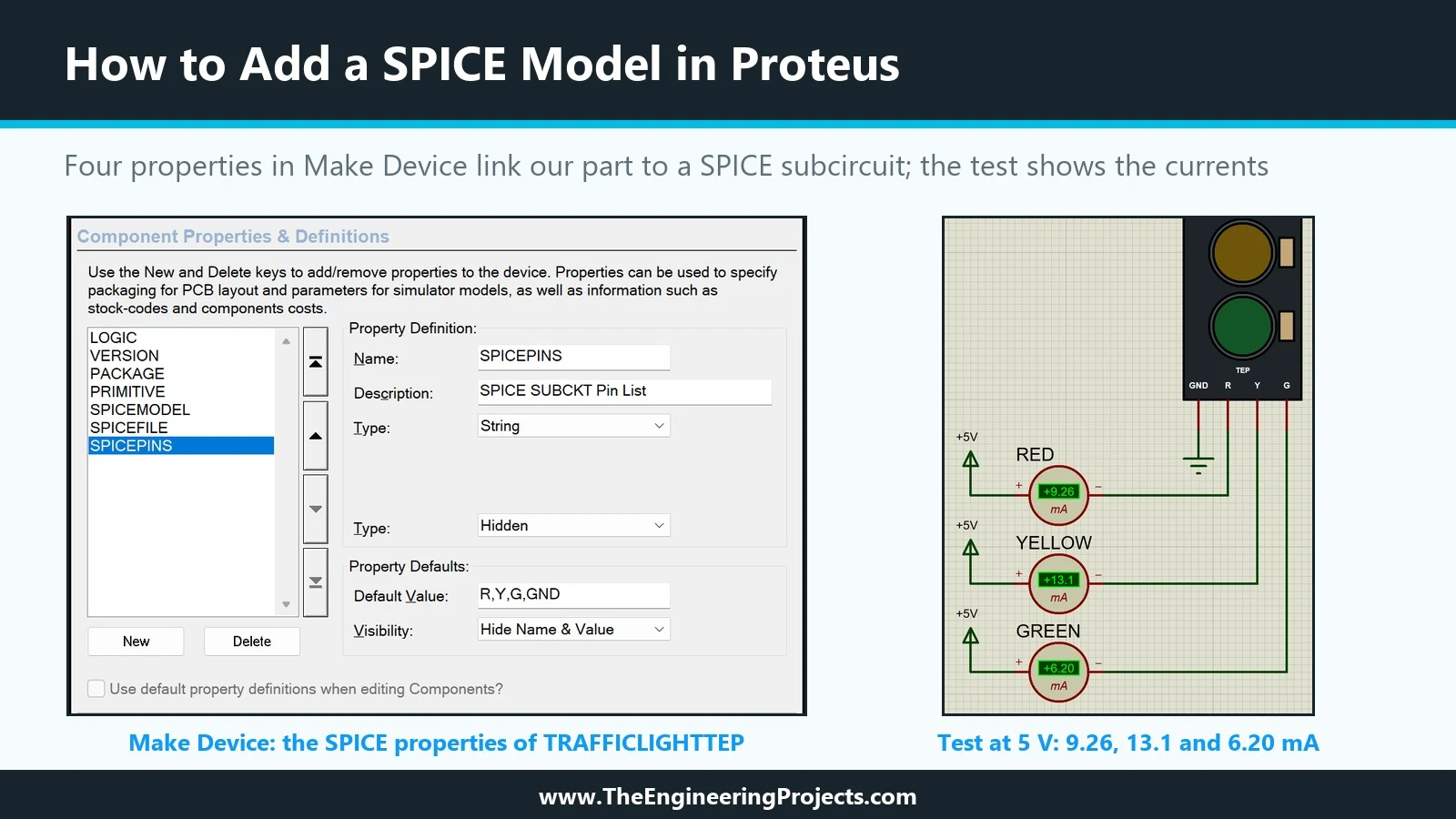
Hello friends, I hope you are doing well. This is the thirteenth tutorial in our series on how to create a Proteus library. In the previous tutorial, Proteus Simulation Models Explained , we met the four kinds of simulation model and saw that our Traffic Light Module still has none: Pick Devices labels it No Simulator Model, and a simulation stops with "No model specified". Today, we give it its first working model. Our topic is how to add a SPICE model in Proteus . Updates Proteus Component Designing This course: Part 13 of 20, Proteus Simulation Models Previous part: Simulation Models Explained Next part: Schematic Model (MDF) Course start: How a Proteus Library Works Add libraries to Proteus: How to Add a New Library in Proteus Library lists: 30 New Libraries (2026) · 35 Sensor Librarie ...
Hello friends, I hope you are doing well. This is the twelfth tutorial in our series on how to create a Proteus library. In the previous tutorial, How to Edit and Update an Existing Component in Proteus , we changed our Traffic Light Module after it was in use and brought the design up to version 1.1. The part is complete as a drawing, with pins, properties and a footprint, but when we press Run, Proteus still stops with "No model specified". Today, we look at what is missing. Our topic is Proteus simulation models explained . Updates Proteus Component Designing This course: Part 12 of 20, Proteus Simulation Models Previous part: Editing and Updating a Part Next part: Adding a SPICE Model Course start: How a Proteus Library Works Add libraries to Proteus: How to Add a New Library in Proteu ...
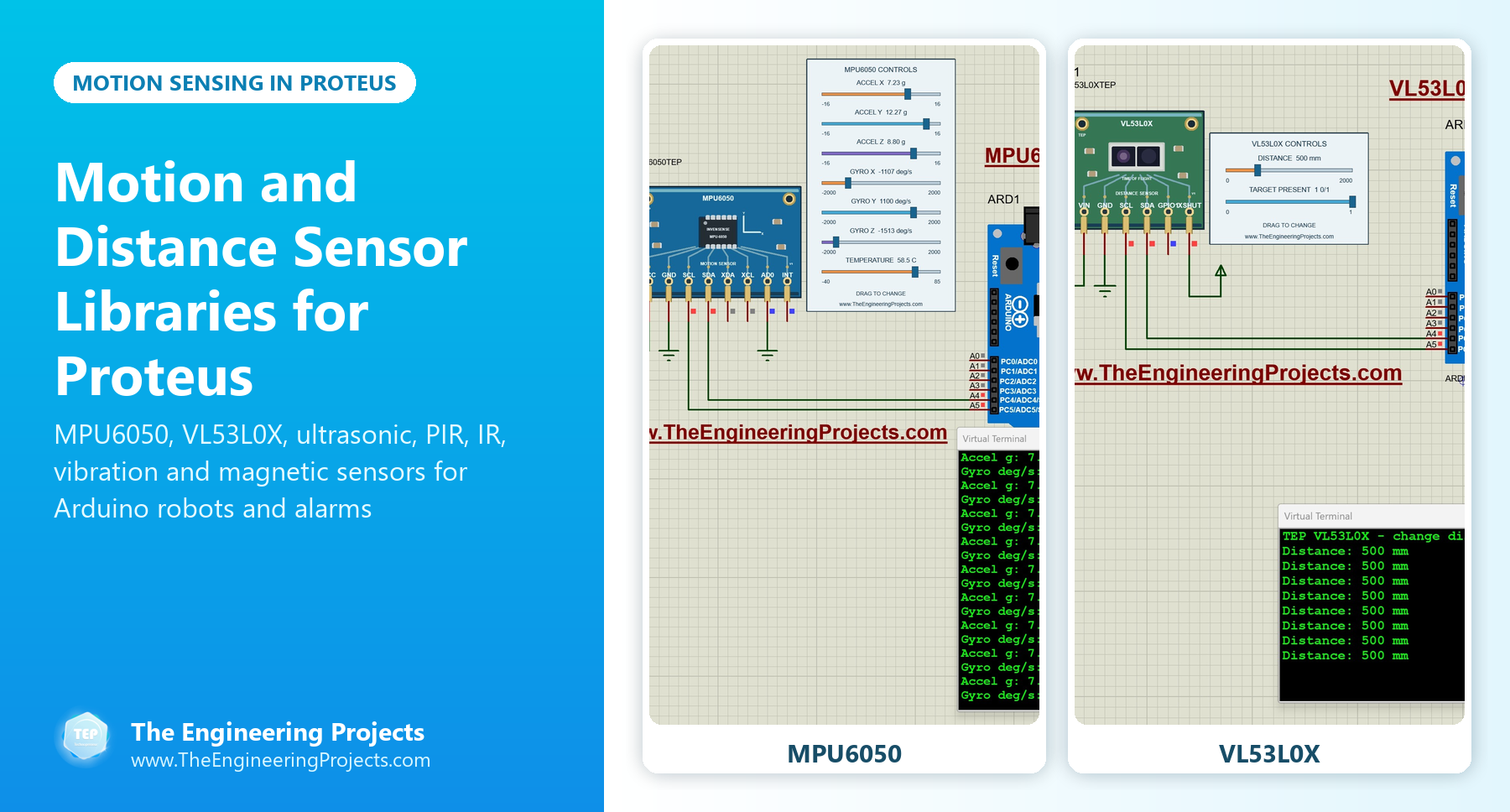
Hello friends, I hope you all are doing great. Today, I am going to share a list of Motion and Distance Sensor Libraries for Proteus . These are the sensors that make robots and security systems work: they measure how far an obstacle is, notice a person walking into a room, feel a vibration, find a black line on the floor or tell a self-balancing robot which way it is tilting. If your project moves, or watches something move, you need one of them. Updates Motion and Distance Sensor Libraries for Proteus Latest list: October 2026 (this list) Distance and motion sensors: Ultrasonic HC-SR04 · JSN-SR04T · Sharp IR · TF-Luna LiDAR · VL53L0X · PIR HC-SR501 · RCWL-0516 · IR Obstacle FC-51 IMU sensors: MPU6050 · MPU9250 · ADXL345 · GY-271 Compass Sensor lists: 35 Sensor Libraries · I2C Sensors · E ...
Hello friends, I hope you are doing well. This is the eleventh tutorial in our series on how to create a Proteus library. In the previous tutorial, How to Create a PCB Footprint and Package in Proteus , we drew our own footprint, TRAFFICLIGHT-TEP, and linked it to our Traffic Light Module with the Visual Packaging Tool. The part is now complete for schematics and boards. But no library part stays unchanged for long: you find a mistake, a user asks for a feature, or you simply want a better look. Today, we change our part after it is already in use. Our topic is how to edit and update an existing component in Proteus . Updates Proteus Component Designing This course: Part 11 of 20, Designing a Proteus Component Previous part: PCB Footprint and Package Next part: Simulation Models Explained ...
Hello friends, I hope you are doing well. This is the tenth tutorial in our series on how to create a Proteus library. In the previous tutorial, How to Create Your Own Library File in Proteus , we created our own library TEPTUTORIAL with the Library Manager and moved our Traffic Light Module into it. The part can be picked, placed and wired, but it has no PCB footprint yet, so it cannot be placed on a circuit board. Today, we change that. Our topic is how to create a PCB footprint and package in Proteus . Updates Proteus Component Designing This course: Part 10 of 20, Designing a Proteus Component Previous part: Your Own Library File Next part: Editing and Updating a Part Course start: How a Proteus Library Works Add libraries to Proteus: How to Add a New Library in Proteus Library lists: ...
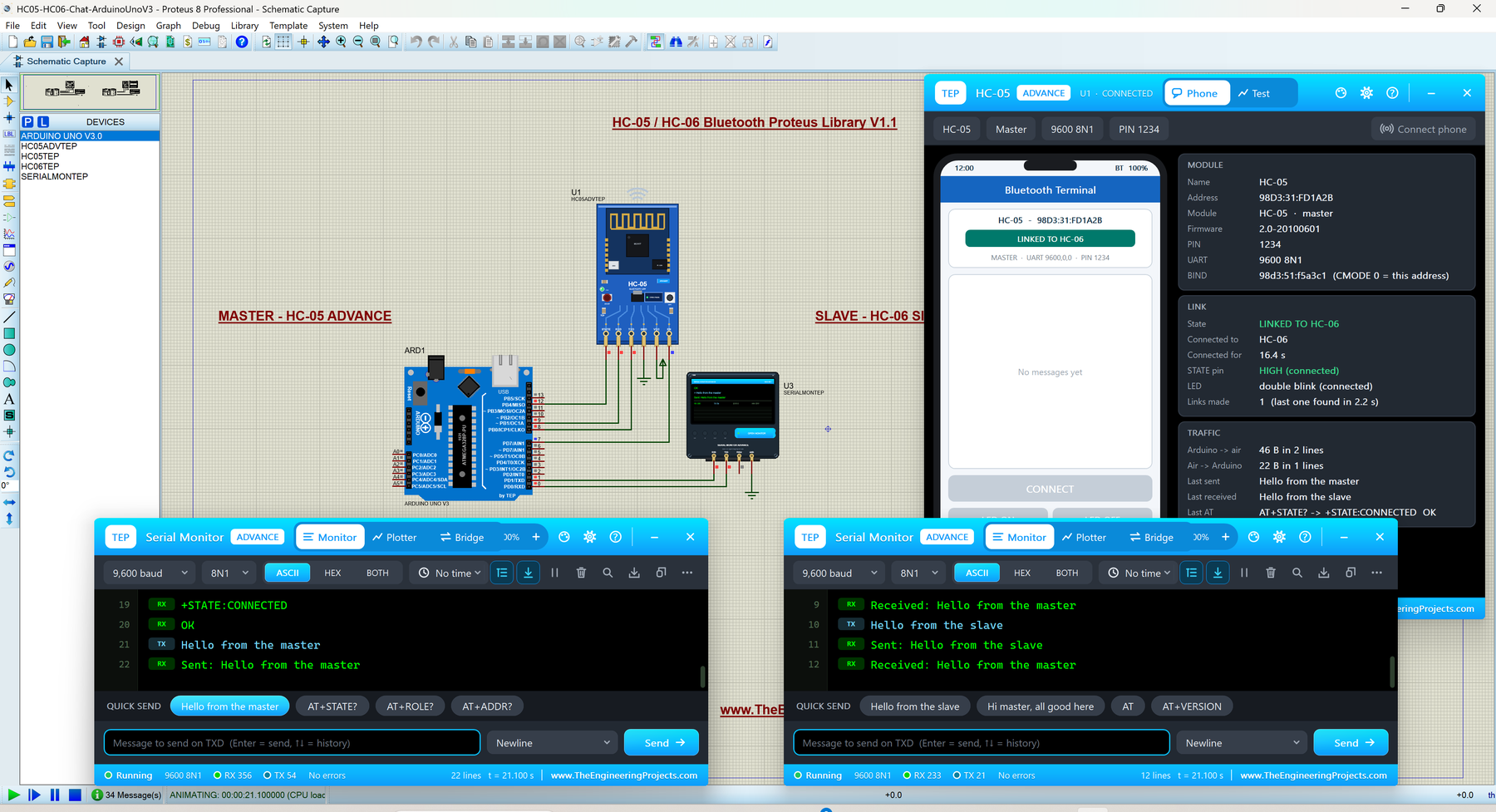
Hello friends, I hope you all are doing great. Today, I am going to share the new HC-05 & HC-06 Bluetooth Library for Proteus V1.1 . The HC-05 and HC-06 are two of the most popular Bluetooth modules among Arduino users. They work like a wireless serial cable between your Arduino and a smartphone (or another module), so students use them for phone-controlled LEDs, robots and home automation. With this HC-05 Library for Proteus , you can try all of that before you buy a single module. Updates HC-05 Library for Proteus Latest version: V1.1 (October 2026, this tutorial) RF modules: nRF24L01 · nRF24L01 PA LNA · CC1101 · RFM69HCW · HC-12 · 433MHz RF · XBee Older Bluetooth library: Bluetooth Library (2016) Helping Tools Serial Monitor Advance : a serial terminal window for the UART of your board ...
Hello friends, I hope you all are doing great. Today, I am going to share a list of Environmental Sensor Libraries for Proteus . Environmental sensors measure the world around your project: the temperature of a room, the humidity of a greenhouse, the air pressure that warns of a storm, the light that decides when the street lamps switch on, and the gas, flame or water that should trigger an alarm. Weather stations, smart homes, greenhouses and safety systems are all built on these sensors. Updates Environmental Sensor Libraries for Proteus Latest list: October 2026 (this list) Temperature and weather sensors: DHT11 / DHT22 · DS18B20 · BME280 · BMP280 · SHT31 · AHT20 · BME680 · MLX90614 · MAX6675 Light sensors: LDR · BH1750 · TCS34725 Sensor lists: 35 Sensor Libraries · I2C Sensors · Motion ...
Hello friends, I hope you are doing well. This is the ninth tutorial in our series on how to create a Proteus library. In the previous tutorial, How to Add Component Properties in Proteus , we gave our Traffic Light Module two properties, LOGIC and VERSION, and stored the part again in USERDVC, the library Proteus provides for your own devices. Today, we give the part a library file of its own. Our topic is how to create your own library file in Proteus with the Library Manager. Updates Proteus Component Designing This course: Part 9 of 20, Designing a Proteus Component Previous part: Component Properties Next part: PCB Footprint and Package Course start: How a Proteus Library Works Add libraries to Proteus: How to Add a New Library in Proteus Library lists: 30 New Libraries (2026) · 35 Se ...