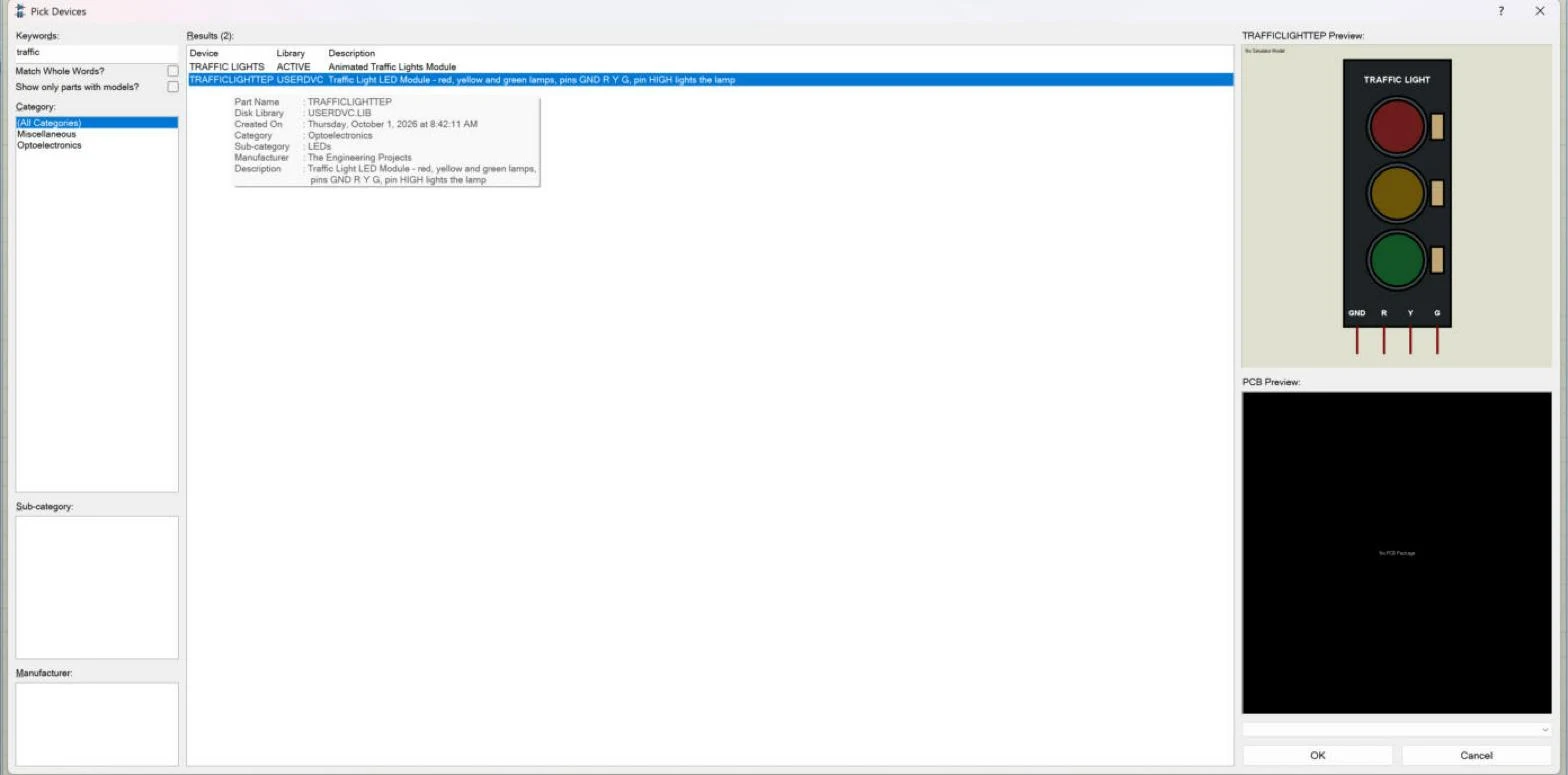
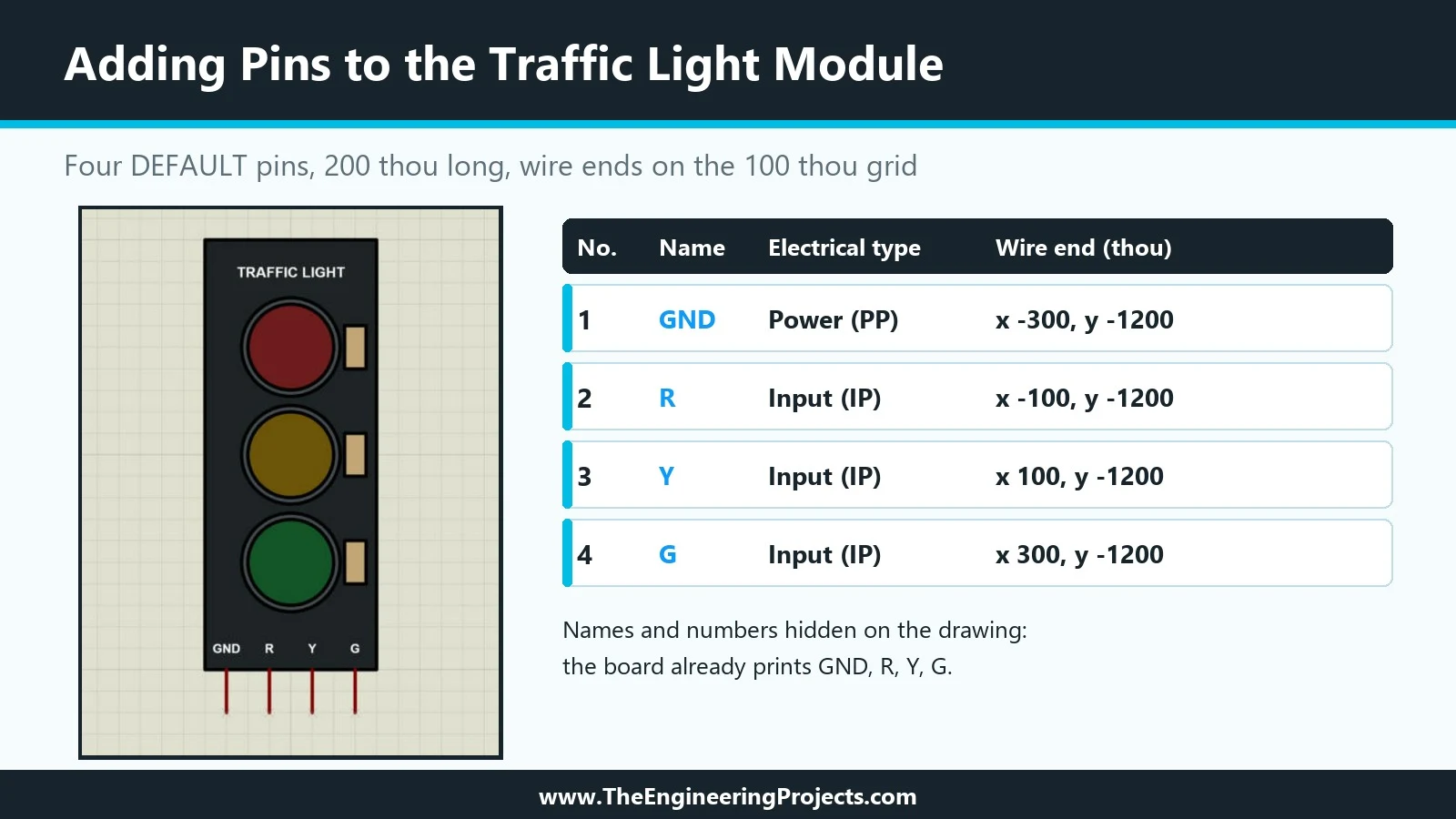
Hello friends, I hope you are doing well. This is the eighth tutorial in our series on how to create a Proteus library. In the previous tutorial, How to Use Make Device in Proteus to Create a New Part , we turned our Traffic Light Module into a real Proteus part, TRAFFICLIGHTTEP, stored it in USERDVC and placed it on the sheet as U1. The part works, but it carries no information beyond its name. Today, we give it properties. Our topic is how to add component properties in Proteus . Updates Proteus Component Designing This course: Part 8 of 20, Designing a Proteus Component Previous part: Make Device: Create the Part Next part: Your Own Library File Course start: How a Proteus Library Works Add libraries to Proteus: How to Add a New Library in Proteus Library lists: 30 New Libraries (2026) ...
Hello friends, I hope you all are doing great. Today, I am going to share a list of I2C Sensor Libraries for Proteus . Most modern sensor modules talk to the microcontroller over I2C: two wires, SDA for data and SCL for the clock, shared by every sensor on the board. On an Arduino Uno, these are the A4 and A5 pins. That's why I2C sensors are so popular in student projects: you can connect several of them to one Arduino and still have plenty of pins left for everything else. Updates I2C Sensor Libraries for Proteus Latest list: October 2026 (this list) I2C sensors: BME280 · BMP280 · SHT31 · MPU6050 · BH1750 · TCS34725 · VL53L0X · MAX30102 Newer I2C sensors: AHT20 · ADXL345 · MPU9250 · GY-271 Compass · MLX90614 · INA219 · ADS1115 ADC · BME680 · CCS811 Sensor lists: 35 Sensor Libraries · Envi ...
Hello friends, I hope you are doing well. This is the seventh tutorial in our series on how to create a Proteus library. In the previous tutorial, How to Add Pins to a Component in Proteus , we placed the four pins of our Traffic Light Module, GND, R, Y and G, and gave them their names, numbers and electrical types. The drawing is now complete. Today, we turn it into a real Proteus part that can be picked from a library like any other. Our topic is how to use Make Device in Proteus to create a new part . Updates Proteus Component Designing This course: Part 7 of 20, Designing a Proteus Component Previous part: Adding Pins to the Component Next part: Component Properties Course start: How a Proteus Library Works Add libraries to Proteus: How to Add a New Library in Proteus Library lists: 30 ...
Hello friends, I hope you are doing well. This is the sixth tutorial in our series on how to create a Proteus library. In the previous tutorial, How to Use Make Symbol in Proteus , we saw how graphics become reusable symbols and how Proteus layers overlapping shapes. Our Traffic Light Module now has a finished drawing, but it cannot be wired yet, because it has no pins. Today, we change that. Our topic is how to add pins to a component in Proteus . Updates Proteus Component Designing This course: Part 6 of 20, Designing a Proteus Component Previous part: Make Symbol: Layers and Grouping Next part: Make Device: Create the Part Course start: How a Proteus Library Works Add libraries to Proteus: How to Add a New Library in Proteus Library lists: 30 New Libraries (2026) · 35 Sensor Libraries · ...
Hello friends, I hope you all are doing great. Today, I am going to share the new HC-12 Library for Proteus V1.1 . The HC-12 is a small 433 MHz radio module that works like a wireless serial cable : whatever your Arduino prints into one HC-12 comes out of another HC-12, hundreds of metres away. It is cheap and simple, so students love it for remote controls, weather stations and wireless sensor projects. Updates HC-12 Library for Proteus Latest version: V1.1 (October 2026, this tutorial) Other RF modules: nRF24L01 · nRF24L01 PA LNA · CC1101 · RFM69HCW · 433MHz RF · XBee LoRa modules: SX1278 Ra-02 · RFM95W · SX1262 Helping Tools Serial Monitor Advance : a serial terminal window for the UART of your board Serial Monitor Expert : the serial monitor with extra debugging tools LCD Library for P ...
Hello friends, I hope you all are doing great. Today, I am going to share a complete List of Embedded Sensors in Proteus . Sensors are the eyes and ears of every embedded project: they measure temperature, detect motion, sense gas, count heartbeats and tell your microcontroller what is happening around it. The problem is that Proteus has very few of these sensors in its own component library, so our team has been designing them for years, and today I have collected all 35 of our sensor libraries in one place. Updates Embedded Sensor Libraries for Proteus Latest list: October 2026 (this list) Earlier lists: Digital Sensors (2020) · Embedded Sensors (2020) Sensor lists: I2C Sensors · Environmental Sensors · Motion & Distance · Smart Agriculture · Medical Sensors Newest sensors: DHT11 / DHT22 ...
Hello friends, I hope you are doing well. This is the fifth tutorial in our series on how to create a Proteus library. In the previous tutorial, How to Make a Realistic Component in Proteus , we gave our Traffic Light Module its final colours and saw why a realistic part should carry local colours instead of following the global style. Today, we look at how Proteus groups graphics into reusable building blocks. Our topic is how to use Make Symbol in Proteus , together with the way Proteus layers overlapping shapes. Updates Proteus Component Designing This course: Part 5 of 20, Designing a Proteus Component Previous part: Colours and Graphic Styles Next part: Adding Pins to the Component Course start: How a Proteus Library Works Add libraries to Proteus: How to Add a New Library in Proteus ...
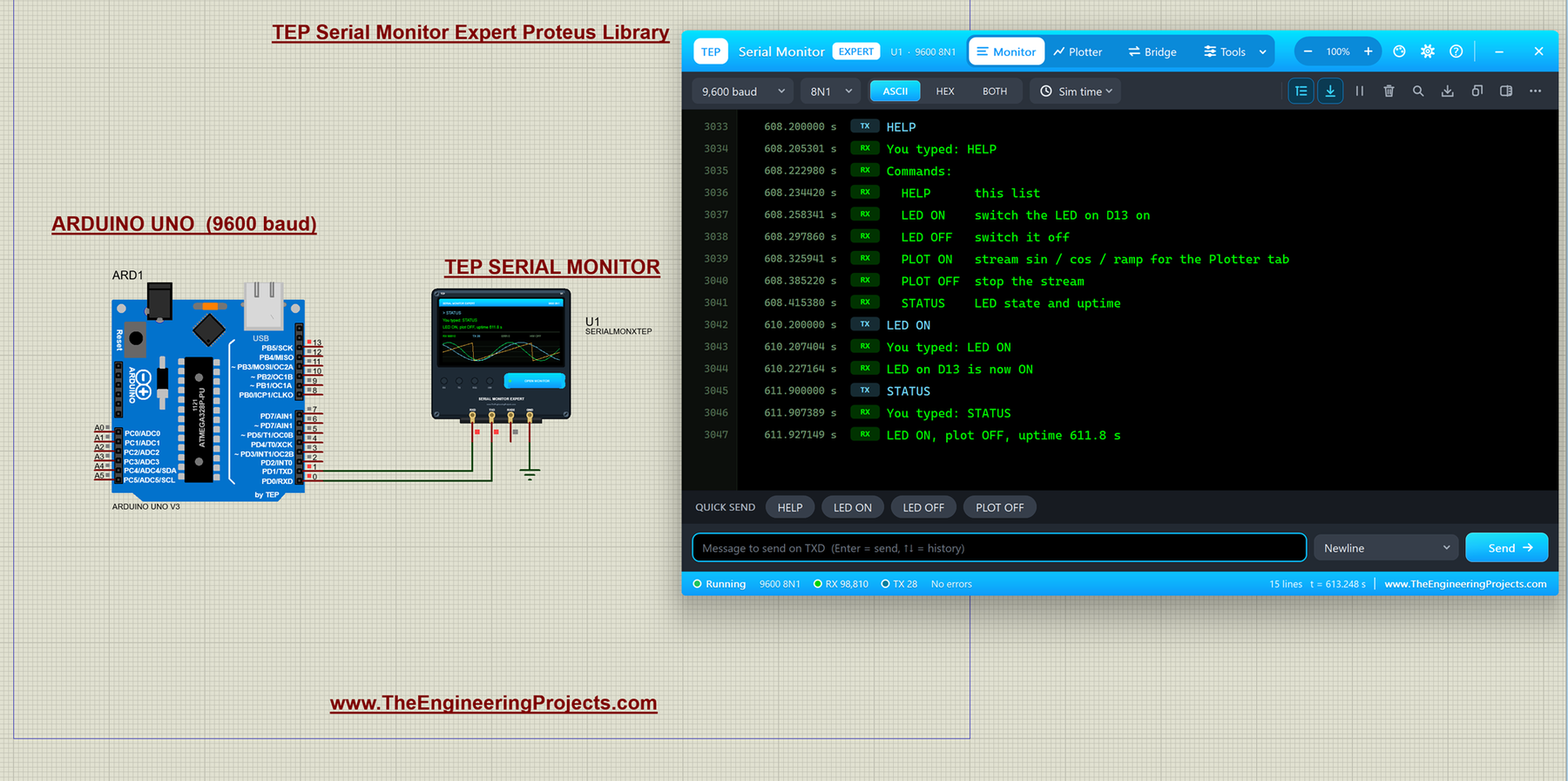
Hello friends, I hope you all are doing great. Today, I am going to share the Serial Monitor Expert for Proteus . It has everything in our TEP Serial Monitor Advance for Proteus (monitor, plotter, hardware bridge, settings, themes and help), plus six professional tools : an auto-responder, a network bridge, triggers and alarms, record and replay, smart decoders and data export. I explained the shared features in the Advance article, so today I will only teach you the new tools, one by one, with real examples from Proteus. Updates Serial Monitor Expert Library for Proteus Latest version: October 2026 (this tutorial) Arduino boards: UNO · Mega 2560 · Mega 1280 · Nano · Pro Mini · Mini (V4.0) Helping Tools Serial Monitor Advance : a serial terminal window for the UART of your board Laptop WiF ...
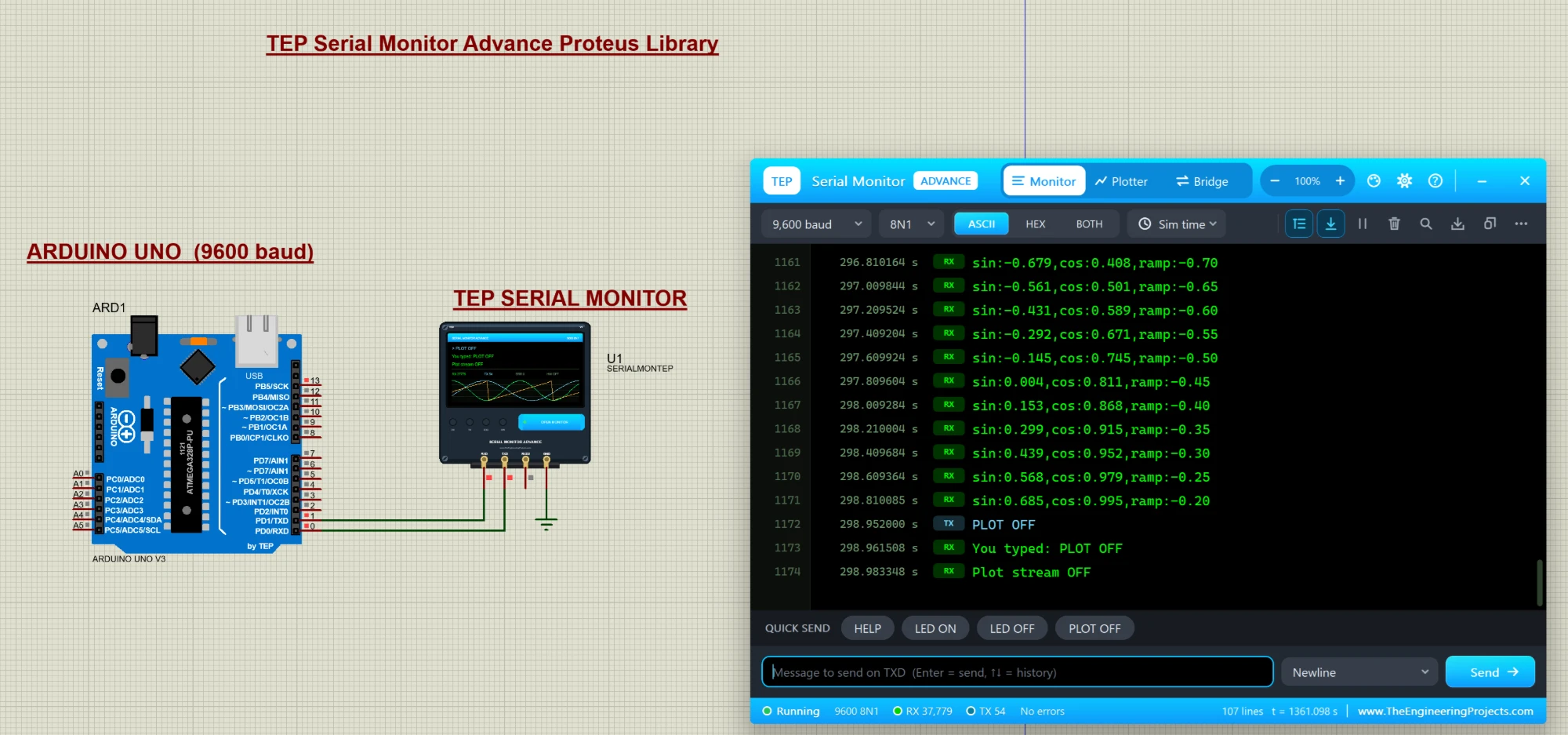
Hello friends, I hope you all are doing great. Today, I am going to share a new library, and this one is not a sensor or a module, it is a tool: the TEP Serial Monitor for Proteus , in its Advance edition. If you have simulated an Arduino in Proteus, you have used the Virtual Terminal to see what your code prints with Serial.println() . Our serial monitor does the same job in a modern window that works like the Serial Monitor of the Arduino IDE. Updates Serial Monitor Advance Library for Proteus Latest version: October 2026 (this tutorial) Arduino boards: UNO · Mega 2560 · Mega 1280 · Nano · Pro Mini · Mini (V4.0) Helping Tools Serial Monitor Expert : the serial monitor with extra debugging tools Laptop WiFi Monitor : a laptop on the Wi-Fi of your design: a browser, a TCP / UDP terminal an ...
Hello friends, I hope you are doing well. This is the fourth tutorial in our series on how to create a Proteus library. In the previous tutorial, How to Draw a Component Symbol in Proteus with 2D Graphics , we drew our Traffic Light Module with the box, circle and text tools: a black board, three lamps in grey rings, three resistors, a title and four pin names. Along the way we set a few colours without explaining them. Today, we look at those settings in detail. Our topic is how to make a realistic component in Proteus with graphics styles and colours. Updates Proteus Component Designing This course: Part 4 of 20, Designing a Proteus Component Previous part: Drawing the Component Symbol Next part: Make Symbol: Layers and Grouping Course start: How a Proteus Library Works Add libraries to ...