… it is built into the UNO V4.0. The Arduino Code The demo needs no library, which makes it a good place to see how an encoder loop works. New to Arduino? Start with Arduino Tutorial for Beginners and Introduction to Arduino UNO . The pins and the counts per …
… acceleration and deceleration. It is in the zip under Arduino Code, or in the Library Manager of the Arduino IDE. New to Arduino? Start with Arduino Tutorial for Beginners and Introduction to Arduino UNO . The pins and the stepper object come first: const …
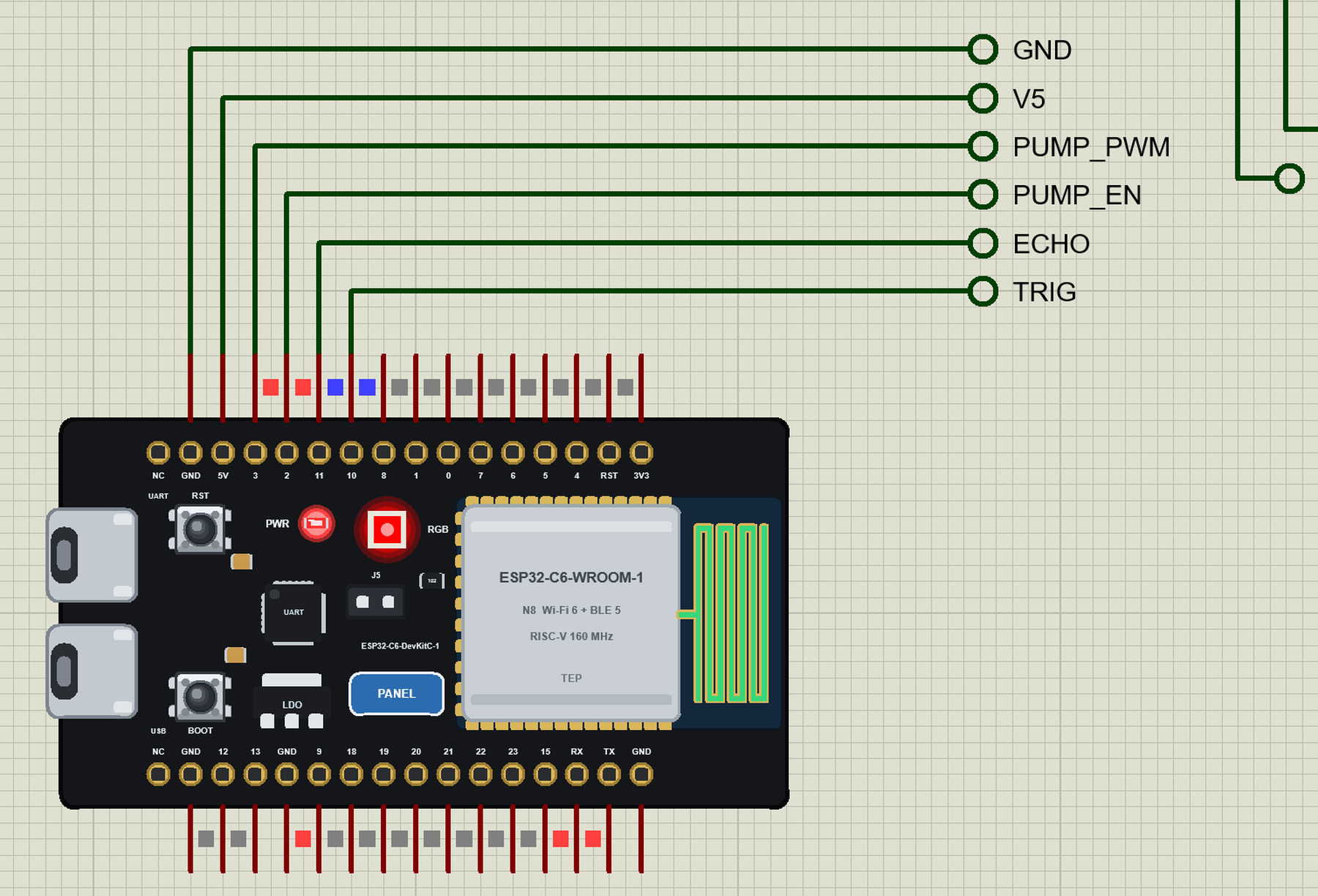
… from the LIBRARY folder if it is there. For your own sketches, copy Arduino Code\TEP Boards for Proteus\hardware into your Arduino sketchbook (Documents\Arduino) and restart the Arduino IDE; the board is ESP32-C6 DevKitC-1 (TEP Proteus) . Start Proteus, press …
… D3 the UNO's two interrupt pins RV1 wiper A0 the target angle The Arduino Code The demo needs no library. New to Arduino? Start with Arduino Tutorial for Beginners and Introduction to Arduino UNO . Three numbers describe the motor to the sketch: the pins, the …
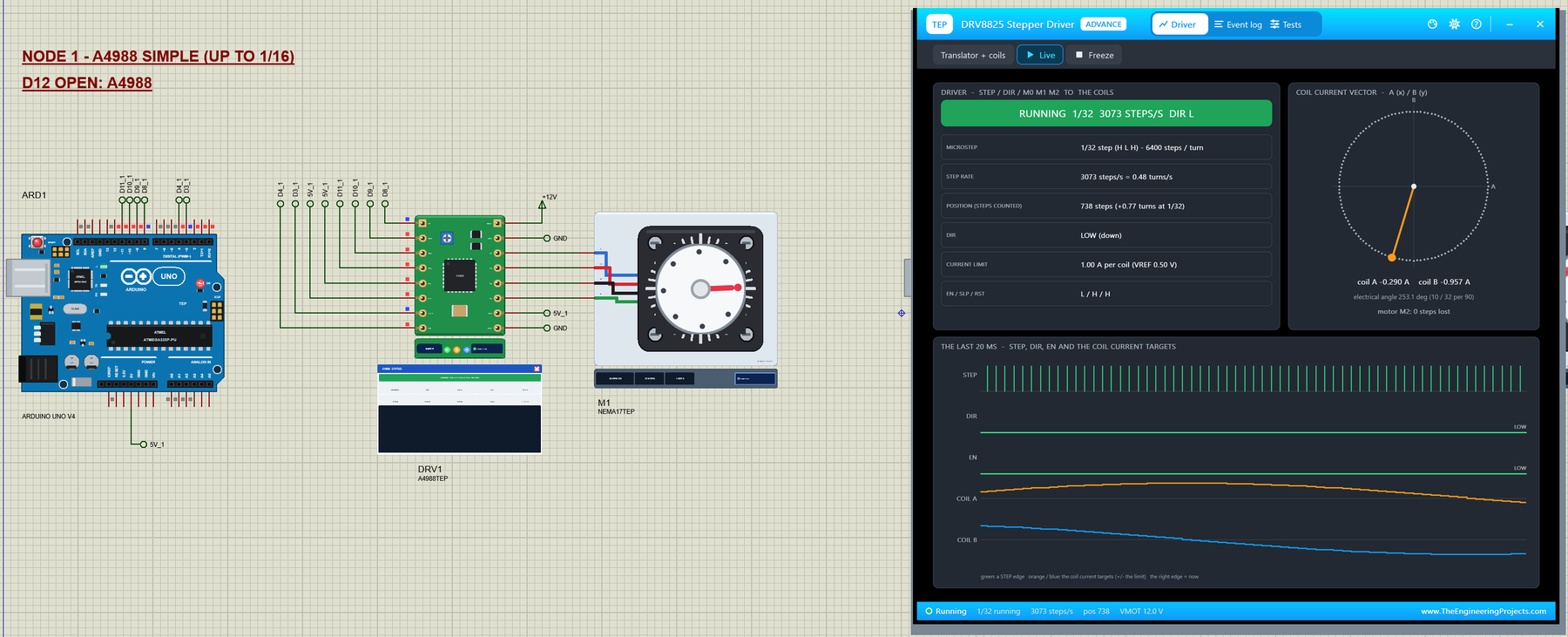
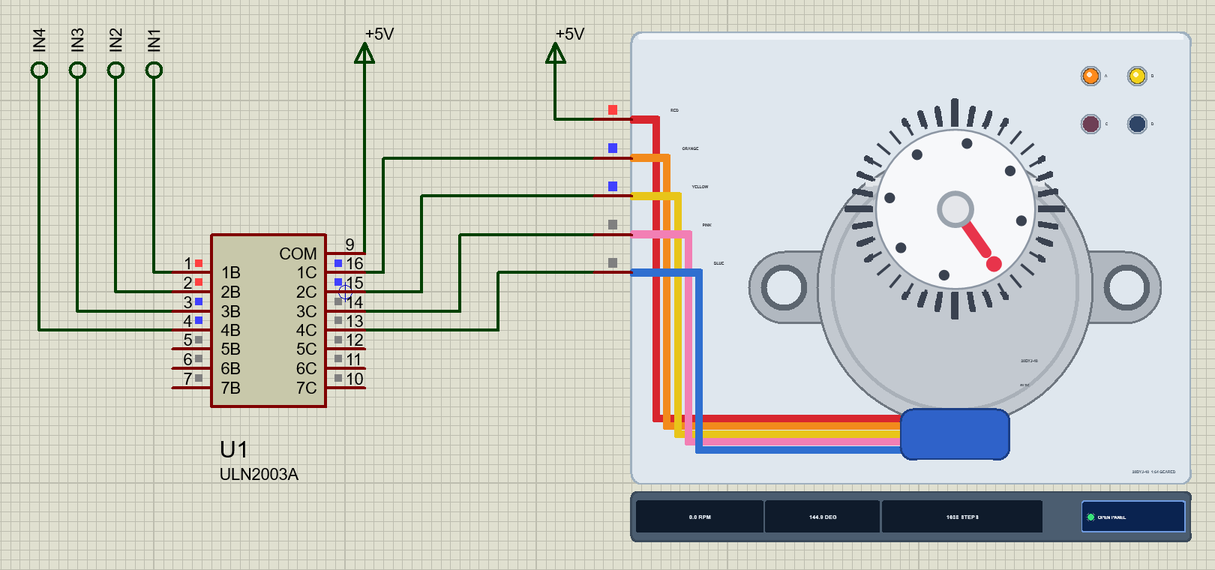
… driver. The Arduino Code The demo uses the Stepper library that comes with the Arduino IDE. New to Arduino? Start with Arduino Tutorial for Beginners and Introduction to Arduino UNO ; our older Stepper Motor Speed Control using Arduino tutorial explains the …
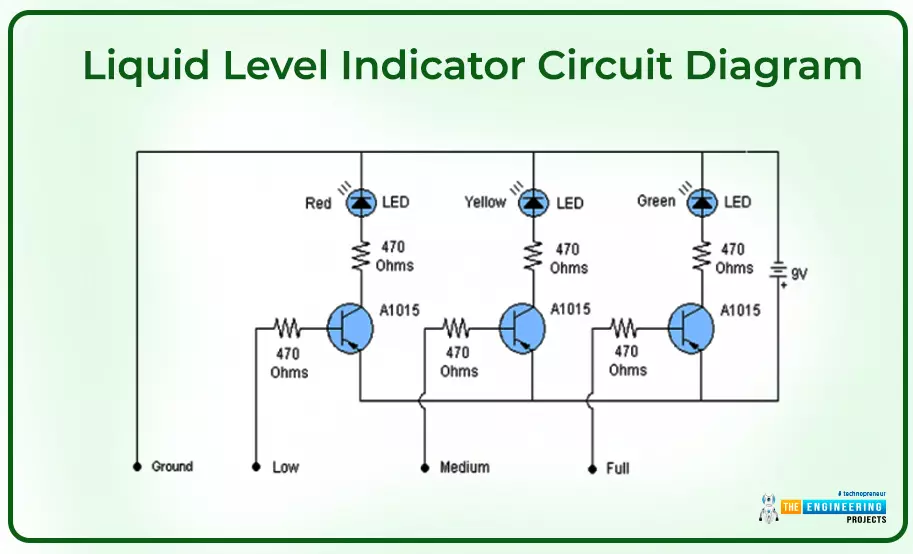
… There are some ready-made small kits and electrical modules like microcontrollers and Arduino boards that you can use in your electronic projects and develop a mini home-made electronic device. In the following, I’m going to discuss some DIY projects that you …
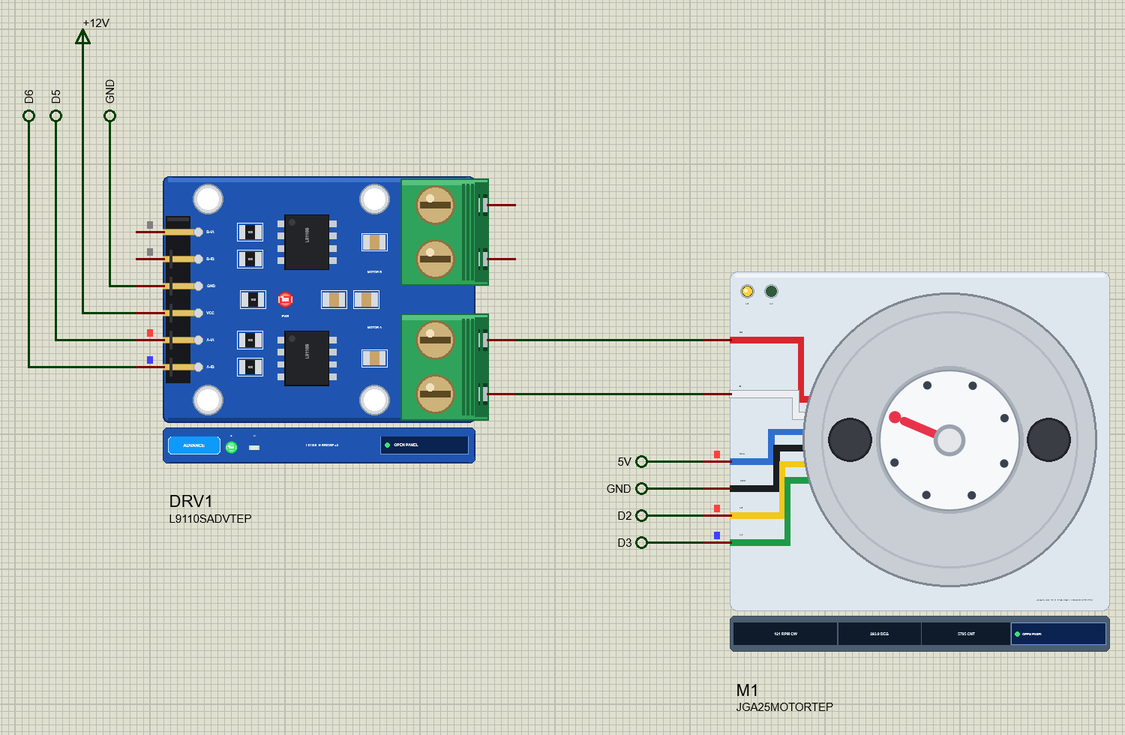
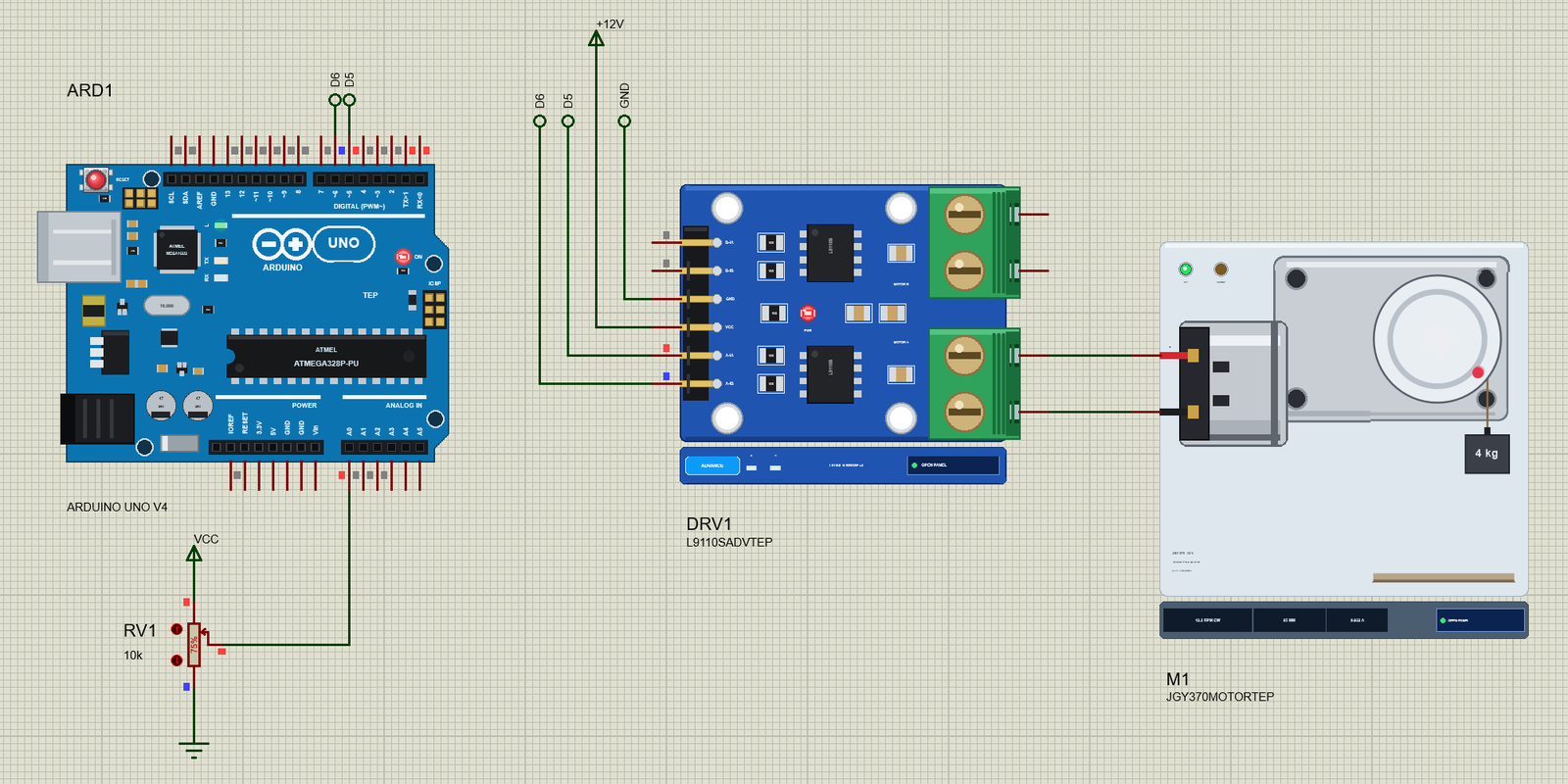
… common with the Arduino JGY-370 + / - L9110S A-OA / A-OB MOTOR A RV1 wiper A0 the speed and the direction The Arduino Code The demo needs no library. New to Arduino? Start with Arduino Tutorial for Beginners and Introduction to Arduino UNO . Three pins are all …
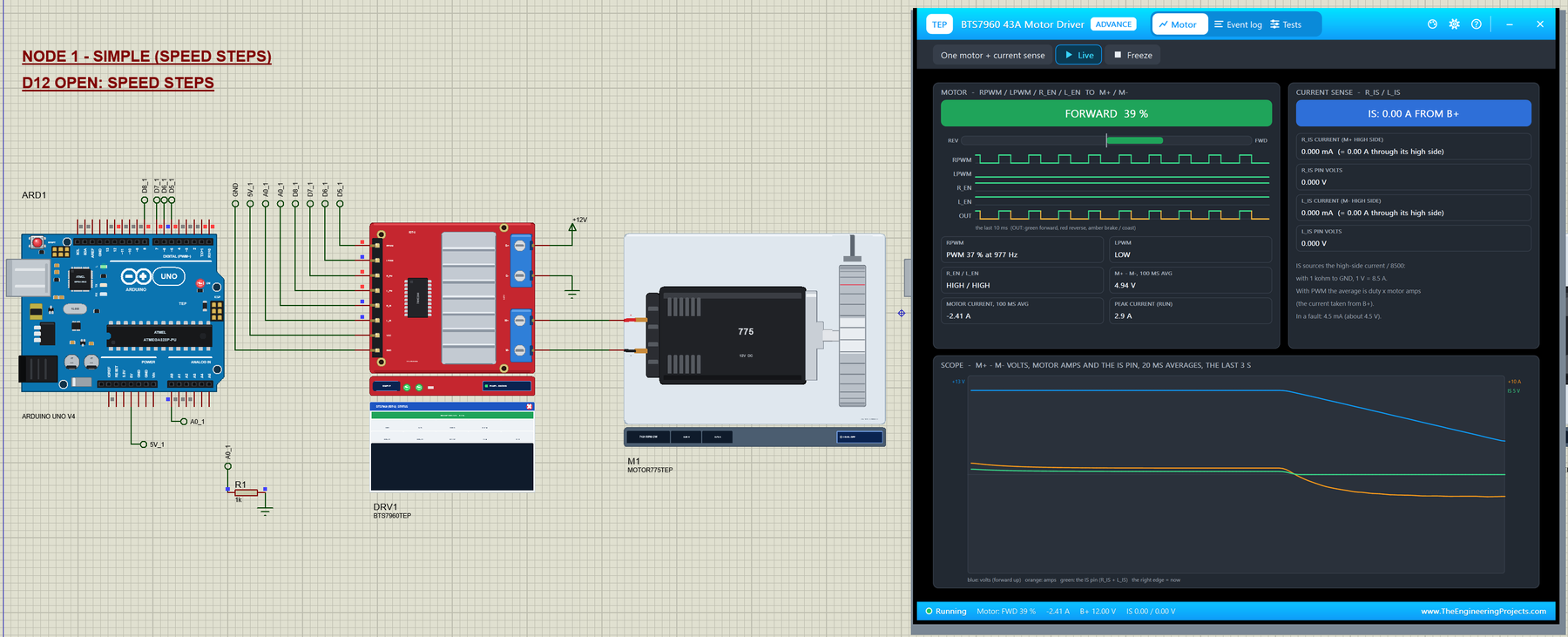
… asleep, the outputs open. The Arduino Code The demo needs no library: analogWrite() and digitalWrite() are all an IBT-2 needs. New to Arduino? Start with Arduino Tutorial for Beginners and Introduction to Arduino UNO . The pins come first: const uint8_t RPWM = …
… you can change it in the Arduino IDE. New to Arduino? Start with our Arduino Tutorial for Beginners . Export the compiled binary, and set the UNO's PROGRAM property to the new file. Our guide on How to get the HEX file from Arduino shows you where the file …
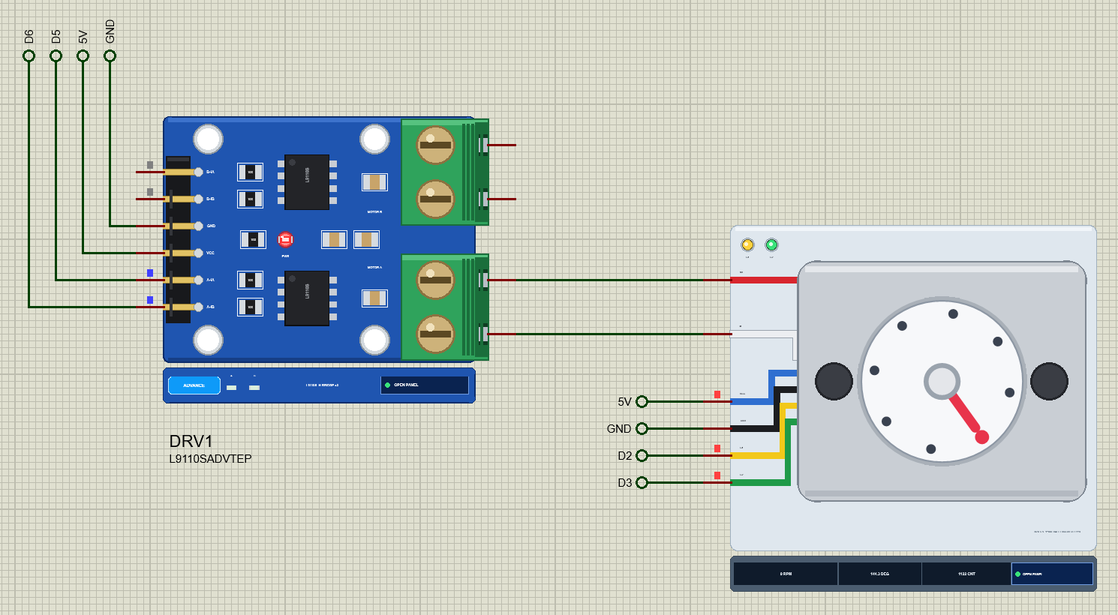
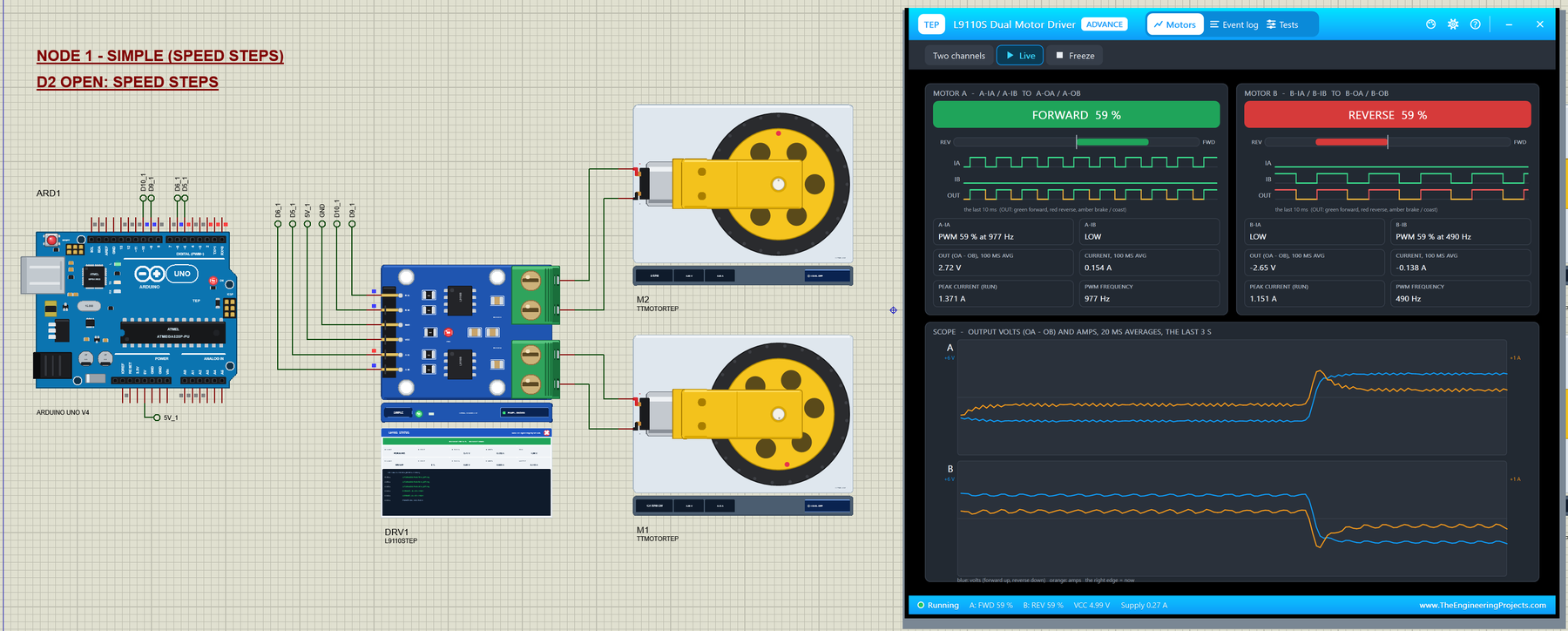
… this with the same sketch. The Arduino Code The demo needs no library: digitalWrite() and analogWrite() are all an L9110S needs. New to Arduino? Start with Arduino Tutorial for Beginners and Introduction to Arduino UNO . The pins come first: const uint8_t A_IA …