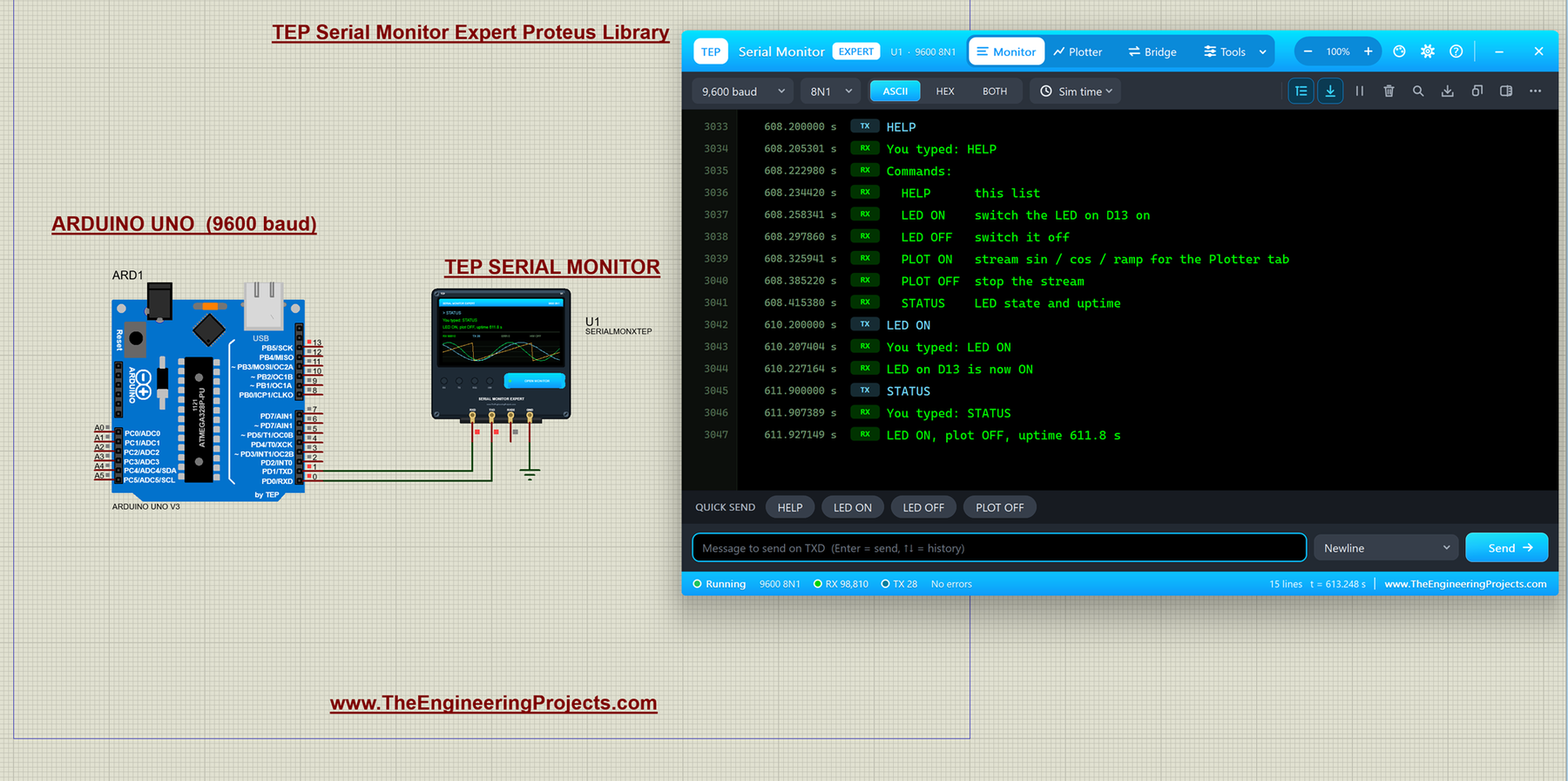
Hello friends, I hope you all are doing great. Today, I am going to share the Serial Monitor Expert for Proteus . It has everything in our TEP Serial Monitor Advance for Proteus (monitor, plotter, hardware bridge, settings, themes and help), plus six professional tools : an auto-responder, a network bridge, triggers and alarms, record and replay, smart decoders and data export. I explained the shared features in the Advance article, so today I will only teach you the new tools, one by one, with real examples from Proteus. With these tools, Proteus becomes a real serial debugging lab: a Proteus serial monitor with an auto-responder that plays a missing module, a socket that connects your simulation to Python or a web page, and alarms that stop the simulation at the right line. New to Proteu ...
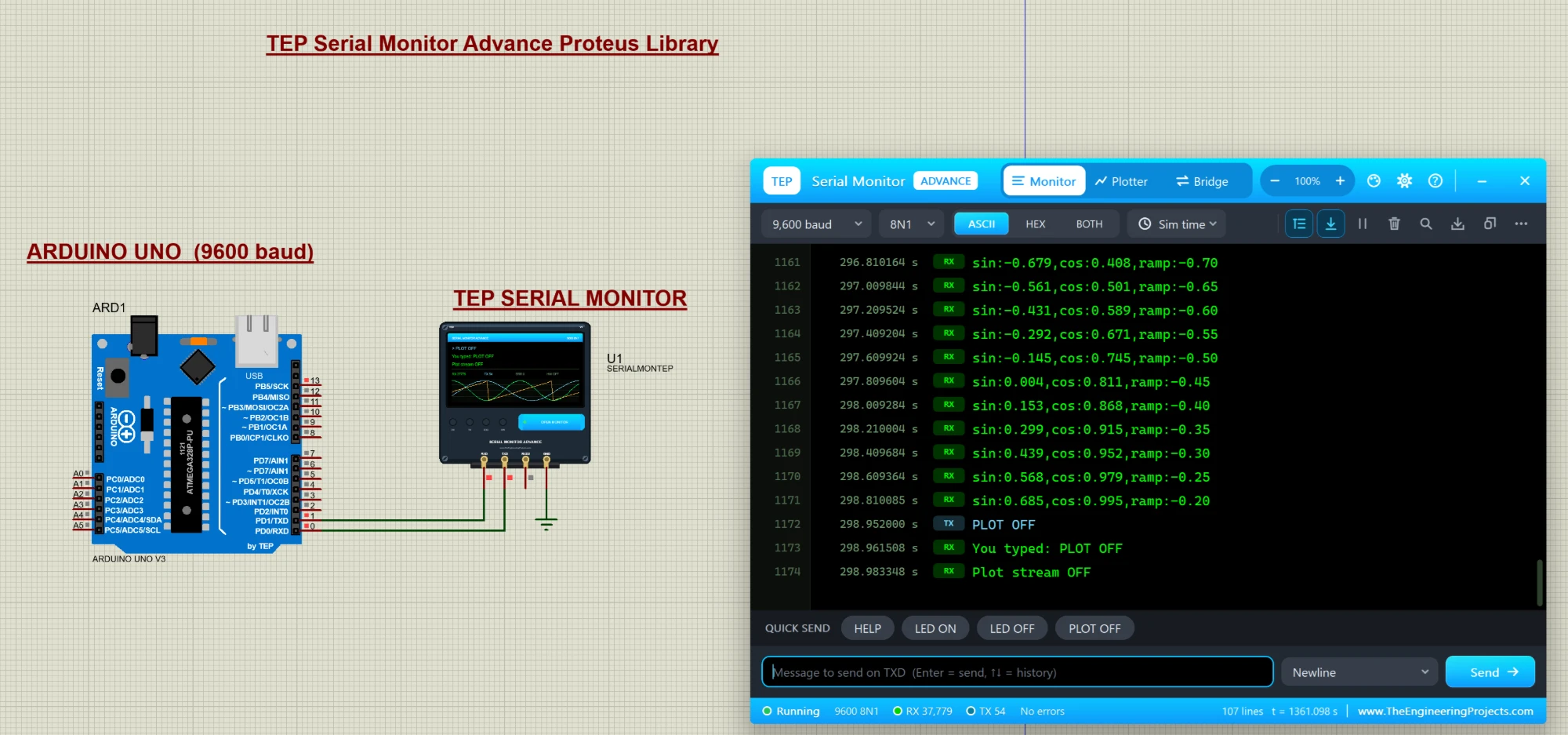
Hello friends, I hope you all are doing great. Today, I am going to share a new library, and this one is not a sensor or a module, it is a tool: the TEP Serial Monitor for Proteus , in its Advance edition. If you have simulated an Arduino in Proteus, you have used the Virtual Terminal to see what your code prints with Serial.println() . Our serial monitor does the same job in a modern window that works like the Serial Monitor of the Arduino IDE. You get a Serial Monitor , a Serial Plotter in Proteus (live graphs of your variables) and a hardware Bridge to a real COM port of your PC, plus a ready-made Arduino UNO demo. If you are new to Proteus, have a look at A complete tutorial on Proteus first. NOTICE: We are really proud of this one. As far as we know, our team is the first to design su ...
Hello friends, I hope you all are doing great. Today, I am going to share a list of Microcontroller Board Libraries for Proteus . Every embedded project starts with a microcontroller board, and for most students that board is an Arduino. Proteus can simulate the bare ATmega chips, but a bare chip doesn't look like the board on your desk, and it makes your circuit diagram harder to follow. That's why the Arduino Library for Proteus was the very first library our team ever designed, back in 2015. Since then, we have designed three generations of Arduino boards for Proteus, plus libraries for the Raspberry Pi family, the ESP32 and the NodeMCU. In this list, I have collected all of them, with the newest versions at the top, and I will tell you honestly what each one can and can't do in a simul ...
Hello friends, I hope you all are doing great. Today, I am going to share a list of RFID and NFC Libraries for Proteus . RFID readers are everywhere in engineering projects: attendance systems, door locks, library management, parking gates, cashless canteens and inventory trackers. NFC, its close relative, is what your phone uses to read a tag or pay at a shop. If your project needs to know who is there or what is on the shelf, an RFID or NFC reader is the answer. In a real project, you need the reader, the right cards and a lot of trial and error before your access control code works. Our RFID and NFC libraries give you all of that inside Proteus: each reader comes with four virtual cards on a control panel, and you place a card on the reader with a single click. The Arduino reads the car ...
Hello friends, I hope you all are doing great. Today, I am going to share the new SIM808 Library for Proteus V1.1 . The SIM808 is SIMCom's popular module that puts a GSM / GPRS modem and a GPS receiver on one board, so a single Arduino serial port gives you SMS, calls and your position. That is why it is the favourite of GPS trackers, vehicle trackers and anti-theft projects. With this GSM GPS Library for Proteus , you can build and debug your tracker on your PC, before you buy a SIM card and a 2 A power supply, and before you walk outside for a satellite fix. Version 1.1 replaces the first version of this post. You now get two devices : SIM808 Simple , with the virtual phone and its GPS strip next to the module, and SIM808 Advance , with a pop-up window that holds the phone plus five meas ...
Hello friends, I hope you all are doing great. Today, I am going to share the new nRF24L01+PA+LNA Library for Proteus V1.1 . The nRF24L01+PA+LNA is the long-range version of the popular nRF24L01: the same Nordic 2.4 GHz chip, plus a power amplifier , a low-noise amplifier and a rubber-duck antenna on an SMA connector . With this nRF24L01 PA LNA Library for Proteus , two Arduino boards exchange packets with the unmodified RF24 library, and one click moves the radios from 1 m to 2 km apart, so you can see where the link works, where it breaks and why. Version 1.1 replaces the first version of this post. You now get two devices : nRF24L01+PA+LNA Simple , with its control panel on the schematic, and nRF24L01+PA+LNA Advance , with a pop-up window and four measured RF test tools . The board is r ...
Hello friends, I hope you are doing well. In today's tutorial, I am going to share our BME280 Sensor Library for Proteus V1.0 . This library lets us simulate temperature, relative humidity and atmospheric pressure in one circuit. We will connect the sensor to an Arduino Uno, display its readings on a Virtual Terminal and change the environmental conditions while the simulation is running. If you have followed our Flex Sensor Library for Proteus or Vibration Sensor Library for Proteus tutorials, the installation process will feel familiar. We will download the package, copy its library files, find the component and then test a complete circuit. This time, we also need to install a DLL that provides the sensor's simulation behavior. The download includes the BME280 model, the TEP Arduino UNO ...
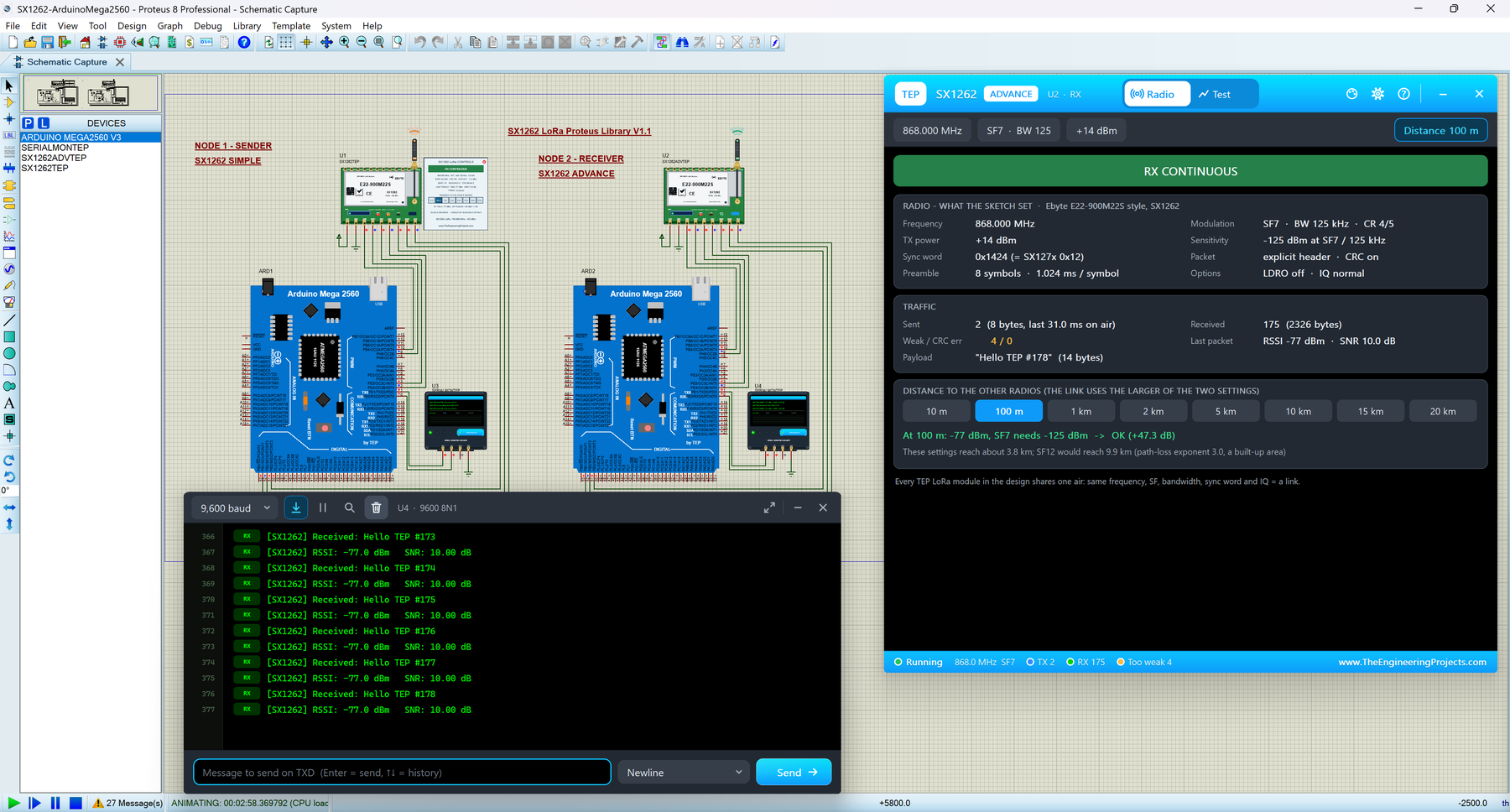
Hello friends, I hope you all are doing great. Today, I am going to share the new SX1262 LoRa Library for Proteus V1.1 . The SX1262 is Semtech's newer LoRa chip, and the green Ebyte E22-900M22S module with its rubber-duck antenna is a favourite for long-range sensors at 868 and 915 MHz. With this SX1262 LoRa Library for Proteus , two modules in one design talk over a simulated LoRa air, and your Arduino drives them over SPI with the same RadioLib library you use on real hardware. Version 1.1 replaces the first version of this post. You now get two devices : SX1262 Simple , with its control panel on the schematic, and SX1262 Advance , with a pop-up window and four measured LoRa test tools . The new SX1262 Arduino Proteus demo has two Arduino Mega 2560 boards that send packets, PING each oth ...
Hello friends, I hope you are doing well. In today's tutorial, I am going to share our BH1750 Light Sensor Library for Proteus V1.0 . With this library, we can connect a BH1750 light sensor to an Arduino Uno, change the simulated light level and display the readings on a Virtual Terminal. The sensor has an interactive slider, so you can test both bright and dark conditions while your Arduino program is running. We will follow the same approach as our other Proteus library tutorials: first understand the sensor, download and install its files, check the connections, and then run a complete example. After that, we will look at the Arduino code and the calculations behind the lux readings. The download already includes the wired project and compiled HEX, so you can try the simulation before c ...
Hello friends, I hope you all are doing great. Today, I am going to share the new PN532 NFC Library for Proteus V1.1 . The PN532 is NXP's NFC controller for 13.56 MHz cards and tags, best known on the red Elechouse PN532 NFC RFID module V3 . With this PN532 NFC Library for Proteus , you place cards on the reader with a click, and your Arduino reads them over SPI or I2C with the same Adafruit PN532 library you use on real hardware. Version 1.1 replaces the first version of this post. You now get two devices : PN532 Simple , with a card panel on the schematic, and PN532 Advance , with a pop-up card wallet and four measured NFC test tools . The new PN532 Arduino Proteus demo is an access-control system on two Arduino UNOs, one reader on SPI and one on I2C, shown in the compact Simple interfac ...