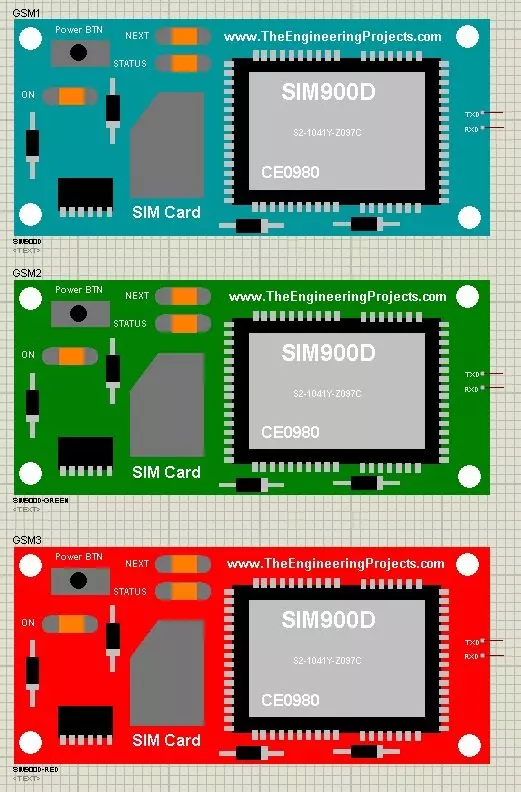
Hello friends, hope you all are fine and having fun with your lives. In today's post, I am going to share GSM Library for Proteus. Yeah you have read absolutely fine, today I am gonna share the most awaited and most demanded Proteus Library. :) Till now, I have received hundreds of suggestions and requests about this Library and I have always told them that its under designing process and I will post it real soon. So finally the wait is over and we have our new GSM Library for Proteus, ready to download and simulate in Proteus. Using this GSM library for Proteus, now you can easily simulate your GSM module in Proteus and can test your code. :)
As its the first version of our GSM Library so its not complete or perfect. It is really the basic model ...
Buy This Simulation
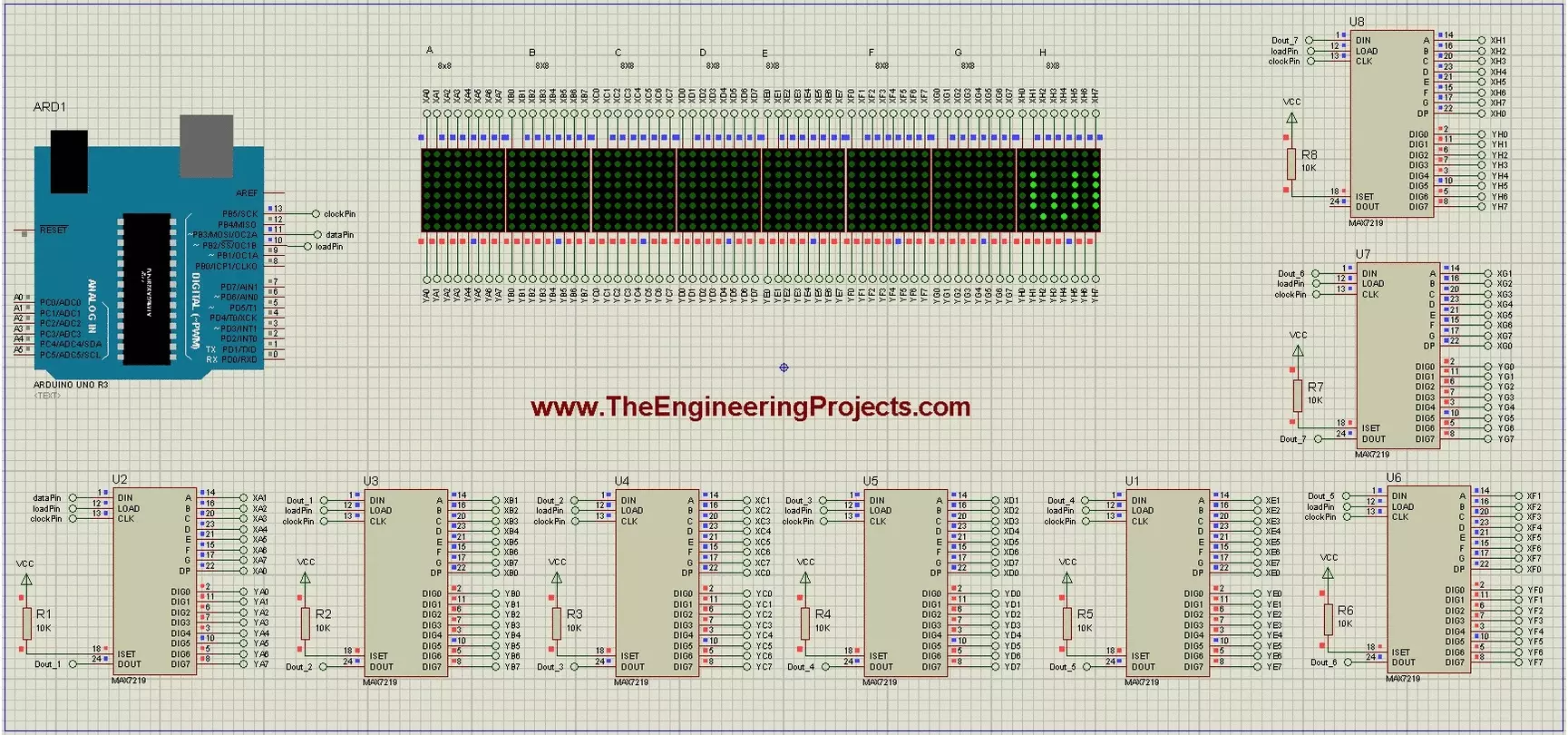
Hello friends, Hope you all are fine and having fun with your lives. In today's post, I am going to show How to display a Scrolling Text on LED Matrix 8x8 using Arduino in Proteus ISIS. We all know about LED Matrix but if you don't know then google it. :P LED Matrix is used to display long messages, the best thing about LED Matrix is you can combine then in serial way and can make it of any size you want. Like in this post I have combined 8 LED matrices and then displayed my message on them. I have given all the details here but as you can see we have done a great effort in designing this simulation so I haven't posted it free but have placed a very small amount of $20 on it and you can buy it quite easily from our shop by cl ...
Hello geeks, welcome to our new project. Here, we are going to make a very useful project which we can use for ourselves or we can use this as a product as well on an industry level.
In this project, we are going to make a water level indicator. We all know it is one of the most essential products because there are many water tanks in every house or office, and most of them are not easily accessible to check the level of water in it and I think most of us faced the problem such as shortage of water as we do not have anything to monitor the exact amount of water available in the tank and this causes many problems on our daily lives.
Software to install
As we are going to make this project in the simulation first, for that, we will use the Proteus ...
Hello friends, hope you all are fine and having fun with your lives. In today's post, I am going to share How to do USB Communication between Android and Arduino. I have designed many projects before in which I have interfaced Android and Arduino and communicated between them but in those projects I have used either Wifi or Bluetooth as a mode for communication. But recently I got a project in which I have to do USB Communication between Android and Arduino, they have this restriction of using USB. So, I have to work on it and I got it working successfully. You should also have a look at How to Install Android Studio. and Getting Started with Android.
So, today I thought to share it with you guys. It isn't much difficult but will need a little pa ...
[vc_row][vc_column][vc_column_text]
In the previous tutorial, we have seen how to Get Started with Pixy Camera, which was quite a basic tutorial and we have covered just the basic cables required to set up pixy camera. Now along with cables we are also gonna need software for training our Pixy Camera. So in this tutorial we are gonna see how to install Pixy Camera Software which is named as PixyMon. As I explained earlier in previous post that first of all, we need to connect our Pixy Camera with Computer or laptop and then using its software PixyMon we need to train our Pixy Camera so that it can recognize objects present in front of it.
PixyMon is quite a simple software and quite easy to use. In this post, we are not gonna check How to use PixyM ...
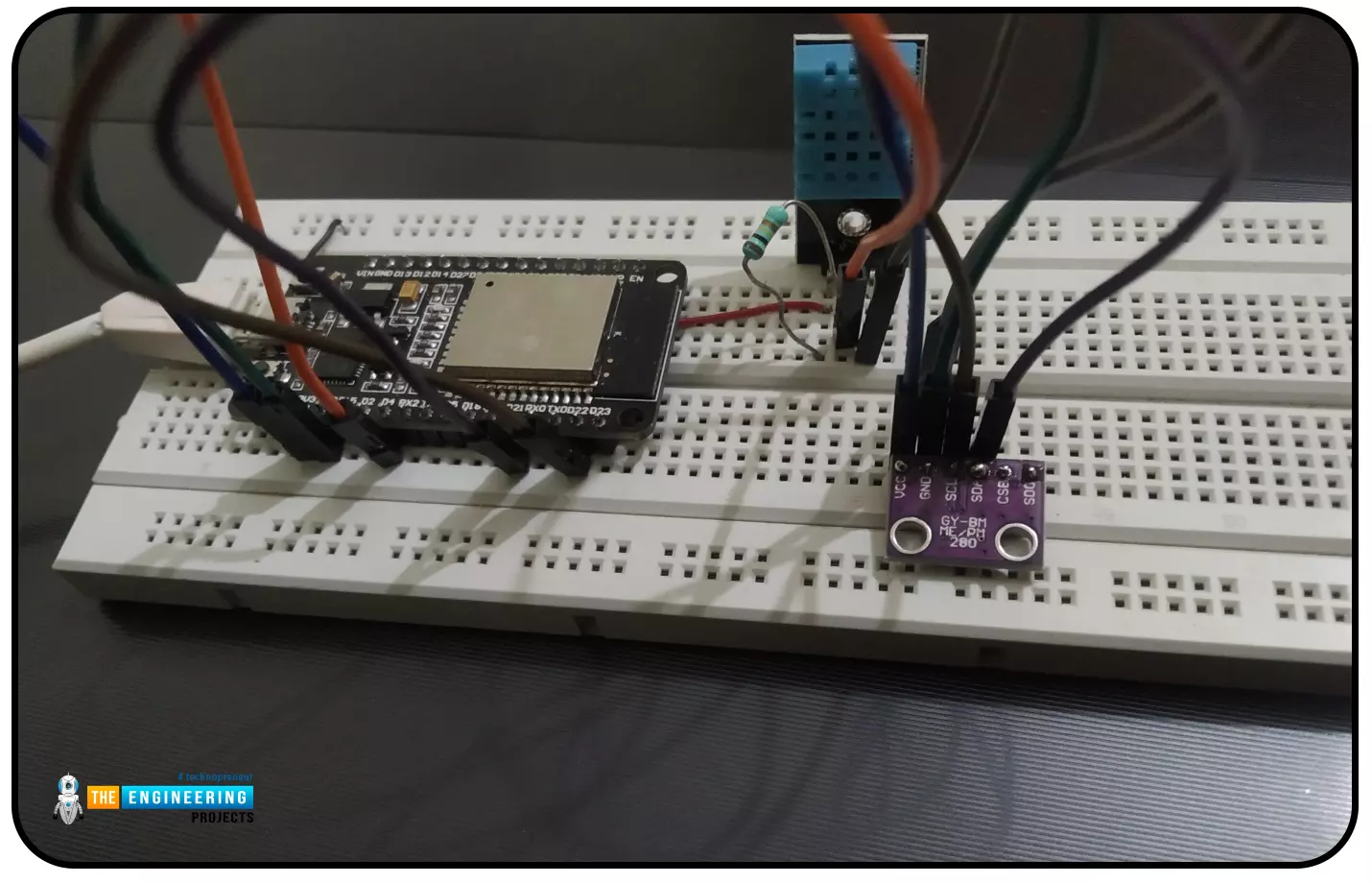
Abstract: This paper is written to represent a web-server based real-time weather monitoring system implemented using the ESP32 module. The system is designed to measure the weather conditions like temperature, pressure, humidity etc, in its vicinity. This system continuously provides real-time data (weather conditions) over limited or controlled areas, for example, agriculture fields, homes or a particular room, industries etc. Although we have satellites for weather monitoring but to perform research over a particular area, the data observed should be highly accurate which is not possible with satellites. To implement an IoT network we need to use a webserver to continuously store and display the real-time data which can be accessed globally. ’T ...
Security systems are widely suggested for homes as well as other locations. Everybody wants to take necessary steps to prevent infiltration at home, thus this security is necessary. Intruders nowadays may take advantage of almost any illegal activity and wreak havoc on a property's security. The security of one's home is a critical concern that everyone faces in the current day.
While there are certain devices on the market that may considerably help protect your house, some of them are excessively costly and need constant maintenance. Many devices regarding smart home security systems are available in the market but these are not user friendly according to the budget, the device we designed provides the user with a better interface with the help ...
Hello readers, I hope you all are doing great. In our previous tutorial, we learnt how to make HTTP POST from ESP32 to the IFTTT server.
In this tutorial, we will learn about another application of the ESP32 module in the field of IoT (Internet of Things). We can publish multiple sensor readings from ESP32 to Google sheets via the IFTTT web service.
IFTTT is used as a third-party web service to integrate Google sheets with ESP32.
Fig. 1
Creating an IFTTT Account for Integrating ESP32 with Google Sheets
We are going to create an applet (on the IFTTT server) that is responsible to integrate the Webhooks and Google Sheets services.
While operating with the IFTTT server there are some services/utilities that we are going to deal with like Applets an ...
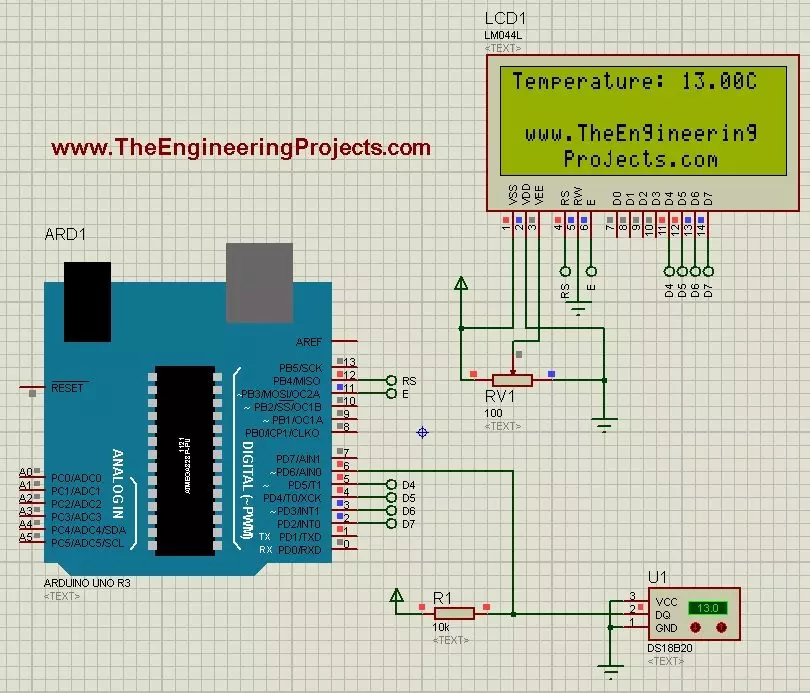
Hello friends, hope you all are fine and having fun with your lives. In today's post we are gonna have a look at How to use Temperature Sensor 18B20 in Proteus ISIS. I will use Arduino board as a microcontroller and will connect the temperature sensor with it and then will display the code on LCD. I have already posted the same tutorial in which I have done Interfacing of Temperature Sensor 18B20 with Arduino but in that project I have used the real components and designed the hardware. But today, I will just show you the simulation so that you could test the simulation first and then design it in hardware.
Temperature Sensor 18B20 is the most commonly used temperature sensor. Its a one wire sensor means it sends data through a single wire and we ...
Hello friends, I hope you all are doing great. Today, we will create a wifi temperature monitoring system. For reading, we will use the DS18B20 sensor. For data processing and webpage creation, we will use our already known ESP8266.
The project will be built as follows:
Circuit assembly
Code for reading the DS18B20 sensor (we will use Serial for tests).
Creation of the webpage (we will use SPIFFS to store in FLASH).
But first, let's know a little about the sensor and the communication model it uses.
Materials
For this project, we will need the following items: For this project, we will need the following items:
1 x ESP8266
1x DS18B20 Sensor
1x Breadboard
1x 4k7 Ohms resistor
DS18B20
DS18B20 is a digital temperature sensor with good precision, good customization, pr ...