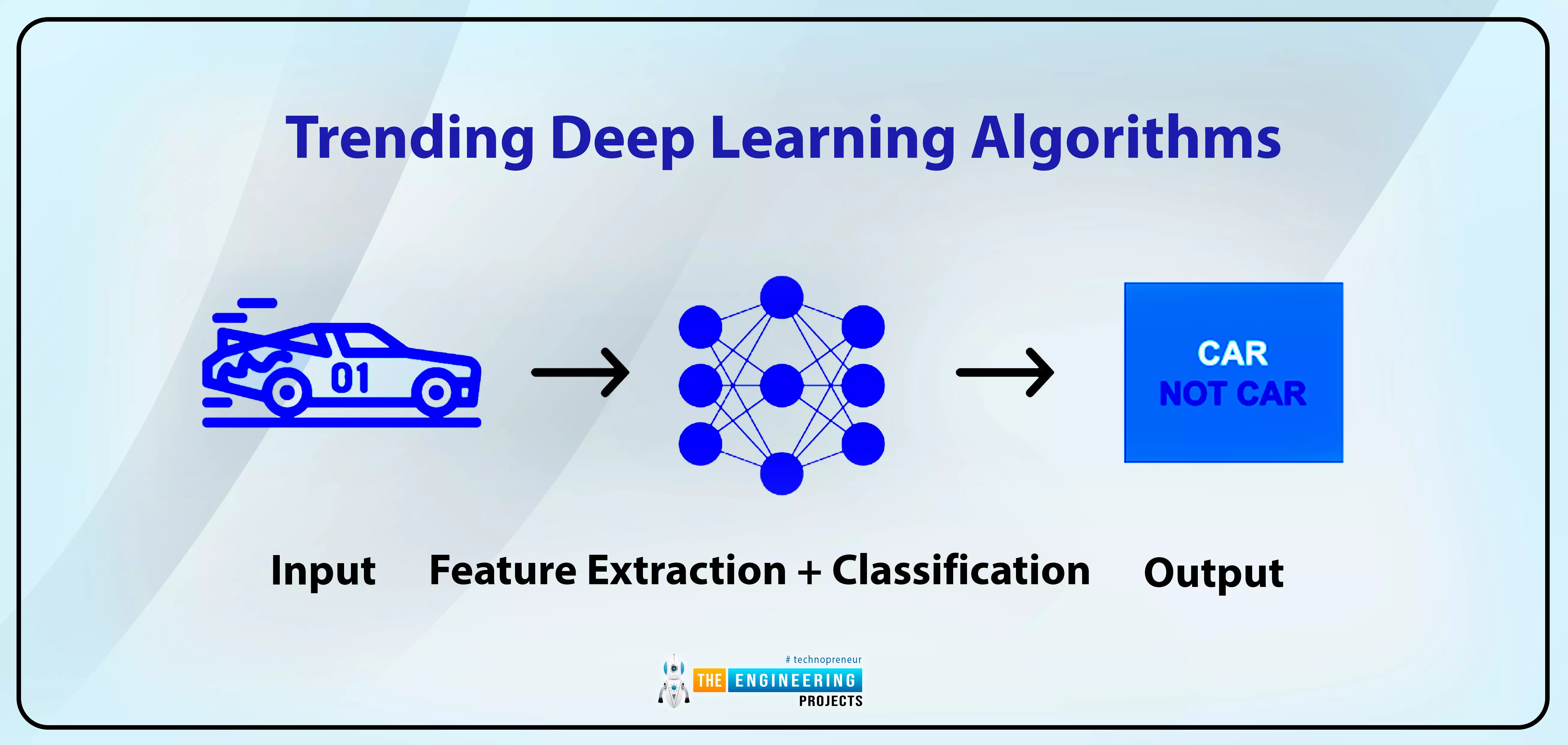
Hello pupils! Welcome to the following lecture on deep learning. As we move forward, we are learning about many of the latest and trendiest tools and techniques, and this course is becoming more interesting. In the previous lecture, you saw some important frameworks in deep learning, and this time, I am here to introduce you to some fantastic algorithms of deep learning that are not only important to understand before going into the practical implementation of the deep learning frameworks but are also interesting to understand the applications of deep learning and related fields. So, get ready to learn the magical algorithms that are making deep learning so effective and cool. Yet before going into details, let me discuss the questions for which we are trying to find answers. How does deep ...
Hi Friends! Hope you’re well today. I’ll welcome you on board. In this post, I’ll walk you through How a Hobbyist Can Work on Electronic Projects in America. From smartphones to security systems and appliances to advanced automation equipment, electronics seem to engulf every aspect of life. And with the recent advancement in technology, this trend will continue to make our lives easy and better for years on end. BUT… before you can take part in the development of innovative and advanced electronic machinery, you need to get your hands dirty with DIY electronic projects. These small and easy-to-handle projects give you confidence that you can do better and put your deliberate effort to delight the lives of people with your intellect. If you’re just starting, we suggest you visit North Amer ...
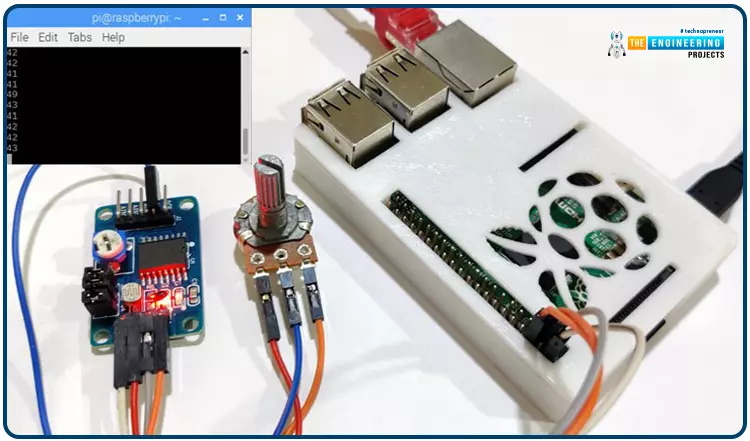
Welcome back to another Python tutorial for the Raspberry Pi 4! The previous tutorial showed us how to construct a Raspberry Pi-powered cell phone with a microphone and speaker for making and receiving calls and reading text messages (SMS). To make our Raspberry Pi 4 into a fully functional smartphone, we built software in Python. As we monitored text and phone calls being sent and received between the raspberry pi and our mobile phone, we experienced no technical difficulties. But in this tutorial, you'll learn how to hook up the PCF8591 ADC/DAC module to a Raspberry Pi 4. Since most sensors only output their data in analog values, converting them to binary values that a microcontroller can understand is a crucial part of any integrated electronics project. A microcontroller's ability to ...
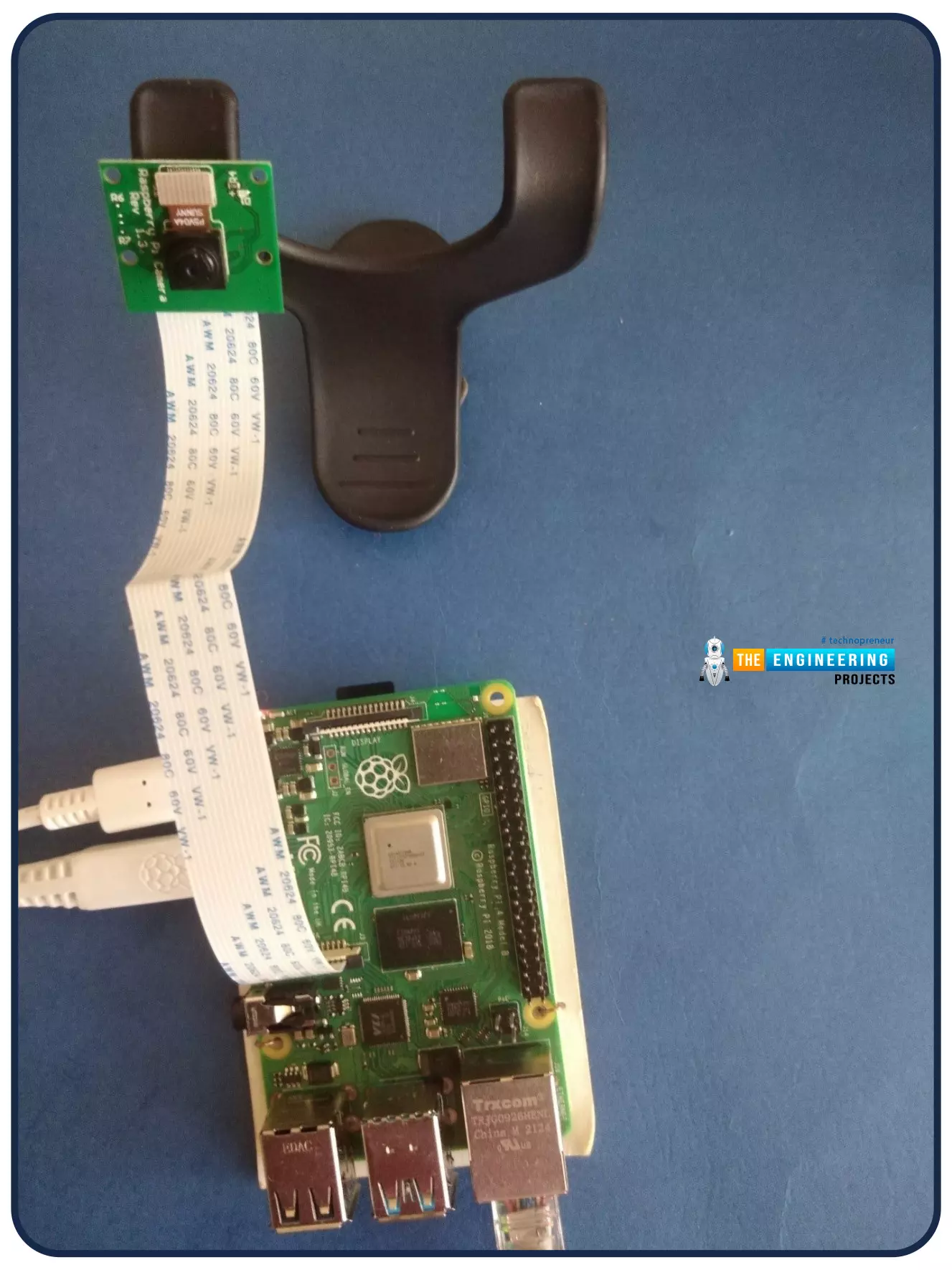
Welcome to the next tutorial of our Raspberry Pi programming course. Our previous tutorial looked at how to Interface DS18B20 with Raspberry Pi 4 . This tutorial will teach us how to create a time-lapse video with still images and understand how phototimer and FFmpeg work. What is time-lapse? When photographing something over a lengthy period, "time-lapse" comes to mind. A video can be created by mixing the still photos. Plant development may be tracked with time-lapse movies, as can the changing of the seasons. They can also be utilized as low-resolution security cameras. Components Raspberry pi 4B Pi camera Connect to the Raspberry Pi Cameras that can be used with the Raspberry Pi are a bit limited. A powered USB hub is required for most webcams that are compatible. For this post, we’ll ...
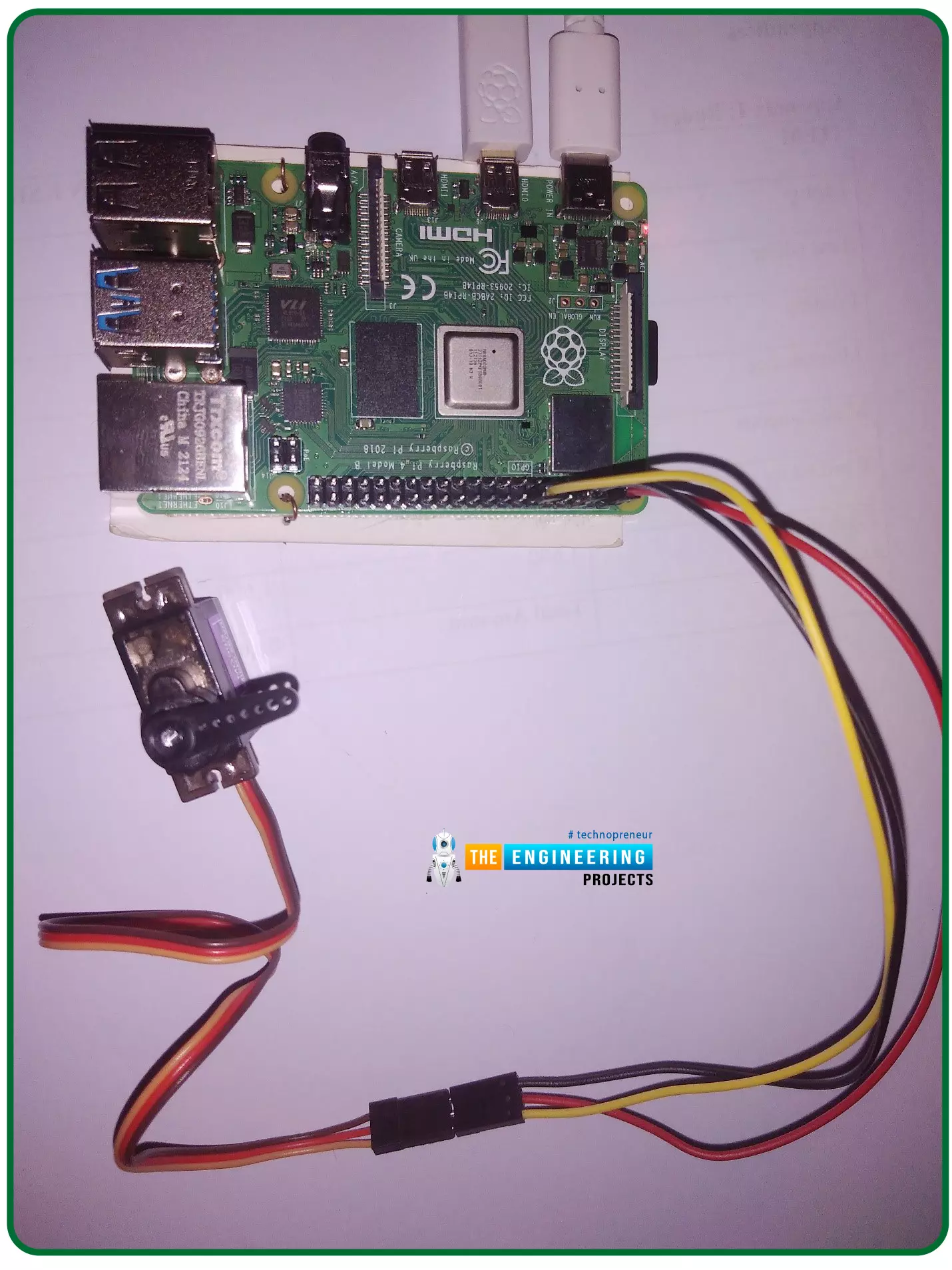
Hello friends, I hope you all are doing well. Welcome to the 11th tutorial of our Raspberry Pi programming course. In the previous chapter, we have seen how to regulate the speed of a Stepper motor with Raspberry Pi 4 . Today, we'll work on the servo motor and will control it with RPi4. So, let's get started: Components Required: We will need the following components to control Servo Motor with Raspberry Pi 4: Raspberry Pi 4. Servo Motor. Male-to-female jumper wires. What is a servo motor? A Servo Motor is a simple DC motor with a position feedback Control System and a gearbox. A Servo Motor's primary advantage is its ability to maintain its shaft's angular position at any desired angle i.e. if we want to keep our shaft at 67 degrees, we can easily achieve that with a servo motor. In most ...
PWM stands for P ulse- W idth M odulation. Once the switching frequency (f sw ) has been chosen, the ratio between the switch-on time (T ON ) and the switch-off time (T OFF ) is varied. This is commonly called duty-cycle (D). The duty cycle can be between 0 and 1 and is generally expressed as a percentage (%). D = T ON / (T ON + T OFF ) = T ON x f sw The variation of the pulse width, made at a high frequency (kHz), is perceived as continuous and can be translated into a variation of the rotation speed of a motor, dimming a LED, driving an encoder, driving power conversion, and etc. The use of PWM is also widely used in the automotive sector in electronic control units (ECU - Electronic Control Unit) to manage the energy to be supplied to some actuators, both fixed and variable frequency. A ...
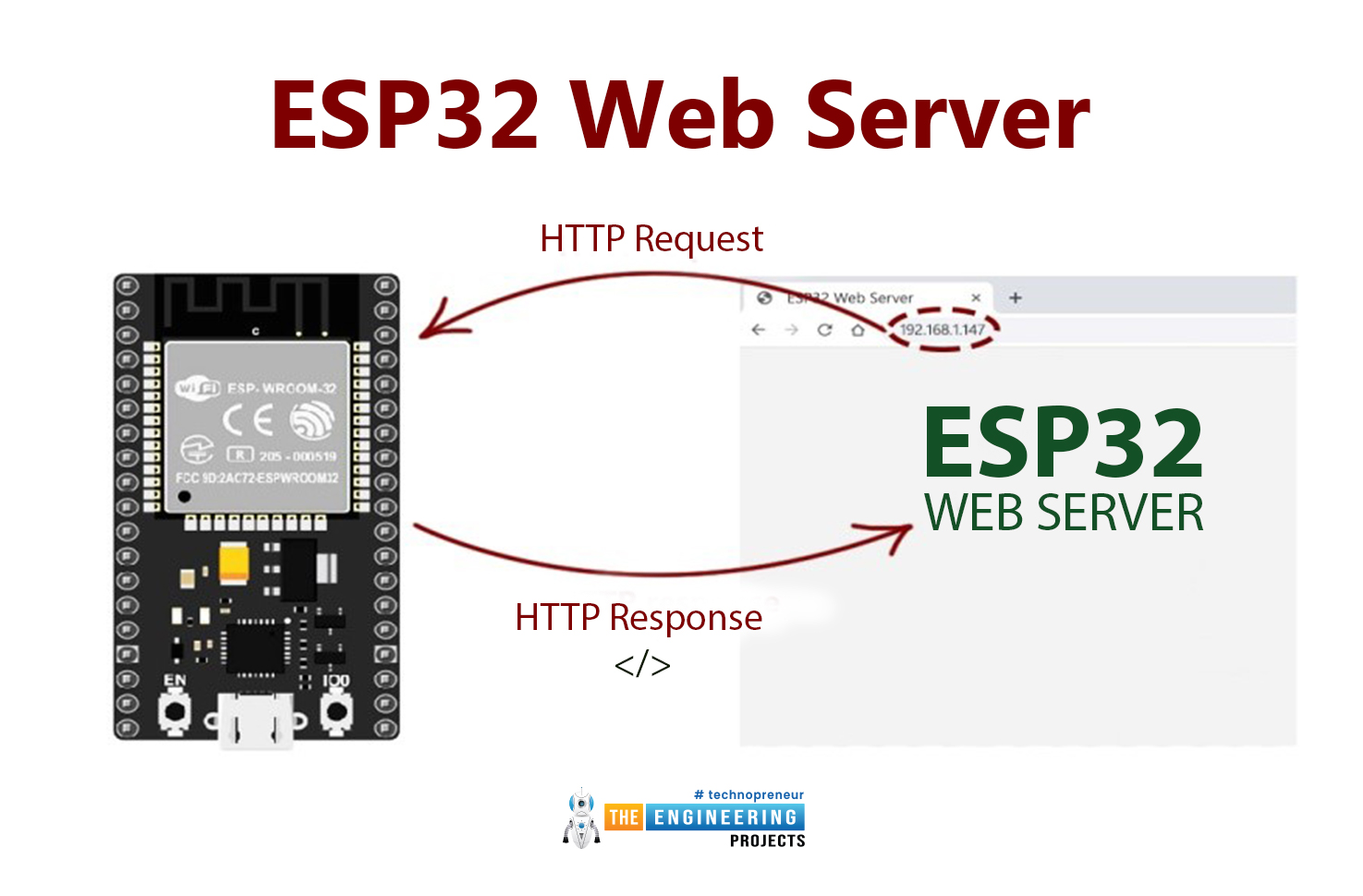
Hello readers, I hope you all are doing great. Today, we are going to start the second section of the ESP32 tutorial series and today's our first tutorial, where we will have a look at How to Create a Web Server with ESP32. In our previous tutorial, we introduced you to the basics of the ESP32 microcontroller . where we discuss How to set up Arduino IDE to program ESP32. In this tutorial, we will discuss creating a web server using the ESP32 module. One of the most interesting features of the ESP microcontroller series is its wireless connectivity via WiFi & Bluetooth. Wireless connectivity protocols supported by ESP32 are: Wi-fi : 802.11b/g/n/e/i Bluetooth : BLE(Bluetooth low energy) and V4.2 What is a Web server? A web server is software or hardware that stores, processes, and delivers w ...
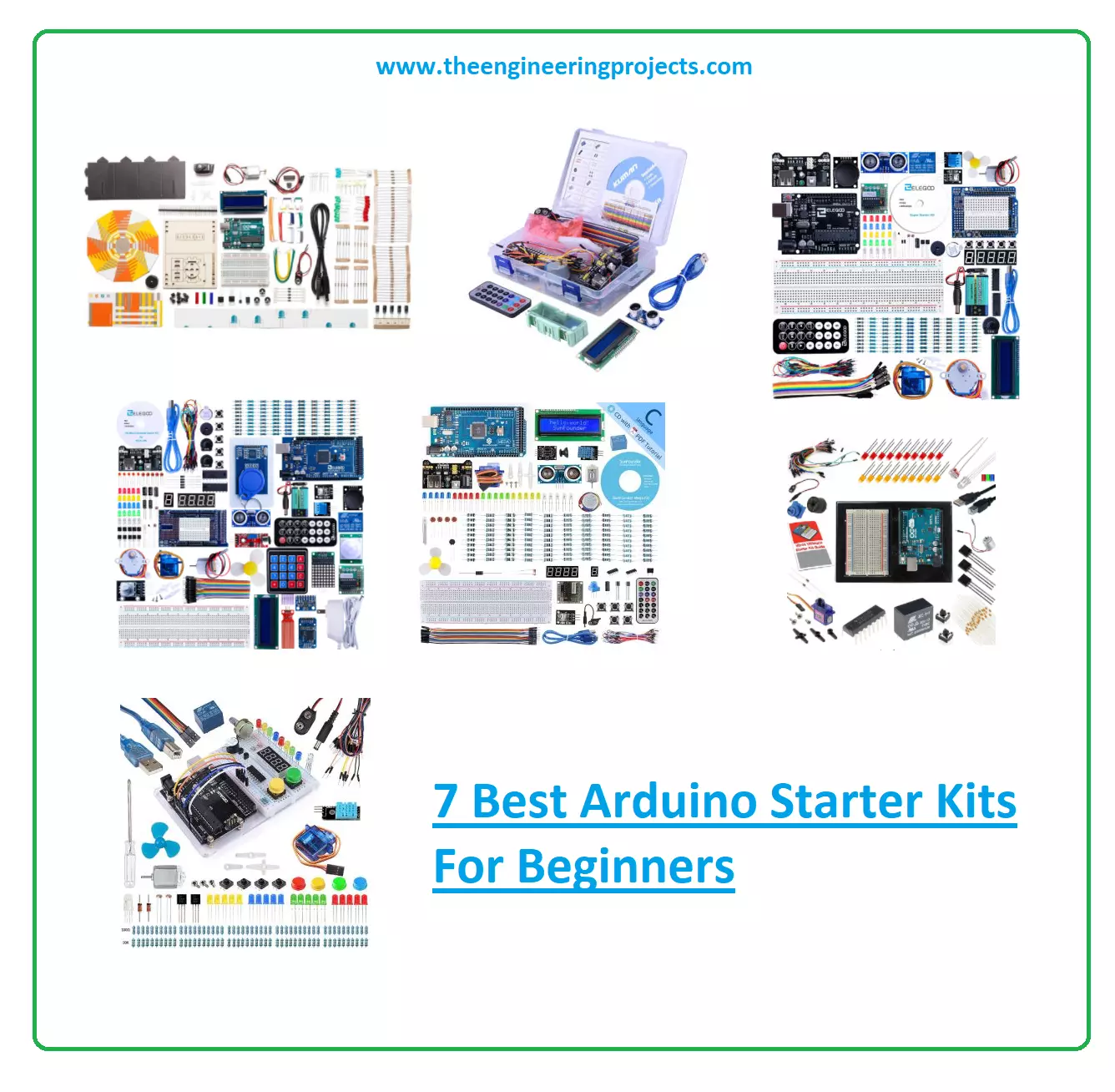
Hi Guys! Hope you’re well today. I welcome you on board. In this post today, I’ll detail the 7 best Arduino starter kits for beginners. Arduino boards are particularly introduced for people with little to no knowledge about programming and electronics. These boards are the improvised version of microcontrollers. If you’re a student or someone planning to get your hands dirty with some electronic projects, Arduino boards are a great way to whet your appetite. Arduino kits house many essential components required to start working with Arduino boards. These kits are developed for people who struggle to get a hold of the nitty-gritty of programming Arduino boards. These Arduino basic kits come with instruction manuals that detail the step-by-step process to make the Arduino projects with the g ...
Hello Pupils! I welcome you to The Engineering Projects . I hope you are having a good day. In our previous lectures, we simulated almost all the DLD Logic Gates i.e. AND, OR, NOT, NOR, NAND, XOR and XNOR. I hope now you must have a complete understanding of the logic gates and their working. Now, it's time to have a look at the reason for inventing these logic gates. These DLD logic gates are used to design different numerical modules i.e. adder, subtracter, multiplexer, de-multiplexer, encoder, decoder etc. These arithmetic modules are normally used in electronic products i.e. a simple microcontroller has numerous adders/subtractors for properly calling the registers' addresses. So, from today onward, we are going to discuss these applications of logic gates one by one. Today, we will fo ...
Hey Everyone! Hope you’re well today. I welcome you on board. In this post today, I’ll walk you through the Introduction to Arduino MKR Vidor 4000. Libraries Arduino Simulation Libraries Arduino boards: UNO · Mega 2560 · Mega 1280 · Nano · Pro Mini · Mini (V4.0) All six V4.0 boards in one package: Arduino Library for Proteus V4.0 Helping Tools Serial Monitor Advance : a serial terminal window for the UART of your board Serial Monitor Expert : the serial monitor with extra debugging tools LCD Library for Proteus V3.0 : 16x2, 20x4 and I2C LCDs to show your readings The Arduino MKR Vidor 4000 is a powerful board with which you can develop your own controller board. The inclusion of FPGA makes this device unique and separate from other Arduino boards available in the market. With this FPGA fea ...