… you don't know much about L298 then you should also have a look at Introduction to L298 , in which I have discussed the basics of L298 module, it will be quite informative for you. If you got into any trouble regarding this L298 Motor Driver Library for …
… download L298 Datasheet by clicking below button: Download L298 Datasheet 1. L298 Pinout L 298 IC has 15 pins in total, each having different functions associated with them. The animated image of L-298 IC is shown in the figure given below. 2. L298 Features …
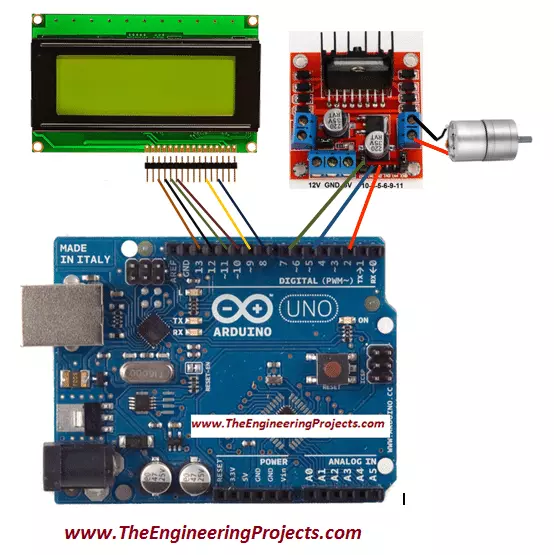
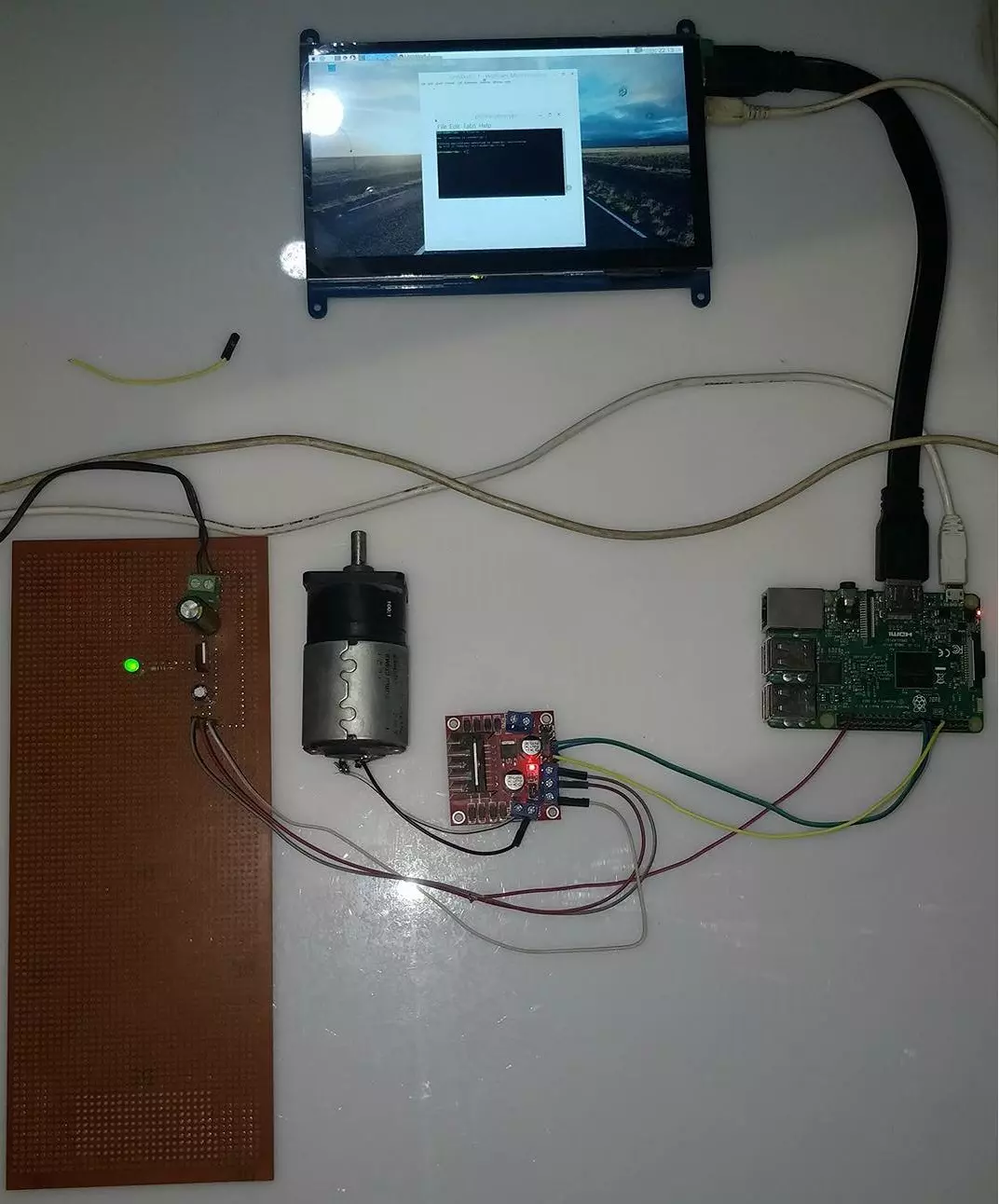
… the DC motor with the output pins ( OUT1 and OUT2 ) of L298 motor controller. Connect L298 motor controller's pin IN1 and IN2 with the Arduino UNO's pin 2 and 5 respectively. Now, connect ENA pin of L298 motor controller to the Arduino's pin 9. Connect the …
… driver circuit using L298 Motor Driver : L298 Motor Driver Circuit L298 is an excellent motor driver, you can control two DC Motors with one L298 driver. I have used L298 Motor Driver Shield, you can read more about this shield on L298 Motor Driver Library for …
… control driver L298 (H-Bridge) are useful to control the direction of rotation of the DC motor. In this tutorial, I have controlled its speed as well by providing different voltage levels at the enable pin of the DC motor control driver L298. It will be …
… Library for Proteus Driving Loads 7. L298 Motor Driver Library for Proteus Figure: L298 Motor Driver Library for Proteus An Arduino pin can't power a motor, so robots and conveyors use a motor driver. The L298 controls the speed and the direction of DC motors …
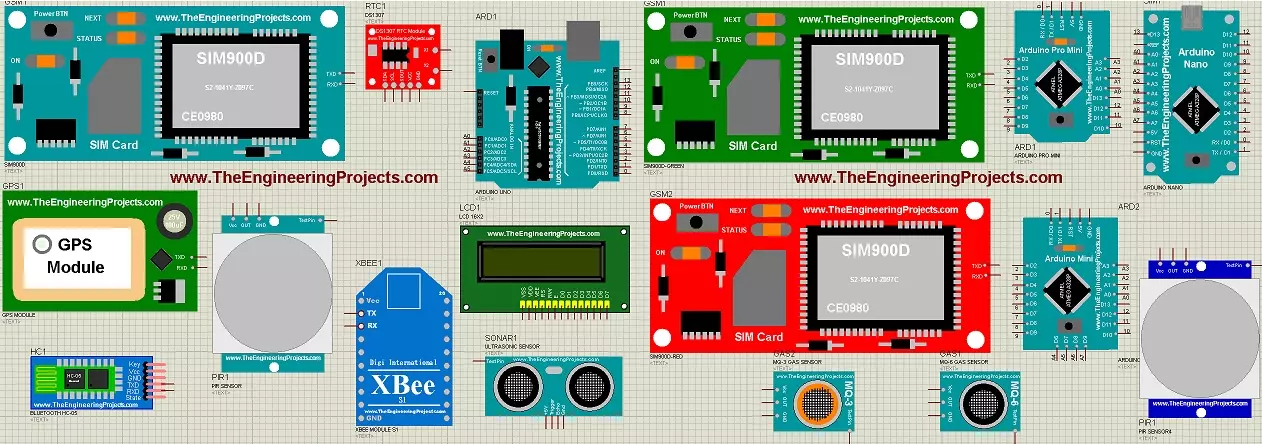
… Proteus in the previous section. Here you need to install L298 Motor Driver Library for Proteus , which is not available in it. So here we have used two DC Motors, which are controlled with L298 Motor Driver. XBee is used to receive commands coming from Remote …
… an L298 module in it. Proteus doesn't contain L298 Motor Driver in it so, our team has designed it in Proteus and it's now ready to simulate in it. You can download this L298 Motor Driver Library for Proteus by clicking the below button: Download L298 Motor …
… first of all, design a circuit as shown in the below figure: Now you can see in the above figure that I have used L297 and L298 as stepper motor drivers. You can do stepper motor control without these drivers in Proteus software but when you design it in real …
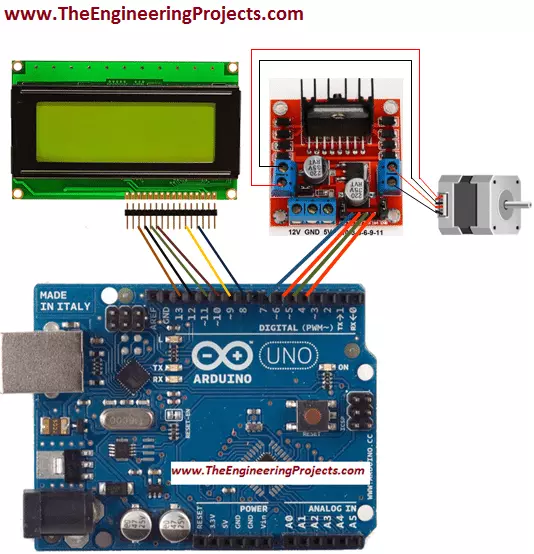
… also know as steps I have connected theses four wires to the output pins OUT1, OUT2, OUT3 and OUT4 of the L298 micro controller. Input pins of L298 micro controller In1, In2, In3 and In4 are connected to the pin no 7, 6, 5 and 4 of the Arduino UNO's board …