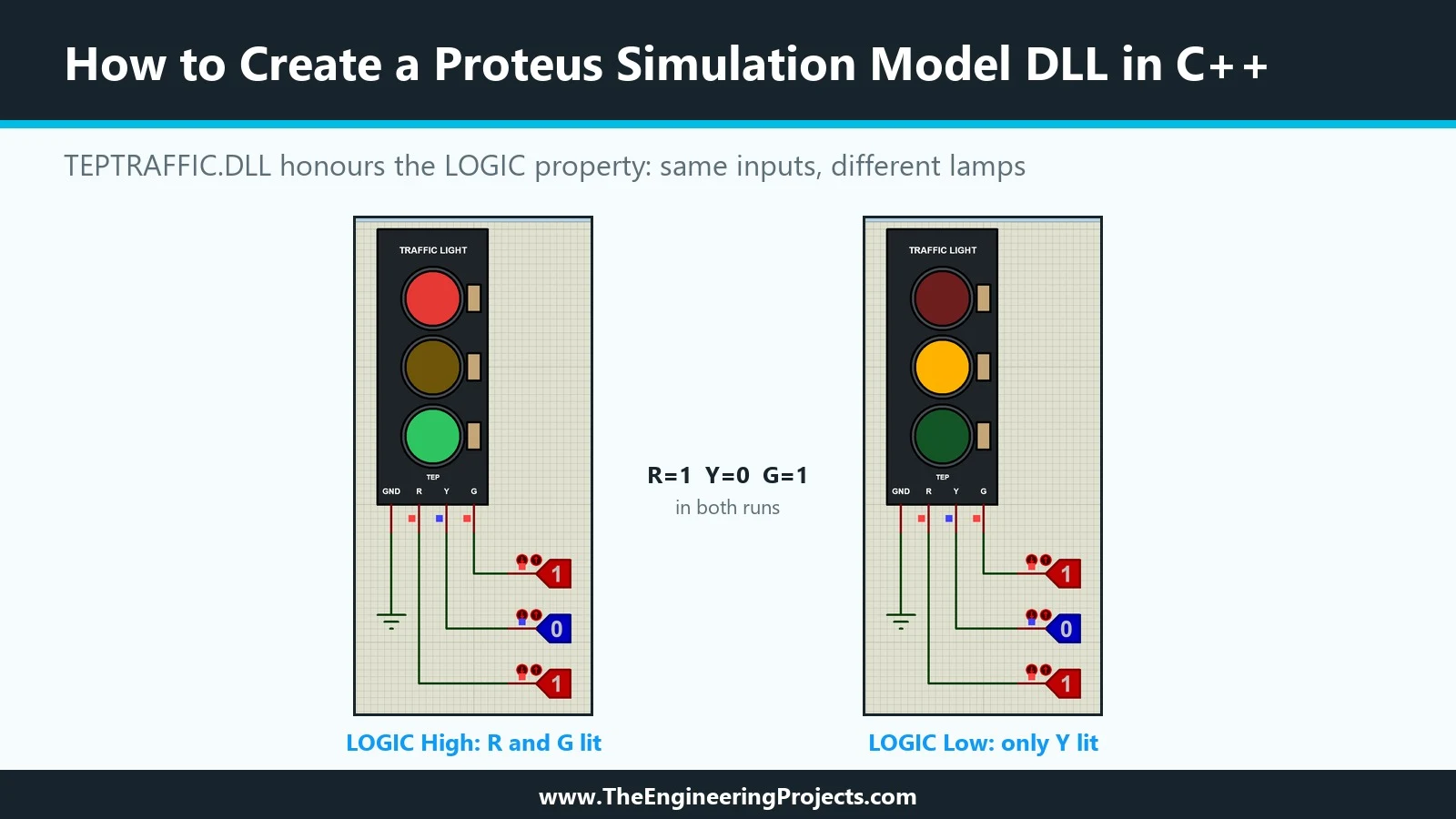
Hello friends, I hope you are doing well. This is the seventeenth tutorial in our series on how to create a Proteus library. In the previous tutorial, How to Design a User Interactive Library in Proteus , we added a Push Button Module to our library and used it to switch the red lamp of our Traffic Light Module. Both parts were built entirely from Proteus's own primitives. Today, we write a model in C++ instead. Our topic is how to create a Proteus simulation model DLL in C++ . Updates Proteus Component Designing This course: Part 17 of 20, Animated and Interactive Components Previous part: User Interactive Component Next part: Live Control Panel Course start: How a Proteus Library Works Add libraries to Proteus: How to Add a New Library in Proteus Library lists: 30 New Libraries (2026) · ...
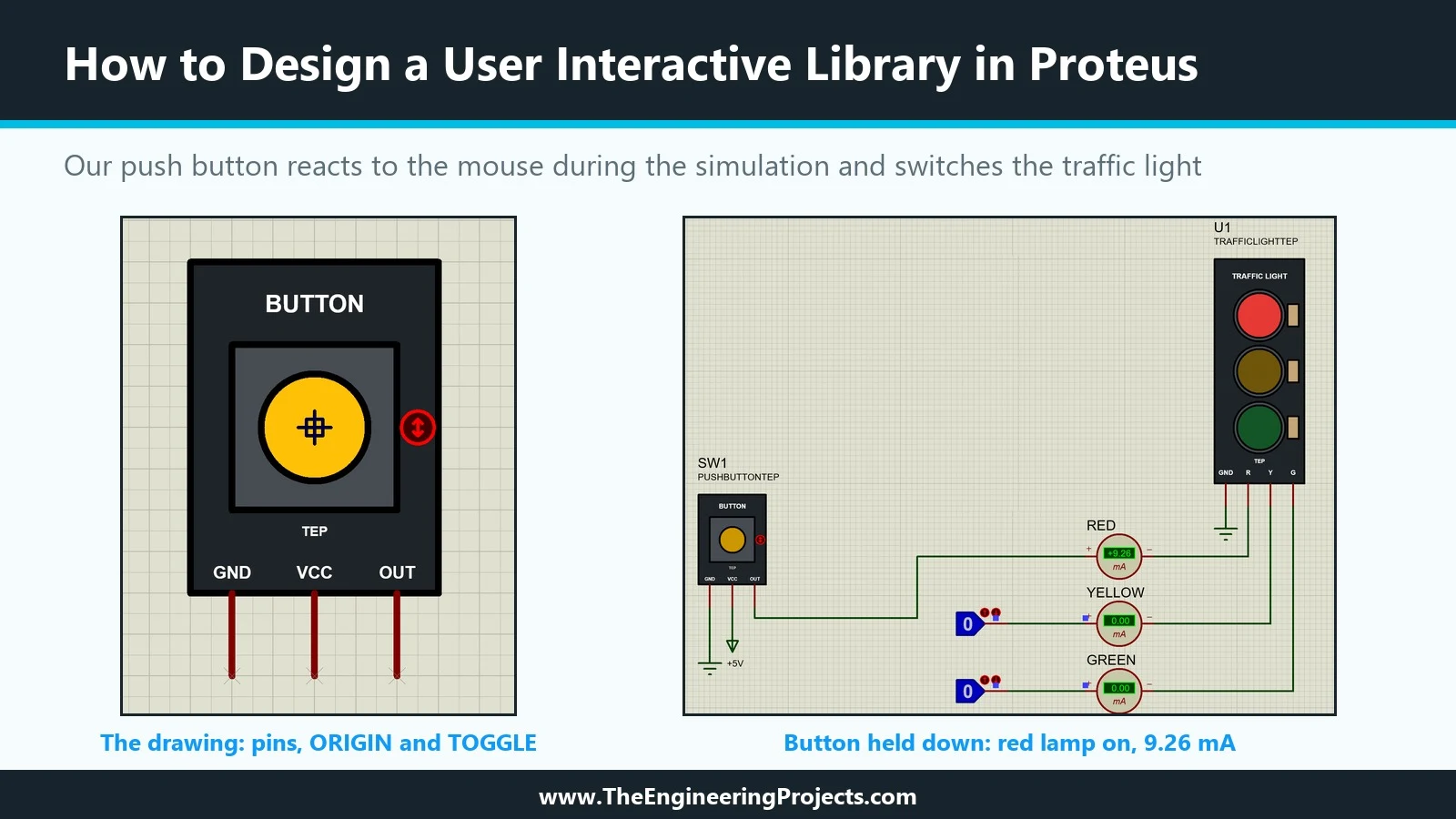
Hello friends, I hope you are doing well. This is the sixteenth tutorial in our series on how to create a Proteus library. In the previous tutorial, How to Create an Animated Component in Proteus , our Traffic Light Module learned to show its lamps: state symbols, a common symbol and real time current probes in the model. That part is an indicator; it shows what the circuit does. Today, we build the opposite kind of part, one that the user operates with the mouse while the simulation runs. Our topic is how to design a user interactive library in Proteus . Updates Proteus Component Designing This course: Part 16 of 20, Animated and Interactive Components Previous part: Animated Component Next part: Simulation Model DLL in C++ Course start: How a Proteus Library Works Add libraries to Proteu ...
Hello friends, I hope you all are doing great. Today, I am going to share a list of Medical Sensor Libraries for Proteus . Biomedical projects are a favourite of engineering students: pulse oximeters, heart rate monitors, fall detectors for elderly people, smart gloves for rehabilitation and patient monitors that send data to a doctor's phone. They are meaningful projects, and they teach you signal processing, sensors and communication all at once. Updates Medical Sensor Libraries for Proteus Latest list: October 2026 (this list) Health sensors: Heart Beat · MAX30102 · MLX90614 · Flex Sensor Sensor lists: 35 Sensor Libraries · I2C Sensors · Environmental Sensors · Motion & Distance · Smart Agriculture Helping Tools Serial Monitor Advance : a serial terminal window for the UART of your boar ...
Hello friends, I hope you are doing well. This is the fifteenth tutorial in our series on how to create a Proteus library. In the previous tutorial, How to Create a Schematic Simulation Model (MDF) in Proteus , we drew the circuit of our Traffic Light Module, compiled it into TRAFFICLIGHT.MDF and let each placed module have its own resistor values. The currents were right, but the three lamps stayed dark whatever we did. Today, we make them light up. Our topic is how to create an animated component in Proteus . Updates Proteus Component Designing This course: Part 15 of 20, Animated and Interactive Components Previous part: Schematic Model (MDF) Next part: User Interactive Component Course start: How a Proteus Library Works Add libraries to Proteus: How to Add a New Library in Proteus Libr ...
Hello friends, I hope you are doing well. This is the fourteenth tutorial in our series on how to create a Proteus library. In the previous tutorial, How to Add a SPICE Model in Proteus , we gave our Traffic Light Module its first working model: a SPICE subcircuit with a resistor and an LED per lamp, linked to the part with four properties. Today, we build the same behaviour a different way, by drawing it. Our topic is how to create a schematic simulation model (MDF) in Proteus . Updates Proteus Component Designing This course: Part 14 of 20, Proteus Simulation Models Previous part: Adding a SPICE Model Next part: Animated Component Course start: How a Proteus Library Works Add libraries to Proteus: How to Add a New Library in Proteus Library lists: 30 New Libraries (2026) · 35 Sensor Libr ...
Hello friends, I hope you all are doing great. Today, I am going to share the new NEO-6M GPS Library for Proteus V1.1 . The u-blox NEO-6M is the GPS module most students start with: it is cheap, it talks to an Arduino over two wires, and it tells you where you are, how fast you move and the exact time. With this NEO-6M Library for Proteus , you can build and test your GPS project on your PC, without waiting next to a window for a satellite fix. Updates NEO-6M Library for Proteus Latest version: V1.1 (October 2026, this tutorial) Other GPS modules: NEO-7M · NEO-M8N · SIM808 Helping Tools Serial Monitor Advance : a serial terminal window for the UART of your board Serial Monitor Expert : the serial monitor with extra debugging tools LCD Library for Proteus V3.0 : 16x2, 20x4 and I2C LCDs to s ...
Hello friends, I hope you all are doing great. Today, I am going to share a list of Smart Agriculture Sensor Libraries for Proteus . Smart farming is one of the most useful areas of embedded systems: a small Arduino node in the field can measure the soil, the air and the light, switch a water pump only when the plants need it, skip watering when it rains, and send an alert to the farmer's phone. That's why automatic irrigation and greenhouse monitoring are among the most popular final year projects. Updates Smart Agriculture Sensor Libraries for Proteus Latest list: October 2026 (this list) Water and soil sensors: Soil Moisture · Capacitive Soil · Rain Sensor · Water Level · TDS Meter · Turbidity · YF-S201 Flow · pH Sensor Sensor lists: 35 Sensor Libraries · I2C Sensors · Environmental Sen ...
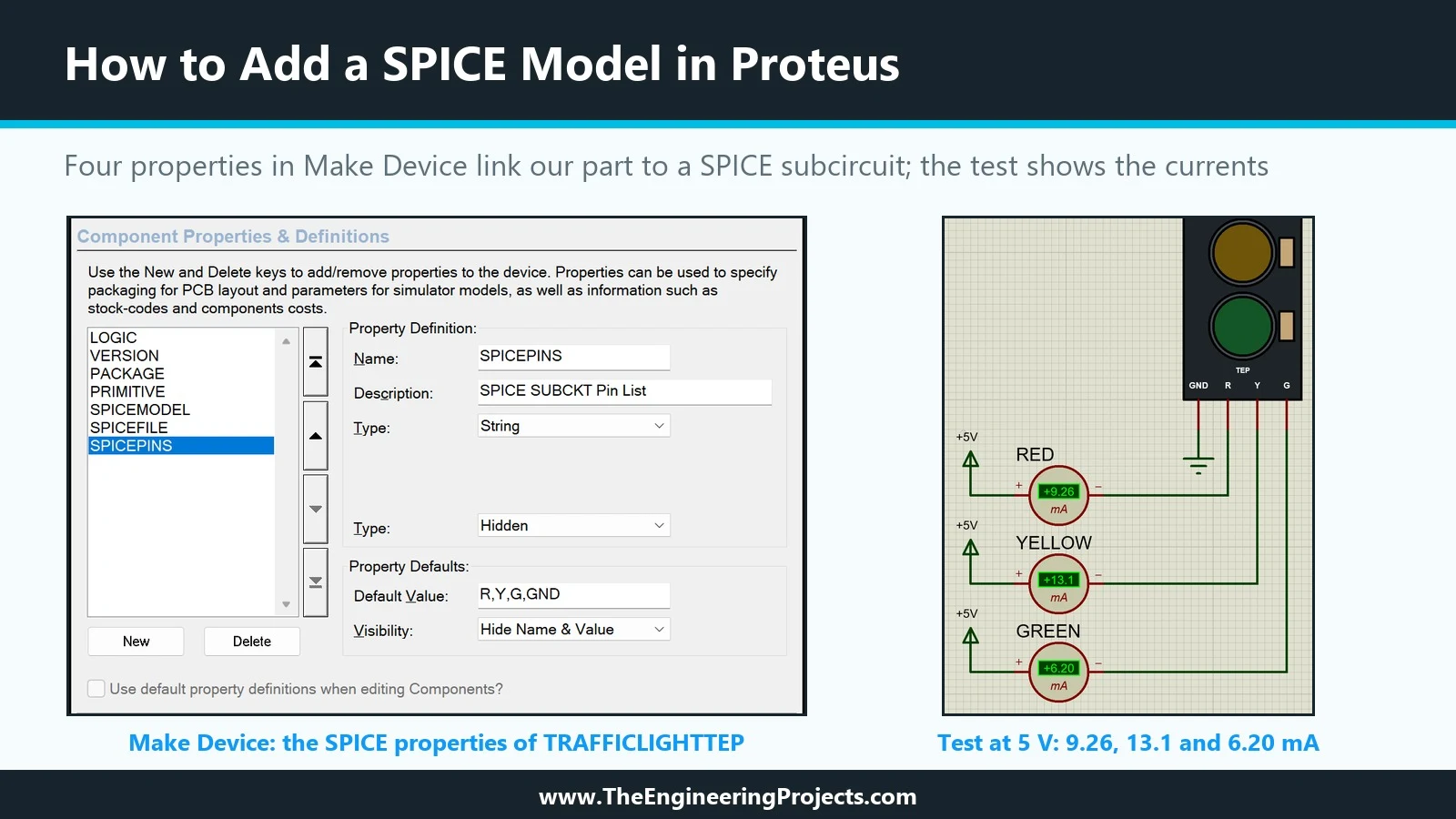
Hello friends, I hope you are doing well. This is the thirteenth tutorial in our series on how to create a Proteus library. In the previous tutorial, Proteus Simulation Models Explained , we met the four kinds of simulation model and saw that our Traffic Light Module still has none: Pick Devices labels it No Simulator Model, and a simulation stops with "No model specified". Today, we give it its first working model. Our topic is how to add a SPICE model in Proteus . Updates Proteus Component Designing This course: Part 13 of 20, Proteus Simulation Models Previous part: Simulation Models Explained Next part: Schematic Model (MDF) Course start: How a Proteus Library Works Add libraries to Proteus: How to Add a New Library in Proteus Library lists: 30 New Libraries (2026) · 35 Sensor Librarie ...
Hello friends, I hope you are doing well. This is the twelfth tutorial in our series on how to create a Proteus library. In the previous tutorial, How to Edit and Update an Existing Component in Proteus , we changed our Traffic Light Module after it was in use and brought the design up to version 1.1. The part is complete as a drawing, with pins, properties and a footprint, but when we press Run, Proteus still stops with "No model specified". Today, we look at what is missing. Our topic is Proteus simulation models explained . Updates Proteus Component Designing This course: Part 12 of 20, Proteus Simulation Models Previous part: Editing and Updating a Part Next part: Adding a SPICE Model Course start: How a Proteus Library Works Add libraries to Proteus: How to Add a New Library in Proteu ...
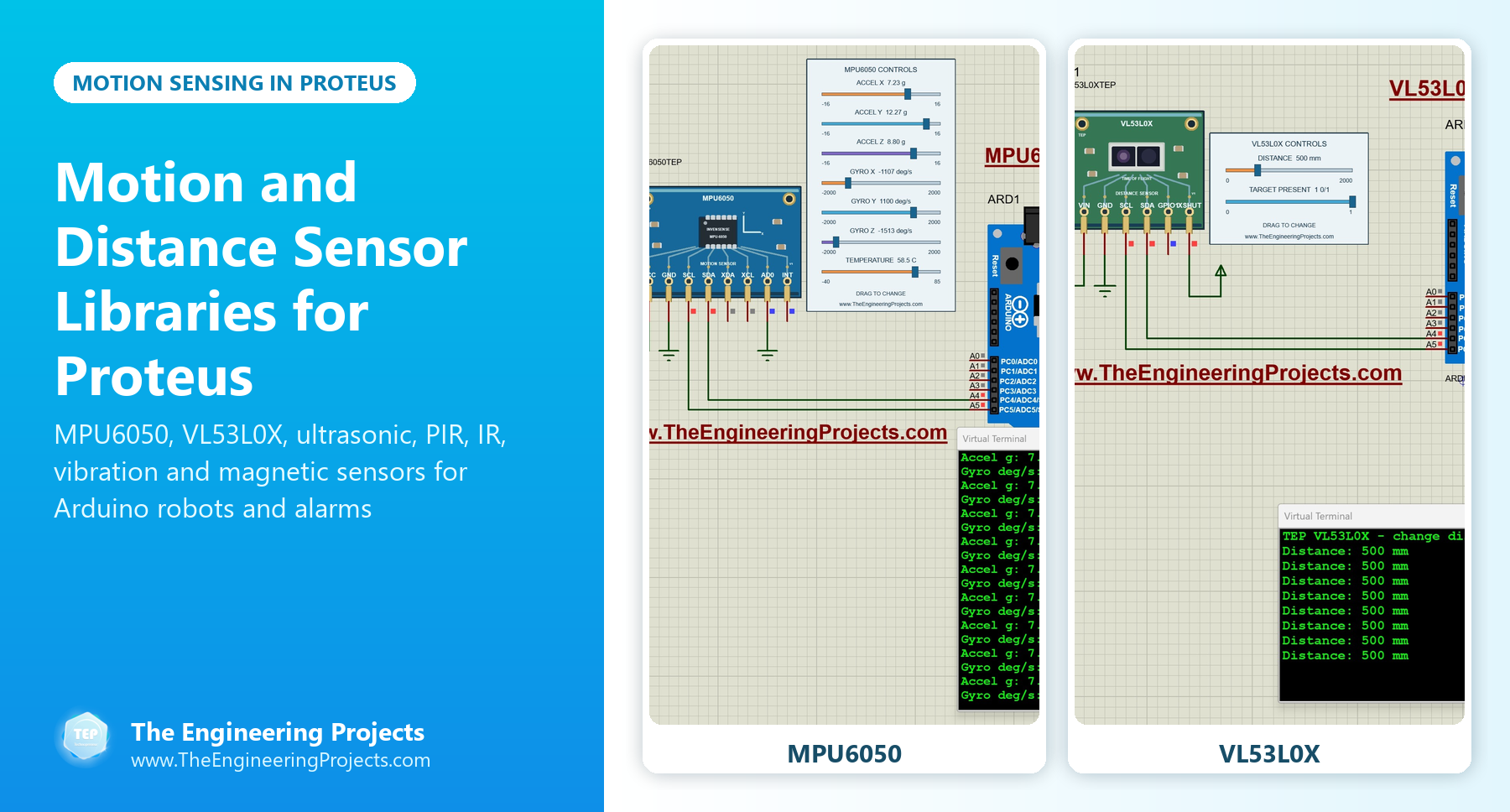
Hello friends, I hope you all are doing great. Today, I am going to share a list of Motion and Distance Sensor Libraries for Proteus . These are the sensors that make robots and security systems work: they measure how far an obstacle is, notice a person walking into a room, feel a vibration, find a black line on the floor or tell a self-balancing robot which way it is tilting. If your project moves, or watches something move, you need one of them. Updates Motion and Distance Sensor Libraries for Proteus Latest list: October 2026 (this list) Distance and motion sensors: Ultrasonic HC-SR04 · JSN-SR04T · Sharp IR · TF-Luna LiDAR · VL53L0X · PIR HC-SR501 · RCWL-0516 · IR Obstacle FC-51 IMU sensors: MPU6050 · MPU9250 · ADXL345 · GY-271 Compass Sensor lists: 35 Sensor Libraries · I2C Sensors · E ...