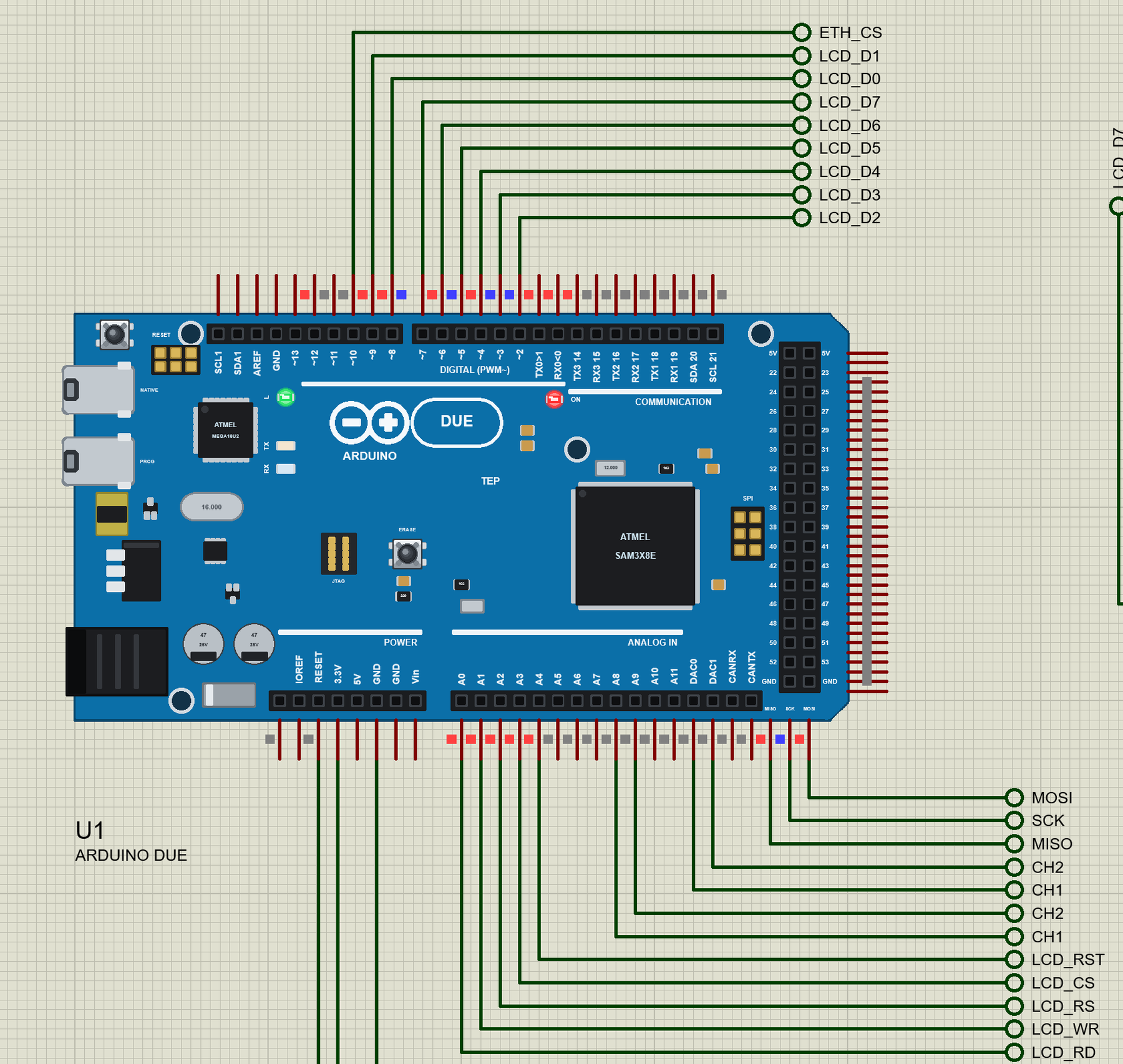
Hello friends, I hope you all are doing great. Today, I am going to share the Arduino Due Library for Proteus . The Due was the first Arduino with a 32-bit ARM processor: an Atmel SAM3X8E - a Cortex-M3 at 84 MHz with 512 KB of flash and 96 KB of RAM - on the big Mega-sized board, with the Mega's headers and two things no AVR Arduino has: two real DACs . With this library it runs your Arduino Due sketch in Proteus 8.5, with the Due's own pin numbers. Updates Arduino Due Library for Proteus Latest version: V1.0 (October 2026, this tutorial) Other new Arduino boards: UNO R4 WiFi · Nano ESP32 · UNO WiFi Rev2 · Nano 33 IoT · UNO Q · UNO R4 Minima · Nano Every · MKR WiFi 1010 · Nano RP2040 Connect · STM32 Black Pill · Nucleo-F401RE · STM32 Blue Pill · Teensy 4.1 · Arduino Leonardo · Arduino Micr ...
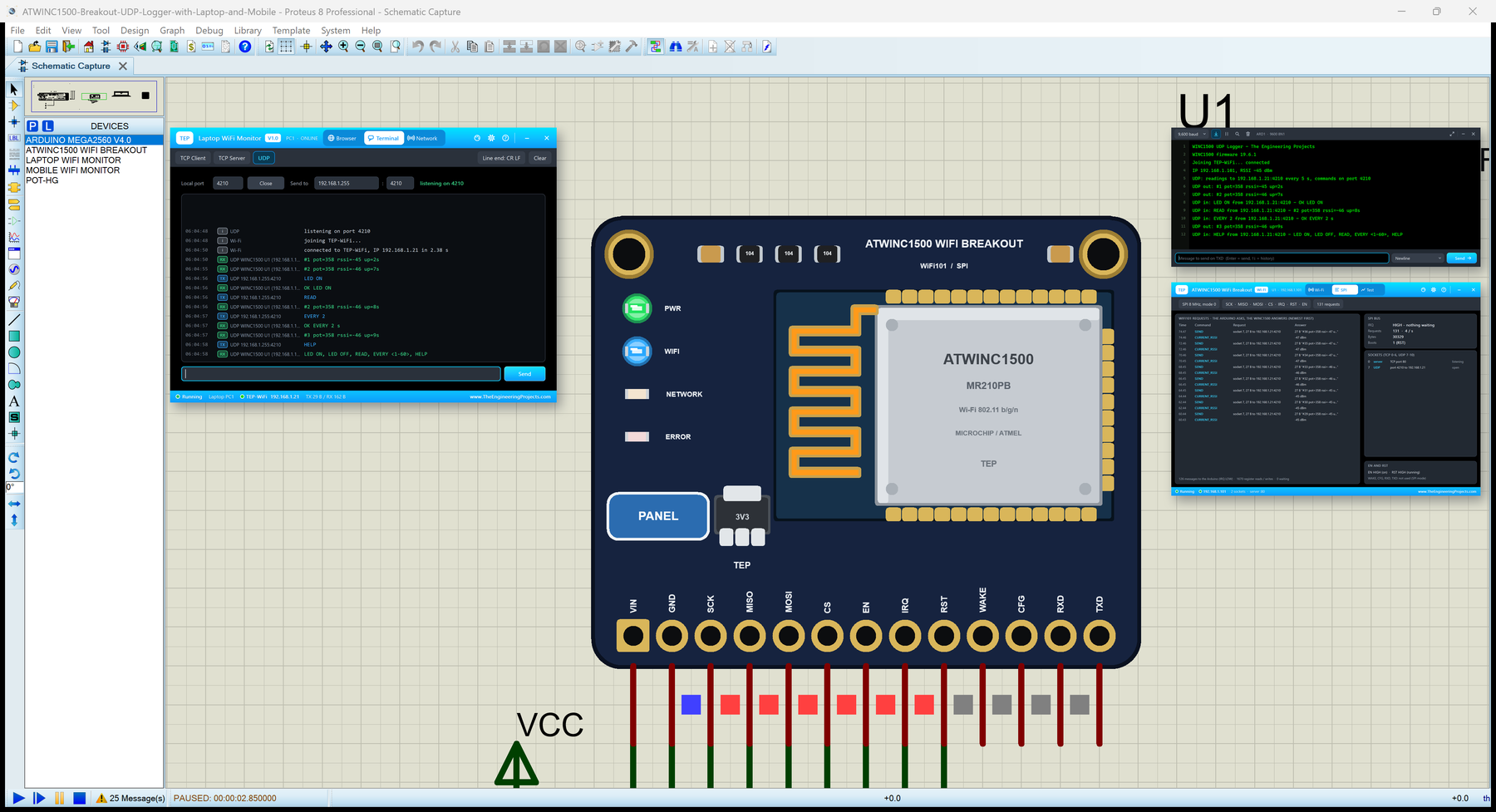
Hello friends, I hope you all are doing great. Today, I am going to share the ATWINC1500 WiFi Breakout Library for Proteus . The ATWINC1500 breakout is a small board with Microchip's (Atmel's) ATWINC1500 Wi-Fi network controller that any microcontroller can use over SPI with the WiFi101 library. You choose its pins with WiFi.setPins() , and then WiFi.begin() , WiFiUDP , WiFiServer and the rest work as on a WiFi Shield 101. With this library you can place the breakout in Proteus, wire it to our Arduino Mega and run a WiFi101 sketch as it is. Updates ATWINC1500 WiFi Breakout Library for Proteus Latest version: V1.0 (October 2026, this tutorial) The same ATWINC1500 chip: WiFi Shield 101 ESP32 boards and modules: ESP32 DevKit V1 · ESP32-DevKitC V4 · ESP32-S3 DevKitC-1 · ESP32-C3 SuperMini · ES ...
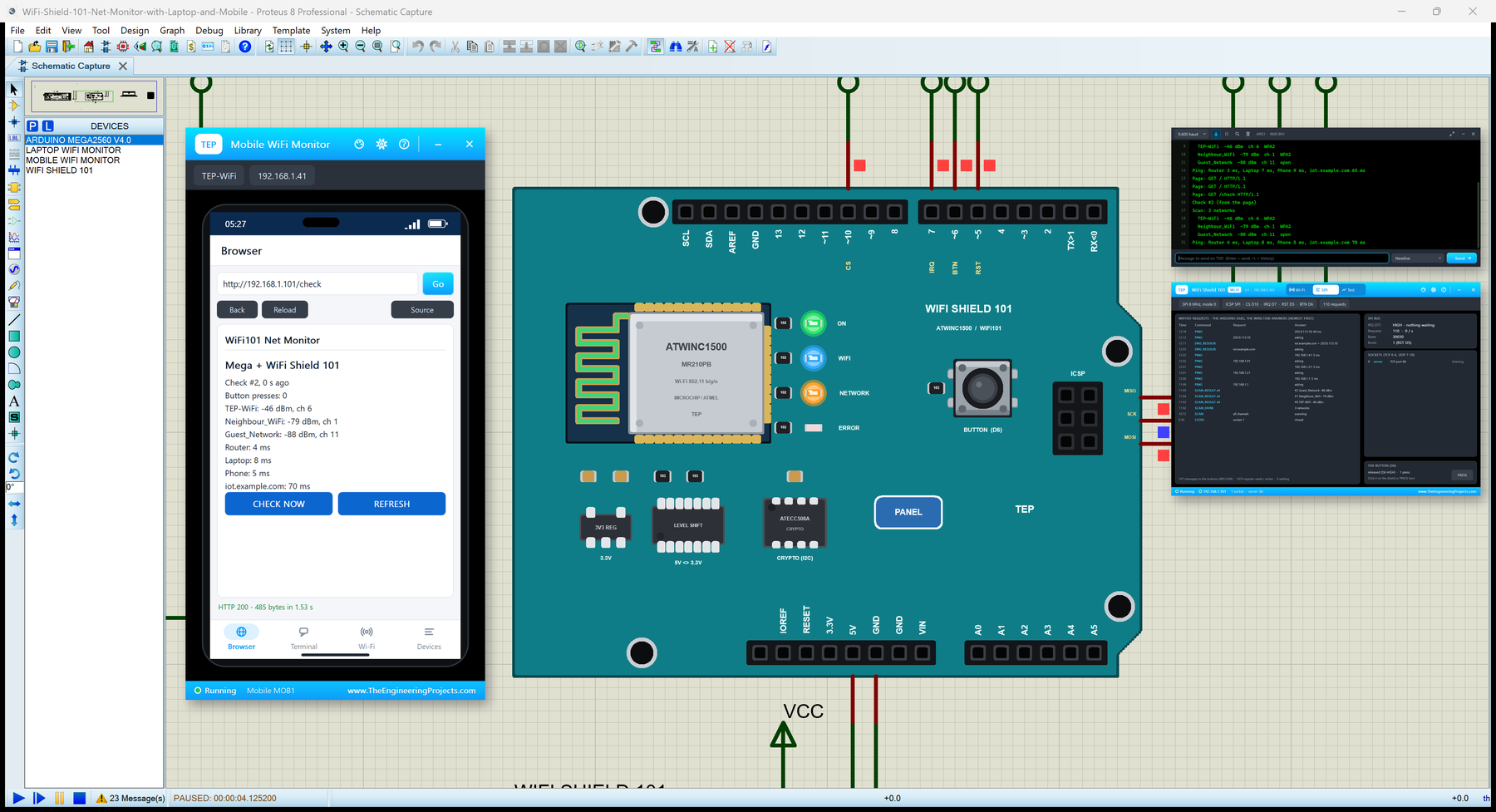
Hello friends, I hope you all are doing great. Today, I am going to share the WiFi Shield 101 Library for Proteus . The WiFi Shield 101 is the Arduino shield with the ATWINC1500 Wi-Fi network controller from Microchip (Atmel before). Your Arduino keeps its own sketch and talks to the WINC1500 over SPI with the WiFi101 library: WiFi.begin() , WiFi.scanNetworks() , WiFi.ping() , WiFiServer , WiFiClient and the rest. With this library you can place the shield in Proteus, wire it to our Arduino Mega and run a WiFi101 sketch as it is. Updates WiFi Shield 101 Library for Proteus Latest version: V1.0 (October 2026, this tutorial) The same ATWINC1500 chip: ATWINC1500 WiFi Breakout Other Wi-Fi shields: AirLift WiFi Shield · Arduino WiFi Shield ESP32 boards and modules: ESP32 DevKit V1 · ESP32-DevKi ...
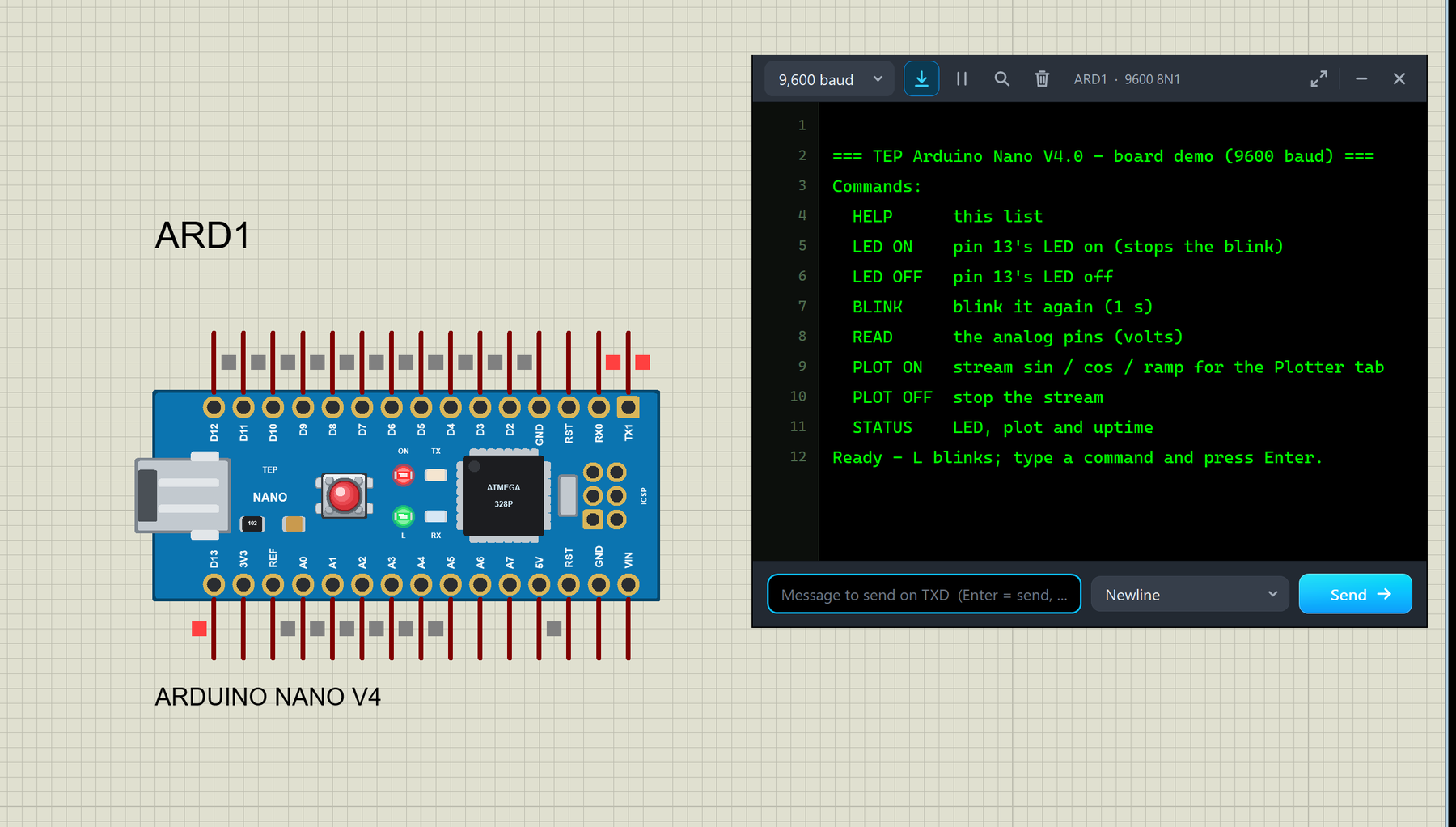
Hello friends, I hope you all are doing great. Today, I am going to share the new Arduino Nano Library for Proteus V4.0 . The Arduino Nano is the small, breadboard-friendly Arduino: the same ATmega328P microcontroller as the Arduino UNO on a board of only about 18 x 45 mm, with a mini-USB socket and two rows of pins. With this Arduino Nano Library for Proteus V4.0 , the Nano in your Proteus simulation looks like the real blue board and behaves like one: its ON, L, TX and RX LEDs work , the RESET button works with the bootloader, the 5V and 3V3 pins really supply power, and a serial monitor is built into the board , so you do not need to wire a Virtual Terminal any more. Updates Arduino Nano Library for Proteus Latest version: V4.0 (October 2026, this tutorial) Earlier versions: V3.0 (2023) ...
Hello friends, I hope you all are doing great. Today, I am going to share the new Arduino Mega 1280 Library for Proteus V4.0 . The Arduino Mega 1280 is the very first Arduino Mega, from 2009: the long blue board with the ATmega1280 microcontroller, an FT232RL USB chip, 54 digital pins and 16 analog inputs. With this Arduino Mega 1280 Library for Proteus , you place the board on your sheet, load your sketch's HEX file and press Run. The board then behaves like the real one: the ON LED lights up, the L LED follows pin 13, TX and RX flash with the serial data, and the RESET button really resets the chip. Updates Arduino Mega 1280 Library for Proteus Latest version: V4.0 (October 2026, this tutorial) Earlier versions: V3.0 (2023) · V2.0 (2021) · V1.0 (2020) Other boards: UNO · Mega 2560 · Nano ...
Hello friends, I hope you all are doing great. Today, I am going to share the new Arduino Mega 2560 Library for Proteus V4.0 . The Arduino Mega 2560 is the big brother of the Arduino UNO: the same 5 V, 16 MHz AVR family, but with the ATmega2560, 54 digital pins, 16 analog inputs and four hardware serial ports. With this Arduino Mega 2560 Library for Proteus , you place a Mega 2560 that looks like the real board, load your sketch's HEX file and press Run: the ON LED lights up, L blinks on pin 13, TX and RX flash with the serial traffic, and a serial monitor opens on its own. Updates Arduino Mega 2560 Library for Proteus Latest version: V4.0 (October 2026, this tutorial) Earlier versions: V3.0 (2023) · V2.0 (2021) · V1.0 (2015) Other boards: UNO · Mega 1280 · Nano · Pro Mini · Mini (V4.0) Al ...
Hello friends, I hope you all are doing great. Today, I am going to share the new Arduino UNO Library for Proteus V4.0 . The Arduino UNO is the board most of us learned with, and it is the heart of most of our Proteus simulations. With this Arduino UNO Library for Proteus , the UNO on your Proteus sheet behaves much more like the one on your desk: its LEDs work , the RESET button runs the bootloader, the 5V and 3.3V pins really power your parts, and a serial monitor is built into the board , so you no longer have to wire a Virtual Terminal to see what your sketch prints. Updates Arduino UNO Library for Proteus Latest version: V4.0 (October 2026, this tutorial) Earlier versions: V3.0 (2023) · V2.0 (2021) · V1.0 (2015) Other boards: Mega 2560 · Mega 1280 · Nano · Pro Mini · Mini (V4.0) All s ...
Hello friends, I hope you all are doing great. Today, I am going to share our new Arduino Library for Proteus V4.0 . It brings six Arduino boards to Proteus 8 in one library: the Arduino UNO , the Arduino Mega 2560 , the Arduino Mega 1280 , the Arduino Nano , the Arduino Pro Mini and the Arduino Mini . Every board is drawn as the real one, and its LEDs work like the real ones: ON lights with power, L follows pin 13, TX and RX flash with the serial traffic, and the RESET button really holds the chip in reset and then runs the bootloader. Updates Arduino Library for Proteus Latest version: V4.0 (October 2026, this tutorial) Earlier versions: V3.0 (2023) · V2.0 (2021) · V1.0 (2015) One board only? UNO · Mega 2560 · Mega 1280 · Nano · Pro Mini · Mini (V4.0) Helping Tools Serial Monitor Advance ...
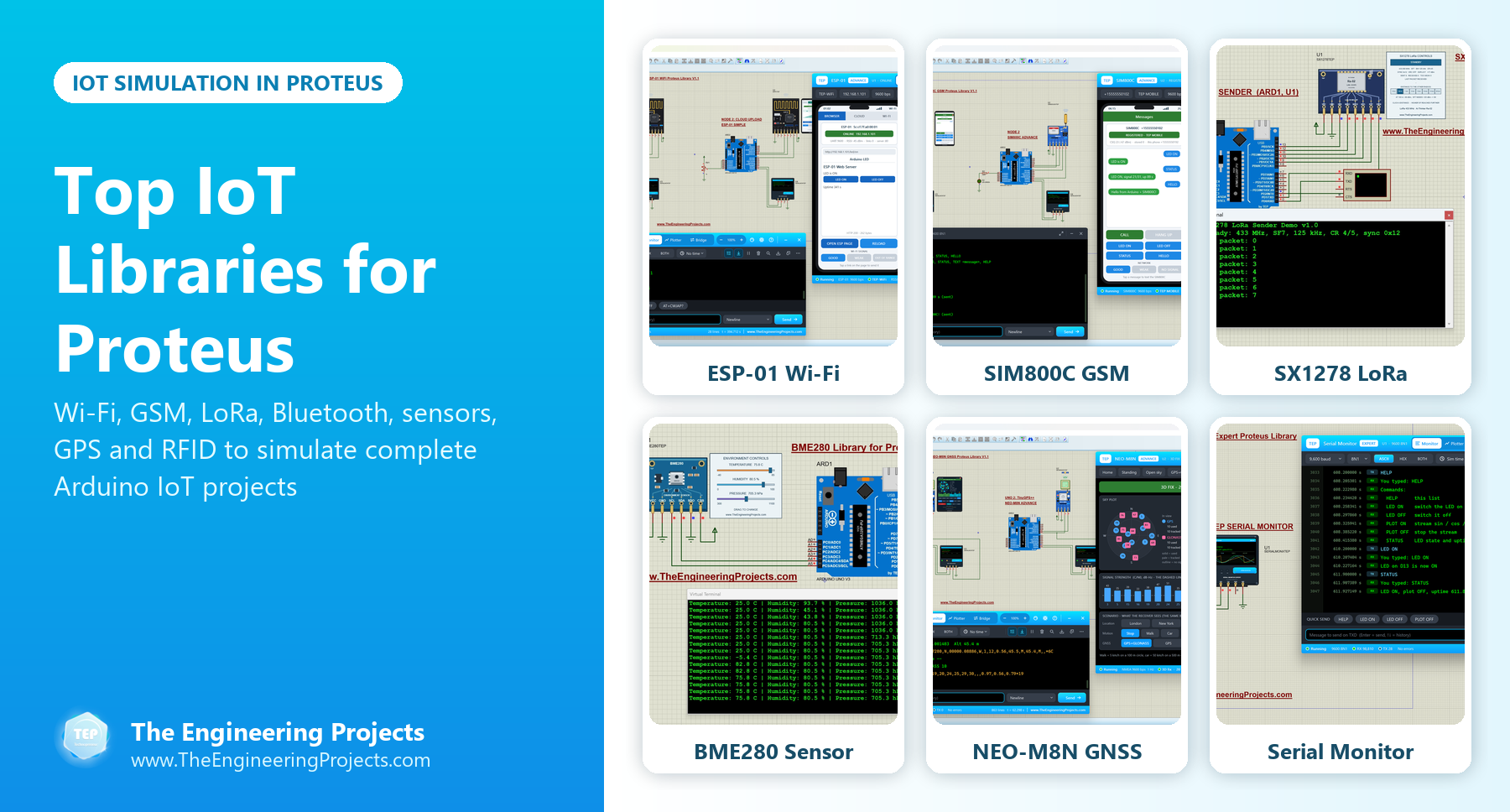
Hello friends, I hope you all are doing great. Today, I am going to share a list of the Top IoT Libraries for Proteus . The Internet of Things (IoT) is the most popular topic for final year projects right now: smart homes, smart farms, weather stations, trackers and health monitors that send their data to a phone or a cloud dashboard. Every one of these projects is made of the same building blocks: sensors that measure something, a microcontroller that decides what to do, and a wireless module that sends the result somewhere. Updates Top IoT Libraries for Proteus Latest list: October 2026 (this list) ESP32 boards and modules: ESP32 DevKit V1 · ESP32-DevKitC V4 · ESP32-S3 DevKitC-1 · ESP32-C3 SuperMini · ESP32-C6 DevKitC-1 · TTGO T-Display · T-Display S3 · XIAO ESP32-C3 · LOLIN S2 Mini · He ...
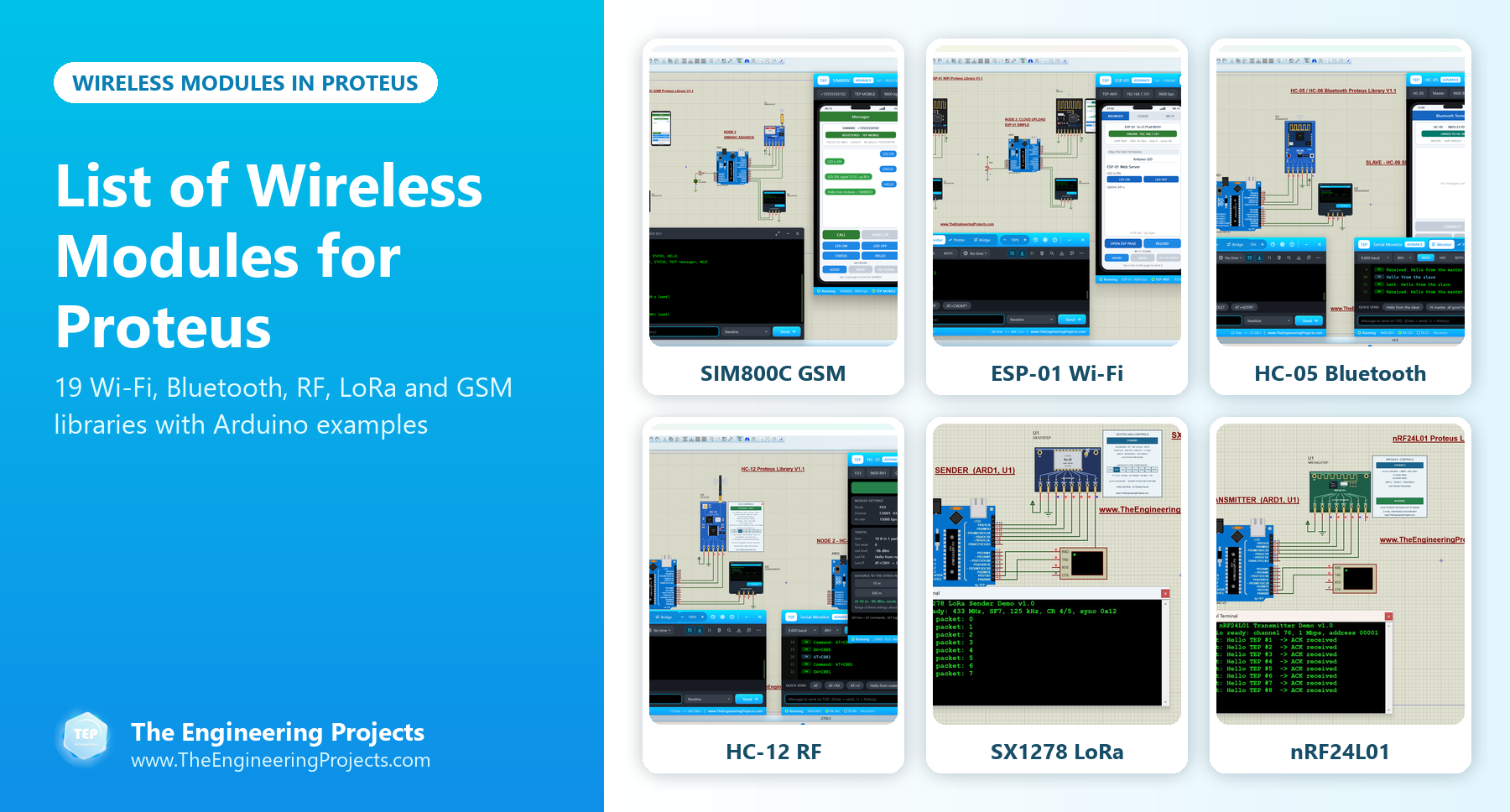
Hello friends, I hope you all are doing great. Today, I am going to share a complete List of Wireless Modules for Proteus . Wireless is the one thing almost every final year project needs: a phone app over Bluetooth, a web page over Wi-Fi, an SMS alert over GSM, or two Arduino boards talking over RF or LoRa. Proteus doesn't have these modules in its own component library, so our team has designed them one by one, and today I have collected all 19 of our wireless libraries in one place. Updates List of Wireless Modules for Proteus Latest list: October 2026 (this list) Wireless lists: Wi-Fi & Bluetooth · LoRa & RF · RF Modules · GSM Modules · GPS Modules · RFID & NFC ESP32 boards and modules: ESP32 DevKit V1 · ESP32-DevKitC V4 · ESP32-S3 DevKitC-1 · ESP32-C3 SuperMini · ESP32-C6 DevKitC-1 · ...