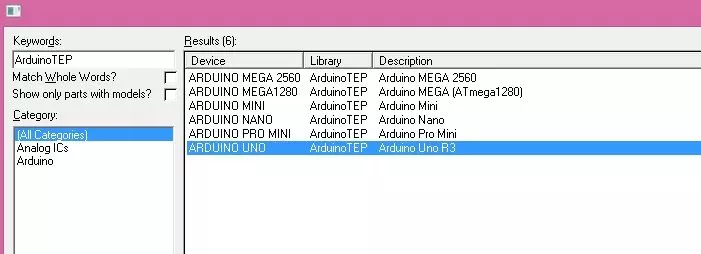
Hello friends, hope you all are fine and having fun with your lives. Today, I am going to share a new Genuino Library for Proteus. Genuino boards are just the same as Arduino boards but with slight difference of color and shape. I have already posted a tutorial on Arduino Library for Proteus in which I have explained how to download the Arduino Library and use it in Proteus. Today, I am going to post a similar library but for Genuino boards. Their functionality is exactly the same as the Arduino Library but they have better look and Genuino Color. Updates Arduino Library for Proteus Latest version: Arduino Library for Proteus V4.0 (October 2026): six boards with working LEDs, a RESET button and a built-in serial monitor Earlier versions: V3.0 (2023) · V2.0 (2021) · V1.0 (2015) · Genuino bo ...
Hello friends, hope you all are fine and having fun with your lives. Today, I am going to share a new project in which we are gonna do Arduino Bluetooth communication. The Bluetooth module I have used for this project is HC-05, which is a serial Bluetooth module. We can quite easily perform the Bluetooth communication with this module using Arduino board. I have worked on many projects in which I have to send the data from sensors to my computer via Bluetooth. So, in such projects I normally use this Bluetooth module which is connected with the sensors and then Arduino gets the data from these sensors and then send this data to computer via Bluetooth module. In this project, I have used Arduino board but you can use PIC Microcontroller or 8051 Microcontroller as well. Because they both hav ...
Hello friends! This page brings together our electronics projects using Arduino, PIC microcontrollers, 8051 devices and the 555 timer. You can use it as a learning path: begin with a simple input or output, understand the circuit, then combine those building blocks into a more complete application. Many linked tutorials include Proteus simulations, source code or other supporting files. Read each project for its exact requirements and download details. I encourage you to rebuild the circuit yourself before studying the supplied solution, because identifying a wrong connection or timing assumption teaches skills that copying a finished schematic cannot provide. We will keep the original project links grouped by platform, explain what each group teaches and add a practical method for choosin ...
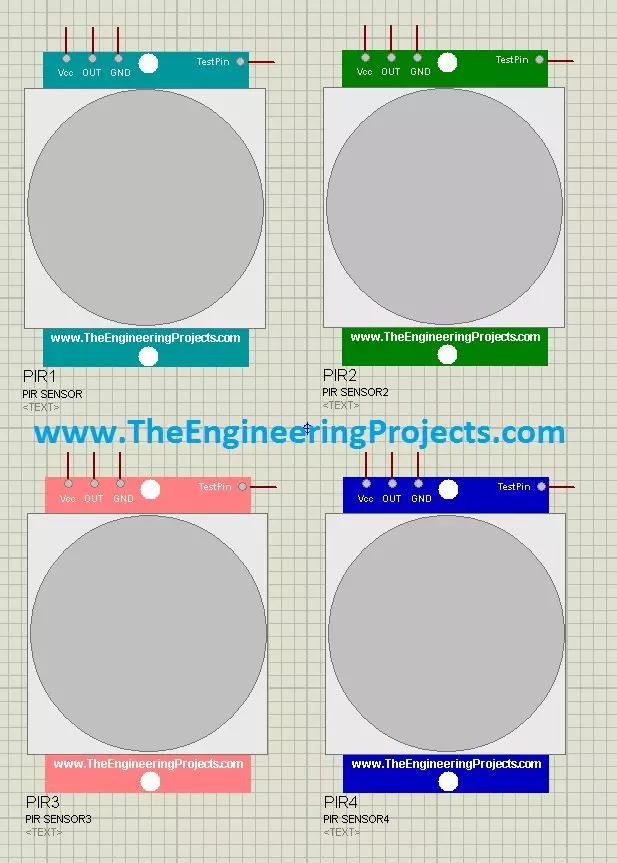
Hello friends! Today, we will install the PIR Sensor Library for Proteus and build a motion-detection demonstration with Arduino. We will first understand the sensor's output, then install the library, connect the circuit and write a program that reports when a motion event starts and ends. The original PIR model uses a TestPin to represent motion in the simulation. That input lets us exercise the receiving circuit without trying to reproduce a person walking through an infrared detection pattern. It is a simulation control, not an extra connection found on a typical three-pin PIR module. We will also improve the timing explanation. A sensor output going LOW and an application declaring an area inactive are different events. Our Arduino example waits for five continuous seconds of LOW befo ...
Hello friends! In this tutorial, we will install the Arduino Library for Proteus and use it to simulate a small Arduino circuit. This package brings several classic Arduino board components together, so you can choose a board that matches your project without installing each original library separately. We will begin with the included boards, then install the library and prepare a compiled program. Our first example uses an Arduino UNO and an LED. After that, we will discuss how to move the same source code to another board without overlooking processor, clock or pin differences. The original download, screenshots and demonstration video remain attached. This is the V1.0 tutorial; newer versions are linked below. The goal is to understand the complete workflow, including what a board libra ...
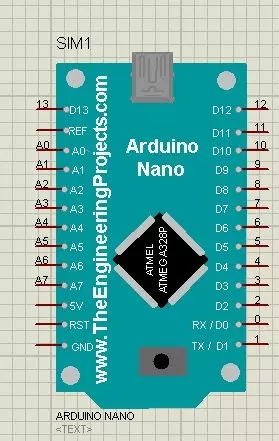
Hello friends! In this tutorial, we will install the Arduino Nano Library for Proteus, load a compiled Arduino program and run an LED-blinking simulation. We will follow the same sequence you would use for a larger project: identify the board, install its model, check the basic circuit and then add your application. The Nano is useful when an Arduino UNO would take too much space. In the project described in the original article, I used a Nano with an inertial measurement unit on a cricket bat. The smaller board helped keep the electronics compact. That example illustrates the reason for choosing the Nano: board size and connections matter alongside the processor's capabilities. This page explains the original V1.0 Proteus library and retains its download and screenshots. Newer library ver ...
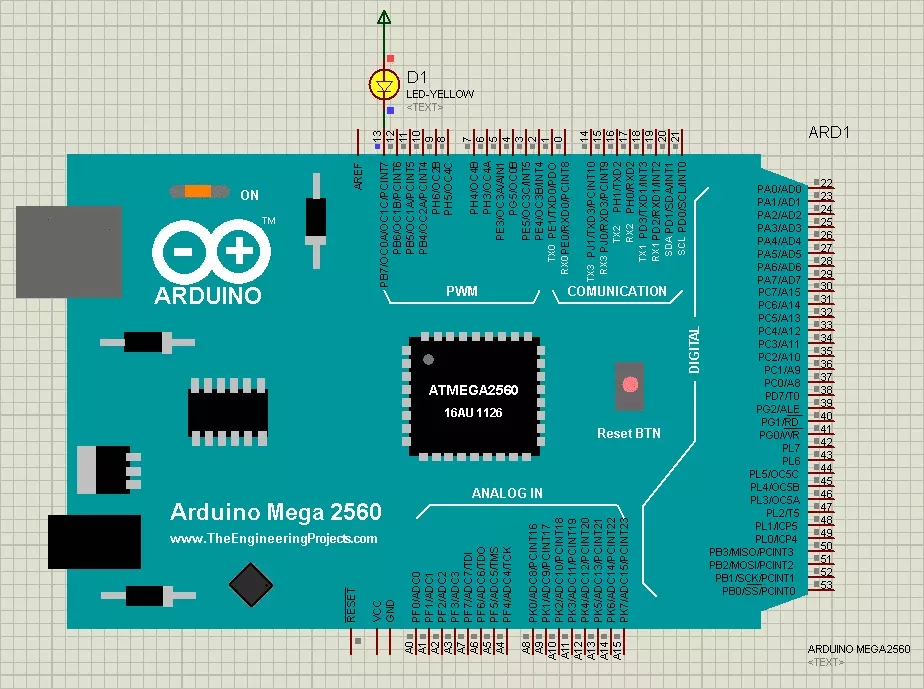
Hello friends! Today, we are going to install the original Arduino Mega 2560 Library for Proteus and run an Arduino sketch on its simulated board. We will begin with the library files, place the Mega in a schematic, load its compiled firmware and test a simple external LED circuit. If you have used our Arduino UNO Library for Proteus , the overall workflow will look familiar. The Mega gives us more pins, memory and serial interfaces, but it still needs a sketch compiled specifically for its ATmega2560 processor. This tutorial preserves the original V1.0 library from 2015. The newer version references added in October 2026 remain below, so you can reproduce the older project or choose a newer model with its own installation instructions and features. Figure: Original Arduino Mega 2560 LED b ...
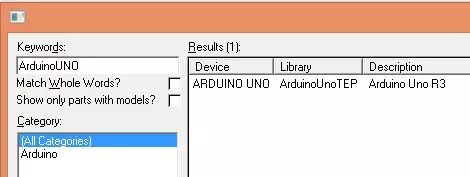
Hello friends! Today, I am sharing the original Arduino UNO Library for Proteus and explaining how to install it, load a compiled Arduino program and run a simple LED simulation. This library gives us a recognizable UNO board inside the schematic, making it easier to connect circuits using the board's familiar pin labels. We will follow the same practical sequence used throughout our Proteus tutorials: understand the component, install the library, place it in a circuit, prepare the program and observe the result. Along the way, I will explain the difference between the Proteus library files and the firmware that the simulated microcontroller executes. This page documents the original V1.0 library from 2015. The newer version links added in October 2026 are retained below, so you can choos ...
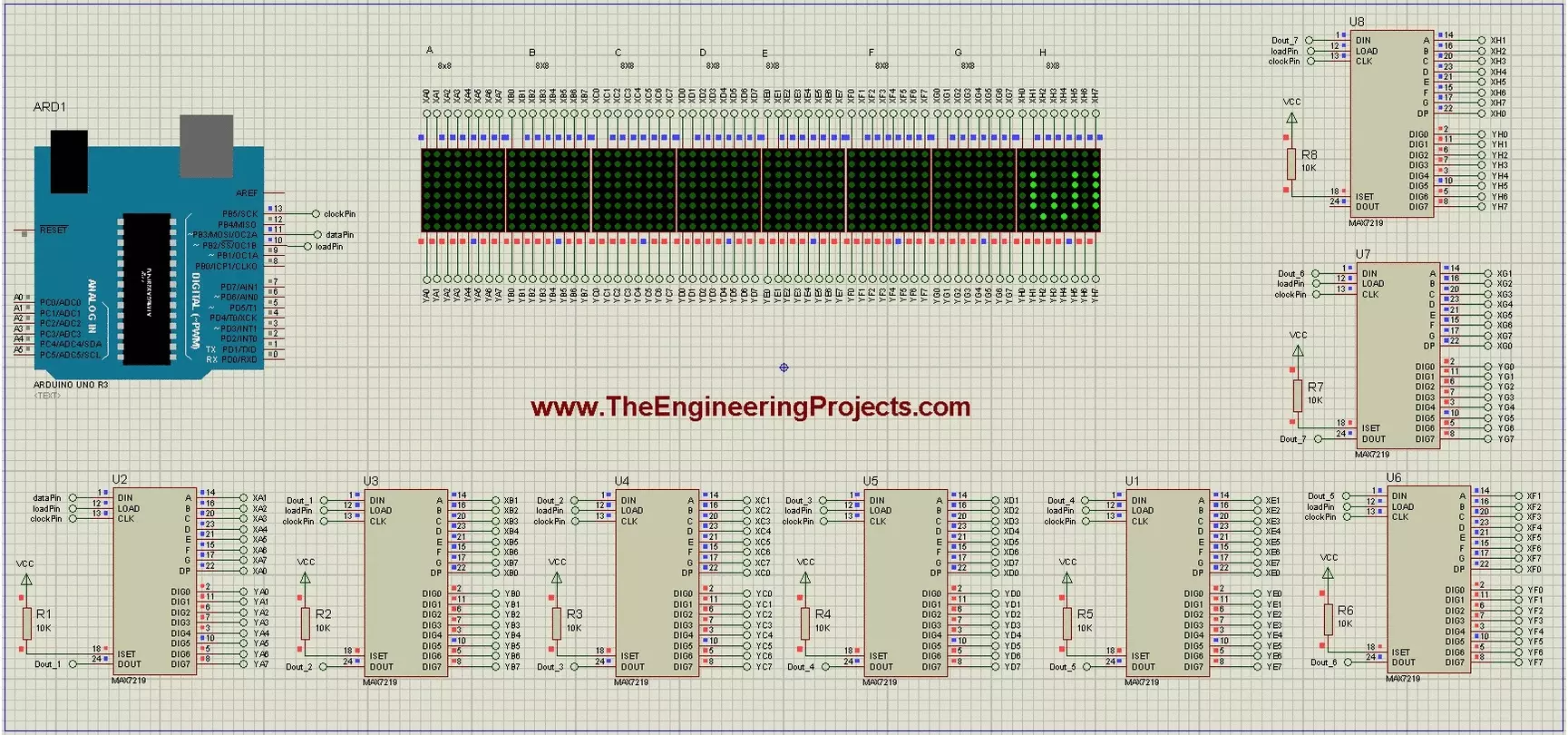
Hello friends! Today we will build a scrolling-text display using Arduino and eight 8x8 LED matrices. Each matrix has its own MAX7219 driver, and the drivers share a serial connection so Arduino can control the complete display through three signal lines. The original project demonstrates the text in Proteus and includes a useful circuit drawing and animation. We will retain those illustrations while explaining the driver correctly, checking the matrix orientation and using a current text-animation library interface. Our display is eight pixels high and sixty-four pixels wide. We will first understand one module, then connect the chain, display a short message and adjust the scroll timing. Power distribution and hardware mapping matter just as much as the sketch when moving from a simulato ...
Hello friends! In this tutorial, we will interface a matrix keypad with Arduino Uno and show each pressed key on a 20x4 LCD in Proteus. We will begin with the keypad's internal connections, then build the circuit and write a sketch that keeps the displayed text within a defined area. A keypad is useful when a project needs several related buttons, such as digits for a calculator or commands for a menu. A matrix arrangement reduces the number of controller connections compared with giving every button its own dedicated input. Our example uses twelve keys arranged in four rows and three columns. We will preserve the original circuit's pin assignments, explain how the Keypad library scans them, and check common mistakes such as reversed connector order, repeated characters and LCD overflow. F ...