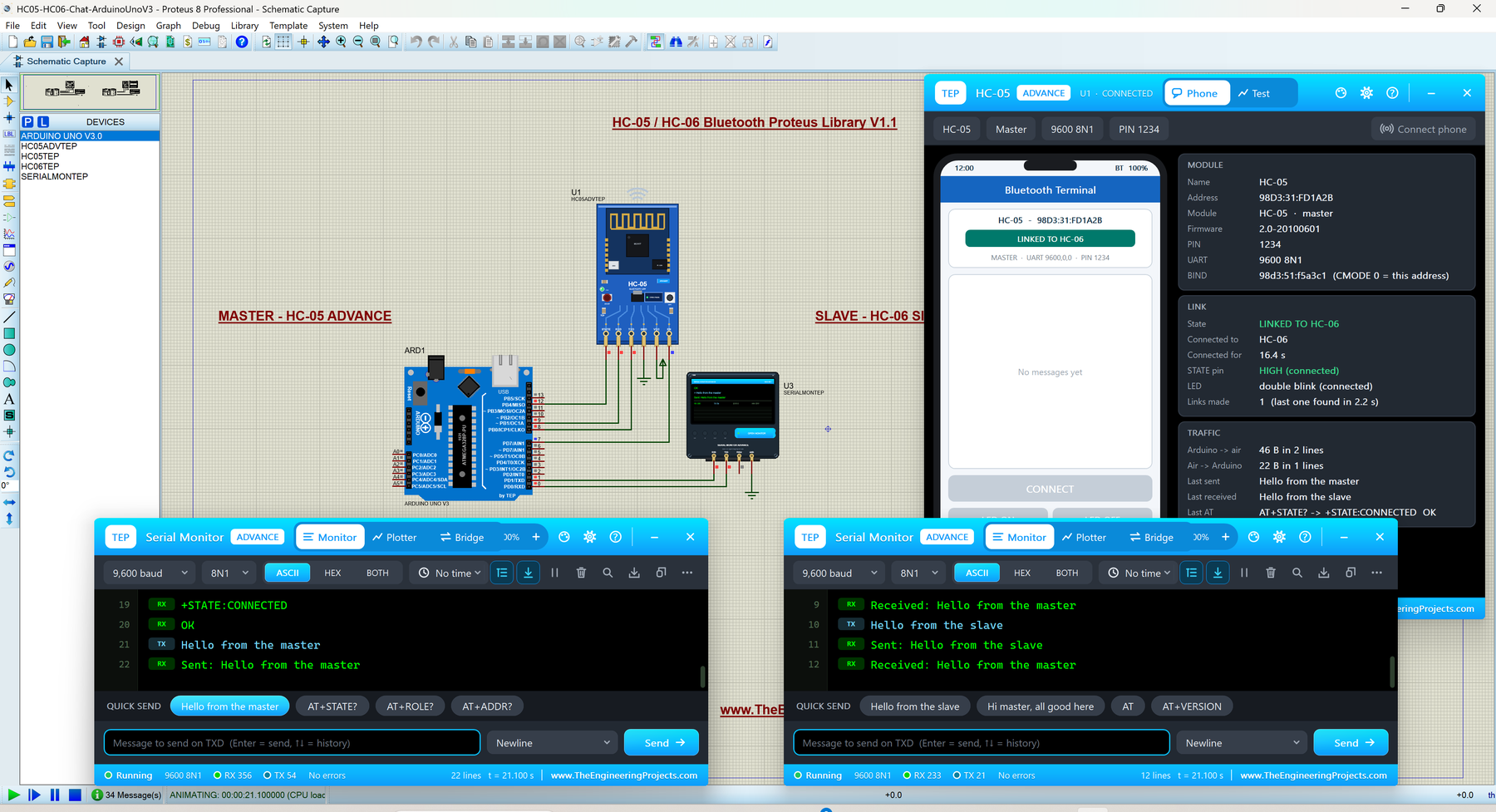
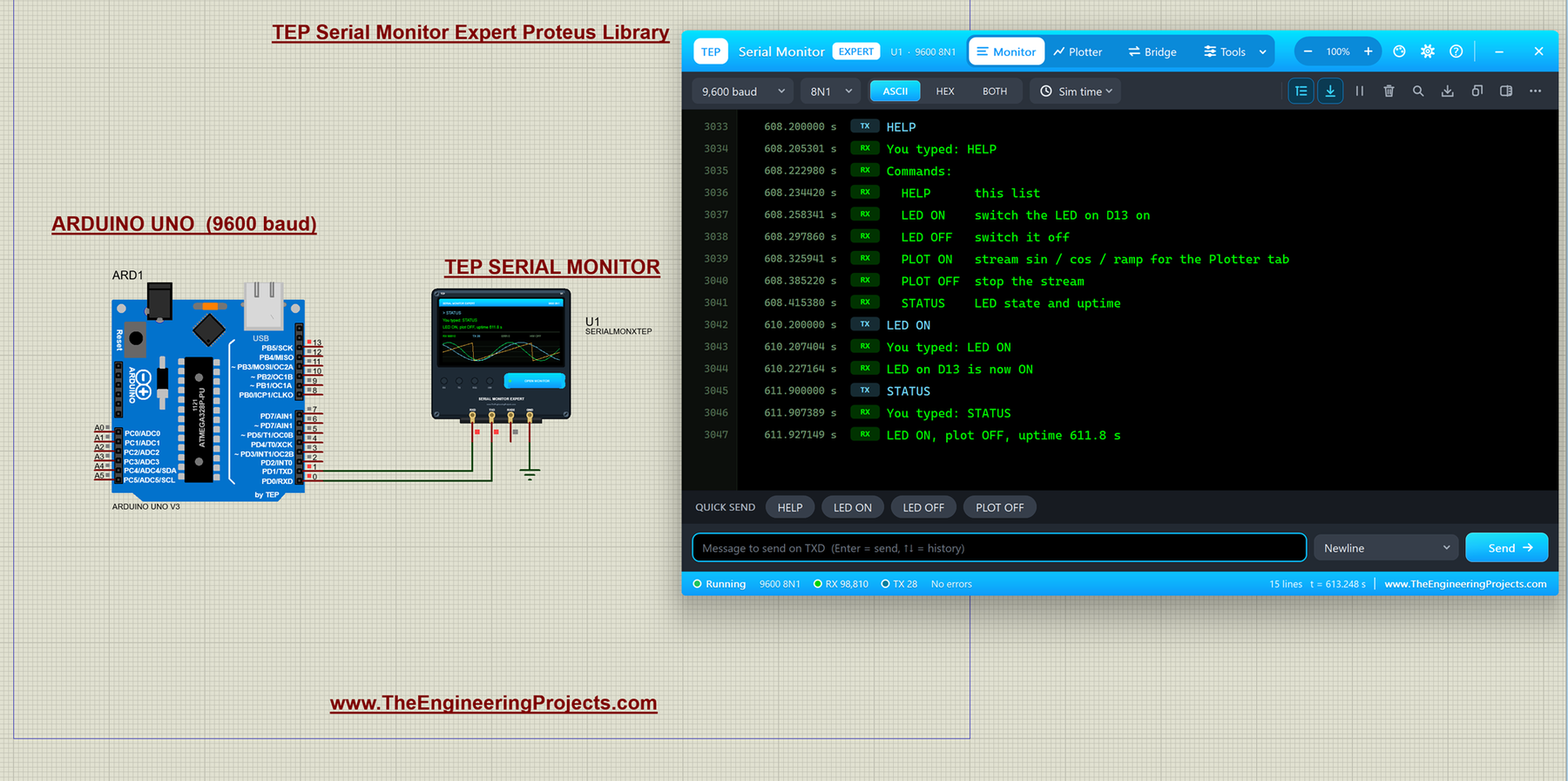
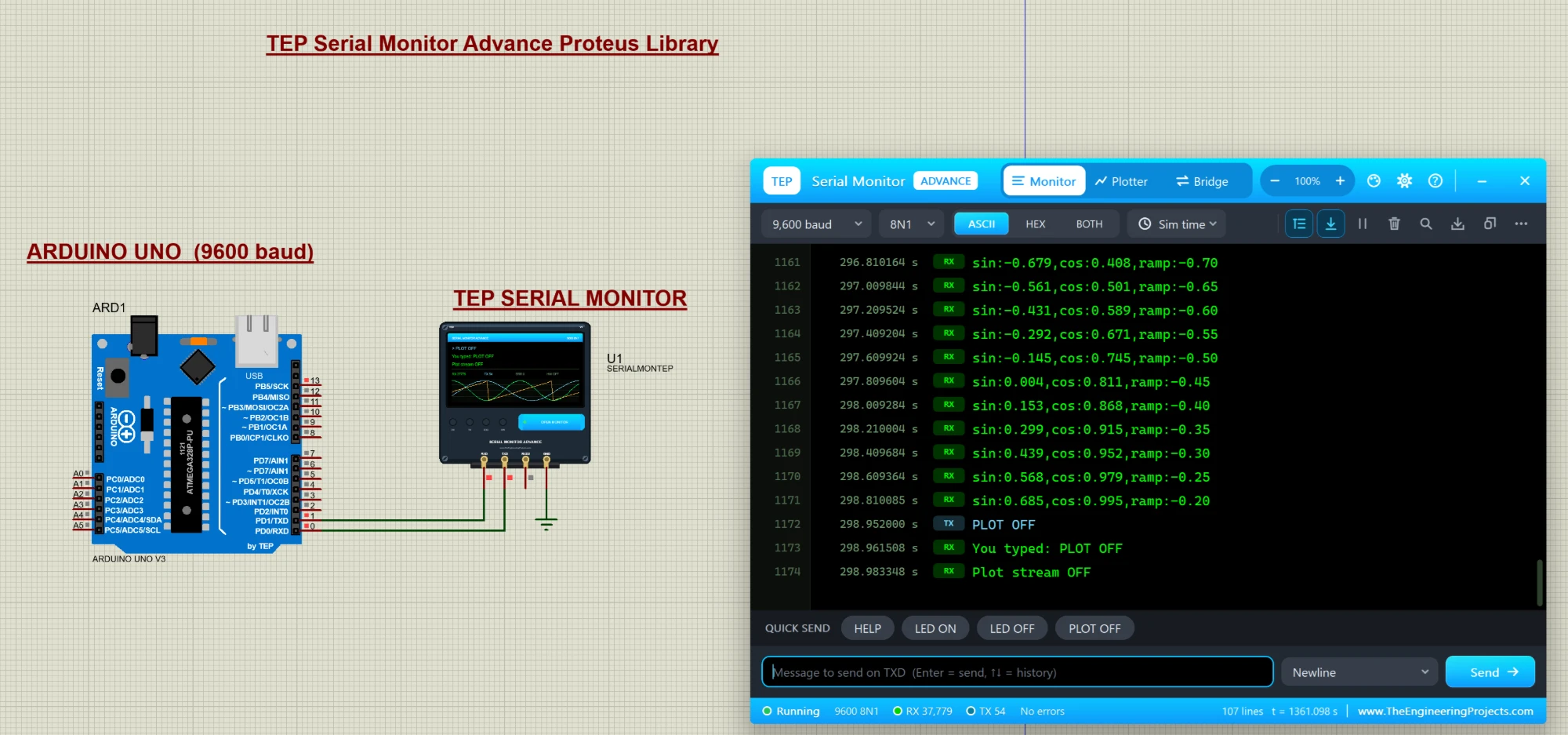
Hello friends, I hope you all are doing great. Today, I am going to share a list of Must-Have Proteus Libraries for Arduino Simulation . Whatever your project is, a GSM alarm, a weather station or a line follower, its Proteus simulation always needs the same basic things: an Arduino board, a way to see what the code is printing, a display, maybe a real-time clock, a driver for motors and something to power the circuit. These are the libraries you will install once and use in almost every project. Proteus does have some of these parts in its own library, but often in a very basic form. Our versions look like the real boards and modules, which makes your circuit diagrams and project reports much clearer, and our new TEP Serial Monitor replaces the small Proteus Virtual Terminal with a modern ...
Hello friends, I hope you are doing well. This is the nineteenth tutorial in our series on how to create a Proteus library. In the previous tutorial, How to Add a Live Control Panel to a Proteus Component , our Traffic Light Module learned to show its pins and lamps on a panel and to change its LOGIC setting with a click while the simulation runs. So far, we tested every part with logic switches. Today, we test the library the way its users will use it. Our topic is how to test a custom Proteus library with Arduino . A library is only finished when it works with a real program. Logic switches show that a part reacts to its pins; a sketch on a simulated microcontroller shows that it reacts to them at the right speed, in the right order and together with other parts. We will build a test pro ...
Hello friends, I hope you all are doing great. Today, I am going to share the new NEO-6M GPS Library for Proteus V1.1 . The u-blox NEO-6M is the GPS module most students start with: it is cheap, it talks to an Arduino over two wires, and it tells you where you are, how fast you move and the exact time. With this NEO-6M Library for Proteus , you can build and test your GPS project on your PC, without waiting next to a window for a satellite fix. In this new version, you get two devices in one library: NEO-6M Simple , which draws a GPS screen on the schematic, and NEO-6M Advance , which opens a pop-up window with the GPS screen and four real GPS test tools (time to first fix, accuracy, NMEA check and route). I am also sharing a complete Arduino GPS Proteus simulation: one UNO prints the raw ...
Hello friends, I hope you all are doing great. Today, I am going to share the new HC-05 & HC-06 Bluetooth Library for Proteus V1.1 . The HC-05 and HC-06 are two of the most popular Bluetooth modules among Arduino users. They work like a wireless serial cable between your Arduino and a smartphone (or another module), so students use them for phone-controlled LEDs, robots and home automation. With this HC-05 Library for Proteus , you can try all of that before you buy a single module. In this new version, you get four devices in one library: HC-05 Simple , HC-05 Advance , HC-06 Simple and HC-06 Advance . The Simple devices draw a virtual smartphone on the schematic; the Advance devices open a pop-up window with the phone and Bluetooth test tools. I am also sharing two complete Arduino HC-05 ...
Hello friends, I hope you all are doing great. Today, I am going to share the new HC-12 Library for Proteus V1.1 . The HC-12 is a small 433 MHz radio module that works like a wireless serial cable : whatever your Arduino prints into one HC-12 comes out of another HC-12, hundreds of metres away. It is cheap and simple, so students love it for remote controls, weather stations and wireless sensor projects. In this new version, you get two HC-12 devices in one library: HC-12 Simple with its control panel drawn right on the schematic, and HC-12 Advance with a modern pop-up panel full of test tools. I am also sharing a complete Arduino HC-12 Proteus simulation: two Arduino UNOs chatting over the air, each with our TEP Serial Monitor. NOTICE: We are really proud of this one. As far as we know, o ...
Hello friends, I hope you all are doing great. Today, I am going to share the Serial Monitor Expert for Proteus . It has everything in our TEP Serial Monitor Advance for Proteus (monitor, plotter, hardware bridge, settings, themes and help), plus six professional tools : an auto-responder, a network bridge, triggers and alarms, record and replay, smart decoders and data export. I explained the shared features in the Advance article, so today I will only teach you the new tools, one by one, with real examples from Proteus. With these tools, Proteus becomes a real serial debugging lab: a Proteus serial monitor with an auto-responder that plays a missing module, a socket that connects your simulation to Python or a web page, and alarms that stop the simulation at the right line. New to Proteu ...
Hello friends, I hope you all are doing great. Today, I am going to share a new library, and this one is not a sensor or a module, it is a tool: the TEP Serial Monitor for Proteus , in its Advance edition. If you have simulated an Arduino in Proteus, you have used the Virtual Terminal to see what your code prints with Serial.println() . Our serial monitor does the same job in a modern window that works like the Serial Monitor of the Arduino IDE. You get a Serial Monitor , a Serial Plotter in Proteus (live graphs of your variables) and a hardware Bridge to a real COM port of your PC, plus a ready-made Arduino UNO demo. If you are new to Proteus, have a look at A complete tutorial on Proteus first. NOTICE: We are really proud of this one. As far as we know, our team is the first to design su ...
Hello friends, I hope you all are doing great. Today, I am going to share the new SIM808 Library for Proteus V1.1 . The SIM808 is SIMCom's popular module that puts a GSM / GPRS modem and a GPS receiver on one board, so a single Arduino serial port gives you SMS, calls and your position. That is why it is the favourite of GPS trackers, vehicle trackers and anti-theft projects. With this GSM GPS Library for Proteus , you can build and debug your tracker on your PC, before you buy a SIM card and a 2 A power supply, and before you walk outside for a satellite fix. Version 1.1 replaces the first version of this post. You now get two devices : SIM808 Simple , with the virtual phone and its GPS strip next to the module, and SIM808 Advance , with a pop-up window that holds the phone plus five meas ...
Hello friends, I hope you all are doing great. Today, I am going to share the new nRF24L01+PA+LNA Library for Proteus V1.1 . The nRF24L01+PA+LNA is the long-range version of the popular nRF24L01: the same Nordic 2.4 GHz chip, plus a power amplifier , a low-noise amplifier and a rubber-duck antenna on an SMA connector . With this nRF24L01 PA LNA Library for Proteus , two Arduino boards exchange packets with the unmodified RF24 library, and one click moves the radios from 1 m to 2 km apart, so you can see where the link works, where it breaks and why. Version 1.1 replaces the first version of this post. You now get two devices : nRF24L01+PA+LNA Simple , with its control panel on the schematic, and nRF24L01+PA+LNA Advance , with a pop-up window and four measured RF test tools . The board is r ...
Hello friends, I hope you all are doing great. Today, I am going to share the new BME280 Sensor Library for Proteus V1.1 . The BME280 is Bosch's small environmental sensor: one chip measures the temperature , the humidity and the air pressure , and the purple GY-BME280 board has made it a favourite for Arduino weather stations. With this BME280 Sensor Library for Proteus , you set the weather with sliders or one-click presets, and your Arduino reads it over I2C (or SPI) with the same Adafruit BME280 library you use on real hardware. Version 1.1 replaces the first version of this post. You now get two devices : BME280 Simple , with a weather panel on the schematic, and BME280 Advance , with a pop-up weather station and four measured sensor test tools . The model now follows the data sheet's ...