


CR2032 Lithium Coin Library for Proteus


Hello friends, I hope you all are well. In today's tutorial, I am going to share a new CR2032 Lithium Coin Library for Proteus. This small cell is extensively used in electronics whereabouts because of its small size. CR2032 is not present in the Proteus components' database and we are quite pleased that we are sharing it for the first time.
CR2032 Lithium Coin Library for Proteus
Latest version: V1.0 (May 2021, this tutorial)
Helping Tools
- Serial Monitor Advance: a serial terminal window for the UART of your board
- Serial Monitor Expert: the serial monitor with extra debugging tools
- LCD Library for Proteus V3.0: 16x2, 20x4 and I2C LCDs to show your readings
This library contains 3 types of these small cells, one is the cell itself, while the other two models are cells with leads. Before downloading the Proteus Library zip file, let's first have a brief overview of CR2032:
What is CR2032???
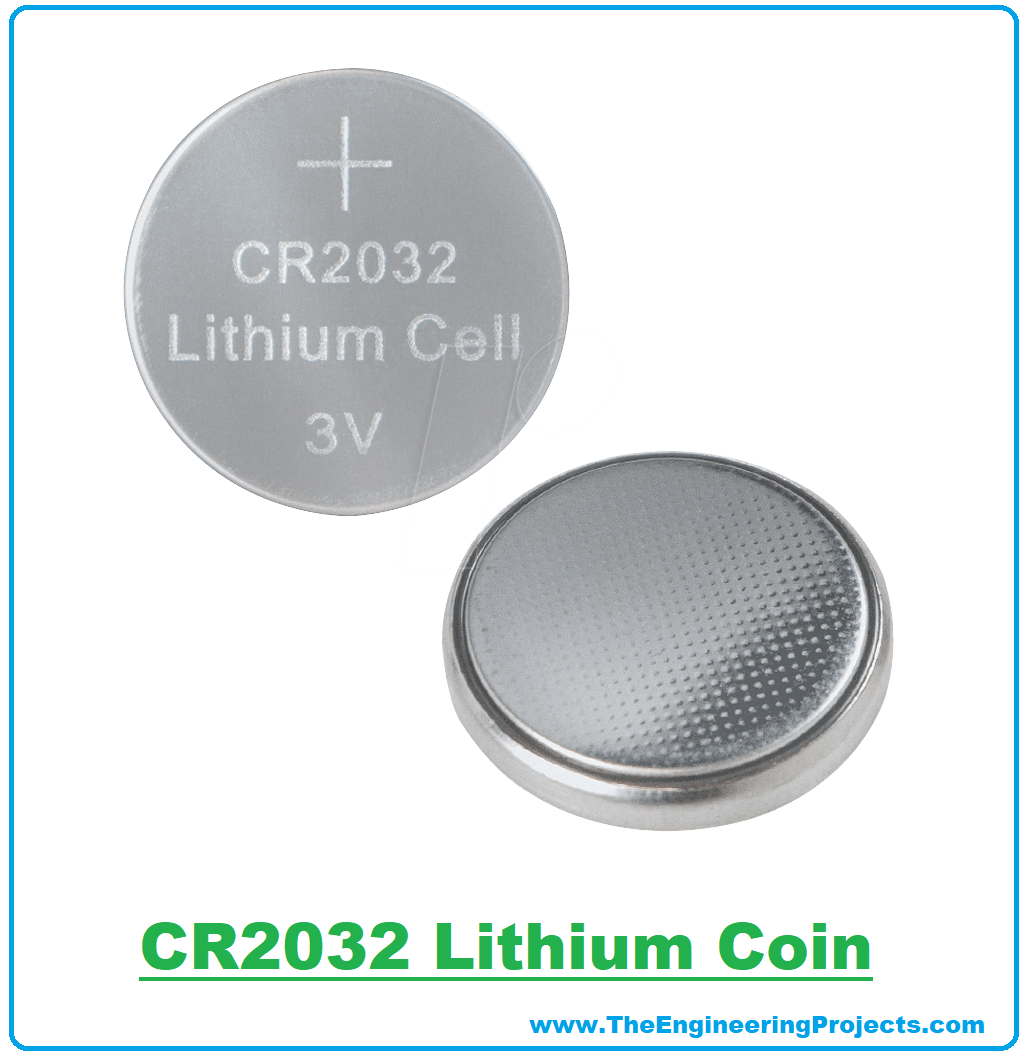
- CR2032(also called Lithium Coin) is a small round Lithium Manganese Dioxide battery, normally provides 3V.
- As CR2032 is very small in size, thus used in small electronics devices & whereabouts i.e. watches, bracelets, calculators, hand-held video games etc.
- CR2032 is a small cell, so a black or yellow casing is used to operate it.
- Here are few images of real CR2032 with casing:
CR2032 Library for Proteus
- First of all, download the zip file of Proteus library for CR2032, by clicking the below button:
- Open the zip file of Proteus Library and extract the files.
- Open the folder named Proteus Library Files and you will find 2 files in it, named:
- CR2032LibraryTEP.IDX
- CR2032LibraryTEP.LIB
- Copy these files and paste them into the Library folder of Proteus software.
Note:
- If you are unable to add Library in Proteus 7 or 8 Professional, then you should have a look at How to add new Library in Proteus 8.
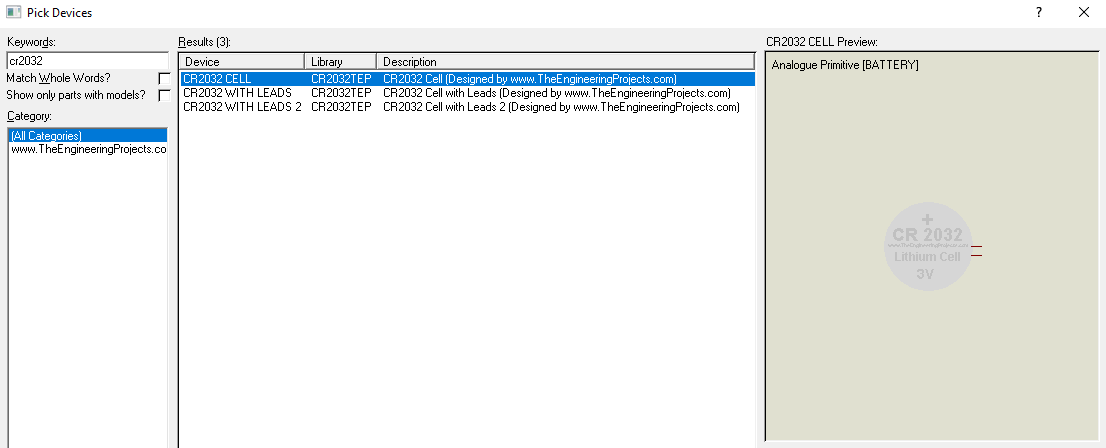
- Now, open Proteus ISIS and in the components section, search for CR2032 and you will get results, as shown in the below figure:
- Let's place these three components in the Proteus workspace, as shown in the below figure:
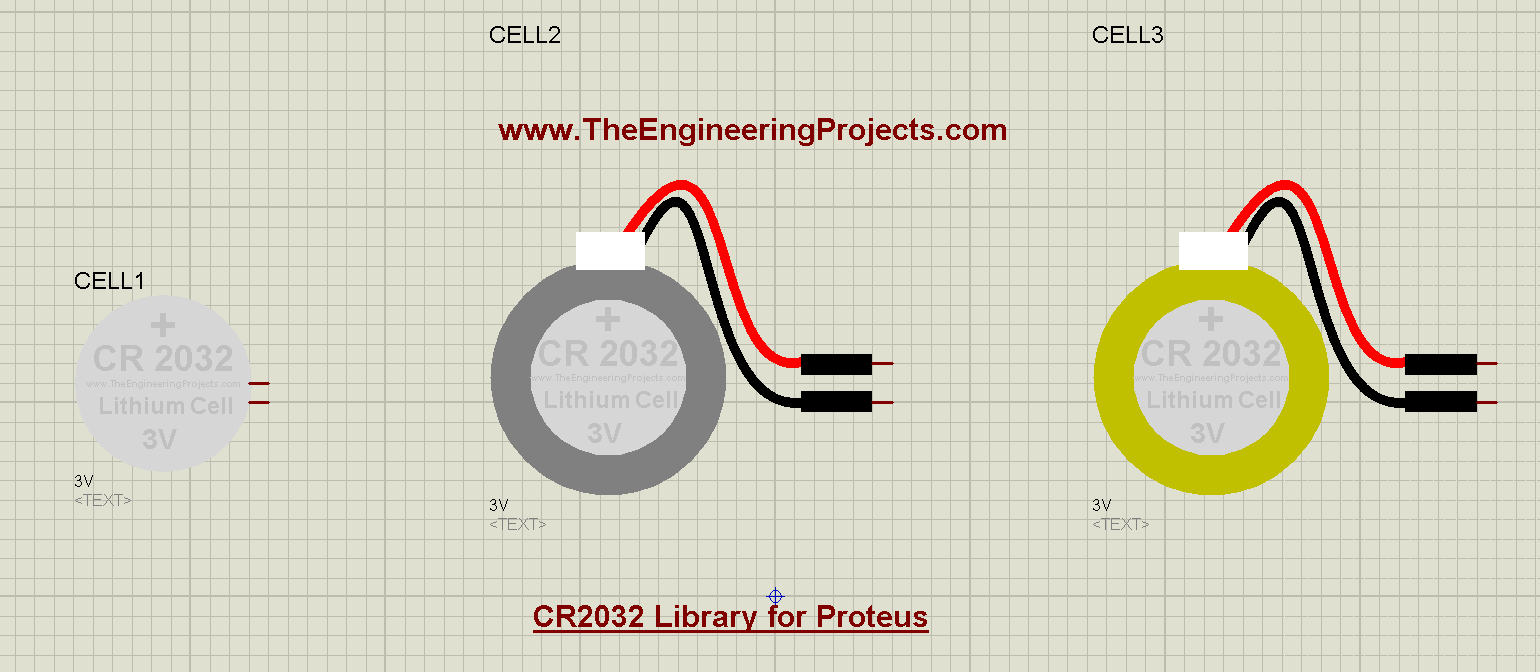
- As you can see in the above figure, the first one is the cell CR2032 itself, and in the second and third, we have tried to create a Cell with leads & casing.
Now, let's simulate them in proteus to have a look at their output:
CR2032 Proteus Simulation
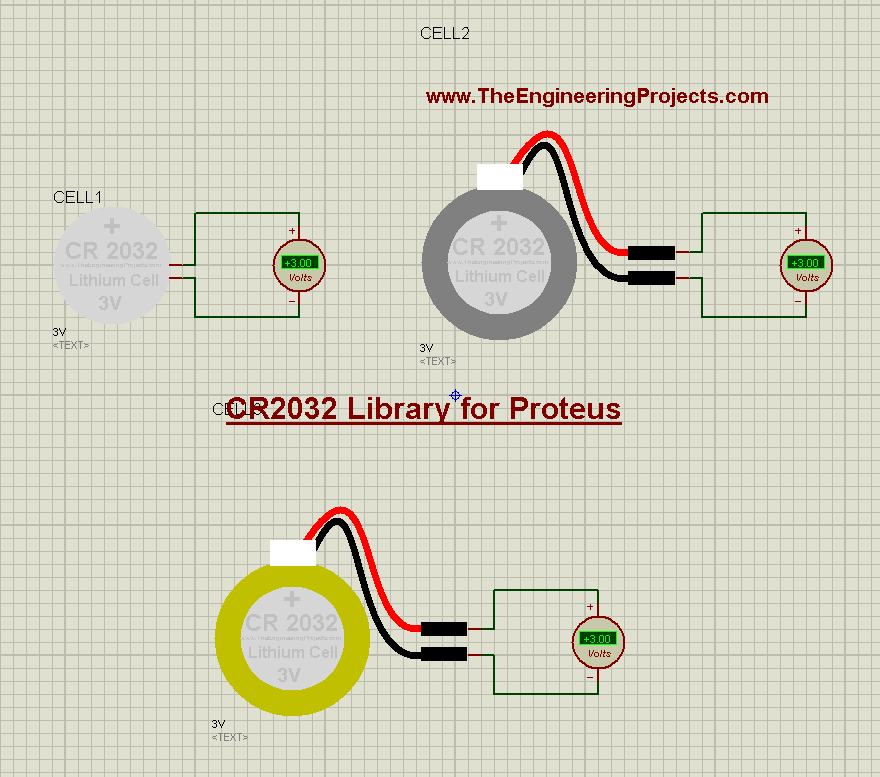
- Here's the Proteus simulation of CR2032, where I have simply placed a voltmeter in front of these coins, as shown in the below figure:
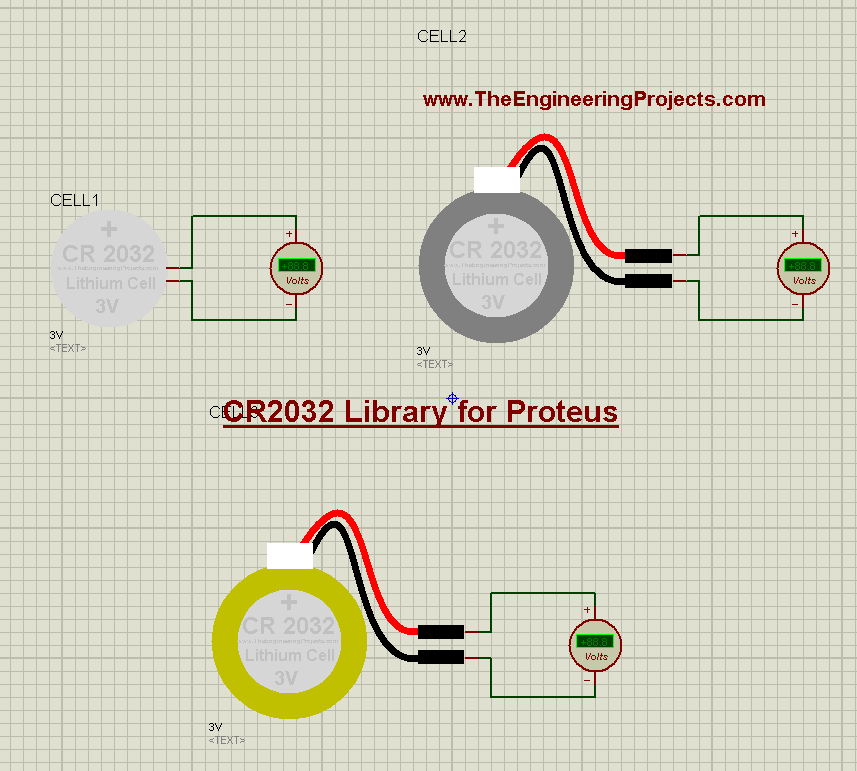
- Now simply run the Proteus simulation, and you will get results as shown below:
- They all are providing 3V as shown on the voltmeters but you can change the voltage level from their properties panel.
So, that was all for today. I hope this Lithium coin will help you in your proteus simulations. Thanks for reading. Take care. Bye !!!

Comments
0